
Choosing the right website builder decides how your site looks, what it can do, and what you pay for it each year. In this guide, I ranked and reviewed the 14 best website builders, along with my top 5 picks, so you can pick the one that fits your site.
 HighLevelFrom $97 a month, after a 14-day free trial
Websites and funnels built with AI, with a CRM, email, SMS and payments behind them.
 Next.js on Vercel or CloudflareFree to start, then from $5 a month
Your own pages, written with AI coding tools like Claude Code and Codex, on Vercel or Cloudflare.
 FramerFree plan, or from $10 a month billed yearly
Sites that look designed, with AI agents, a CMS and fast hosting.
 WebflowFree plan, or from $15 a month billed yearly
Every detail of the design in your hands, with a CMS, Webflow AI and an MCP server.
 WixFree plan, or from $17 a month billed yearly
A site from a single prompt or thousands of templates, with stores and bookings built in.
This is a complete guide to the best website builders this year.
I've built websites for over a decade, for my business, my courses and my virtual summits. My old site ran on WordPress with the Kadence theme, and I built my pages with Thrive's plugins.
Today navid.me is built with Next.js on Vercel, and I write it with AI coding tools like Claude Code and Codex. That isn't for everyone, so this guide covers that way and the builders that do it for you.
I went through each one's own pricing and feature pages, and wrote up what it does well, where it falls short, and what it really costs.
In this guide, I'll show you:
- All 14 website builders I reviewed, each with who it's for, key features, pros, cons and pricing
- What a website builder is, and the kinds there are
- The best website builder for each kind of site
- The best free website builders
- What I use today
Every price here is from the tool's own pages, read in late September and early October 2026.
 TL;DR
TL;DRKey takeaways
The best website builders
Here's every builder I reviewed, with what each is best for and what it costs to start. Each name jumps to its full review:
- Best for
- An all-in-one with AI websites, a CRM and email
- Price
- $97 a month
- Free to try
- 14-day free trial
- Best for
- Building your own with AI
- Price
- From $5 a month
- Free to try
- Free plans
- Best for
- Sites that look designed
- Price
- $10 a month, billed yearly
- Free to try
- Free plan
- Best for
- Full control with a CMS
- Price
- $15 a month, billed yearly
- Free to try
- Free plan
- Best for
- Most people and small businesses
- Price
- $17 a month, billed yearly
- Free to try
- Free plan
- Best for
- Creatives and portfolios
- Price
- $19 a month, billed yearly
- Free to try
- 14-day free trial
- Best for
- Blogs and full control
- Price
- Free, plus hosting
- Free to try
- Free software
- Best for
- Online stores
- Price
- $29 a month, billed yearly
- Free to try
- 3 days free
- Best for
- The lowest price
- Price
- $2.99 a month, for 48 months
- Free to try
- 30-day money-back
- Best for
- A site with a newsletter
- Price
- $15 a month, billed yearly
- Free to try
- Free trial
- Best for
- Simple one-page sites
- Price
- $9 a year
- Free to try
- Free plan
- Best for
- Custom sites from a chat
- Price
- $25 a month
- Free to try
- Free plan
- Best for
- Apps and sites from a chat
- Price
- $25 a month
- Free to try
- Free plan
- Best for
- Agencies and client sites
- Price
- $19 a month, billed yearly
- Free to try
- 14-day free trial
1. HighLevel
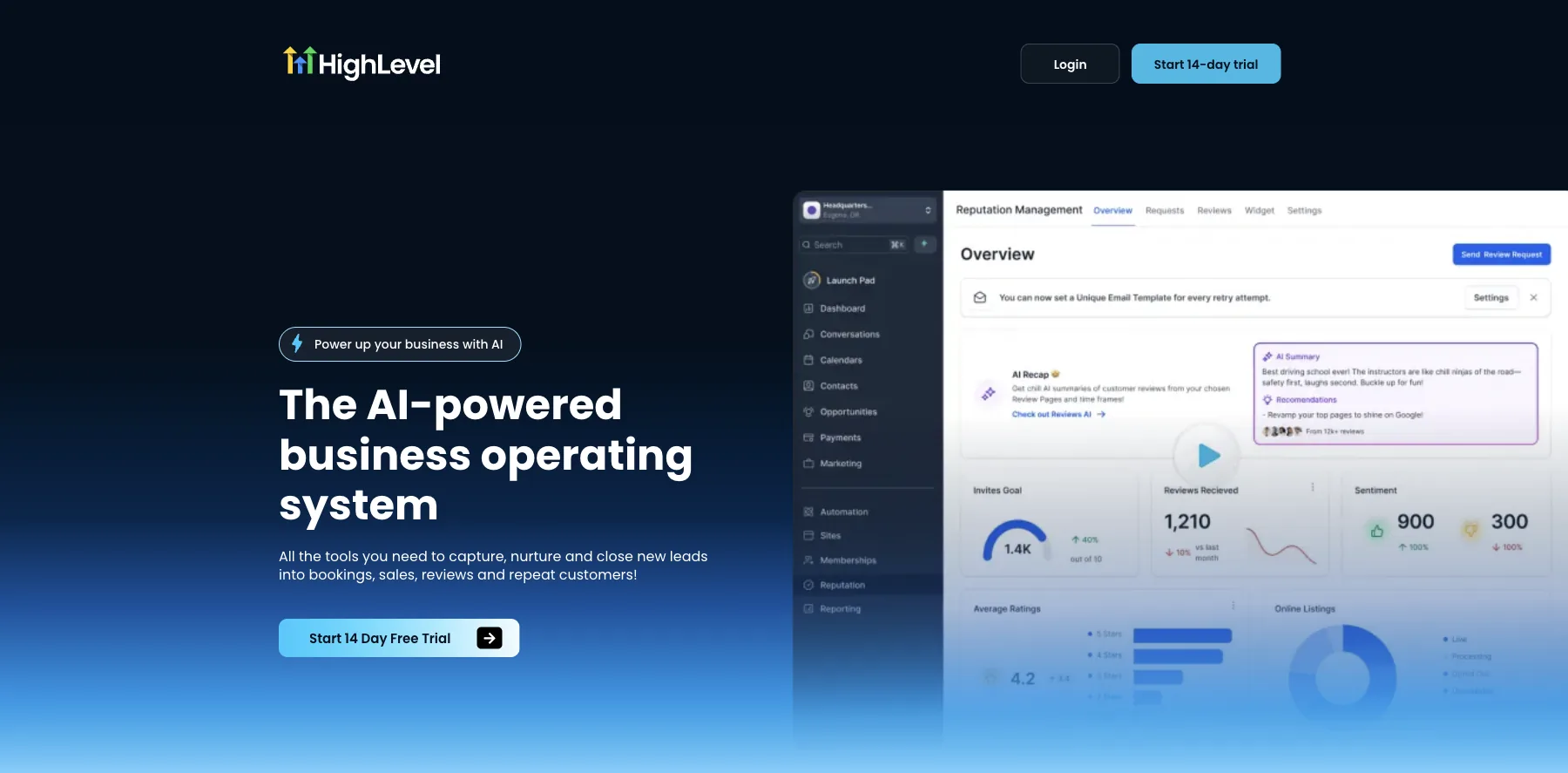
HighLevel is an all-in-one platform for marketing and selling: websites, funnels and blogs, plus a CRM, email and SMS, calendars, payments, and courses and communities.
Its AI builds the site for you. You describe what you need, and HighLevel's AI website and funnel builder generates the pages. Its AI also writes web pages, emails and social posts in your brand voice.
It's the one I'd pick if I weren't building my own. A website on HighLevel comes with everything a business runs on behind it: your contacts, the emails and texts that follow up, and your bookings.
Every plan has unlimited contacts and unlimited users, and HighLevel takes no cut of your sales.
What you pay on top is usage: phone numbers, SMS, emails and AI are charged as you use them.
Who is HighLevel for?
HighLevel is for businesses and agencies that want their website, CRM, email, SMS and bookings in one account, with no cap on contacts.
Key features
- Websites, funnels and blogs on your own domains
- An AI builder that generates pages from a description
- A CRM with unlimited contacts and users
- Email and SMS marketing
- Calendars and bookings
- Payments through Stripe, PayPal, NMI and others
- Courses and communities for your members
Pros
- Unlimited contacts and users on every plan
- Builds your site with AI from a description
- Replaces your website builder, CRM, email, scheduler and SMS tools
- A 14-day free trial, month to month with no long-term contract
Cons
- Starts at $97 a month, more than a plain website builder
- Phone, SMS, email and AI are charged by use, on top of the plan
- Its plans are built around sub-accounts, the way an agency works
Pricing
HighLevel has three plans, each with a 14-day free trial, from its pricing page as read on October 3, 2026:
- Starter – $97 a month, or $970 a year, with three sub-accounts.
- Unlimited – $297 a month, or $2,970 a year, with unlimited sub-accounts.
- Agency Pro – $497 a month, or $4,970 a year, with SaaS mode, to sell HighLevel as your own software.
Websites and funnels built with AI, with a CRM, email, SMS and payments behind them.
I may earn a commission if you make a purchase, at no additional cost to you.
2. Next.js on Vercel or Cloudflare
This is how I build my own websites, pages and checkouts today: in Next.js, written with AI coding tools like Claude Code and Codex, and hosted on Vercel or Cloudflare.
Next.js is a free, open-source web framework from Vercel. Vercel and Cloudflare both put what you build on a global network, with HTTPS and preview links for your changes.
I run a lot of tools, and Cloudflare costs far less for them, so I'm looking at moving my sites there. On Cloudflare, a static site is free on Cloudflare Pages, and a full Next.js site runs on Cloudflare Workers, free up to 100,000 requests a day. Railway runs apps that need a database, like Postgres.
You don't have to be a developer to start. You describe the page you want, and the AI coding tool writes it, runs it and changes what you point out.
Nothing caps my pages or contacts, and every page looks the way I want. But it takes longer to set up than a builder, so it isn't for everyone.
I'm working on templates of my own, so you can start from what I use.
Who is Next.js on Vercel or Cloudflare for?
It's for creators and founders who want their websites, pages and checkouts to look exactly the way they want, with no builder's limits, and who don't mind learning as they go.
Key features
- Pages built to your own design, with no template or page limits
- AI coding tools that write the code: Claude Code with Claude Pro, and Codex with ChatGPT Plus
- Next.js, free and open source
- Hosting on Vercel's or Cloudflare's global network, with HTTPS on every plan
- Preview links for your changes before they go live
- A free first-year domain on Vercel Pro, on endings like .app and .site
Pros
- No caps on pages, contacts or design
- The code is yours, and Next.js runs on either host
- Free hosting to start, on Cloudflare or Vercel's Hobby plan
- Cloudflare costs far less once you run many sites and tools
- Any email tool or checkout works with it
Cons
- Slower to set up than a builder
- You look after the code, with your AI tool's help
- Vercel's free Hobby plan is for non-commercial use, so a business needs Pro, at $20 a month
- Cloudflare's free Workers plan stops at 100,000 requests a day
- Forms, email and a checkout are yours to connect
Pricing
Here's what it costs, from Cloudflare's, Vercel's, Railway's, Claude's and ChatGPT's pricing pages as read on October 3, 2026:
- Next.js – free and open source.
- Cloudflare Pages – free for a static site, with unlimited sites, requests and bandwidth, and 500 builds a month.
- Cloudflare Workers – free up to 100,000 requests a day, then $5 a month with 10 million requests included, for a site with server code like Next.js.
- Vercel Hobby – free, for personal, non-commercial projects.
- Vercel Pro – $20 a month, with $20 of usage included and a 14-day free trial. Each extra developer seat is $20 a month.
- Railway – $5 a month on Hobby, with $5 of usage included, after a 30-day free trial.
- Claude Pro, with Claude Code – $17 a month billed yearly, or $20 monthly.
- ChatGPT Plus, with Codex – $20 a month. ChatGPT's free plan has limited Codex access.
Your own pages, written with AI coding tools like Claude Code and Codex, on Vercel or Cloudflare.
3. Framer
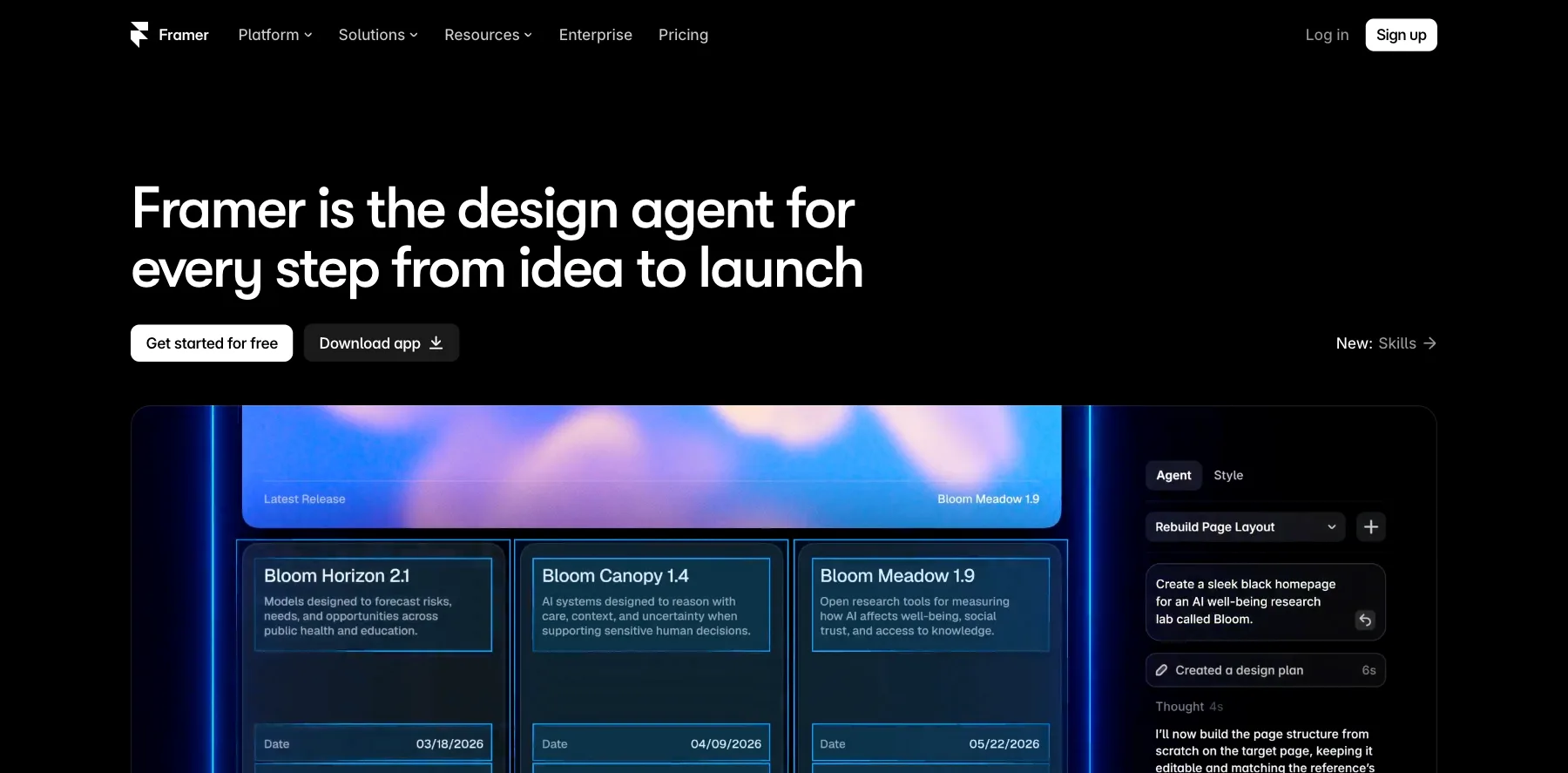
Framer is a website builder for pages that look designed, now built around AI agents. It calls itself the design agent for every step from idea to launch.
You design on a canvas, like in a design tool, or ask its agents to build and change pages for you. Then you publish to Framer's hosting, with a CMS, analytics and translation into other languages.
It's one of my favorites for a page that has to look custom rather than built from a template.
A/B testing, funnels and triggers come with Convert, an add-on at $50 per 500,000 events.
Who is Framer for?
Framer is for designers, founders and creators who want landing pages and sites that look custom, without writing code.
Key features
- A design canvas with AI agents that build and edit pages
- A CMS: two collections on Basic, 10 on Pro
- Hosting on a global network: 20 locations on Basic, 300+ on Pro
- AI translation into up to 20 languages, as an add-on
- Staging, branching and site redirects, on Pro
- A/B testing, funnels and triggers with the Convert add-on
- External agents, to connect your own AI tools, free during the preview
Pros
- A free plan, with 500 AI credits to try
- Pages that look designed, not templated
- A free custom domain on yearly plans
- Viewers are free
Cons
- A/B testing is a paid add-on
- Each extra editor is $20 a month
- Basic allows 30 pages
Pricing
Framer has a free plan and two paid ones, billed yearly, and Enterprise on request, from its pricing page as read on October 3, 2026:
- Free – $0, on a Framer domain, with 1 GB of bandwidth and 500 AI credits to try.
- Basic – $10 a month, with your own domain, 30 pages, two CMS collections and 1,000 AI credits a month.
- Pro – $30 a month, with 150 pages, 10 CMS collections, staging and 3,000 AI credits a month.
Sites that look designed, with AI agents, a CMS and fast hosting.
I may earn a commission if you make a purchase, at no additional cost to you.
4. Webflow
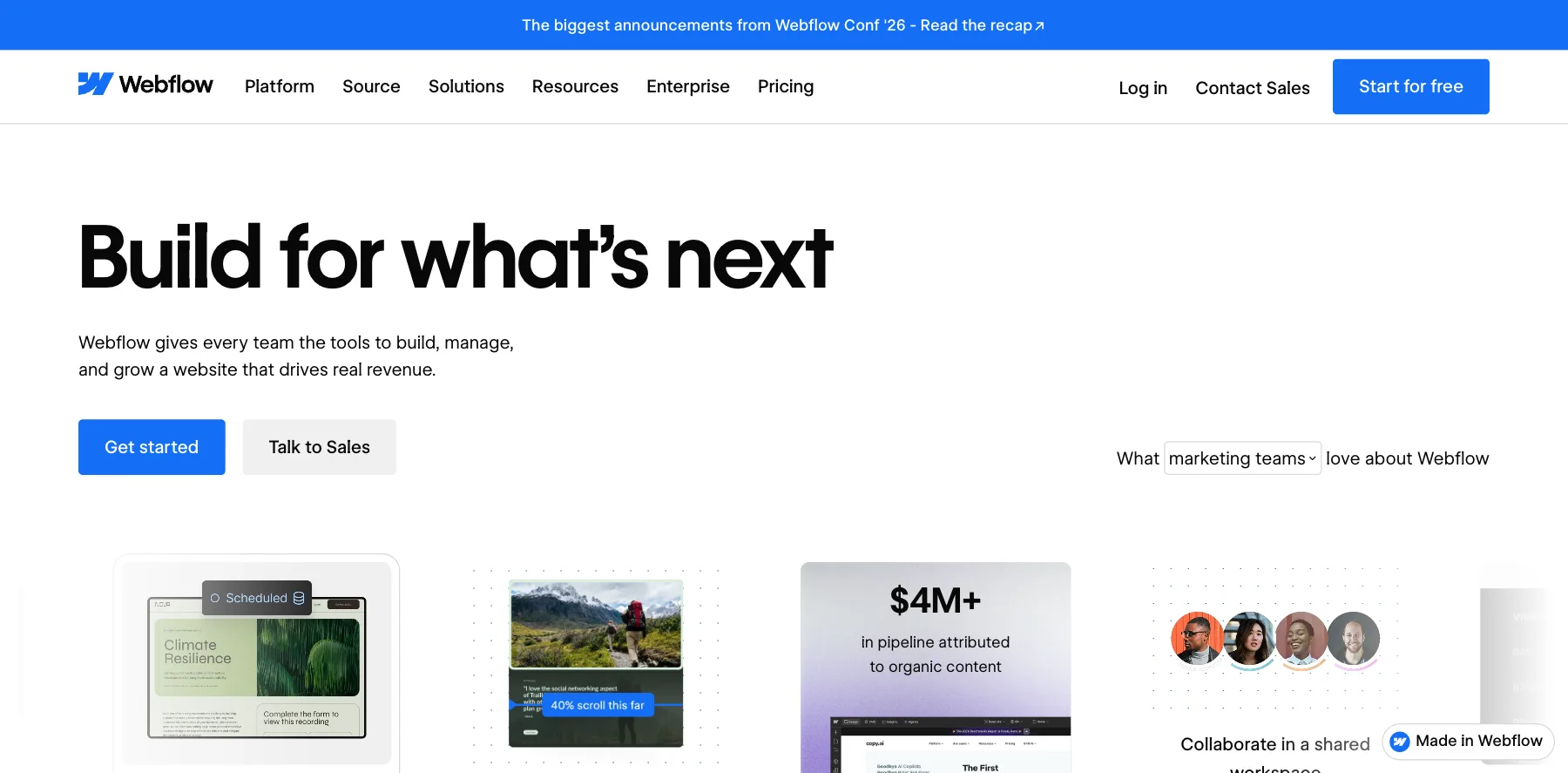
Webflow is a website builder for teams and designers who want control of every detail, with a CMS, hosting and Webflow AI.
You design each page visually, down to the layout and the interactions, and publish it to Webflow's hosting. Landing pages are one part of what it does.
Every plan, the free one included, comes with Webflow AI, an MCP server for AI tools, and Webflow Cloud for hosting apps.
Its CMS starts on Premium, at $25 a month billed yearly.
Who is Webflow for?
Webflow is for teams and designers who want a full website with landing pages and a CMS, and control over every detail.
Key features
- A visual designer for layouts and interactions
- Webflow AI and an MCP server, on every plan
- Webflow Cloud, for hosting apps
- Unlimited form submissions, from Basic
- Webflow CMS, site search and code components, on Premium
- Localization and publishing workflows, on Team
Pros
- A free Starter plan
- Control over every detail of the design
- Works with AI tools through its MCP server
- Up to 40% off billed yearly
Cons
- More to learn than a landing page builder
- The CMS starts on Premium
- Starter allows two pages and 50 form submissions, on a webflow.io address
Pricing
Webflow has a free site plan and two paid ones, billed yearly, from its pricing page as read on October 3, 2026:
- Starter – free, on a webflow.io address, with two pages, 1 GB of bandwidth and 50 form submissions.
- Basic – $15 a month, with your own domain, 300 pages, 10 GB of bandwidth and unlimited forms.
- Premium – $25 a month, adding Webflow CMS, 50 GB of bandwidth and site search.
For larger teams, Team is $2,500 a month on an annual contract, and Enterprise is priced on request.
Every detail of the design in your hands, with a CMS, Webflow AI and an MCP server.
I may earn a commission if you make a purchase, at no additional cost to you.
5. Wix
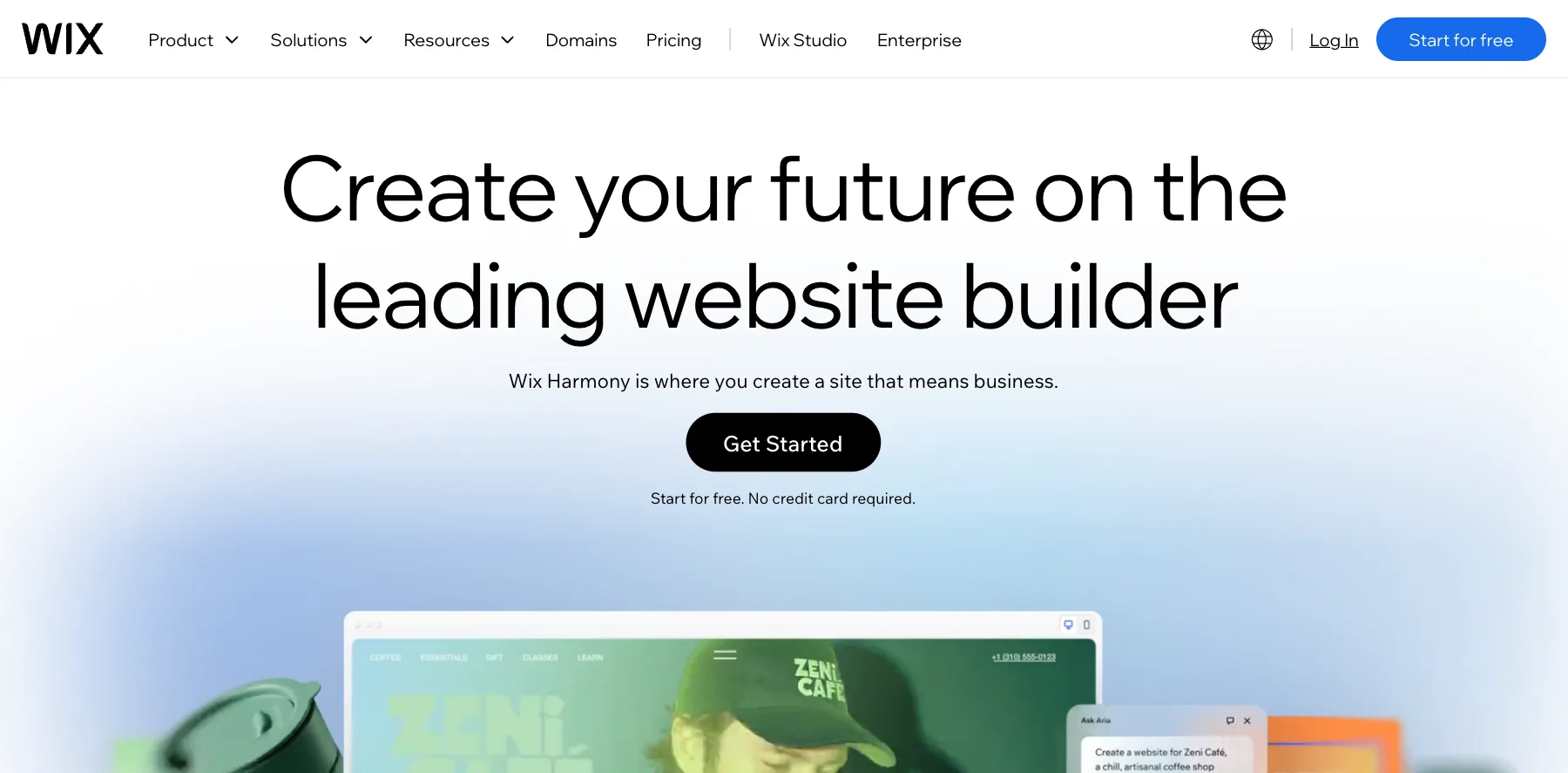
Wix is a website builder for almost any kind of site: a business, a portfolio, a store, bookings or a blog.
You can start from a single prompt, and Wix's AI builds the site, then switch to its drag-and-drop editor to change any detail. Or you start from one of thousands of templates.
It's free to start on a Wix address. Paid plans add your own domain, free for the first year, and a store from Core.
Who is Wix for?
Wix is for small businesses and creators who want a good-looking site fast, with a store or bookings, and no code.
Key features
- An AI website builder that starts from a single prompt
- A drag-and-drop editor and thousands of templates
- A store: basic on Core, standard on Business, advanced on Business Elite
- Bookings, events, online programs and a blog
- A marketing suite with email and SEO tools
- Your own domain, free for the first year
Pros
- A free plan to start
- AI and drag-and-drop in the same editor
- A store, bookings and a blog without plugins
- A 14-day money-back guarantee
Cons
- The free plan shows Wix's branding on a Wix address
- A store starts on Core, at $29 a month billed yearly
- Moving your site off Wix later is hard
Pricing
Wix has a free plan and four paid ones, billed yearly, each with a 14-day money-back guarantee, from its plans page as read on October 3, 2026:
- Light – $17 a month, with your own domain and 2 GB of storage.
- Core – $29 a month, adding a basic store and 50 GB of storage.
- Business – $39 a month, with a standard store and 100 GB of storage.
- Business Elite – $159 a month, with an advanced store and unlimited storage.
A site from a single prompt or thousands of templates, with stores and bookings built in.
6. Squarespace
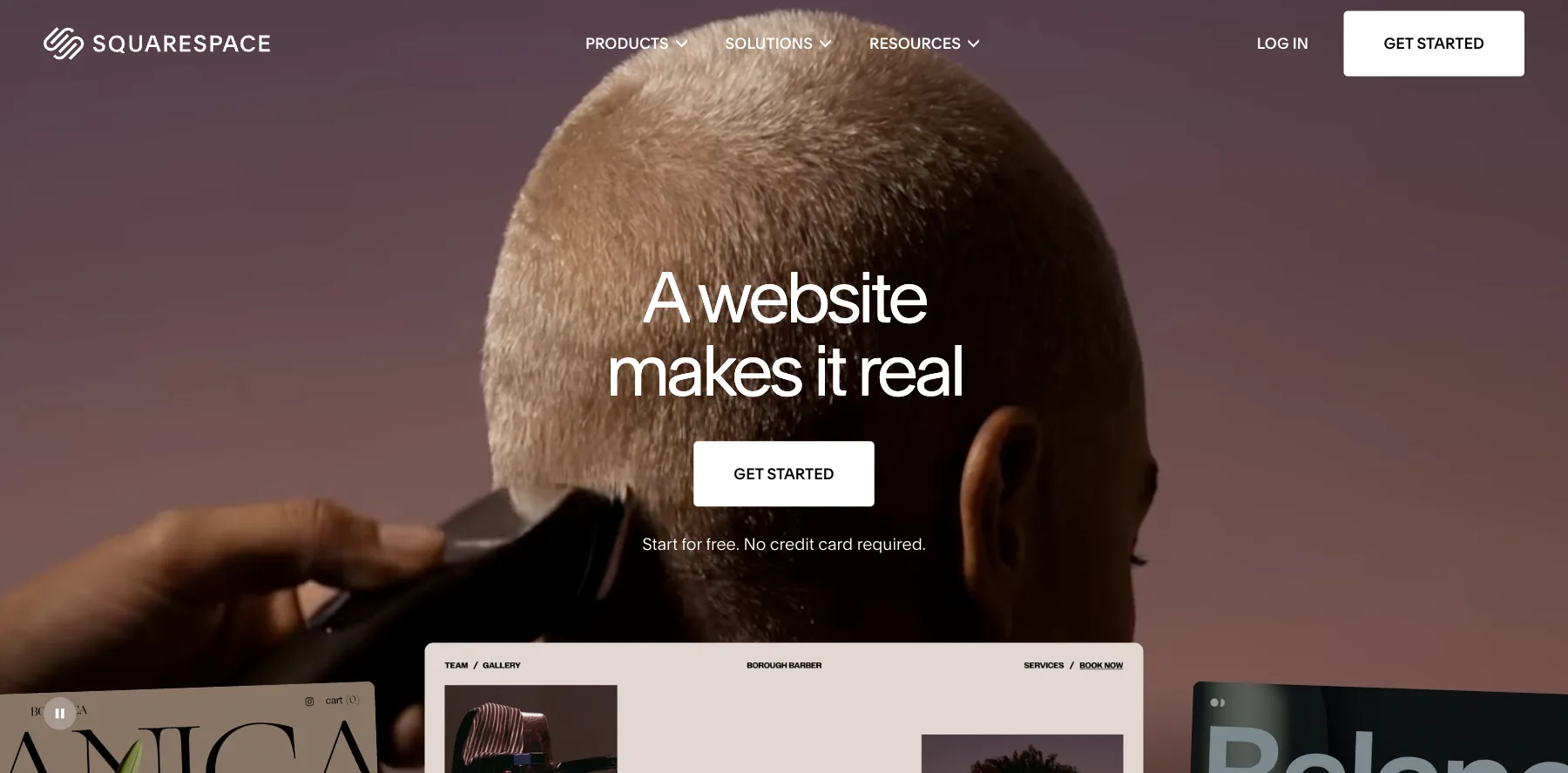
Squarespace is a website builder known for its templates: sites for creatives, portfolios, restaurants and small stores that look polished from the start.
It has AI tools built in for writing your content, and it hosts everything for you, with your own domain free for the first year on a yearly plan.
What its first plan keeps from your sales is the catch: 2% of store sales and 7% of digital content and memberships on Basic, falling to 0% on Advanced.
Who is Squarespace for?
Squarespace is for creatives, photographers and small businesses who care most about how the site looks.
Key features
- Templates that look designed, for every kind of site
- Built-in AI tools for your content
- A store, with card rates from 2.9% + $0.30 on Squarespace Payments
- Digital content and memberships
- Free invoices to your clients
- Professional email from Google Workspace, on Core and above
Pros
- Templates that look good with little work
- A 14-day free trial
- Up to 36% off billed yearly
- Hosting, security and updates done for you
Pricing
Squarespace has four plans, with a 14-day free trial, from its pricing page as read on October 3, 2026:
- Basic – $25 a month, or $19 billed yearly, with a 2% store fee and 7% on memberships.
- Core – $39 a month, or $29 billed yearly, with no store fee and 5% on memberships.
- Plus – $65 a month, or $49 billed yearly, with 1% on memberships.
- Advanced – $139 a month, or $99 billed yearly, with 0% on memberships.
Templates that look designed, with a store, memberships and AI tools built in.
I may earn a commission if you make a purchase, at no additional cost to you.
7. WordPress
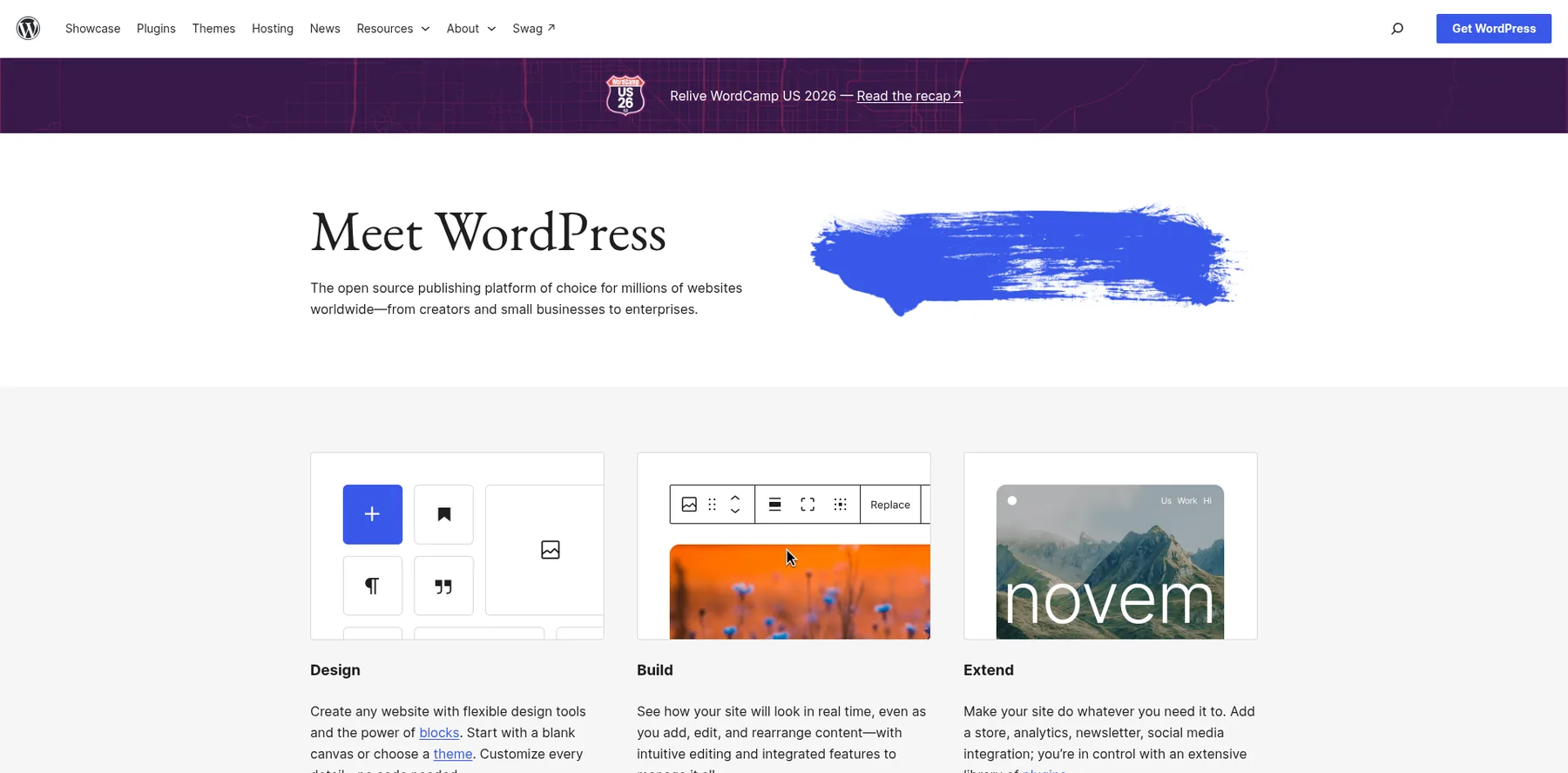
WordPress is the free, open-source publishing platform behind millions of websites, from blogs to stores.
You install it on hosting of your own, add a theme and plugins, and own every part of the site. My old site ran on WordPress with the Kadence theme, and I built my pages with Thrive's plugins for years.
WordPress.com is the hosted version: the same software, with the hosting, updates and security done for you, and plugins from its Business plan.
Who is WordPress for?
WordPress is for bloggers and businesses who want full control of their site, and are happy to look after hosting and updates, or pay WordPress.com to do it.
Key features
- Free, open-source software that runs on any host
- The block editor for pages and posts
- 60,000+ plugins and thousands of themes
- A store with WooCommerce, and courses with plugins like LearnDash
- Page builders like Elementor and Thrive Architect
Pros
- The software is free
- You own the site and can move it to any host
- The biggest choice of themes and plugins
Cons
- Hosting, updates, backups and security are yours, unless you pay WordPress.com
- More to learn than a hosted builder
- Premium themes and plugins add up
Pricing
WordPress.org is free: you pay for hosting, a domain and any premium themes or plugins. WordPress.com's plans renew at these prices, billed yearly, from its plans page as read on October 3, 2026:
- Free – $0, with WordPress.com ads on your site.
- Personal – $5 a month, with your own domain free for the first year and no ads.
- Premium – $9 a month, adding premium themes and stats.
- Business – $28 a month, adding plugins.
- Commerce – $50 a month, for a store.

The open-source platform behind millions of sites, with 60,000+ plugins.
8. Shopify
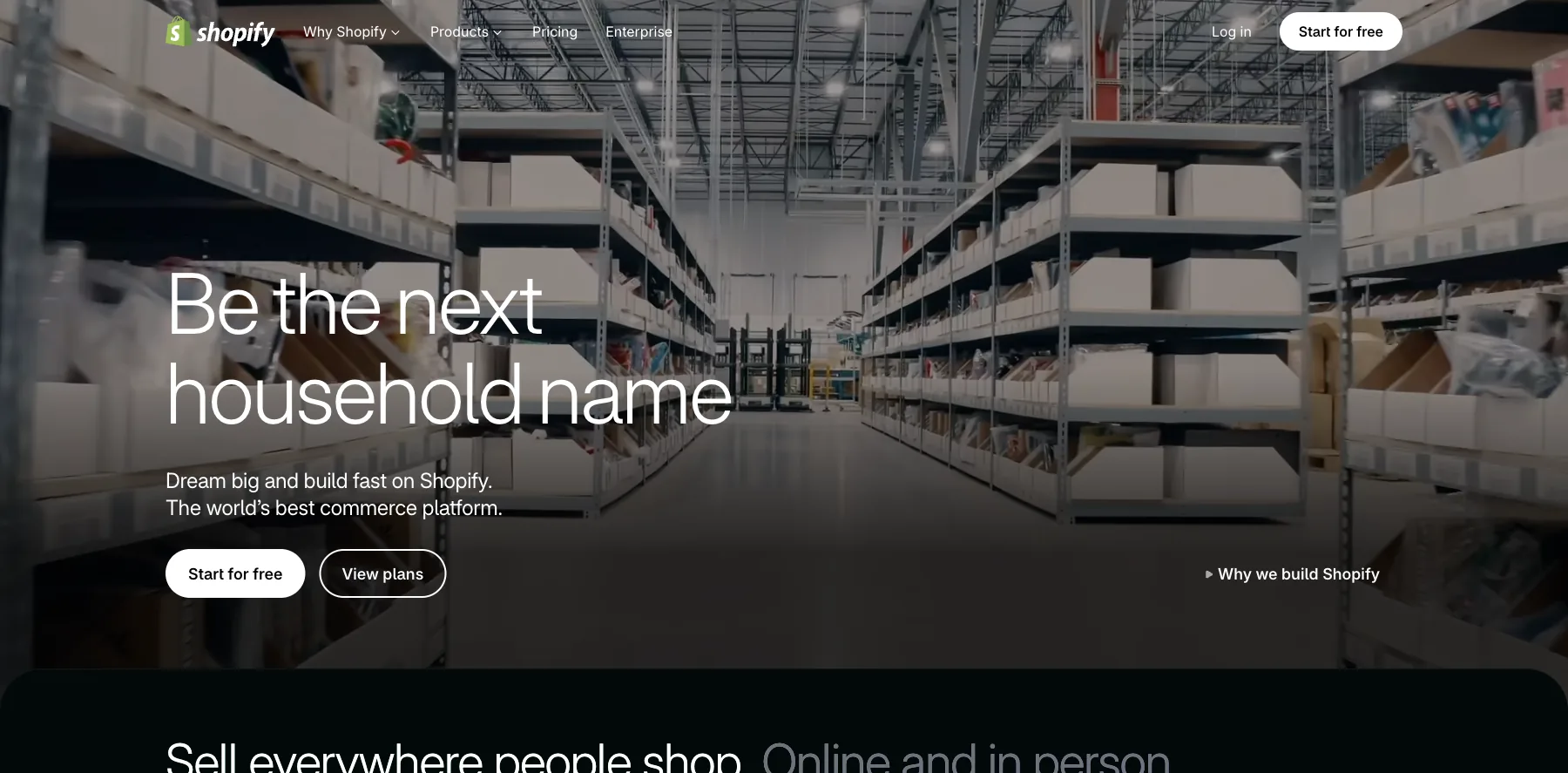
Shopify is the website builder for online stores: a store with its own checkout, themes, inventory, and a point of sale for selling in person.
Sidekick, its AI assistant, helps you run the store, and its app store adds whatever Shopify doesn't do itself.
Shopify takes no cut when you use Shopify Payments, whose card rates start at 2.9% + $0.30 on Basic. With another payment provider, it adds a transaction fee.
Who is Shopify for?
Shopify is for anyone whose website is mainly a store, from merch to physical products.
Key features
- An online store with its own checkout
- Themes, plus apps from the Shopify App Store
- Orders and inventory
- Point of sale for selling in person
- Sidekick, an AI assistant for the store
- Shopify Payments, from 2.9% + $0.30 on Basic down to 2.5% + $0.30 on Advanced
Pros
- The most complete store of any builder here
- No transaction fee with Shopify Payments
- Three days free, then $1 a month for three months
Cons
- Starts at $39 a month, or $29 billed yearly
- Many features come through paid apps
- A transaction fee with another payment provider
Pricing
Shopify has three main plans, from its pricing page as read on September 29, 2026, with today's card rates:
- Basic – $39 a month, or $29 billed yearly.
- Grow – $105 a month, or $79 billed yearly, with five staff accounts.
- Advanced – $399 a month, or $299 billed yearly, with 15 staff accounts.

A complete online store with its own checkout, inventory and point of sale.
9. Hostinger AI Website Builder
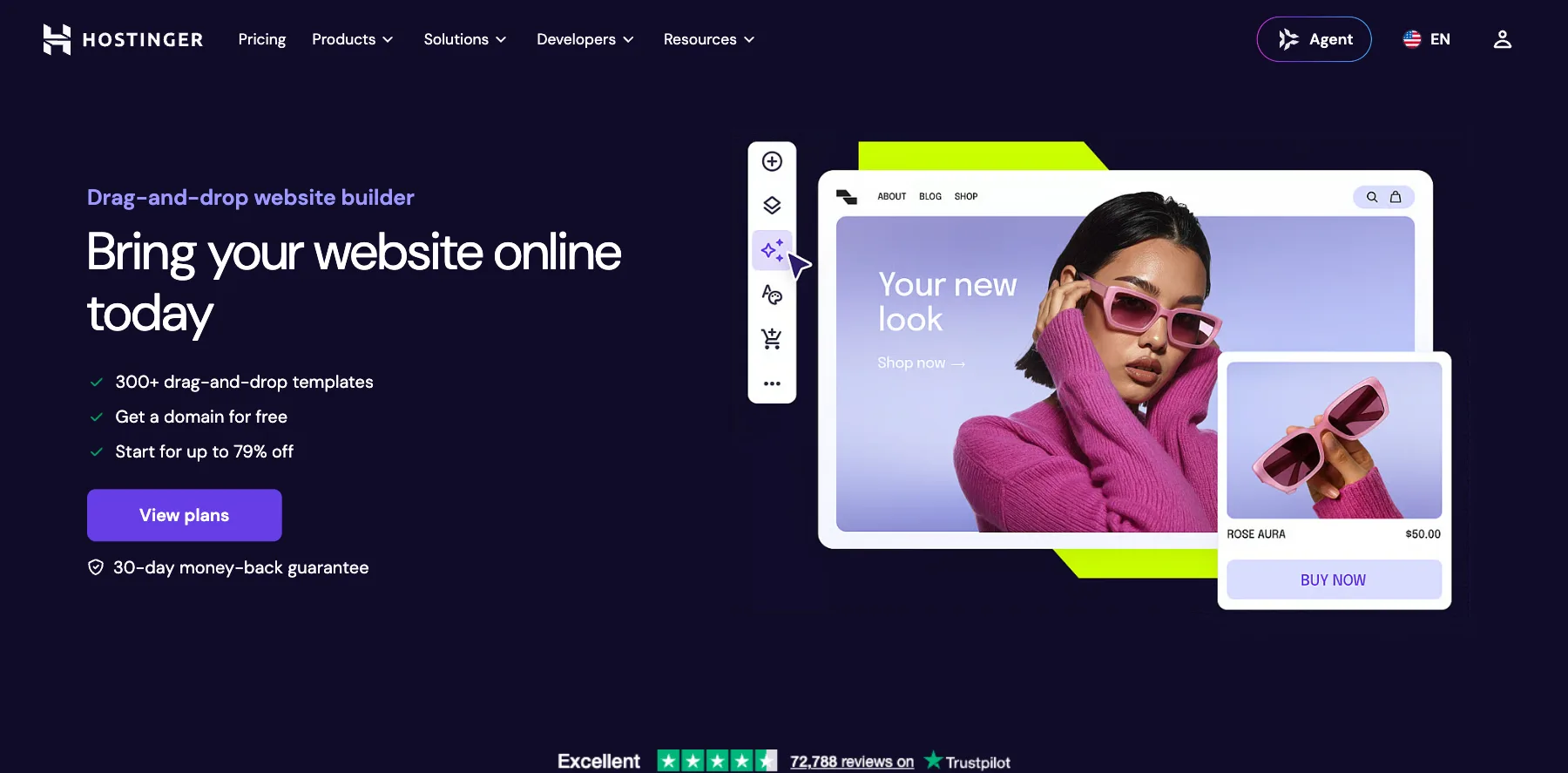
Hostinger AI Website Builder is a drag-and-drop builder with an AI builder, from the web host Hostinger: describe what you need, and AI builds the site.
It's the cheapest way here to a site on your own domain, with hosting, a domain free for the first year and email included. The catch is the term: the lowest prices are for 48 months paid up front, and renewals cost more.
Who is Hostinger AI Website Builder for?
Hostinger AI Website Builder is for small businesses and beginners who want a site on their own domain for the lowest price.
Key features
- A drag-and-drop editor with 300+ templates
- An AI builder that creates a site from a description
- Hosting, with a domain free for the first year
- Email mailboxes, free for the first year
- A store and email marketing, from the Unlimited plan
Pros
- The lowest starting price here
- Hosting, a domain and email in one plan
- A 30-day money-back guarantee
Cons
- The low prices need 48 months paid up front
- Renewals cost several times the starting price
- A store starts on Unlimited
Pricing
Hostinger AI Website Builder has three plans, at their 48-month prices, from its page as read on October 3, 2026:
- Premium – $2.99 a month ($143.52 for 48 months), renewing at $10.99 a month.
- Unlimited – $3.99 a month ($191.52 for 48 months), renewing at $16.99 a month, with a store and email marketing.
- Cloud Startup – $7.99 a month ($383.52 for 48 months), renewing at $25.99 a month.

A drag-and-drop and AI builder with hosting, a domain and email included.
I may earn a commission if you make a purchase, at no additional cost to you.
10. Ghost
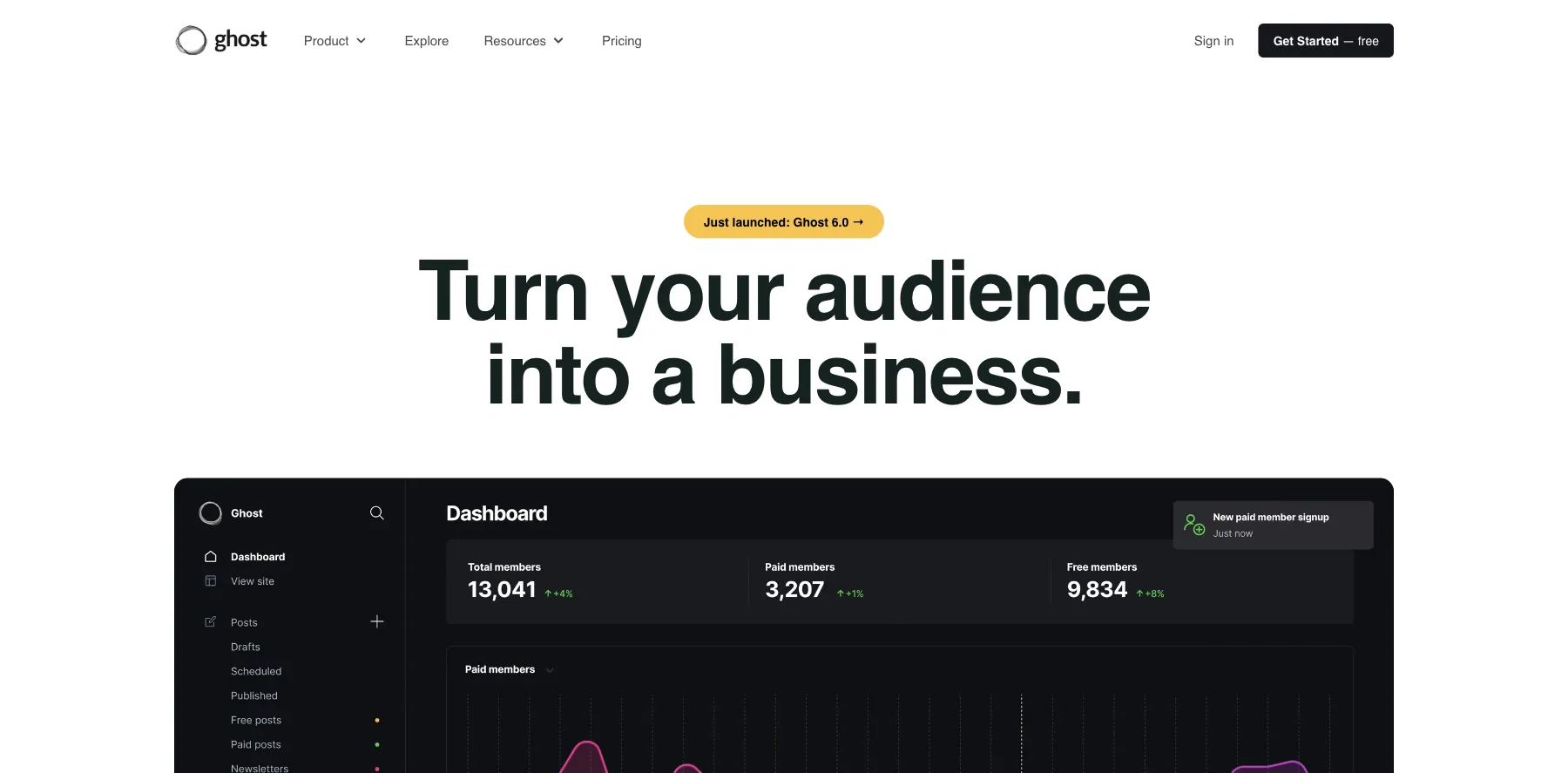
Ghost is an open-source publishing platform: a website, a blog and an email newsletter in one, with paid subscriptions for your members.
You can run it yourself for free, or let Ghost host it for you on Ghost(Pro). Ghost takes no fee on your payments, on any plan.
Who is Ghost for?
Ghost is for writers and creators whose website is their publication, with a newsletter and paid members.
Key features
- A website, a blog and an email newsletter in one
- Paid subscriptions, from Publisher
- Custom themes and 8,000+ integrations, on Publisher
- A free custom domain for the first year on Ghost(Pro)
- Open source, so you can host it yourself
Pros
- No fees on your payments
- Your site and your newsletter in one place
- A free trial
Cons
- Built for publishing, not for stores or bookings
- The price rises with your number of members
- Paid subscriptions start on Publisher
Pricing
Ghost(Pro) has three plans billed yearly, priced for 1,000 members, and Custom on request, from its pricing page as read on October 3, 2026:
- Starter – $15 a month, with your website and an email newsletter.
- Publisher – $29 a month, adding paid subscriptions, custom themes and three staff users.
- Business – $199 a month, for 10,000 members and 15 staff users.

A website, a blog and a newsletter with paid members, and no fees on payments.
I may earn a commission if you make a purchase, at no additional cost to you.
11. Carrd
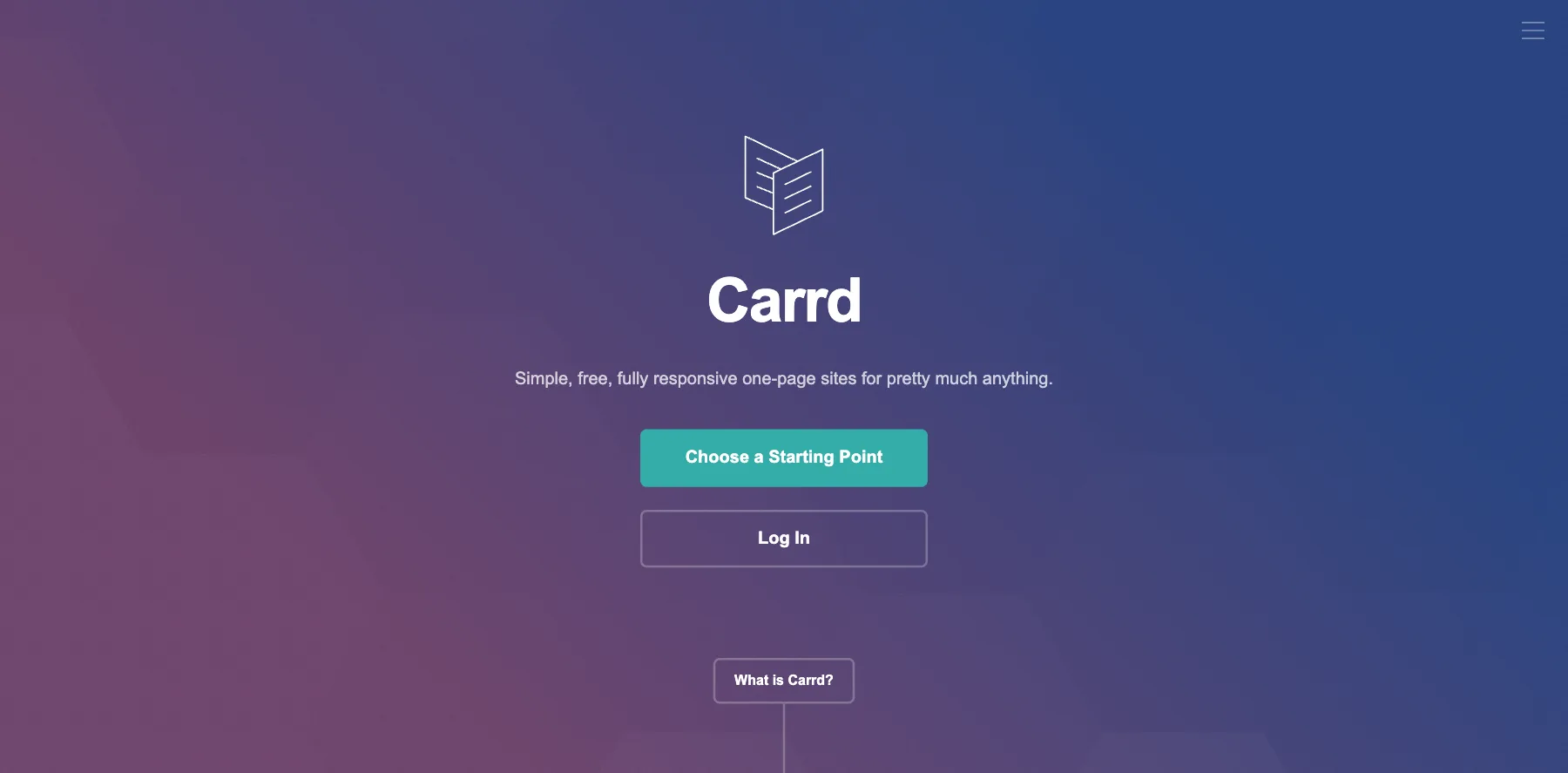
Carrd builds simple, responsive one-page sites: a landing page, a profile, a signup page or a portfolio.
It's free for up to three sites on a carrd.co address, and Pro starts at $9 a year. That's a year, not a month.
Your own domain, forms, and embeds from Stripe, PayPal and Gumroad start on Pro Standard, at $19 a year.
Who is Carrd for?
Carrd is for anyone who needs one good page fast, for almost nothing.
Key features
- One-page sites from templates
- Custom domains with SSL, from Pro Standard
- Signup forms for email tools like beehiiv, GetResponse and ActiveCampaign
- Widgets and embeds from Stripe, PayPal, Gumroad and Typeform
- Analytics with Google Analytics, Plausible and others
- Redirects, password protection and site downloads, on Pro Plus
Pros
- Free for up to three sites
- Pro from $9 a year
- A 7-day Pro trial, with no credit card
Cons
- One page per site
- No A/B testing
- The free plan shows Carrd's branding
Pricing
Carrd has a free plan and three Pro plans, billed yearly, from its pricing page as read on October 3, 2026:
- Free – $0, for up to three sites on a carrd.co address.
- Pro Lite – $9 a year, for three sites with no branding.
- Pro Standard – $19 a year, for 10 sites with your own domains, forms, embeds and analytics.
- Pro Plus – $49 a year, for 25 sites, adding advanced forms, redirects and password protection.
Larger tiers of each Pro plan cover up to 1,000 sites.

Simple one-page sites, free for up to three, and $19 a year with your own domain.
I may earn a commission if you make a purchase, at no additional cost to you.
12. Bolt
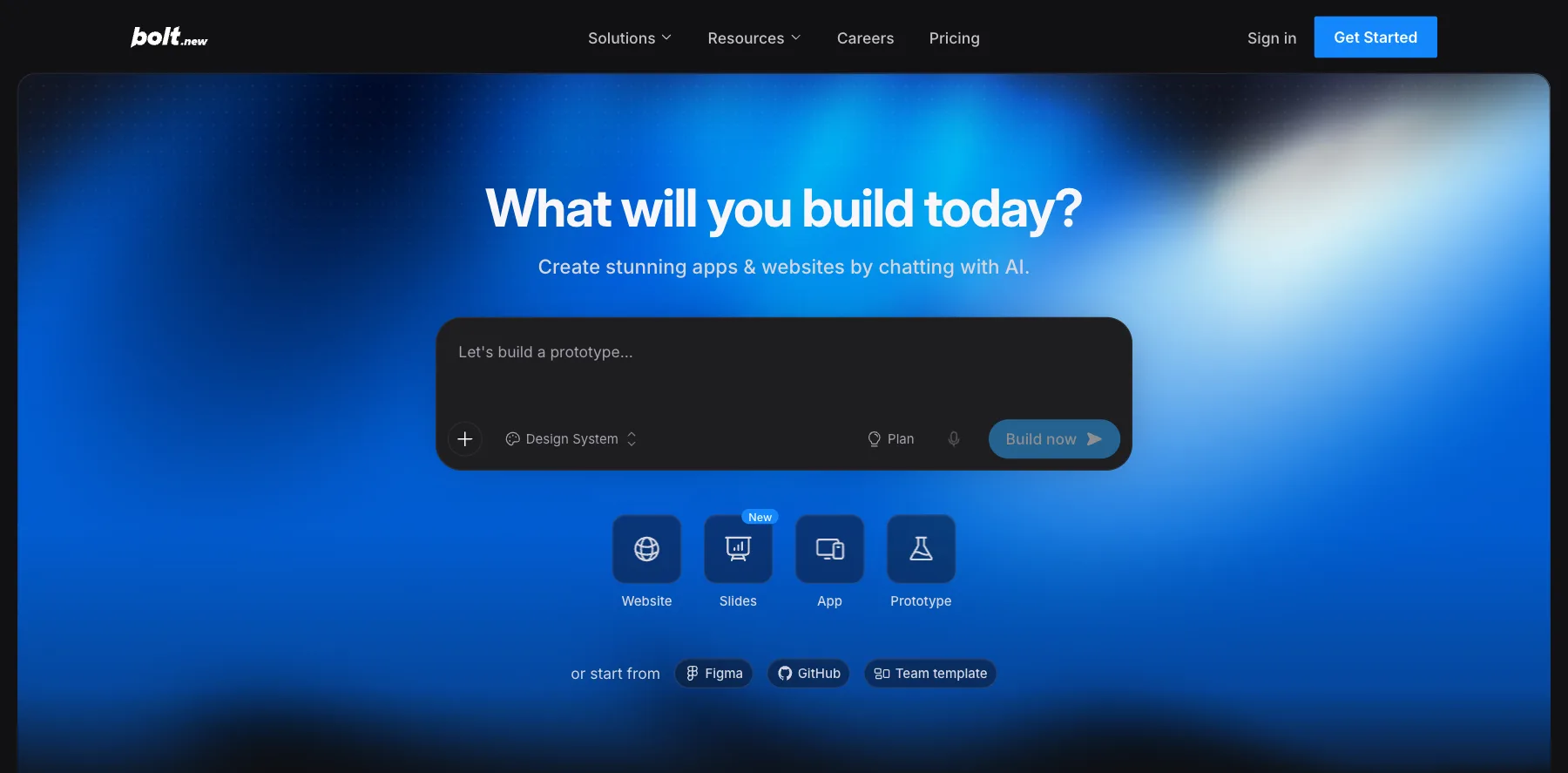
Bolt builds websites and apps from a chat: you describe the site, and its AI writes it, shows it to you live and changes what you ask.
You can also start from a Figma design or a GitHub project. It's free to start, and paid plans remove Bolt's branding from your sites.
What you pay for is tokens, the AI's working time: 1 million a month free, and 10 million on Pro.
Who is Bolt for?
Bolt is for founders and creators who want a custom website or app without writing the code themselves.
Key features
- Websites, apps, slides and prototypes from a chat
- A start from Figma or GitHub
- Private sharing of your sites, on Pro
- Unused tokens that roll over for a month
- Team workspaces
Pros
- A free plan to start
- A custom site, not a template
- Up to 28% off billed yearly
Cons
- The free plan puts Bolt's branding on your sites
- Big changes use up tokens fast
- You still need to check what the AI built
Pricing
Bolt has a free plan and two paid ones, from its pricing page as read on October 3, 2026:
- Free – $0, with 1 million tokens a month and Bolt's branding.
- Pro – $25 a month, from 10 million tokens a month, with no branding.
- Teams – $30 a month per member.

Websites and apps from a chat, from a prompt, Figma or GitHub.
13. Lovable
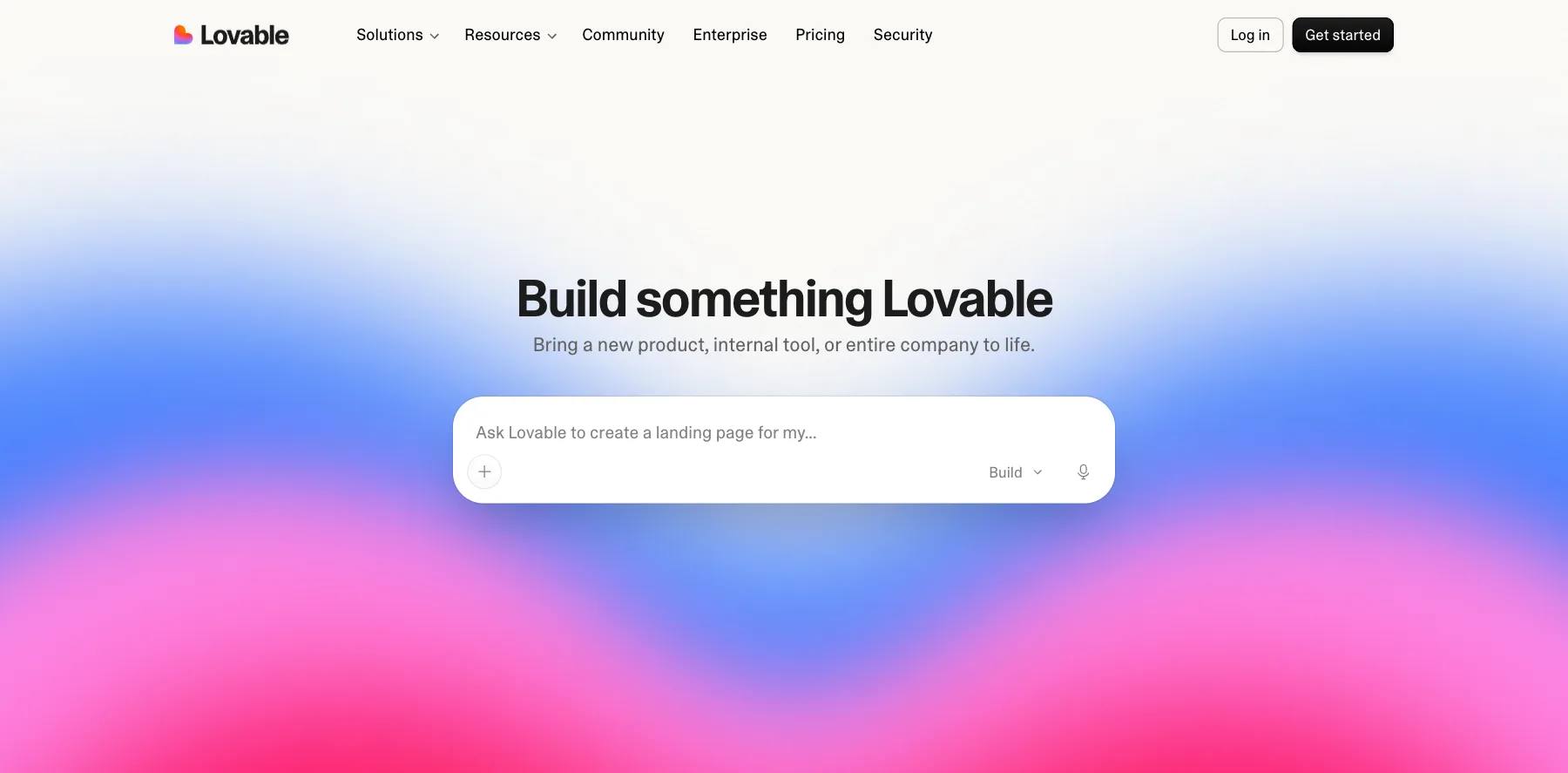
Lovable is an AI app and website builder: you describe what you want in a chat, and it builds a working site or app you can publish.
It's free to start with no credit card. Paid plans give you monthly credits for the AI, and unlimited users on every plan.
Who is Lovable for?
Lovable is for founders and teams who want to turn an idea into a working website or app fast.
Key features
- Websites and apps from a chat
- Publishing built in
- Unlimited users on paid plans
- Credits that roll over for a month
- Internal publishing for your team, on Business
Pros
- A free plan, with no credit card needed
- Two months free billed yearly
- A working app, not only a page
Cons
- 100 credits a month on Pro go fast on big changes
- You still need to check what the AI built
Pricing
Lovable has a free plan and two paid ones, and Enterprise on request, from its pricing page as read on October 3, 2026:
- Free – $0, with no credit card needed.
- Pro – $25 a month, with 100 credits a month.
- Business – $50 a month, with 100 credits a month and internal publishing.

Working websites and apps from a chat, with publishing built in.
I may earn a commission if you make a purchase, at no additional cost to you.
14. Duda
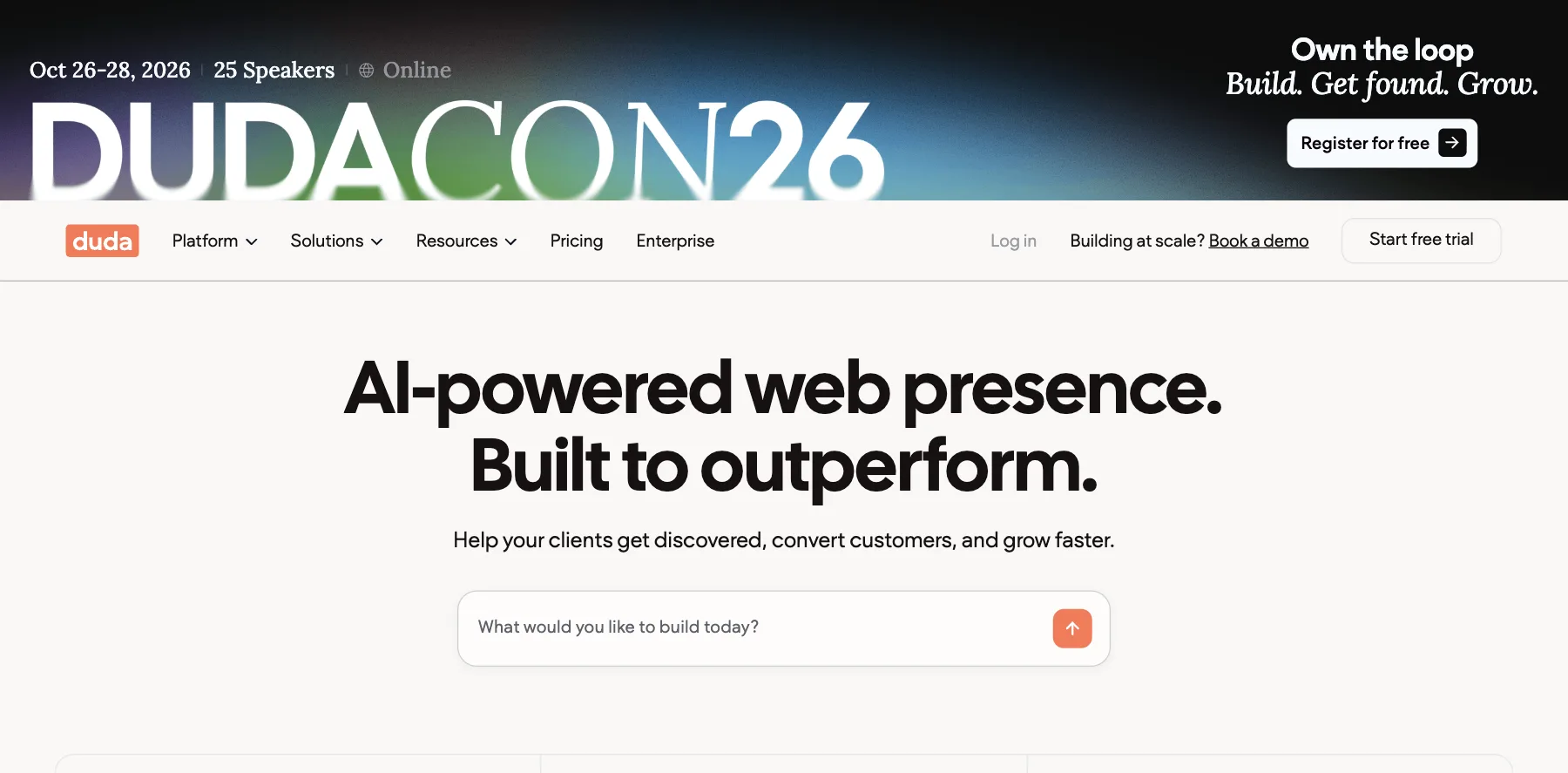
Duda is a website builder for agencies and freelancers who build sites for clients, with an AI builder, client management and white-label options.
Every plan includes 150 AI credits a month, and each extra published site costs from $17 a month.
Who is Duda for?
Duda is for agencies and freelancers who build and manage many client websites.
Key features
- An AI website builder with 150 AI credits a month
- Tools for working with clients and teams
- White-label branding, on its White Label plan
- AI visibility tracking, as an add-on from $19 a month
- Stores and bookings, priced separately
Pros
- Built for client work
- A 14-day free trial
- About 25% off billed yearly
Cons
- Each extra site adds a monthly price
- Stores and bookings cost extra
- Made for agencies more than for your own single site
Pricing
Duda has four plans, each with a 14-day free trial, and Custom on request, from its pricing page as read on October 3, 2026:
- Basic – $25 a month, or $19 billed yearly.
- Team – $39 a month, or $29 billed yearly.
- Agency – $69 a month, or $52 billed yearly.
- White Label – $199 a month, or $149 billed yearly.

Client websites with an AI builder, team tools and white-label options.
What is a website builder?
A website builder is a tool for making a website without writing code: you pick a template or describe the site to an AI, change it in an editor, and publish it on hosting the builder runs for you.
Most come with a domain, security and updates included, and many add a store, bookings, a blog or email.
The best website builder for each kind of site
Here's where I'd start, by what the site is for:
- A small business – Wix, or HighLevel if you want your contacts, emails and bookings behind the site.
- A blog – WordPress for full control, or Ghost for a blog with a newsletter and paid members.
- Creatives and photographers – Squarespace, or Framer for a site that looks custom.
- An online store – Shopify.
- One simple page – Carrd.
- Client sites, as an agency – Duda or Webflow.
What to look for in a website builder
Five things decide most of it:
- Design freedom – Framer and Webflow let you shape every detail, Wix and Squarespace start you from templates, and Carrd keeps it to one page.
- AI – Wix, HighLevel, Hostinger and Framer build a site from a description, Bolt and Lovable build custom ones from a chat, and Claude Code or Codex can build one from scratch.
- What the site has to do – a store suits Shopify, bookings suit Wix or HighLevel, and a newsletter suits Ghost.
- The full price – the first-year price, the renewal, and what the builder keeps from your sales, like Squarespace's 2% on Basic.
- Who owns it – a hosted builder runs it for you, and WordPress, Ghost or your own code can move to any host.
They come in six kinds:
All-in-one platforms
A website with a CRM, email and bookings behind it, like HighLevel.
Build your own
Your own site, written with AI coding tools like Claude Code and Codex, on Vercel or Cloudflare.
Design-first builders
Sites that look custom, with a CMS, like Framer and Webflow.
Website builders for everyone
Templates, AI and hosting in one plan, like Wix, Squarespace, Hostinger, Carrd and Duda.
Open-source platforms
Software you can host anywhere, like WordPress and Ghost.
AI app builders
Custom sites and apps from a chat, like Bolt and Lovable.
The best free website builders
Here's where you can start without paying:
- Wix – a free plan on a Wix address, with Wix's branding.
- Framer – a free plan on a Framer domain, with 500 AI credits to try.
- Webflow – a free Starter plan on a webflow.io address, with two pages.
- Carrd – free for up to three one-page sites.
- WordPress – free software, on hosting you pay for, or WordPress.com's free plan with ads.
- Bolt and Lovable – free plans to build with AI.
What I use
navid.me is built with Next.js, hosted on Vercel and written with AI coding tools like Claude Code and Codex, the way I describe in Next.js on Vercel or Cloudflare above.
If you'd rather not build your own, HighLevel is the one I'd pick for a business, and Framer for a site that has to look designed. And I'm working on templates of my own, so you can start from what I use.
Some links in this guide are affiliate links: if you sign up through one, I may earn a commission, at no cost to you.
FAQs about website builders
Here are answers to the questions people ask most about website builders.
Shopify is the most complete store, with its own checkout, inventory and point of sale.
Wix and Squarespace also sell well for a smaller store.
You can start on a free address from your builder, but your own domain looks more professional.
Wix, Squarespace, Hostinger and WordPress.com include one free for the first year on paid plans.
It is if you want full control and no limits, which is why I build navid.me myself.
A builder is the faster start for most people, since it takes no setup.
You can, but moving a site takes work, and most builders don't export your design.
It pays to start on the one that fits what your site will need.
navid.me is built with Next.js, hosted on Vercel and written with AI coding tools like Claude Code and Codex.
If I weren't building my own, I'd use HighLevel.
Final thoughts on website builders
There are a lot of website builders out there, so it comes down to what your site has to do, how much of the design you want to control, and your budget.
Here are my final recommendations:
The best all-in-one, and the one I'd pick if I weren't building my own: a site built with AI, with a CRM, email, SMS and bookings behind it.
Try HighLevel freeHow I build navid.me today, with AI coding tools like Claude Code and Codex. It isn't for everyone, but nothing caps you.
Start on Cloudflare freeThe best for a site that looks designed, with a free plan to start.
Start Framer freeThe best for full control of every detail, with a CMS.
Start Webflow freeThe best for most people, from a single prompt to a store and bookings.
Start Wix freeNow I'd like to turn it over to you. Which one will you use? Or do you use a great one I didn't cover? Send me a message and tell me.
Keep reading:
- The best landing page builders – from HighLevel to Carrd, compared
- The best sales funnel software – funnel builders and checkouts, compared
- What is Claude Code? – the AI coding tool I build my site with
Start on the free plan or free trial of the one that fits, and build one page before you move everything over.
Navid Moazzez
AI business strategist & AI OS builder
Navid Moazzez helps creators and founders master AI and build their own AI Operating System (AI OS) to automate their business and life.
Navid.me is reader-supported. When you buy through links on this site, I may earn an affiliate commission. Learn more.
Similar articles

How to write 1,000 words every day and massively create remarkable content

200+ creator economy glossary terms you need to know (2026)

What is a wantrapreneur? How I stopped being one (and how you can too)

32 experts share their best guest blogging tips
50 ways to make money from home in 2026, with what each pays
The 19 best sales funnel software and builders in 2026
43 ways to make extra money beside your day job in 2026
70 side hustle ideas for 2026, with what each pays
The 15 best landing page builders in 2026 (free and paid)
60 side hustles from home for 2026, with what each pays
The 17 best shopping cart software in 2026 (free and paid)
38 ways to make money fast in 2026, sorted by how fast they pay
Related free tools


 Free AI newsletter
The most actionable AI newsletter for founders
Every week, get proven AI strategies, curated tools, and step-by-step systems to grow your audience, create better content, and build a profitable creator business.
No fluff, no filler, no BS. Just five minutes each week that might level up your online business and life.
P.S. Sign up now to get free access to my ultimate AI tools guide for creators.


