


Home

Free LinkedIn Carousel Generator (+ Guide)

A LinkedIn carousel generator that turns a post, a thread or your own text into slides you can edit, and downloads them as the PDF LinkedIn shows as a carousel.

Navid Moazzezby Navid Moazzez·Updated 26 de set. de 2026·3 min read

Paste a post link, or type your text, and turn it into an image in any size. It's all drawn in your browser.

1

Your post

Try it with
2

Who said it

Photo
or
Or drag an image in, or paste one.
Engagement
Replies and thread posts

Add the reply for a Conversation card, or the next posts for a Thread or a carousel. Several links pasted at once land here too, ready to download as 1 image each.

3

Kind of card

4

Look

Photo and video backgrounds
Your saved looks
Clean
Brand gradients
Editorial
Paper and grids
Photo
Glass
Presentation styles
Font
Weight
My brand
5

Photo

6

Sizes and files

Text size
7

Extras

Badge
Your branding

Preview

Drawn in your browser: nothing you type or upload leaves it. Reading a link fetches only that public post.

Rate this tool

This free LinkedIn carousel generator turns a post, a thread or your own text into slides, then downloads them as the PDF LinkedIn shows as a swipeable carousel.

Paste a link to a LinkedIn, X, Threads or Substack post, or type your text. It splits the words into slides, you edit any of them, pick a look, and download. It's all drawn in your browser.

Here's what a LinkedIn carousel is, how to make one, how to post it, the right size, and what makes people swipe to the last slide.

A LinkedIn carousel is a PDF you post as a document. LinkedIn shows its pages as slides that people swipe through in the feed, so a long idea reads 1 page at a time.

You add it with Add a document, which takes PDF, PowerPoint and Word files of up to 100 MB and 300 pages (LinkedIn Help).

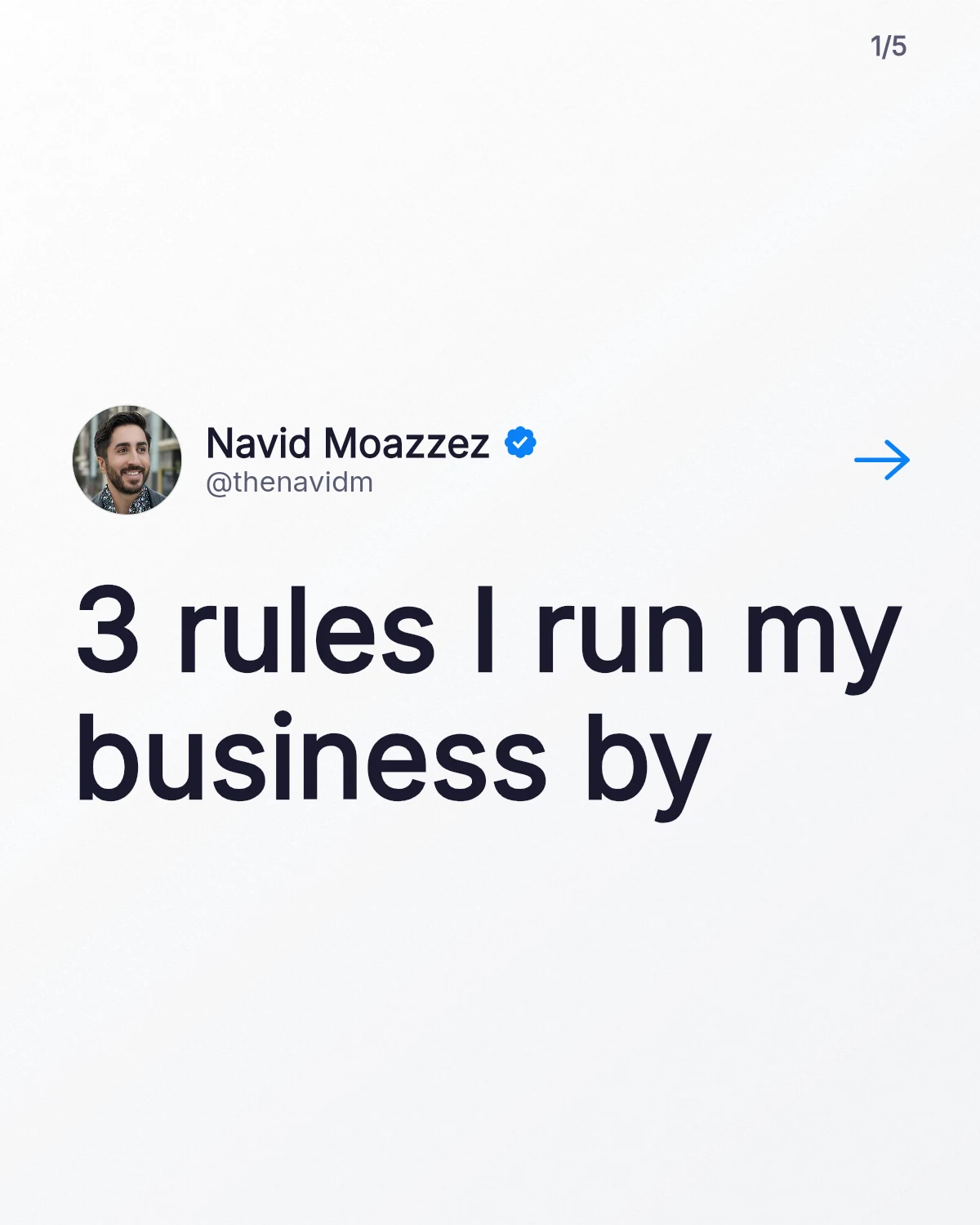
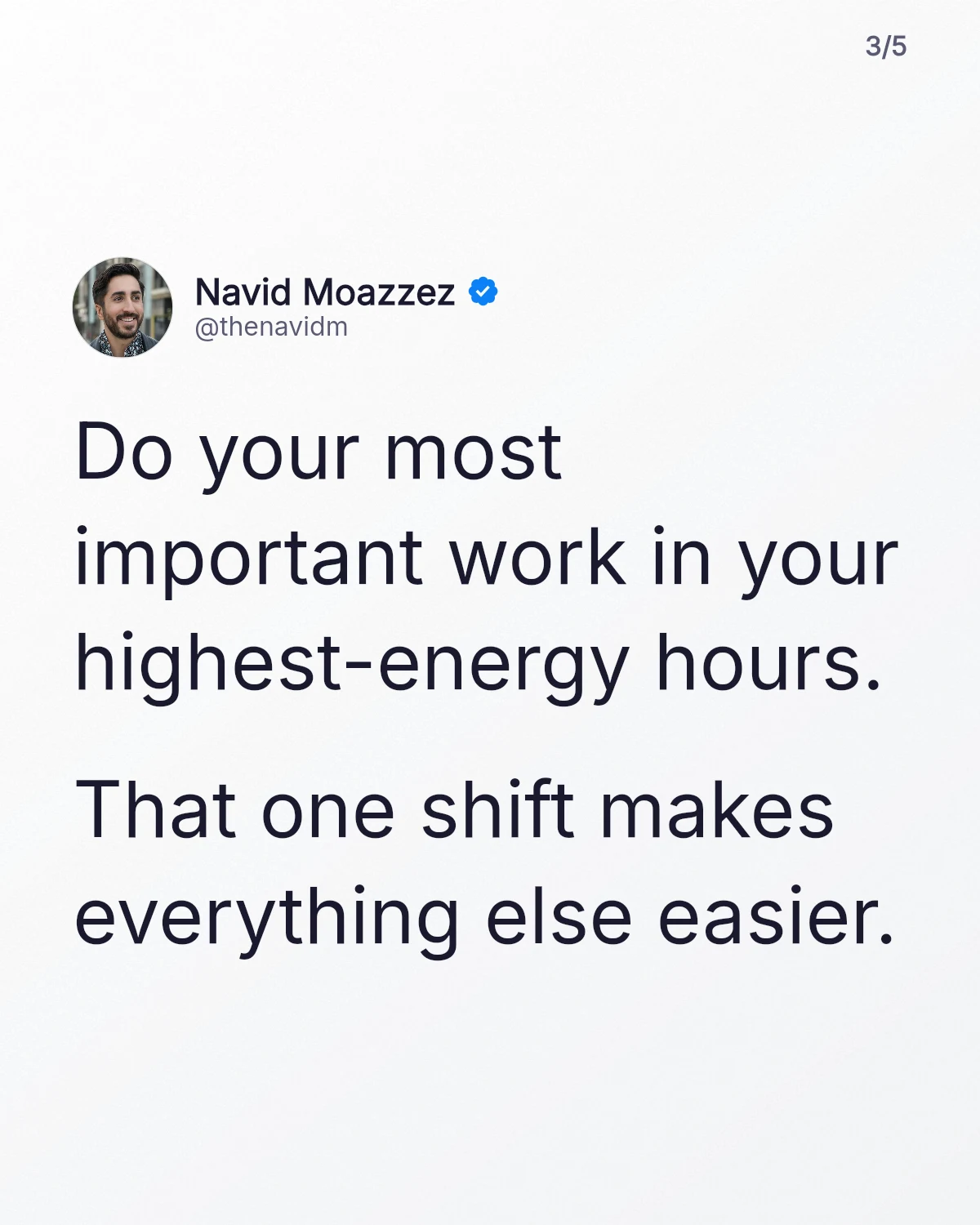
A LinkedIn carousel of 5 slides: a cover, 3 rules and a slide to follow Navid Moazzez
Make a LinkedIn carousel0/5

A long post splits between paragraphs, and a long paragraph between sentences, never inside one. A thread gives 1 slide per post. The last slide asks people to follow you, with your photo and handle.

How to post a carousel on LinkedIn

Post a carousel on LinkedIn0/5

Keep the post itself short and let the slides carry the idea. Check it fits with my LinkedIn character counter, and to post it later, use the tools on my creator tools page.

LinkedIn wants every page of a PDF at the same size (LinkedIn Help), and every slide here is. The sizes that work:

SizePixelsGood for
LinkedIn 4:51200 × 1500The default here: tall, so each slide takes more of the feed
Instagram 4:51080 × 1350The same shape at Instagram's size, to post the slides there too
Square 1:11080 × 1080A square, if you'd rather the slides take less room

A size too small for your text is grayed out, and a slide whose text drops under 32 pixels, small on a phone, gets a warning.

A carousel is a promise on the cover, kept 1 slide at a time. 4 things make it work:

  • A cover that makes a promise. The first slide is all people see in the feed, so it's your hook
  • 1 idea per slide, in a few short lines, big enough to read on a phone
  • Your face and name on every slide, so a slide shared on its own still points to you
  • A last slide that says what to do next: follow you, or read the link in the comments
The cover of a LinkedIn carousel on a light look, with a swipe arrow

Your best X or Threads thread already has its slides: 1 post each. Paste the thread's links, 1 per line, and every post becomes a slide after the cover.

A long LinkedIn post works too: paste its link, and it splits between paragraphs. To make a single image of a post instead, use my post image generator.

No. A LinkedIn carousel is a PDF, and a PDF can't move, so the slides stay still. For motion on LinkedIn, post the typing video from my post image generator instead. For your website or a talk, Download animated HTML plays the carousel in any browser.

LinkedIn or Instagram?

The same slides work on both. LinkedIn takes them as 1 PDF, and Instagram takes up to 20 images. Press Download slides for the images, or open my Instagram carousel generator, which starts at Instagram's size.

Ready to post it?

LinkedIn Carousel Generator FAQs

Questions about LinkedIn carousels? Here's what to know.

A LinkedIn carousel generator is a tool that turns text into slides and saves them as a PDF, the file LinkedIn shows as a swipeable carousel. This one reads your post or thread from a link, lets you edit every slide, and runs free in your browser.

Yes, it's free: no signup, no watermark and nothing to install. The slides are drawn in your browser.

Yes, as document posts. Upload a PDF with Add a document, and LinkedIn shows its pages as slides people swipe through.

A LinkedIn carousel works best at 4:5, 1200 × 1500 pixels, the default here: a tall slide that takes more of the feed. 1080 × 1350 and a 1080 × 1080 square work too. Keep every page the same size.

A LinkedIn document can have up to 300 pages and 100 MB (LinkedIn Help). A carousel needs far fewer: a cover, 1 idea per slide, and a last slide.

Yes, paste the post's link and press Read the post. It fills in the text, your name and your photo, and splits the text into slides.

Yes, every slide has its own box. Edit, add or remove slides, or paste slides your AI wrote with a blank line between them. Back to automatic splits the text again.

Pick Split it into slides under Ask AI to, open it in Claude or ChatGPT, then paste the slides it writes into Or paste your AI's slides.

Yes. Pick My brand for your colors and font, or paste your DESIGN.md, and add your logo or photo with your site or handle at the top or the bottom of every slide.

No, a LinkedIn carousel is a PDF, and a PDF can't move. For motion on LinkedIn, post a video instead, like the typing video from the post image generator.

LinkedIn shows a PDF document as a carousel people swipe through. Download slides gives you the same slides as images, for Instagram.

No, nothing is stored: the slides are drawn in your browser, and your work is kept in this browser only. Reading a link fetches only that public post.

Navid Moazzez

AI business strategist & AI OS builder

Navid Moazzez helps creators and founders master AI and build their own AI Operating System (AI OS) to automate their business and life.

Navid.me is reader-supported. When you buy through links on this site, I may earn an affiliate commission. Learn more.



More free tools

Free AI newsletter

The most actionable AI newsletter for founders

Every week, get proven AI strategies, curated tools, and step-by-step systems to grow your audience, create better content, and build a profitable creator business.

No fluff, no filler, no BS. Just five minutes each week that might level up your online business and life.

P.S. Sign up now to get free access to my ultimate AI tools guide for creators.

Loved by 10,000+ readers