
Choosing the right shopping cart software decides how much of each sale you keep, how much each buyer spends, and how smooth it is to pay. In this guide, I ranked and reviewed the 17 best shopping carts, along with my top 5 picks, so you can pick the one that fits how you sell.
 HighLevelFrom $97 a month, after a 14-day free trial
Payments and upsell funnels with a CRM, email and SMS behind them, and no cut of your sales.
 ThriveCartFrom $47 a month, after a 30-day free trial
Checkouts with order bumps, one-click upsells and subscriptions, and 0% of your sales.
 WhopNo monthly fee, 2.7% + $0.30 a sale
Sell products, memberships and courses with payments from 195 countries, and pay only when you sell.
 SureCartFree plan, or from $199 a year
A WordPress checkout with order bumps, one-click upsells and subscriptions on every plan.
 SamCartFrom $79 a month, after a 7-day free trial
Checkouts with Apple Pay, Google Pay, PayPal and buy now pay later, and no cut of your sales.
There are few tools I consider essential when running an online business, and the best shopping cart software is one of them. It's how you get paid for your courses, coaching, memberships and virtual summits, and how you sell more to each buyer.
I was one of ThriveCart's early adopters and processed millions of dollars through it, and I've used SureCart to sell online too. Today I sell through Creator Store, a store I built myself. Building your own isn't for everyone, so this guide covers the carts that do the job for you.
I went through each one's own pricing and feature pages, and wrote up what it does well, where it falls short, and what it really costs.
In this guide, I'll show you:
- All 17 shopping carts I reviewed, each with who it's for, key features, pros, cons and pricing
- What shopping cart software is, and the kinds there are
- What to look for before you pick one
- The best shopping carts with no monthly fee
- What I use today
Every price here is from the tool's own pages, read in late September and early October 2026.
 TL;DR
TL;DRKey takeaways
The best shopping cart software
Here's every cart I reviewed, with what each is best for and what it costs to start. Each name jumps to its full review:
- Best for
- A cart with a CRM, email and SMS
- Price
- $97 a month
- Free to try
- 14-day free trial
- Best for
- Courses and digital products
- Price
- $47 a month
- Free to try
- 30-day free trial
- Best for
- Selling with no monthly fee
- Price
- 2.7% + $0.30 a sale
- Free to try
- No monthly fee
- Best for
- A checkout on WordPress
- Price
- $199 a year
- Free to try
- Free plan
- Best for
- More ways to pay
- Price
- $79 a month
- Free to try
- 7-day free trial
- Best for
- Subscriptions and affiliates
- Price
- $79 a month
- Free to try
- 14-day free trial
- Best for
- No fees on WordPress
- Price
- $199 a year
- Free to try
- Free version
- Best for
- Tax handled for you
- Price
- 5% + $0.50 a sale
- Free to try
- No monthly fee
- Best for
- Your first digital product
- Price
- 10% + $0.50 a sale
- Free to try
- No monthly fee
- Best for
- A free store
- Price
- Free, or $29 a month
- Free to try
- Free plan
- Best for
- Selling from your bio
- Price
- $29 a month
- Free to try
- 14-day free trial
- Best for
- Brand deals and a store
- Price
- Free, or $10 a month
- Free to try
- Free plan
- Best for
- Selling Custom AIs
- Price
- $299 a year, plus 5%
- Free to try
- Free workspace
- Best for
- Online stores
- Price
- $29 a month, billed yearly
- Free to try
- 3 days free
 WooCommerce
- Best for
- A free WordPress store
- Price
- Free
- Free to try
- Free plugin
- Best for
- If you already use ClickFunnels
- Price
- $97 a month
- Free to try
- Free trial
- Best for
- Coaches who want it all in one
- Price
- $59 a month
- Free to try
- 30-day money-back
1. HighLevel
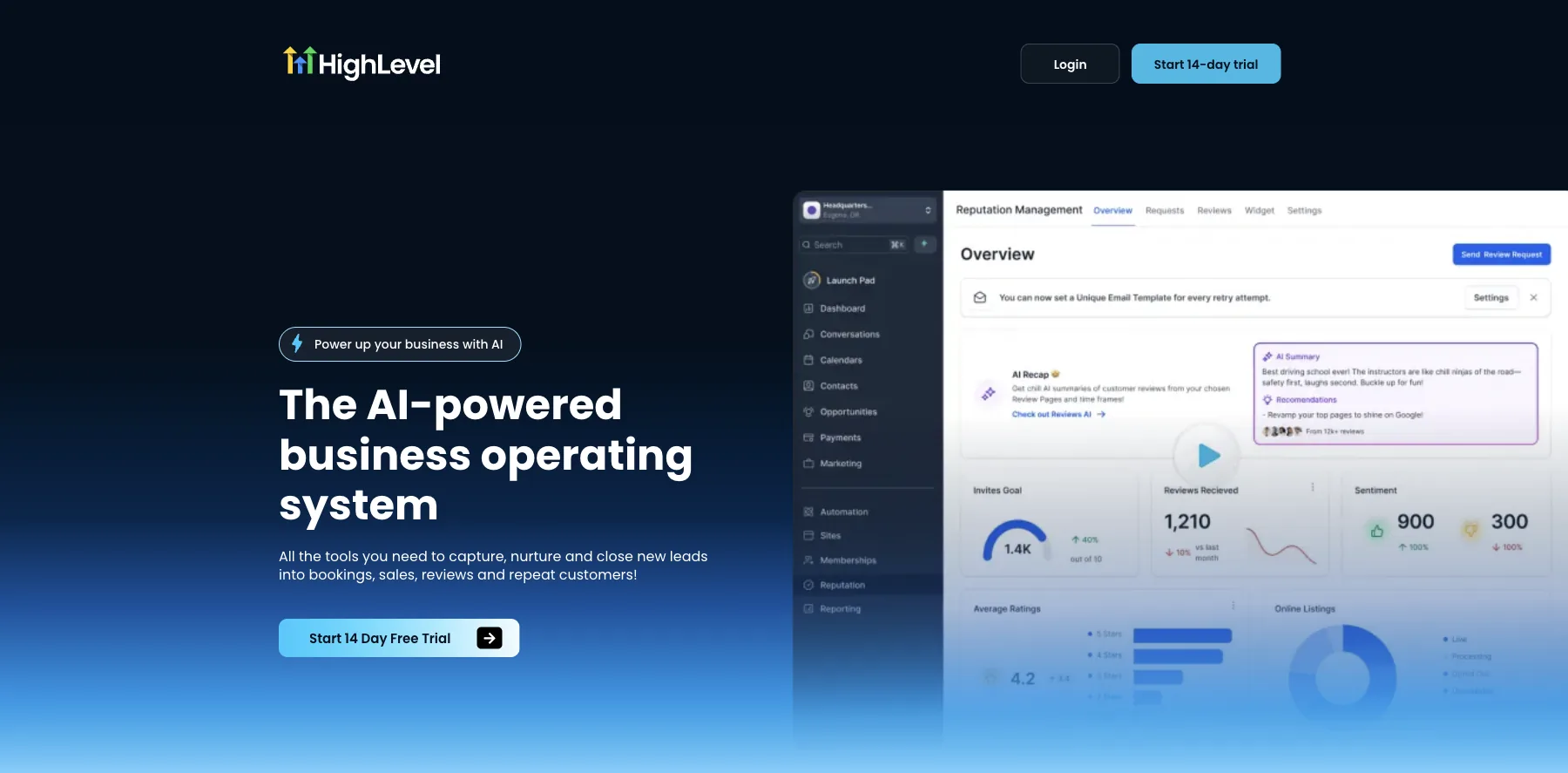
HighLevel is an all-in-one platform for marketing and selling: payments and one-click upsell funnels, plus a CRM, email and SMS, calendars, and courses and memberships.
As a shopping cart, it takes payments through Stripe, PayPal, NMI and others, sells paid content access and paid calendar bookings, and takes no cut of your sales.
It's the one I'd pick if I weren't building my own. The cart comes with the follow-up behind it: the contact, the emails and texts, and the next offer.
Every plan has unlimited contacts and unlimited users. What you pay on top is usage: phone numbers, SMS, emails and AI are charged as you use them.
Who is HighLevel for?
HighLevel is for businesses and agencies that want their checkout, CRM, email, SMS and bookings in one account.
Key features
- Payments through Stripe, PayPal, NMI and others
- One-click upsell funnels
- Paid memberships and courses
- Paid calendar bookings
- A CRM with unlimited contacts and users
- Email and SMS follow-up
Pros
- No cut of your sales
- Unlimited contacts and users on every plan
- The checkout and the follow-up in one place
- A 14-day free trial, month to month
Cons
- Starts at $97 a month, more than a cart on its own
- Phone, SMS, email and AI are charged by use, on top of the plan
- Its plans are built around sub-accounts, the way an agency works
Pricing
HighLevel has three plans, each with a 14-day free trial, from its pricing page as read on October 3, 2026:
- Starter – $97 a month, or $970 a year, with three sub-accounts.
- Unlimited – $297 a month, or $2,970 a year, with unlimited sub-accounts.
- Agency Pro – $497 a month, or $4,970 a year, with SaaS mode, to sell HighLevel as your own software.
Payments and upsell funnels with a CRM, email and SMS behind them, and no cut of your sales.
I may earn a commission if you make a purchase, at no additional cost to you.
2. ThriveCart
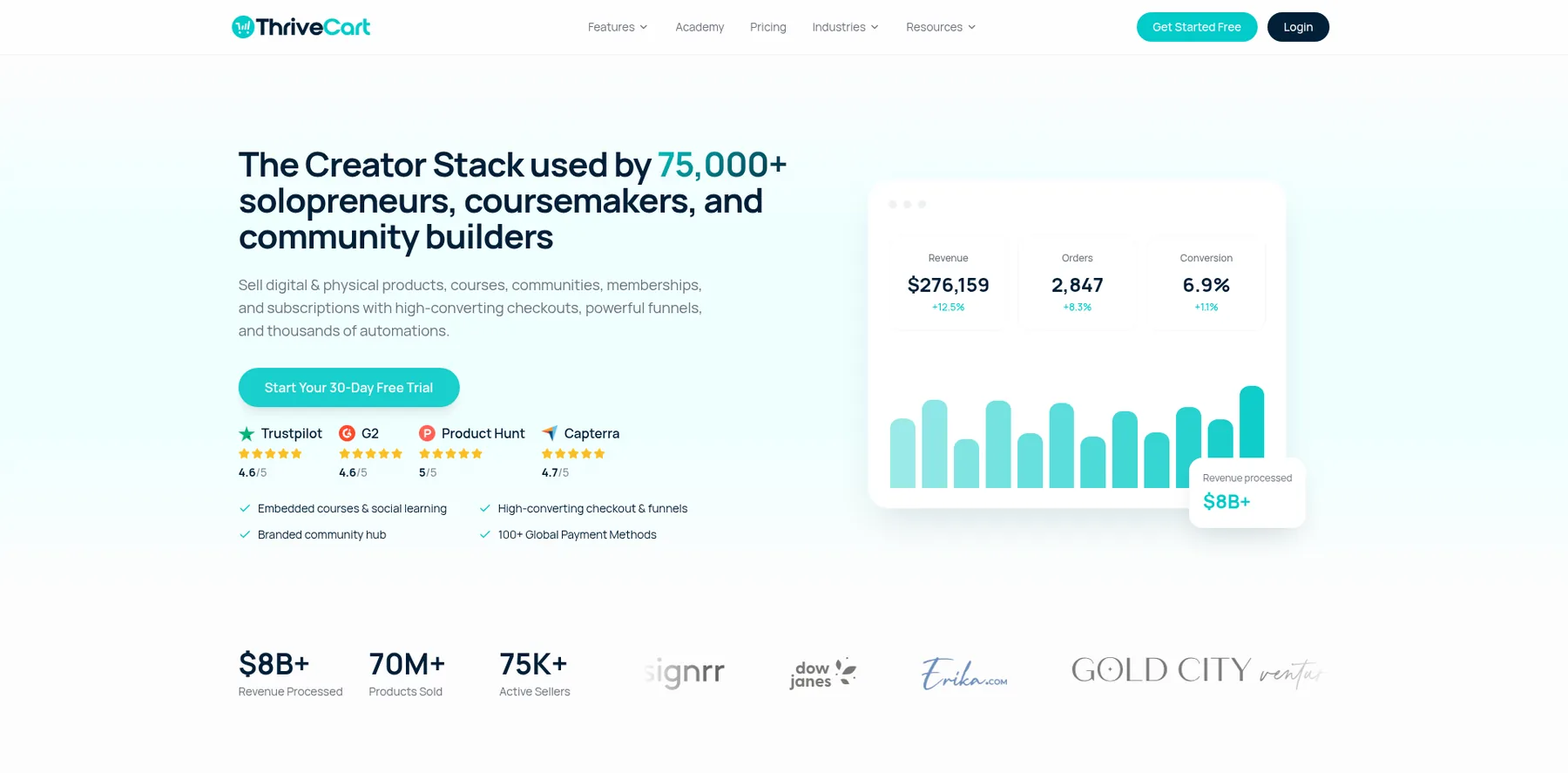
ThriveCart is a checkout platform: cart and checkout pages with order bumps, one-click upsells, subscriptions and an affiliate center, plus ThriveCart Academy for your courses and a community.
It takes 0% of your sales on every plan, with payments through your own Stripe, PayPal or Authorize.Net. ThriveCart says sellers have processed over $8 billion through it.
I'm one of them. I was one of ThriveCart's early adopters, and I processed millions of dollars through it, selling my courses and virtual summits.
It was my go-to shopping cart for years, and I still stand behind it.
Who is ThriveCart for?
ThriveCart is for creators and course sellers who want a checkout that sells more per order, without a big monthly plan.
Key features
- Custom checkout and cart pages, in 100+ countries
- One-click upsells and downsells, order bumps and A/B split testing
- Abandoned cart recovery and sales tax automation
- Buy now pay later, split pay, pay-what-you-like and subscriptions
- ThriveCart Academy: courses, a community, quizzes and certificates
- An affiliate center with automated payouts, on Pro+
Pros
- 0% fees on your sales, on every plan
- Order bumps and one-click upsells from the first plan
- A 30-day free trial
- Your courses and a community in the same account
Cons
- Standard gives you one order bump
- The affiliate center, coupons and your own domain start on Pro+, at $87 a month
- No email marketing of its own
Pricing
ThriveCart has two plans, each with a 30-day free trial, and Enterprise on request, from its pricing page as read on September 29, 2026:
- Standard – $47 a month, with ThriveCart Academy Starter: unlimited courses and students, and up to 2,000 community members.
- Pro+ – $87 a month, with multiple order bumps, the affiliate center, coupons, custom domains and up to 10,000 community members.
Checkouts with order bumps, one-click upsells and subscriptions, and 0% of your sales.
I may earn a commission if you make a purchase, at no additional cost to you.
3. Whop
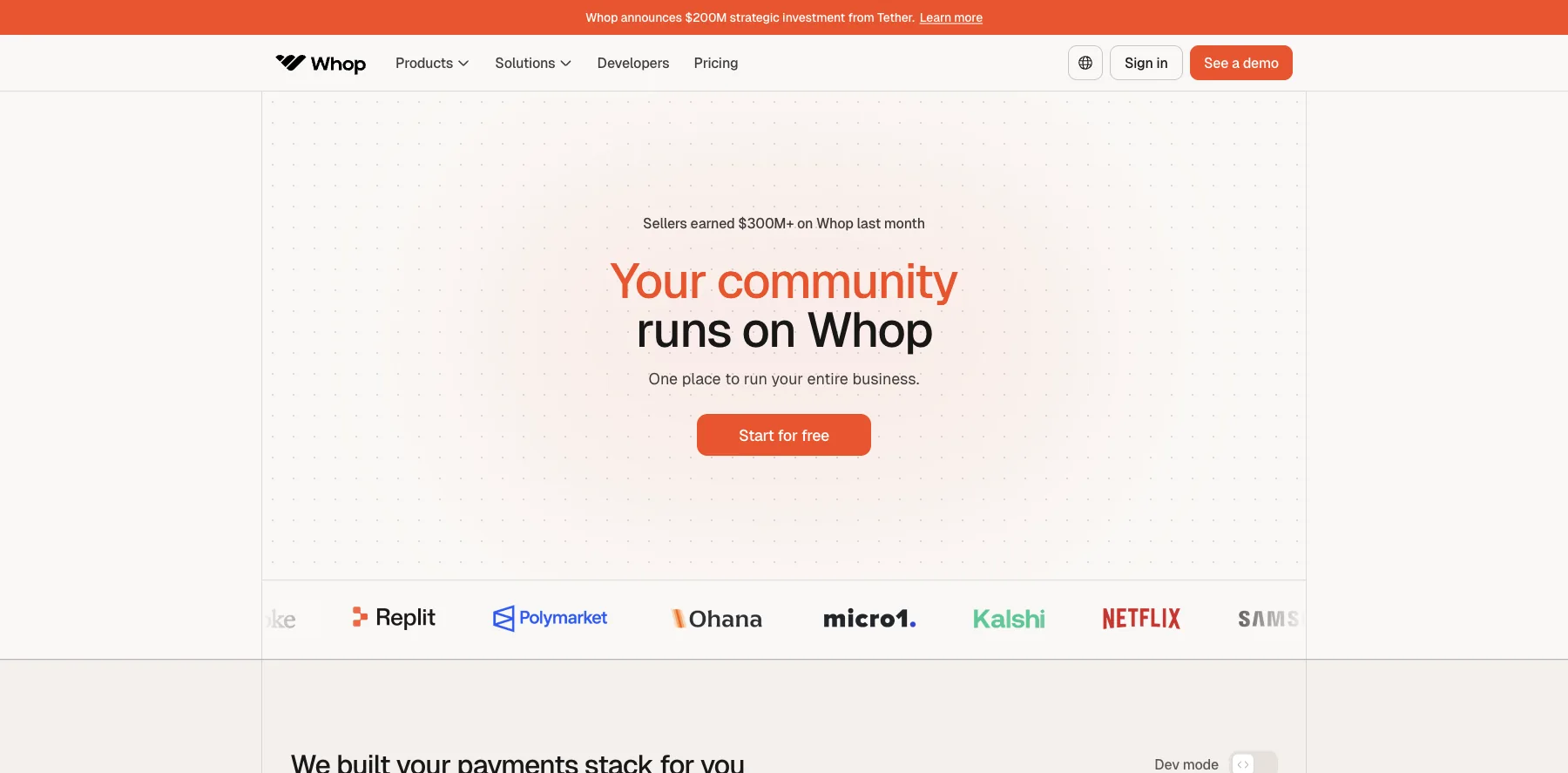
Whop is where you sell digital products, memberships, courses, communities and services, with the checkout and payouts built in. It says sellers earned over $300 million on Whop last month.
There's no setup fee and no monthly cost. Whop charges 2.7% + $0.30 for each successful card payment, plus 1.5% for international cards and 1% if a currency is converted.
The extras are optional: 0.8% for payment orchestration, 0.5% for billing and 2% for tax handling. With all of them on and tax collected, a sale costs 6% + $0.30.
It also runs its own MCP server, so AI agents like Claude can work with your store, and a marketplace on whop.com where buyers can find your products.
Who is Whop for?
Whop is for creators who want to sell without a monthly plan, and pay only when they make a sale.
Key features
- No monthly fee, only a fee on each sale
- Digital products, memberships, courses and communities
- Payments in 195 countries and 135+ currencies, with 100+ payment methods
- Klarna and Afterpay, so buyers can pay over time
- An affiliate program, with affiliate payouts at 1.25%
- A marketplace where buyers can find you
- An MCP server for AI agents like Claude
Pros
- No setup fee and no monthly cost
- Card processing included in its 2.7% + $0.30
- Buyers can pay from almost anywhere
- Works with AI agents through its MCP server
Cons
- Orchestration, billing and tax handling add up to 3.3% more when you turn them on
- Payouts cost from $2.50 each
- A fee on every sale grows with your sales, where a flat plan stays the same
Pricing
Whop has no plan to pay for. These are its fees, from its fee docs as read on October 3, 2026:
- Card payments – 2.7% + $0.30, plus 1.5% for international cards and 1% for currency conversion.
- Orchestration – 0.8%, when you turn it on.
- Billing – 0.5%, when you turn it on.
- Tax and remittance – 2%, when you turn it on and tax is collected.
- Payouts – from $2.50 each, by next-day ACH.
Sell products, memberships and courses with payments from 195 countries, and pay only when you sell.
I may earn a commission if you make a purchase, at no additional cost to you.
4. SureCart
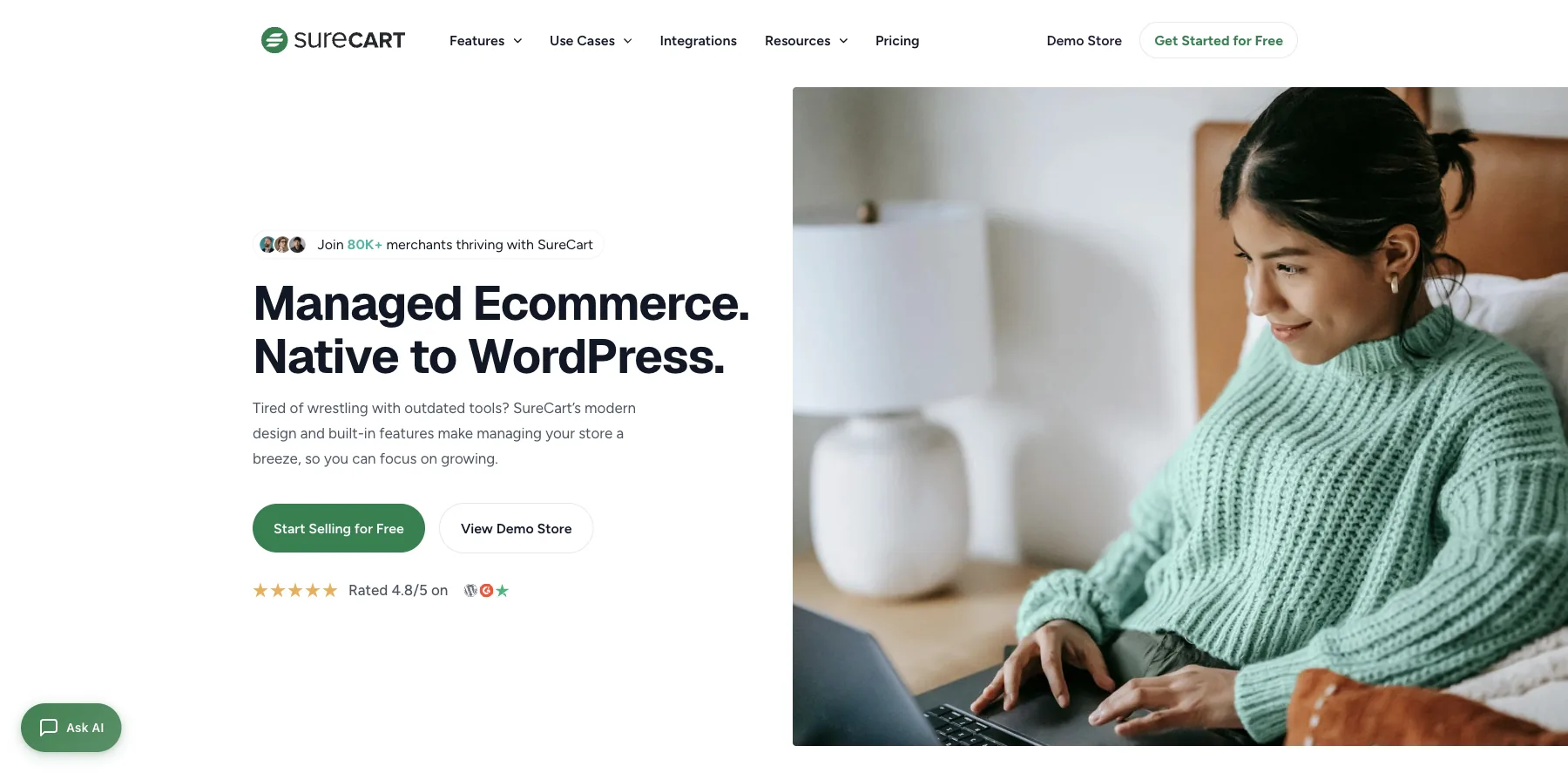
SureCart is a checkout and ecommerce plugin for WordPress, used by over 80,000 merchants, it says. I've used it to sell online myself.
Every plan, the free one included, has order bumps, one-click upsells, subscriptions and sales tax, so it runs a full checkout on your own site, without WooCommerce.
The free Launch plan charges a 2.9% transaction fee. Pro, from $199 a year for one store, charges none.
Who is SureCart for?
SureCart is for WordPress site owners who want a checkout with order bumps and upsells on a site they own.
Key features
- A checkout native to WordPress
- Order bumps and one-click upsells, on every plan
- Subscriptions, free and paid trials, setup fees and a subscription saver
- Automatic sales tax for 40+ countries and every US state, and EU VAT
- Coupons, an affiliate program and a customer portal
- An agency suite to run many stores from one place
Pros
- Order bumps and upsells, even on the free plan
- No transaction fee on Pro
- A lifetime option
- A 14-day money-back guarantee
Cons
- The free plan charges a 2.9% transaction fee
- Card fees on top on every plan
- WordPress and hosting are yours to run
Pricing
SureCart has a free plan and Pro by the number of stores, yearly or once, from its pricing page as read on October 3, 2026:
- Launch – free, with a 2.9% transaction fee.
- Pro, one store – $199 a year, or $699 once.
- Pro, five stores – $299 a year ($249 the first year when I checked), or $1,199 once.
- Pro, unlimited stores – $499 a year ($399 the first year when I checked), or $1,999 once.
A WordPress checkout with order bumps, one-click upsells and subscriptions on every plan.
5. SamCart
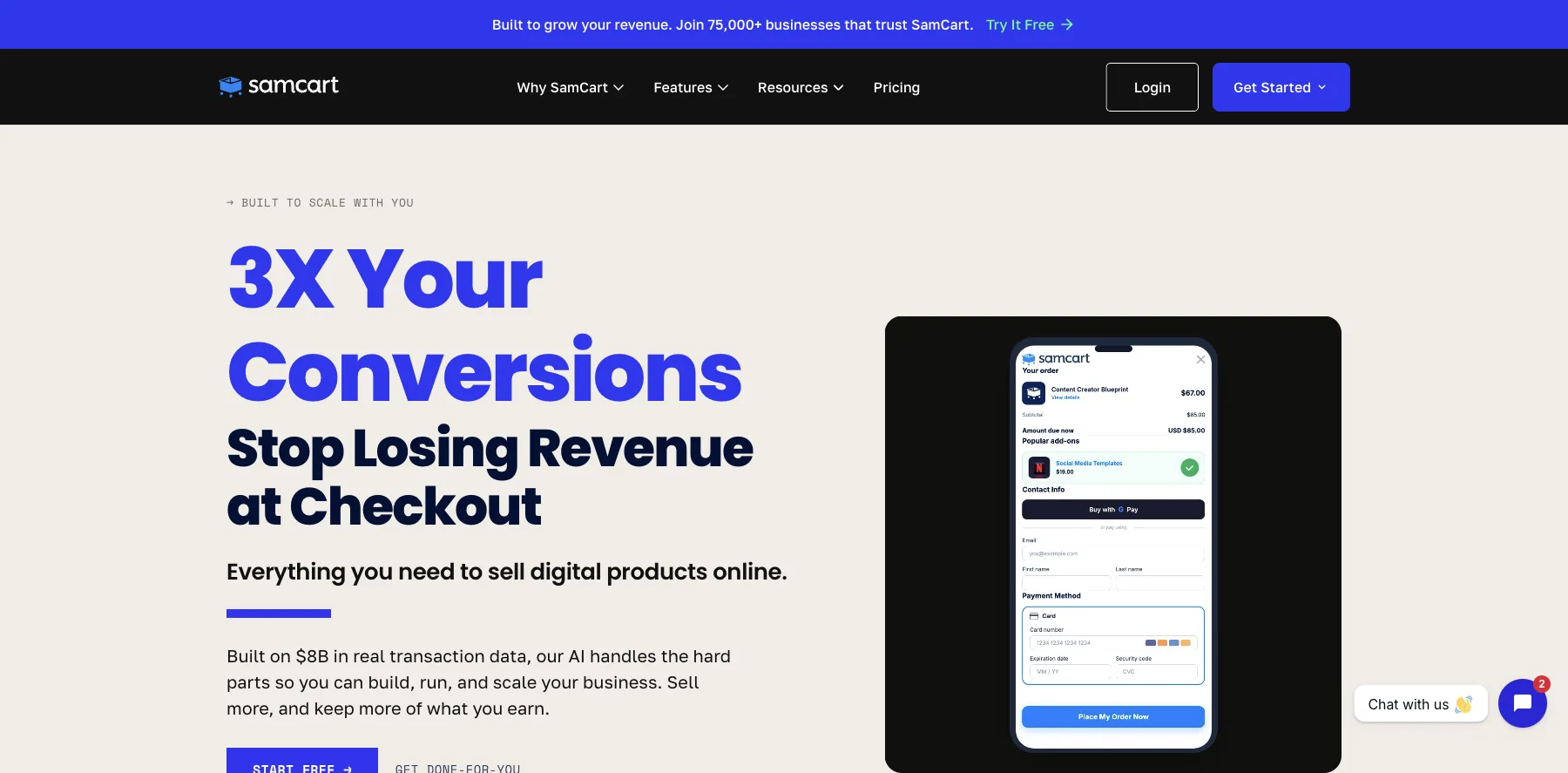
SamCart is a checkout platform for digital products, courses, subscriptions and coaching, used by over 75,000 businesses, it says.
It builds your sales pages and checkouts, hosts your courses, and takes Apple Pay, Google Pay, PayPal, Venmo, cards and buy now pay later.
SamCart takes no cut of your sales. One-click upsells and order bumps start on its second plan, Pro.
Who is SamCart for?
SamCart is for sellers who care most about the checkout itself, and the ways people can pay.
Key features
- Sales pages and checkouts
- Apple Pay, Google Pay, PayPal, Venmo, cards and buy now pay later
- Cart abandonment and coupons
- Subscriptions, with a customer portal
- A members area for your courses
- One-click upsells, order bumps, A/B tests and an affiliate center, on Pro
Pros
- No cut of your sales
- Many ways to pay at checkout
- A 7-day free trial
Cons
- Starts at $79 a month
- Upsells, order bumps and affiliates start on Pro, at $199 a month
Pricing
SamCart has two plans, with a 7-day free trial and 25% off billed yearly, from its pricing page as read on October 2, 2026:
- Core – $79 a month, with unlimited pages, products and checkouts.
- Pro – $199 a month, with one-click upsells, order bumps, A/B tests and an affiliate center.
Checkouts with Apple Pay, Google Pay, PayPal and buy now pay later, and no cut of your sales.
I may earn a commission if you make a purchase, at no additional cost to you.
6. PayKickstart
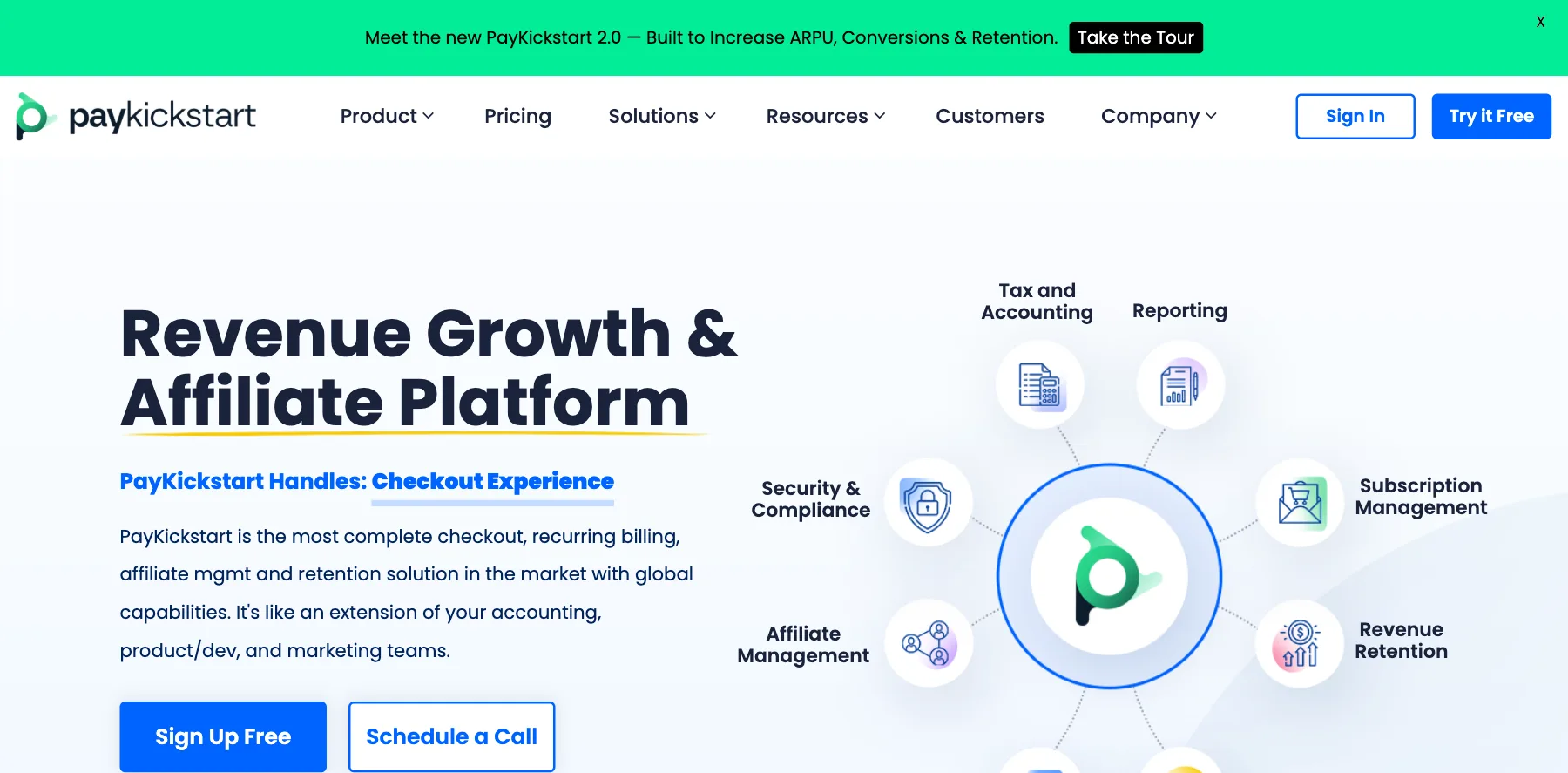
PayKickstart is a checkout, subscription billing and affiliate platform: hosted checkout pages, one-click upsells and order bumps, subscriptions with dunning, and an affiliate center.
Every plan has every feature. What changes is the price, which goes by your monthly revenue, from $79 a month for up to $3,000 in sales.
Its affiliate center pays first- and second-tier commissions, and its marketplace puts your product in front of over 100,000 affiliates, it says.
Who is PayKickstart for?
PayKickstart is for sellers of subscriptions, software and digital products who want a checkout with an affiliate program built in.
Key features
- 50+ hosted checkout page designs, plus pop-ups and embeddable forms
- Cards, PayPal, ACH and mobile wallets
- One-click upsells, order bumps, coupons and cart recovery
- Subscriptions, free and paid trials, payment plans and usage-based billing
- Dunning, a self-serve billing portal and cancellation savers
- An affiliate center with first- and second-tier commissions
- Tax profiles for US sales tax, EU VAT and GST, and checkouts in 19 languages
Pros
- Every feature on every plan
- A 14-day free trial
- Free migration help and 24/7 support
Cons
- Starts at $79 a month, for up to $3,000 in monthly revenue
- Revenue over your plan's limit costs a 5.27% fee
- Your pages, courses and emails need tools of their own
Pricing
PayKickstart's plans go by your average monthly revenue, each with a 14-day free trial, from its pricing page as read on October 3, 2026:
- From $79 a month – for up to $3,000 in monthly revenue, with a 5.27% fee on revenue over that.
- Launch – no monthly fee, with every feature, for 6% of your revenue.
Plans for more revenue cost more, and the slider on its pricing page shows each one.
Checkouts, subscriptions and a two-tier affiliate center, priced by your monthly revenue.
I may earn a commission if you make a purchase, at no additional cost to you.
7. FluentCart
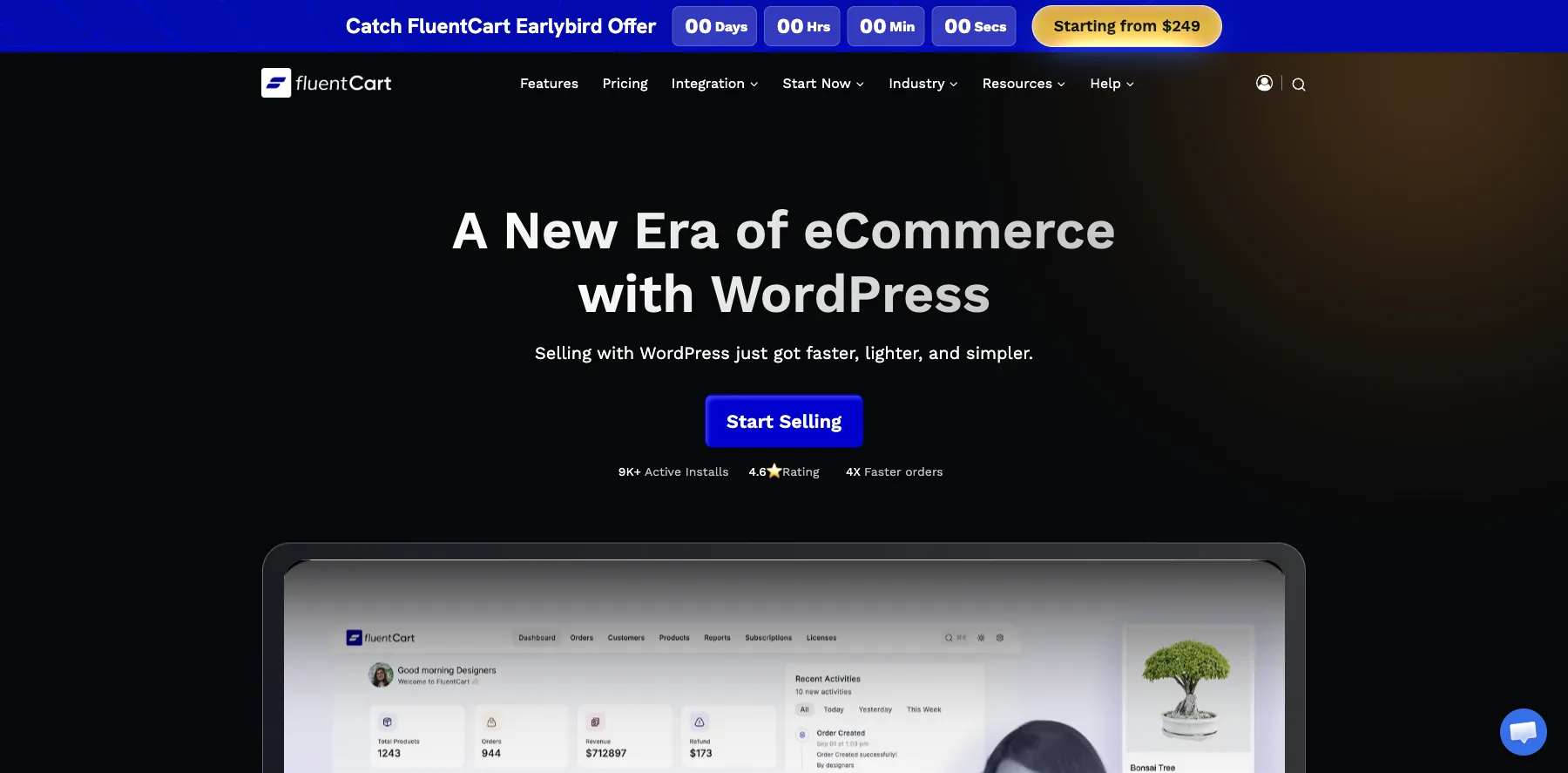
FluentCart is an ecommerce plugin for WordPress from the team behind FluentCommunity: physical and digital products, subscriptions and licenses, with Stripe and PayPal built in.
To sell more per order, it has order bumps, upsells and cross-sells, and coupons, and it charges no transaction fees on the free version or Pro.
It's new, with over 9,000 active installs. Pro is $199 a year for one site, and for now there's an early-bird lifetime deal from $249.
Who is FluentCart for?
FluentCart is for WordPress sellers who want a fast checkout with order bumps and no fee on sales.
Key features
- Physical and digital products, subscriptions and licenses
- Order bumps, upsells and cross-sells, and coupons
- Stripe and PayPal built in
- Installments, bundles and invoicing
- Shipping and taxes
- Reports on how customers move through your store
Pros
- No transaction fees on the free version or Pro
- A free version
- A 60-day money-back guarantee
Cons
- New, with over 9,000 active installs so far
- WordPress and hosting are yours to run
- Card fees from Stripe or PayPal on top
Pricing
FluentCart is free to start, with yearly plans by the number of sites, from its pricing page as read on October 3, 2026:
- One site – $199 a year, or $249 once in the early-bird lifetime deal.
- Five sites – $499 a year.
- 15 sites – $699 a year.
- 50 sites – $899 a year.

A fast WordPress checkout with order bumps and upsells, and no transaction fees.
8. Lemon Squeezy
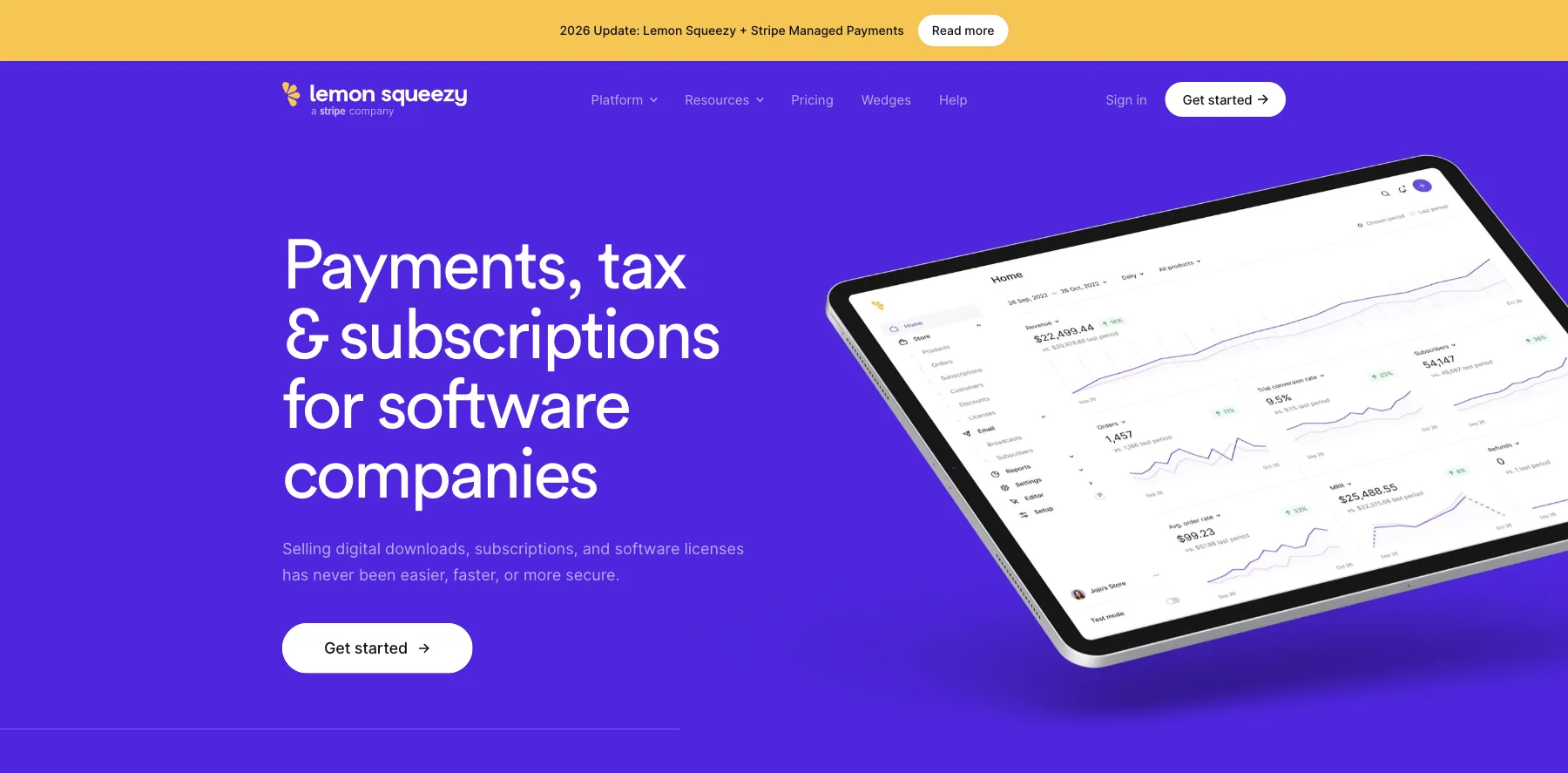
Lemon Squeezy is a checkout for digital products, subscriptions and software licenses, and part of Stripe.
It's built for software companies first, and it sells downloads, subscriptions and license keys.
There's no monthly fee. Lemon Squeezy keeps 5% + $0.50 of each sale, card processing included, and some payments carry small extra fees.
It's also the merchant of record, so it handles sales tax and VAT for you.
Who is Lemon Squeezy for?
Lemon Squeezy is for creators and software makers who sell downloads and subscriptions worldwide and never want to deal with sales tax.
Key features
- A checkout for digital products and subscriptions
- Sales tax and VAT handled as the merchant of record
- Secure download links
- License keys for software
- Email marketing, free up to 500 subscribers
- An affiliate program
Pros
- No monthly fee, and free to start
- Sales tax and VAT handled for you
- Card processing included in its cut
- Part of Stripe
Cons
- Keeps 5% + $0.50 of each sale
- Built for software first
- Some payments carry extra fees
Pricing
Lemon Squeezy has one price, from its pricing page as read on September 29, 2026:
- Every sale – 5% + $0.50, with volume pricing on request.
- Email marketing – free up to 500 subscribers.

A checkout for downloads, subscriptions and licenses, as the merchant of record.
9. Gumroad
Gumroad sells digital products, ebooks, courses and memberships, with no monthly fee.
Instead, it keeps 10% + $0.50 of each sale through your profile or your own links, with card processing on top. On a sale it finds for you through Discover, its marketplace, it keeps 30%.
Since January 1, 2025, Gumroad is the merchant of record for your sales. So it collects and pays sales tax, VAT and GST worldwide, and you don't have to.
Who is Gumroad for?
Gumroad is for creators selling their first digital product, who want to pay nothing until they make a sale.
Key features
- Digital products, courses and memberships
- A profile store and product pages
- Its Discover marketplace
- Email to your customers
- Coupons, upsells and an affiliate program
- Sales tax, VAT and GST handled worldwide
Pros
- No monthly fee
- The merchant of record, so tax is handled for you
- A marketplace that can bring you buyers
- Its cut drops to 5% + $0.50 once paid sales pass $20,000 in a month
Cons
- Keeps 10% + $0.50 of each sale, with card fees on top
- Keeps 30% of sales through Discover
- Costs more than a flat plan once you sell a lot
Pricing
Gumroad has no plans. Its fees, from its pricing page as read on September 29, 2026:
- Your own sales – 10% + $0.50 per sale, plus card processing.
- Discover sales – 30% per sale.

Digital products and memberships, with tax handled worldwide.
10. Payhip
Payhip sells digital downloads, courses, coaching, memberships and physical products, from a store it builds for you.
Every plan has the same features. What you choose is how you pay: a share of each sale, or a monthly plan.
The free plan keeps 5% of each sale, Plus at $29 a month keeps 2%, and Pro at $99 a month keeps nothing. PayPal and Stripe charge their own fees on every plan.
Payhip also collects and pays EU and UK VAT for you, and pays your sales out as soon as each one completes.
Who is Payhip for?
Payhip is for creators who want to start selling today without a monthly bill, and switch to a flat plan once sales grow.
Key features
- Digital downloads, courses, coaching and memberships
- A store and website
- Coupons, upsells and an affiliate program
- Email marketing
- EU and UK VAT collected and paid for you
- Payouts as soon as each sale completes
Pros
- A free plan, with no credit card needed
- Every feature on every plan
- EU and UK VAT handled for you
- No cut of your sales on Pro
Cons
- The free plan keeps 5% of each sale, and Plus 2%
- PayPal and Stripe fees on top, on every plan
Pricing
Payhip has three plans, all with the same features, from its pricing page as read on September 29, 2026:
- Free Forever – $0, keeping 5% of each sale.
- Plus – $29 a month, keeping 2%.
- Pro – $99 a month, keeping nothing.

Downloads, courses, coaching and memberships, from a store it builds for you.
11. Stan
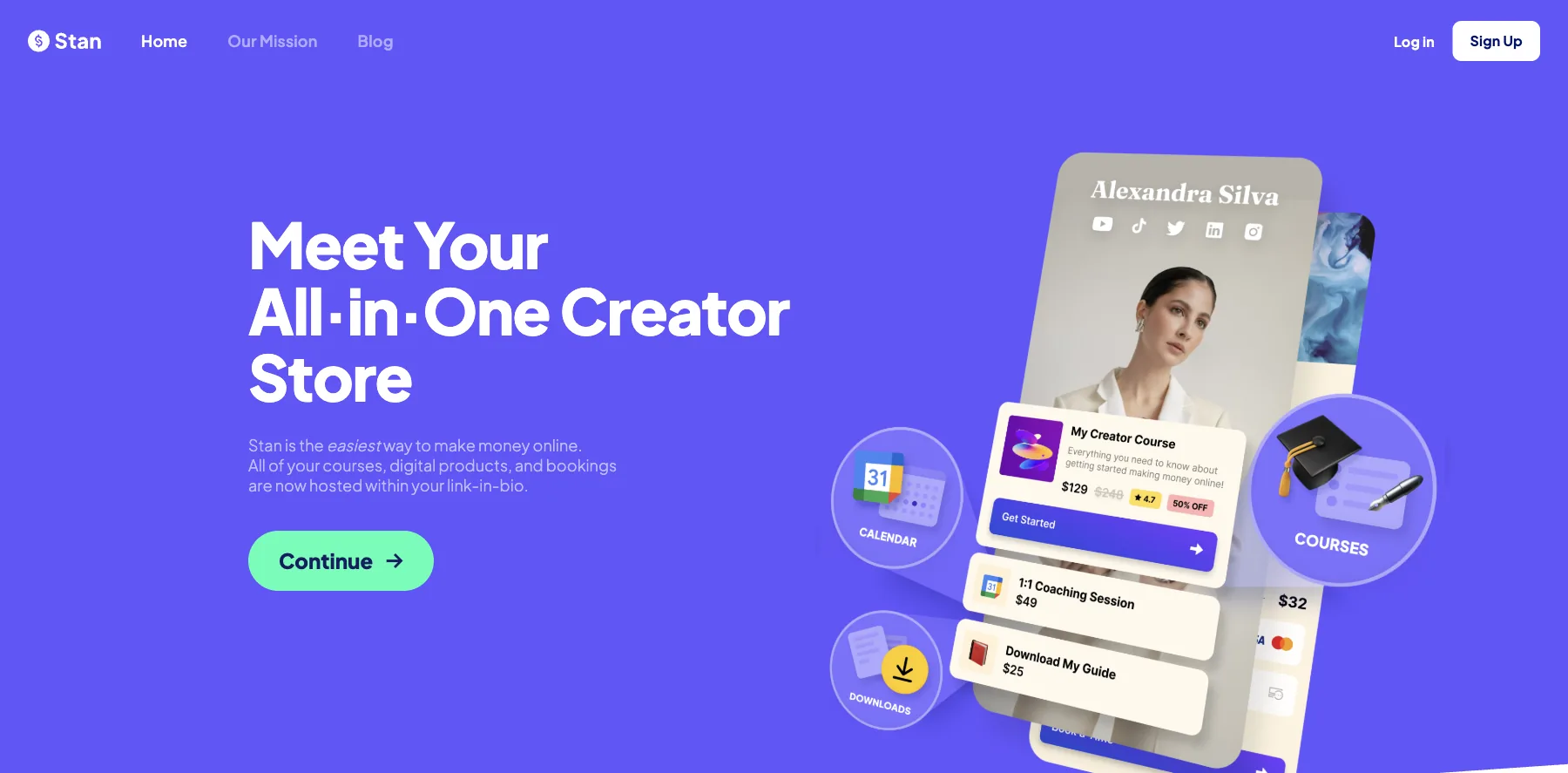
Stan is a link-in-bio store: your digital products, courses, bookings and memberships behind the one link in your social profiles.
It takes zero transaction fees on both plans, so you keep 100% of each sale, apart from your payment processor's fee.
Creator, at $29 a month, includes a course builder, a calendar for bookings, subscriptions, lead magnets, a community and AutoDM, which answers Instagram comments and DMs for you.
Creator Pro, at $99 a month, adds email marketing, funnels, upsells, payment plans, Afterpay and Klarna, and pixel tracking for Meta, Google, Pinterest and TikTok.
Who is Stan for?
Stan is for creators who sell from Instagram and TikTok, and want their products, bookings and downloads one tap from their bio.
Key features
- A store behind your link in bio
- Digital products, courses and memberships
- Calendar and bookings for coaching calls
- Recurring subscriptions and a community
- AutoDM for Instagram
- Email marketing, funnels and upsells, on Creator Pro
- Afterpay, Klarna and payment plans, on Creator Pro
Pros
- Zero transaction fees on both plans
- Built for selling from social media
- A 14-day free trial
Cons
- No free plan
- Email, funnels and upsells start on Creator Pro, at $99 a month
- Afterpay, Klarna and payment plans also start on Creator Pro
Pricing
Stan has two plans, with a 14-day free trial, from its pricing page as read on September 29, 2026:
- Creator – $29 a month, or $300 a year.
- Creator Pro – $99 a month, or $948 a year, with email, funnels, upsells and payment plans.

Your products, bookings and memberships behind the link in your profiles.
12. Beacons
Beacons is a link-in-bio platform with a store for digital products, merch and courses, email, a media kit for brand deals, and Beam, an AI teammate for your content and brand deals.
Its free plan keeps 9% of each sale, and so does Creator, at $10 a month. Creator Plus, at $30 a month, keeps nothing.
Its plans come with AI tools built in: chat with Beam, AI text and images, and an AI designer for your link in bio.
Who is Beacons for?
Beacons is for creators who earn from brand deals and want to sell from the same link in bio.
Key features
- A link-in-bio page and a website
- A store for digital products
- Email collection and sends
- An auto-updating media kit and brand deals
- Beam, AI text and images, and an AI link-in-bio designer
- A free custom domain, from Creator
Pros
- A free plan
- AI tools built in
- 0% seller fees on Creator Plus
- Two months free billed yearly
Cons
- Free and Creator keep 9% of each sale
- 0% seller fees start on Creator Plus, at $30 a month
- Email sends are capped: 50 a month free, 500 on Creator
Pricing
Beacons has a free plan and three paid ones, from its pricing page as read on October 3, 2026:
- Free – $0, with a 9% seller fee and 50 email sends a month.
- Creator – $10 a month, or $8.33 billed yearly, with a free custom domain and a 9% seller fee.
- Creator Plus – $30 a month, or $25 billed yearly, with 0% seller fees.
- Creator Max – $100 a month, or $83.33 billed yearly.

A link-in-bio store with AI tools, a media kit and brand deals.
I may earn a commission if you make a purchase, at no additional cost to you.
13. Eden
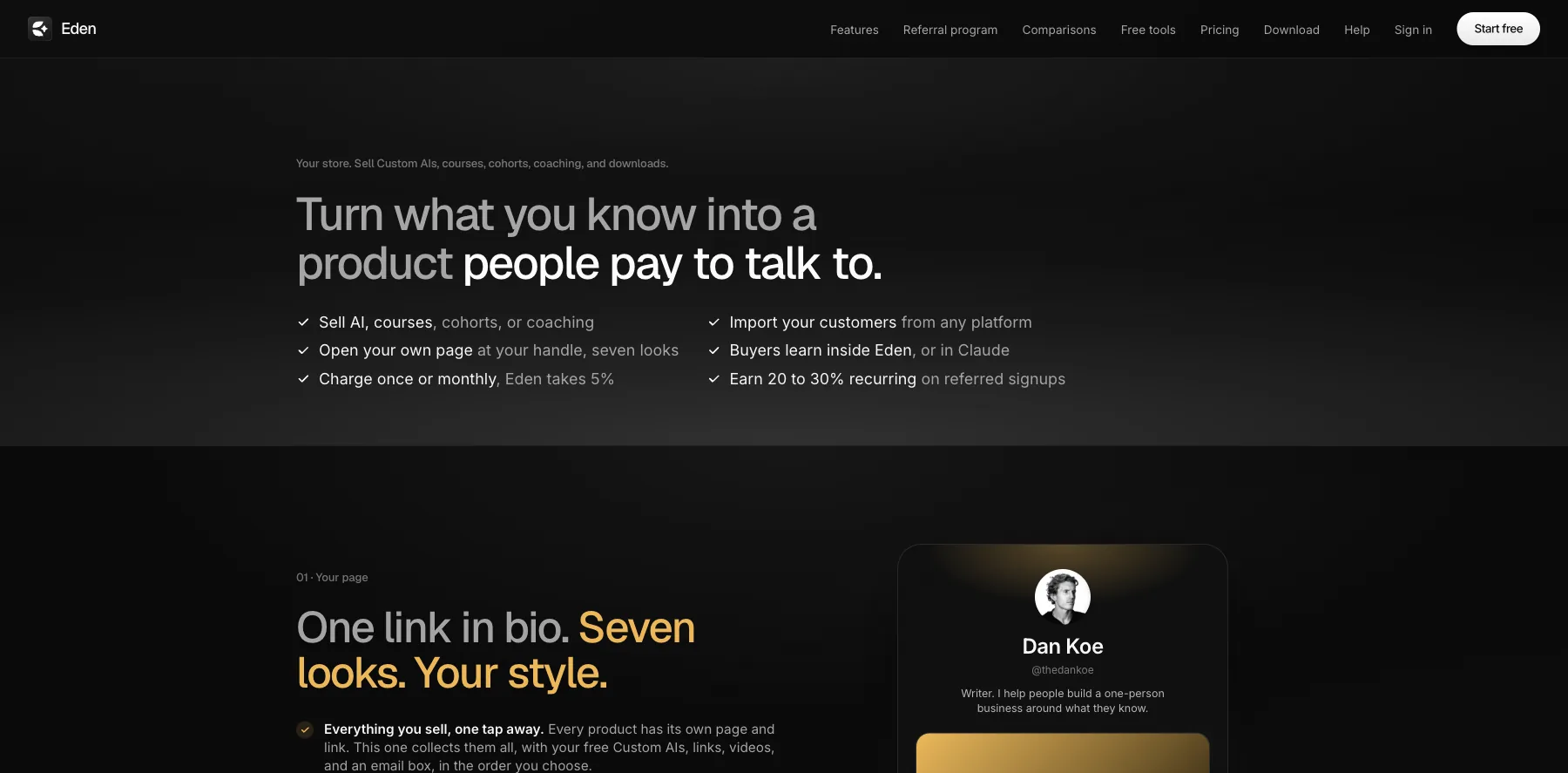
Eden is a workspace for saving ideas and creating with AI, with a store where you sell Custom AIs, courses, cohorts, coaching and downloads.
Every sale goes straight to your own Stripe account. Eden takes a flat 5% of each sale, and Stripe's fee comes out of your share.
Selling starts on Starter, at $299 a year, or $200 for the first year with its welcome offer. Pro adds up to three one-click upsells after checkout and your own affiliate program.
Who is Eden for?
Eden is for creators who want to sell an AI version of what they know, a Custom AI people can talk to, next to their courses and downloads.
Key features
- A store for Custom AIs, courses, cohorts, coaching and downloads
- Charge once or monthly
- Sales through your own Stripe account
- Email broadcasts to 250 contacts, with 5,000 sends a month, on Starter
- Up to three one-click upsells and your own affiliate program, on Pro
- Connectors for Kit, beehiiv, Stripe, Notion, Whop, Kajabi and more
Pros
- Sells Custom AIs next to courses and downloads
- The money lands in your own Stripe account
- A flat 5%, with no store fee on top of the plan
Cons
- Keeps 5% of each sale, with Stripe's fee on top
- Selling starts on Starter, at $299 a year
- Upsells and an affiliate program start on Pro, at $790 a year
Pricing
Eden's selling plans are billed yearly, plus its 5% of each sale, from its pricing and store pages as read on October 3, 2026:
- Starter – $299 a year, or $200 for the first year, with your store and 200 AI credits a month.
- Pro – $790 a year, or $529 for the first year, adding one-click upsells and your own affiliate program.
- Studio – $1,999 a year, for teams and agencies, with five workspaces.

A store for Custom AIs, courses and downloads, paid to your own Stripe.
14. Shopify
Shopify is the website builder for online stores: a store with its own checkout, themes, inventory, and a point of sale for selling in person.
Sidekick, its AI assistant, helps you run the store, and its app store adds whatever Shopify doesn't do itself.
Shopify takes no cut when you use Shopify Payments, whose card rates start at 2.9% + $0.30 on Basic. With another payment provider, it adds a transaction fee.
Who is Shopify for?
Shopify is for anyone whose website is mainly a store, from merch to physical products.
Key features
- An online store with its own checkout
- Themes, plus apps from the Shopify App Store
- Orders and inventory
- Point of sale for selling in person
- Sidekick, an AI assistant for the store
- Shopify Payments, from 2.9% + $0.30 on Basic down to 2.5% + $0.30 on Advanced
Pros
- The most complete store of any builder here
- No transaction fee with Shopify Payments
- Three days free, then $1 a month for three months
Cons
- Starts at $39 a month, or $29 billed yearly
- Many features come through paid apps
- A transaction fee with another payment provider
Pricing
Shopify has three main plans, from its pricing page as read on September 29, 2026, with today's card rates:
- Basic – $39 a month, or $29 billed yearly.
- Grow – $105 a month, or $79 billed yearly, with five staff accounts.
- Advanced – $399 a month, or $299 billed yearly, with 15 staff accounts.
A complete online store with its own checkout, inventory and point of sale.
15. WooCommerce
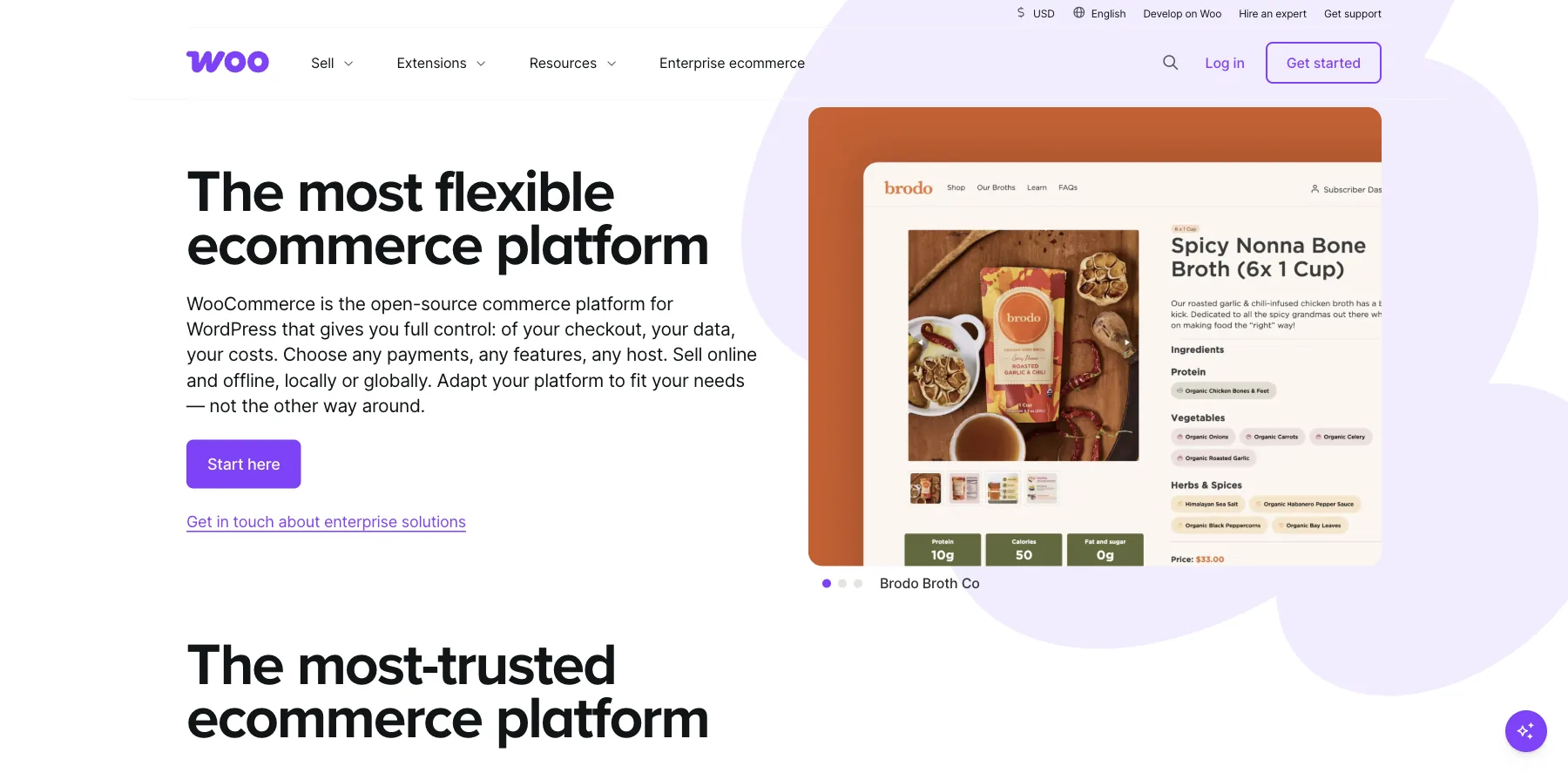
WooCommerce is a free, open-source store for your own WordPress site, with full control of your checkout, your data and your costs.
It sells physical products, downloads, subscriptions and memberships, and plugins like FunnelKit add order bumps and one-click upsells to its checkout.
WooCommerce takes no cut of your sales. WooPayments, its own payments, charges 2.9% + $0.30 on US cards, with no monthly fee, and 1.5% more on international cards.
Who is WooCommerce for?
WooCommerce is for anyone who runs WordPress and wants a store on their own site, choosing every piece themselves.
Key features
- A free store plugin for WordPress
- Any payment provider, including WooPayments, Stripe and PayPal
- Physical products, downloads, subscriptions and memberships
- Extensions for almost anything, like FunnelKit for funnels and upsells
Pros
- Free, and open source
- No cut of your sales
- Your store, data and checkout on your own site
Cons
- Order bumps and upsells need an extension
- Hosting, updates and security are yours
Pricing
WooCommerce is free, from its pricing page as read on September 29, 2026. What you pay for is the rest:
- WooCommerce – free.
- WooPayments – 2.9% + $0.30 a sale on US cards, with no monthly fee.
- Extensions – like FunnelKit, from $129 a year.
16. ClickFunnels
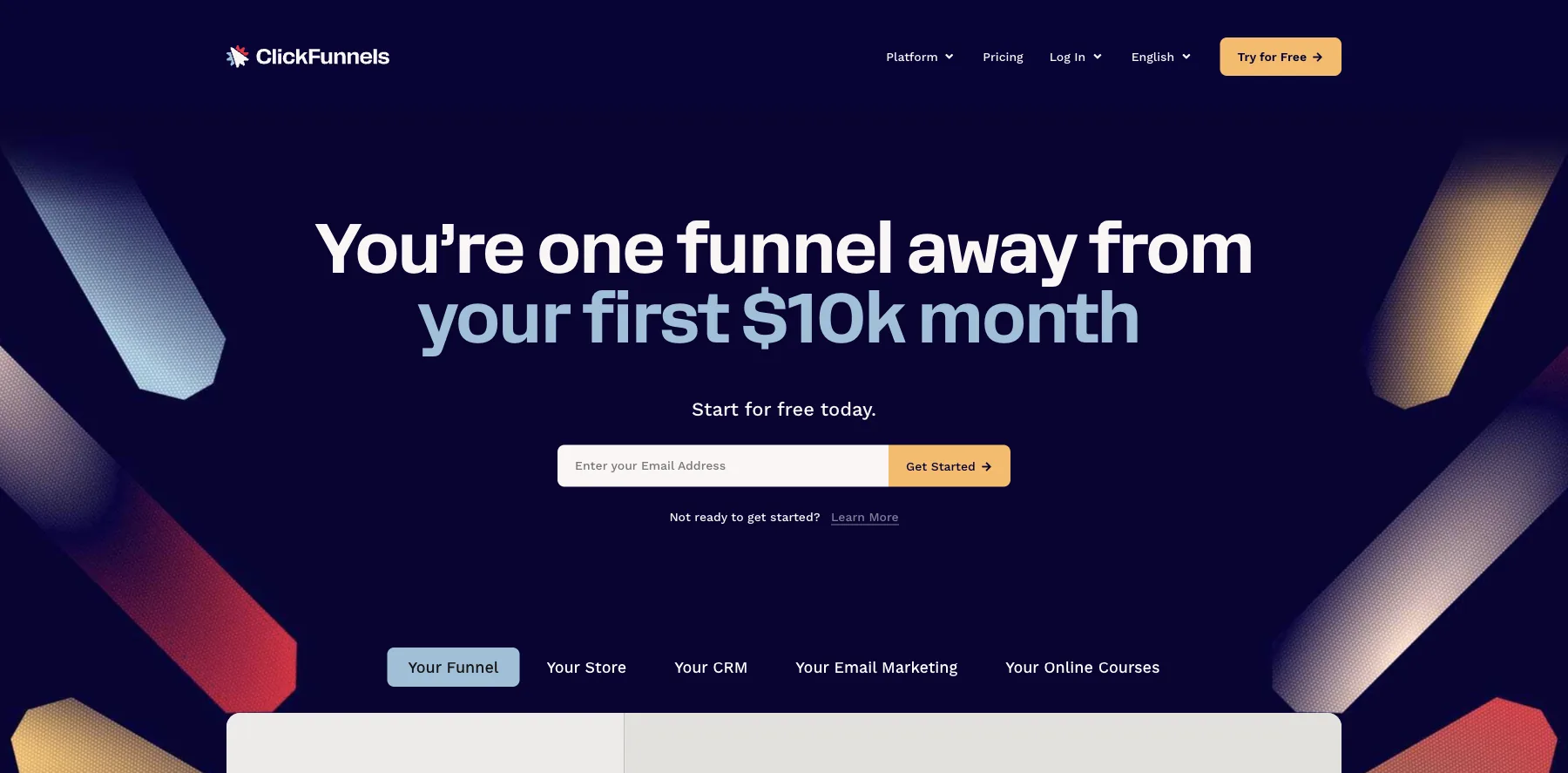
ClickFunnels is the classic funnel builder: sales pages and checkouts with one-click upsells and order bumps, plus email, a CRM and courses, from the company Russell Brunson co-founded.
I used ClickFunnels for many years. As a shopping cart alone, though, I'd only pick it if you already use ClickFunnels and want everything under one roof.
Every plan has unlimited visitors, and unlimited funnels for now, which ClickFunnels marks as a limited-time offer. Its plans grow by courses, contacts and team members.
It takes no fee on your sales beyond Stripe's.
If you want something like it for less, or with more in one place, see my guide to the best ClickFunnels alternatives.
Who is ClickFunnels for?
ClickFunnels is for sellers who want sales funnels, upsells, email and courses in one place.
Key features
- Sales funnels with sales pages and checkouts
- One-click upsells and order bumps
- Unlimited visitors on every plan
- Email and a CRM
- Courses: three on Launch, six on Scale
- Unlimited custom domains, from Scale
- An API, on Optimize
Pros
- One-click upsells and order bumps
- Email, a CRM and courses in one account
- Unlimited visitors
- A free trial
Cons
- Starts at $97 a month
- Launch has three courses and 10,000 contacts
- Unlimited funnels are a limited-time offer
Pricing
ClickFunnels has four plans, each with a free trial, from its pricing page as read on September 29, 2026:
- Launch – $97 a month, or $81 billed yearly, with three courses and 10,000 contacts.
- Scale – $197 a month, or $164 billed yearly, with six courses and 75,000 contacts.
- Optimize – $297 a month, or $248 billed yearly, with 10 courses and an API.
- Dominate – $5,997 a year, with 20 courses.

Sales funnels and checkouts with one-click upsells and order bumps.
I may earn a commission if you make a purchase, at no additional cost to you.
17. Kartra
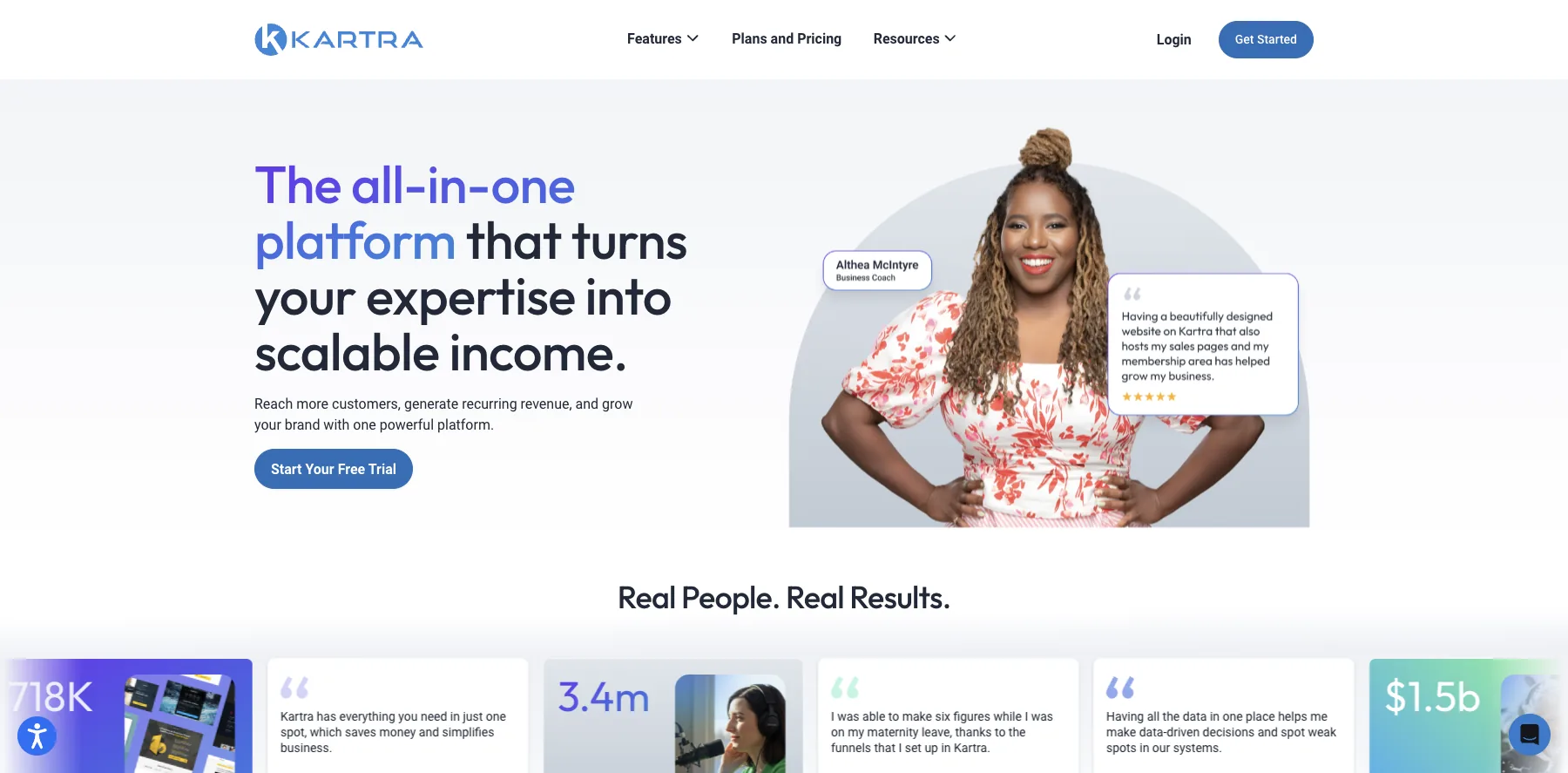
Kartra is an all-in-one platform: pages, funnels, email and SMS, a CRM, a membership portal and a checkout that takes cards and PayPal.
I was a paying user of Kartra too. Kartra says over 60,000 coaches and business owners have earned more than $1.5 billion with it.
Its first plan, Essentials, is $59 a month, but it keeps 5% of each sale and caps you at 500 contacts. From Starter, at $119 a month, there are no transaction fees.
Who is Kartra for?
Kartra is for coaches and course sellers who want pages, funnels, email and a members area in one account.
Key features
- A drag-and-drop page builder with ready templates
- Multi-page funnels
- Email and SMS campaigns
- A CRM with lists and tags
- A membership portal for your courses
- Checkout for cards and PayPal
Pros
- Pages, funnels, email, a CRM and courses in one place
- No transaction fees from Starter
- A 30-day money-back guarantee
Cons
- Essentials keeps 5% of each sale and caps you at 500 contacts
- No free trial, only the money-back guarantee
Pricing
Kartra has four plans, from its pricing page as read on October 2, 2026:
- Essentials – $59 a month, or $52 billed yearly, with a 5% transaction fee and 500 contacts.
- Starter – $119 a month, or $99 billed yearly, with no transaction fee and 2,500 contacts.
- Growth – $229 a month, or $189 billed yearly, with 12,500 contacts.
- Professional – $549 a month, or $429 billed yearly, with 25,000 contacts.

Pages, funnels, email, a CRM and a checkout for cards and PayPal.
I may earn a commission if you make a purchase, at no additional cost to you.
What is shopping cart software?
Shopping cart software is the checkout of your online business: the page where a buyer pays, and everything around it, like order bumps, upsells, subscriptions, coupons, tax and the receipt.
It's the backbone of selling online. It gets you paid, it raises what each buyer spends, and a smooth checkout builds trust.
What to look for in shopping cart software
Five things decide most of it:
- What it takes from each sale – ThriveCart, SamCart, Stan and HighLevel take no cut, while Whop, Gumroad, Lemon Squeezy, Eden and the free plans of Payhip and Beacons keep a share.
- Order bumps and upsells – they raise what each buyer spends. ThriveCart, SureCart and PayKickstart have them on every plan, and SamCart from Pro.
- Ways to pay – SamCart takes Apple Pay, Google Pay, Venmo and buy now pay later, and Stan adds Afterpay and Klarna on Creator Pro.
- Sales tax and VAT – Lemon Squeezy and Gumroad act as the merchant of record and handle it for you, and SureCart and PayKickstart work it out at checkout.
- Hosted or WordPress – a hosted cart runs everything for you, and SureCart, FluentCart and WooCommerce run on your own site.
They come in five kinds:
All-in-one platforms
A checkout with a CRM, email and funnels behind it, like HighLevel, ClickFunnels and Kartra.
Checkout platforms
Checkouts with order bumps and upsells, like ThriveCart, SamCart and PayKickstart.
Pay as you sell
No monthly fee, for a share of each sale, like Whop, Gumroad, Lemon Squeezy and Payhip.
Creator stores
A store behind the link in your profiles, like Stan, Beacons and Eden.
Stores on your own site
Shopify's hosted store, or SureCart, FluentCart and WooCommerce on WordPress.
The best shopping cart software with no monthly fee
Here's where you can start without a monthly bill:
- Whop – 2.7% + $0.30 a sale, with no setup fee.
- Gumroad – 10% + $0.50 a sale, with tax handled worldwide.
- Lemon Squeezy – 5% + $0.50 a sale, card processing and tax included.
- Payhip – a free plan that keeps 5% of each sale.
- SureCart – a free plan with order bumps and upsells, for a 2.9% fee on sales.
- FluentCart and WooCommerce – free on WordPress, on hosting of your own.
- PayKickstart – its Launch plan has no monthly fee, for 6% of your revenue.
What I use
I sell through Creator Store, a store I built myself. It sells my digital products through my own Stripe account, with real invoices, order bumps, upsells and bundles, coupons, and an affiliate program with its own portal for my partners. There's no plan and no cut of my sales.
It's built with Next.js, Stripe and Supabase, and I write it with AI coding tools like Claude Code and Codex. Building and hosting your own, on Vercel or Cloudflare Workers, is a lot more setup than any cart here, so it isn't for everyone.
Before Creator Store, ThriveCart was my go-to shopping cart for years, and I processed millions of dollars through it. If you'd rather not build your own, it's the cart I'd start with, or HighLevel if you want the CRM and follow-up in the same place.
Some links in this guide are affiliate links: if you sign up through one, I may earn a commission, at no cost to you.
FAQs about shopping cart software
Here are answers to the questions people ask most about shopping cart software.
HighLevel is my pick for an all-in-one, with payments, upsell funnels, a CRM and email, from $97 a month.
For a cart on its own, I'd pick ThriveCart, which takes 0% of your sales.
Whop, Gumroad, Lemon Squeezy and Payhip have no monthly fee, and charge a share of each sale instead.
On WordPress, WooCommerce and FluentCart are free, and SureCart's free plan keeps 2.9% of each sale.
HighLevel, ThriveCart, SamCart, Stan, ClickFunnels and WooCommerce take no cut of your sales.
Your payment processor still charges its card fees.
A merchant of record sells your product on your behalf, so it collects and pays sales tax and VAT for you.
Lemon Squeezy and Gumroad work this way, and Payhip handles EU and UK VAT.
ThriveCart costs less, from $47 a month, and has order bumps and upsells from its first plan.
SamCart offers more ways to pay, like Apple Pay, Venmo and buy now pay later, from $79 a month.
SureCart has order bumps and one-click upsells on every plan, even the free one.
FluentCart takes no transaction fees, and WooCommerce is a free store you can extend.
ThriveCart is my pick, with order bumps, upsells and 0% of your sales.
To pay nothing until you sell, Gumroad, Lemon Squeezy and Payhip handle the tax for you.
Wix, Squarespace and Shopify have checkouts built in.
A dedicated cart like ThriveCart adds order bumps, one-click upsells and an affiliate center.
I sell through Creator Store, a store I built myself with Next.js, Stripe and Supabase.
Before that, ThriveCart was my go-to cart for years, and I processed millions of dollars through it.
Final thoughts on shopping cart software
There are a lot of shopping carts out there, so it comes down to what you sell, how you want to pay for the cart, and where your site runs.
Here are my final recommendations:
The best all-in-one, and the one I'd pick if I weren't building my own: payments and upsells with the follow-up behind them.
Try HighLevel freeThe best for courses and digital products, with 0% of your sales. I was one of its early adopters.
Try ThriveCart freeThe best with no monthly fee: products, memberships and courses, for 2.7% + $0.30 a sale.
Start selling on WhopThe best for WordPress, with order bumps and upsells even on its free plan.
Start SureCart freeThe best for ways to pay, from Apple Pay to buy now pay later.
Try SamCart freeThe best for subscriptions and affiliates, with every feature on every plan.
Try PayKickstart freeNow I'd like to turn it over to you. Which one will you use? Or do you use a great one I didn't cover? Send me a message and tell me.
Keep reading:
- The best sales funnel software – funnel builders and checkouts, compared
- The best online course platforms – 40 platforms for selling a course, compared
- The best ClickFunnels alternatives – funnel builders and checkouts, compared
Start the free trial or free plan of the one that fits, and sell one product through it before you move everything over.
Navid Moazzez
AI business strategist & AI OS builder
Navid Moazzez helps creators and founders master AI and build their own AI Operating System (AI OS) to automate their business and life.
Navid.me is reader-supported. When you buy through links on this site, I may earn an affiliate commission. Learn more.
Similar articles

How to write 1,000 words every day and massively create remarkable content

What is a wantrapreneur? How I stopped being one (and how you can too)

32 experts share their best guest blogging tips

200+ creator economy glossary terms you need to know (2026)
40 passive income ideas for 2026, and how passive each really is
38 ways to make money fast in 2026, sorted by how fast they pay
70 side hustle ideas for 2026, with what each pays
50 ways to make money from home in 2026, with what each pays
60 side hustles from home for 2026, with what each pays
43 ways to make extra money beside your day job in 2026
The 15 best landing page builders in 2026 (free and paid)
50 best online side hustles for 2026, ranked by what they pay
Passende kostenlose Tools


 Free AI newsletter
The most actionable AI newsletter for founders
Every week, get proven AI strategies, curated tools, and step-by-step systems to grow your audience, create better content, and build a profitable creator business.
No fluff, no filler, no BS. Just five minutes each week that might level up your online business and life.
P.S. Sign up now to get free access to my ultimate AI tools guide for creators.


