The 30 best CRM software in 2026: free, paid and AI, compared





Choosing the right CRM software decides how you follow up, how many deals slip, and how much AI does for you. In this guide, I ranked and reviewed the 30 best CRM software, along with my top 5 picks, so you can pick the one that fits how you sell.
 door Navid Moazzez·Bijgewerkt 3 okt 2026·45 min leestijd·Navid.me wordt gesteund door lezers. Als je iets koopt via links op deze site, kan ik een affiliatecommissie verdienen. Meer informatie.
 HighLevelFrom $97 a month, after a 14-day free trial
A CRM with the inbox, automations, funnels and bookings built around it.
 AttioFree plan, or from $35 a month per user
An AI-native CRM whose agents find, enrich and work your leads.
 PipedriveFrom $14 a month per seat, after 14 days free
The easiest pipeline to run, with AI that preps and logs every meeting.
 HubSpotFree for two users, or from $20 a month per seat
A free CRM to start, with AI agents and hubs you pay for as you grow.
 FreshsalesFrom $9 a month per user, after 21 days free
A low-priced sales CRM with Freddy AI scoring your leads and deals.
Choosing the best CRM software decides how you follow up, how many deals slip through the cracks, and how much of your week goes to typing notes. In 2026, the answer has changed: AI agents now find your leads, log every call and email, and write the follow-ups for you.
I've sold online for over a decade, from virtual summits to courses. Today I run my sales and email from a CRM I built into my own business app, and for this guide I went back through all 30 CRMs: what each one does, its AI, and what it really costs.
In this guide, I'll show you:
- All 30 CRMs I reviewed, each with who it's for, key features, pros, cons and pricing
- What CRM software is, and the kinds you can choose from
- How AI changed CRMs in 2026
- The features that matter, and how to choose one
- How to set up a CRM in five steps
- The best free CRM software
- What I use today
Every price here is from each CRM's own pages, read on October 3, 2026.
TL;DRKey takeaways
The best CRM software
Here's every CRM I reviewed, with what each is best for and what it costs to start. Each name opens its site in a new tab:
 HighLevel
- Best for
- An all-in-one CRM
- Price
- $97 a month
- Free to try
- 14-day free trial
 Attio
Attio- Best for
- AI-native selling
- Price
- Free, or $35 a month per user
- Free to try
- Free plan
 Pipedrive
- Best for
- Sales pipelines
- Price
- $14 a month per seat
- Free to try
- 14-day free trial
 HubSpot
- Best for
- A free CRM to start
- Price
- Free, or $20 a month per seat
- Free to try
- Free plan
 Freshsales
- Best for
- Sales teams
- Price
- $9 a month per user
- Free to try
- 21-day free trial
 monday CRM
- Best for
- A visual CRM
- Price
- $12 a month per seat
- Free to try
- 14-day free trial
 ClickUp
- Best for
- Service teams
- Price
- Free, or $7 a month per user
- Free to try
- Free plan
 Zoho CRM
- Best for
- Value
- Price
- Free, or $14 a month per user
- Free to try
- Free plan
 ClickFunnels
- Best for
- Funnel sellers
- Price
- $81 a month, billed yearly
- Free to try
- Free trial
 folk
folk- Best for
- Small teams
- Price
- $24 a month per member
- Free to try
- 14-day free trial
 Day AI
- Best for
- An AI company brain
- Price
- Free, or $24 a month per agent
- Free to try
- Free plan
 Clarify
- Best for
- A self-updating CRM
- Price
- Free, or $40 a month
- Free to try
- Free plan
 Lightfield
- Best for
- AI pipeline building
- Price
- $89 a month per user
- Free to try
- 14-day free trial
 Gist
Gist- Best for
- Live chat and CRM
- Price
- Free, or $19 a month
- Free to try
- Free plan
 Keap
Keap- Best for
- Automation
- Price
- After a demo
- Free to try
- Free trial
 SureContact
- Best for
- WordPress
- Price
- $29 a month
- Free to try
- 14-day money-back
 Salesflare
- Best for
- B2B teams
- Price
- $29 a month per user
- Free to try
- Free trial
 Pipeline CRM
- Best for
- Plain-English setup
- Price
- $25 a month per user
- Free to try
- 14-day free trial
 NetHunt CRM
- Best for
- Gmail users
- Price
- $24 a month per user
- Free to try
- 14-day free trial
 Streak
- Best for
- A CRM in Gmail
- Price
- Free, or $49 a month per user
- Free to try
- Free plan
 Close
Close- Best for
- Calling teams
- Price
- $9 a month per user
- Free to try
- Free trial
 Twenty
- Best for
- Owning your CRM
- Price
- $9 a month per user
- Free to try
- Free trial
 Agile CRM
- Best for
- A free CRM for 10
- Price
- Free, or $8.99 a month per user
- Free to try
- Free plan
 Salesforce
- Best for
- Enterprise
- Price
- $25 a month per user
- Free to try
- 30-day free trial
 EngageBay
- Best for
- A free all-in-one
- Price
- Free, or $12.74 a month per user
- Free to try
- Free plan
 Nimble
- Best for
- Prospecting
- Price
- $24.90 a month per seat
- Free to try
- 14-day free trial
 Salesmate
- Best for
- Sales, marketing and support
- Price
- $23 a month per user
- Free to try
- 15-day free trial
 ActiveCampaign
- Best for
- Email automation
- Price
- $15 a month
- Free to try
- 14-day free trial
 Act!
Act!- Best for
- A desktop CRM
- Price
- $30 a month per user
- Free to try
- 14-day free trial
 Bitrix24
- Best for
- Flat pricing
- Price
- Free, or $49 a month
- Free to try
- Free plan
1. HighLevel
The best CRM software overall, with everything built around it
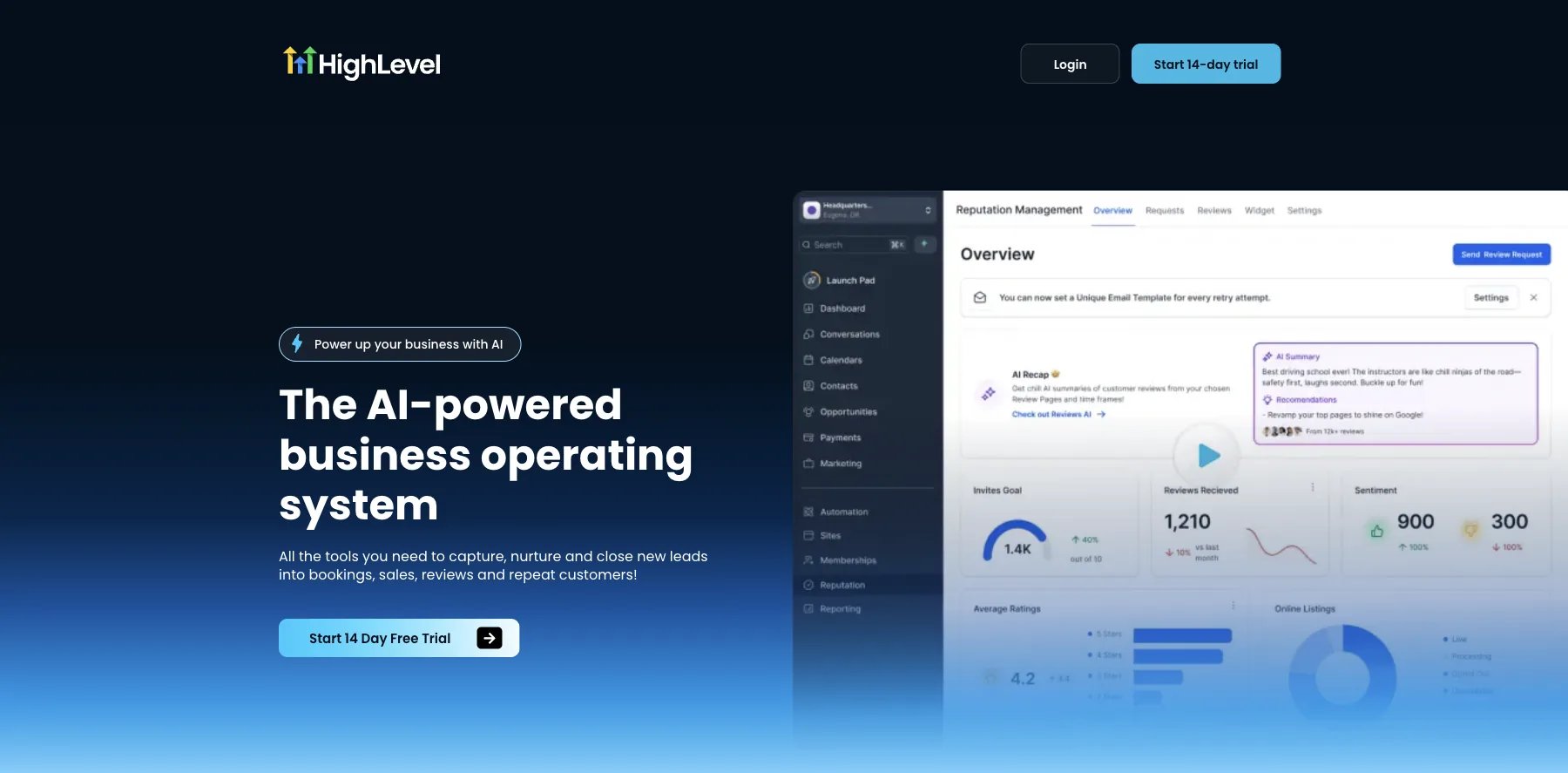
HighLevel is an all-in-one sales and marketing platform with a full CRM at its center: contacts and visual pipelines, a unified inbox, workflow automation and calendars, plus funnels, websites and landing pages.
Its inbox puts every conversation in one stream: SMS, email, Instagram, Facebook, WhatsApp and live chat. Its AI answers calls, texts, chats and reviews for you, and its workflows run your follow-up in the background.
It can replace your CRM, funnel builder, email marketing, SMS tool, scheduling software and reputation management, it says. Every plan has unlimited contacts and users.
It's the CRM I'd pick if I weren't building my own.
Who is HighLevel for?
HighLevel is for creators, coaches, agencies and small businesses who want their CRM, follow-up, funnels and bookings in one place.
Key features
- Contacts and visual sales pipelines
- A unified inbox for SMS, email, social and live chat
- AI that answers calls, texts, chats and reviews
- Workflow automation for follow-up and nurture
- Funnels, websites, calendars and payments
- Sub-accounts for clients, and white-label on Agency Pro
Pros
- Replaces several tools with one
- Unlimited contacts and users on every plan
- A 14-day free trial
Cons
- Phone, SMS, email and AI are charged as you use them
- More to set up than a simple sales CRM
Pricing
HighLevel has three plans, each with a 14-day free trial, from its pricing page as read on October 3, 2026:
- Starter – $97 a month, or $970 a year, with three sub-accounts.
- Unlimited – $297 a month, or $2,970 a year, with unlimited sub-accounts.
- Agency Pro – $497 a month, or $4,970 a year, with SaaS mode, to sell HighLevel as your own software.
Its AI Employee add-on is $50 or $97 a month per sub-account.
A CRM with the inbox, automations, funnels and bookings built around it.
I may earn a commission if you make a purchase, at no additional cost to you.
2. Attio
The best AI CRM for startups and growing teams
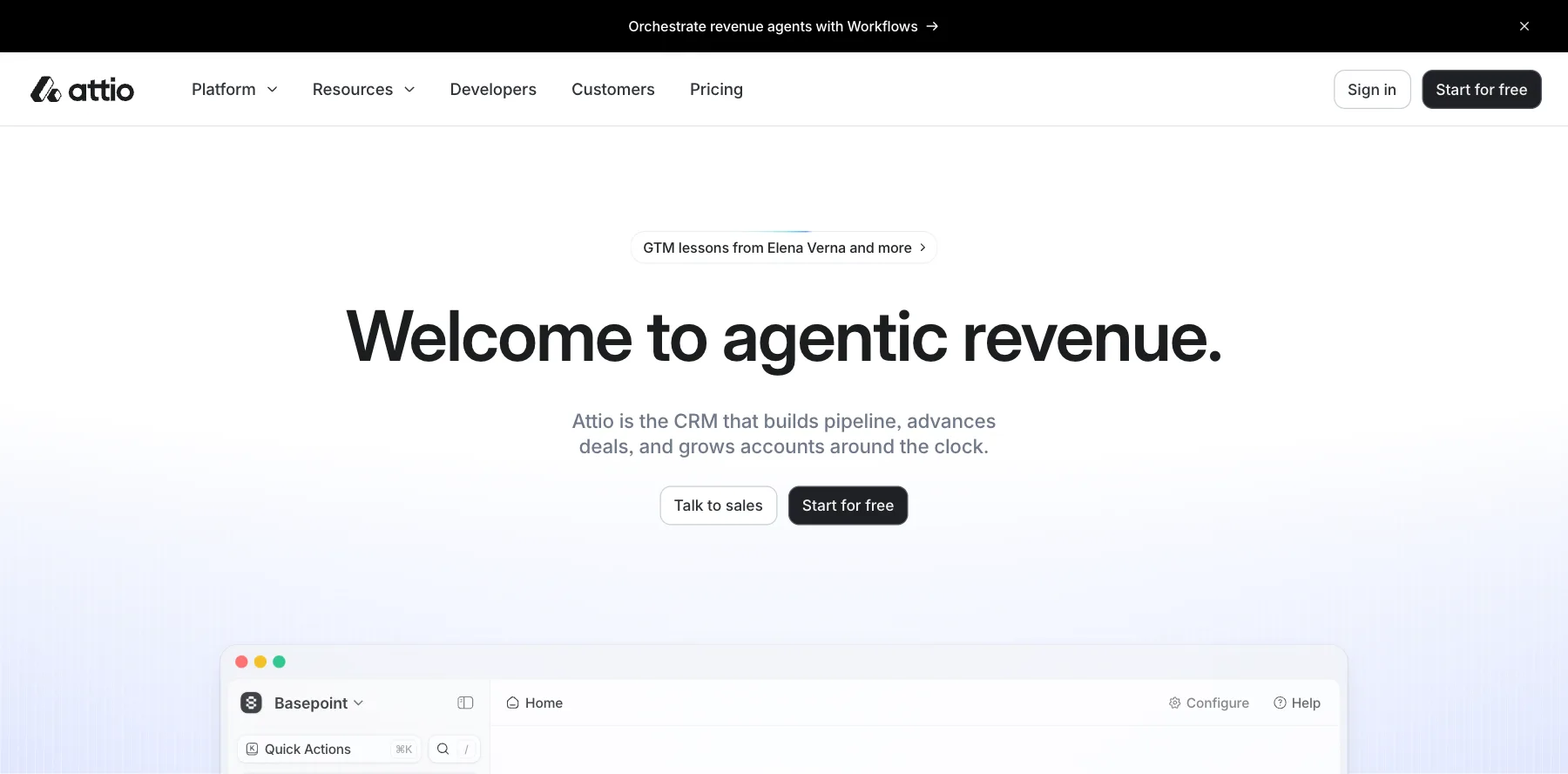
Attio is an AI-native CRM, built for agents as much as for people. Connect your inbox and calendar, and it builds itself around your business, logging every email and meeting for you.
Its agents do the busywork. They research and enrich new leads, score them and route them to the right person, brief you before meetings, and flag new stakeholders, competitor moves and stalled deals before your next call.
You can also ask Attio any revenue question, from this week's forecast to performance by rep, and get the answer in seconds. It connects with Claude, Slack, Clay, Linear and Notion, and has an SDK, an API and an MCP server for building your own.
It has over 30,000 customers, it says.
Who is Attio for?
Attio is for startups and growing teams who want a modern CRM where AI agents do the research, data entry and follow-up.
Key features
- Agents that research, enrich, score and route leads
- Meeting briefs and alerts on changes to a deal
- Ask Attio, for answers about your pipeline in plain English
- A data model you shape to how you sell
- An SDK, API and MCP server, and integrations with Claude, Slack and Clay
Pros
- A free plan for up to three seats
- Builds and updates itself from your inbox and calendar
- Feels like a modern app, not a database
Cons
- Credits for its AI and enrichment are capped by plan
- Plus allows up to 10 seats, so bigger teams need Pro
Pricing
Attio has a free plan, and its paid plans are priced per user, from its pricing page as read on October 3, 2026:
- Free – $0, for up to three seats.
- Plus – $35 a month per user billed yearly, or $44 monthly, for up to 10 seats.
- Pro – $79 a month per user billed yearly, or $99 monthly.
- Enterprise – a custom price.
An AI-native CRM whose agents find, enrich and work your leads.
3. Pipedrive
The best sales CRM software for a simple pipeline
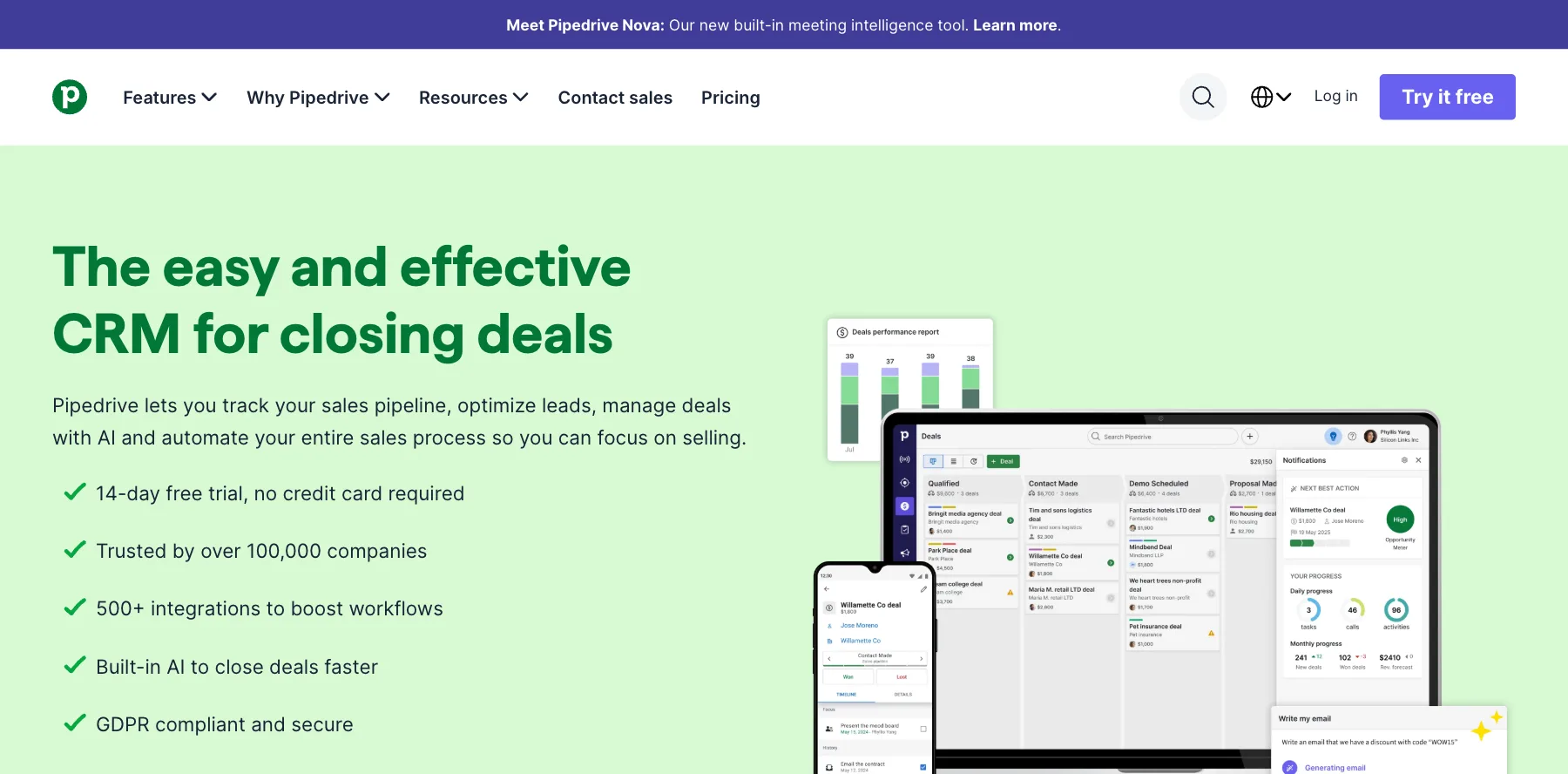
Pipedrive is a sales CRM built around activity-based selling: you see every deal on a visual pipeline, and it keeps you doing the next thing that moves each one forward.
Its AI is built in. Pipedrive Nova gives you a brief before every meeting, a transcript of every call and ready-to-approve CRM updates afterward. You can also create reports by typing what you want to see.
It connects with over 500 apps, including Zapier, Zoom and Lemlist, and its iOS and Android apps keep your pipeline with you. Over 100,000 companies use it, it says.
Who is Pipedrive for?
Pipedrive is for small and growing sales teams who want a pipeline that's easy to run and keep up to date.
Key features
- A visual pipeline for leads, deals and contacts
- Pipedrive Nova meeting intelligence
- Reports from a text prompt
- Email sync, tracking and automated follow-up sequences
- LeadBooster lead capture, plus contracts and e-signatures on Premium
- Over 500 integrations, and mobile apps
Pros
- One of the easiest CRMs to learn
- A 14-day free trial with no credit card
- Up to 42% off when you pay yearly
Cons
- Email sync and automations start on Growth
- Lead capture and e-signatures need Premium
Pricing
Pipedrive has four plans, priced per seat and billed yearly, each with a 14-day free trial, from its pricing page as read on October 3, 2026:
- Lite – $14 a month per seat.
- Growth – $39 a month per seat, with email sync, automations and sequences.
- Premium – $59 a month per seat, with LeadBooster, lead scoring and e-signatures.
- Ultimate – $79 a month per seat, with everything.

The easiest pipeline to run, with AI that preps and logs every meeting.
4. HubSpot
The best free CRM software to start with
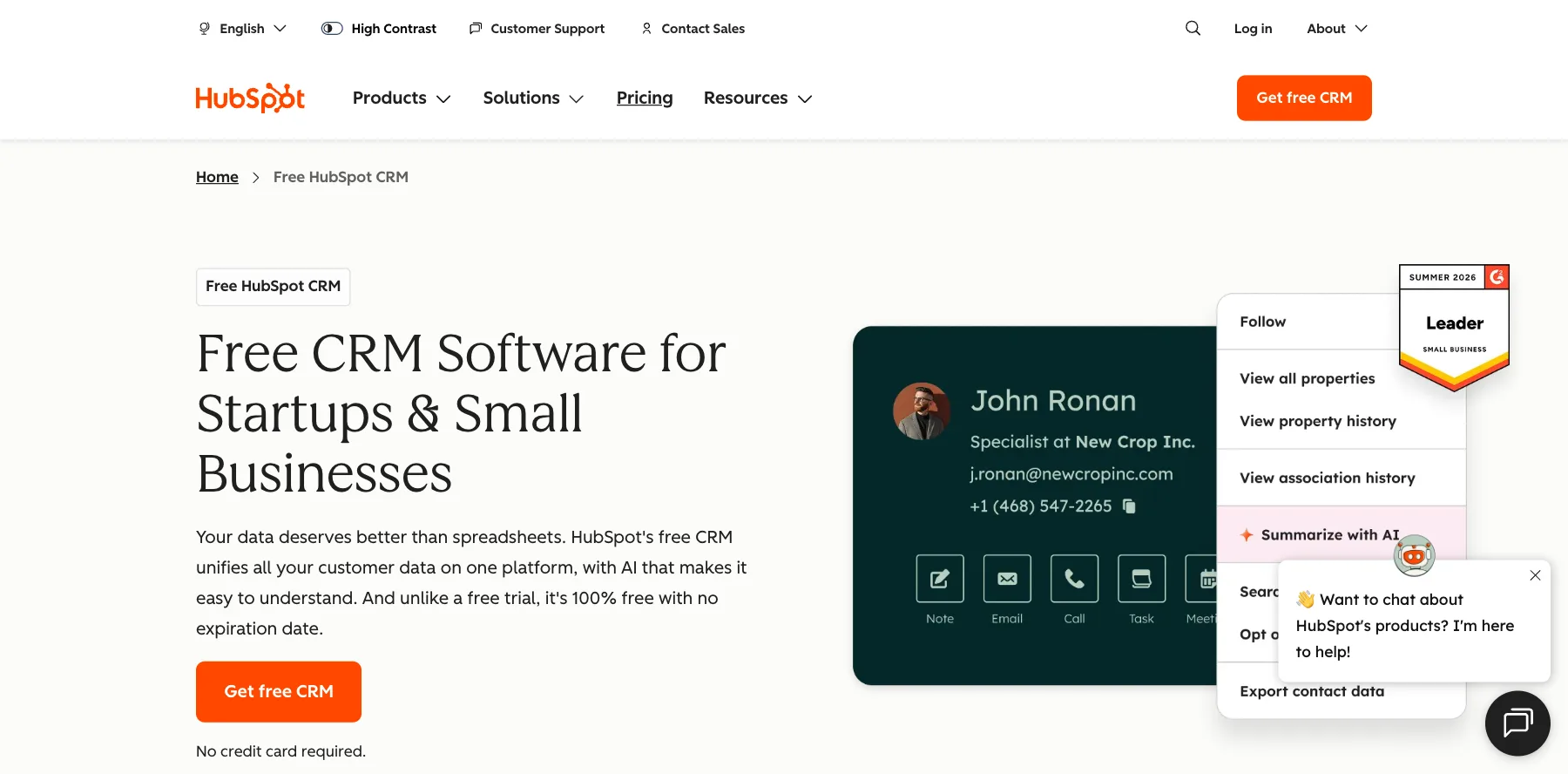
HubSpot's CRM is free to start. It keeps your contacts, companies, deals and tasks in one place, imports your data from other CRMs, and comes with Breeze, its AI assistant. Over 306,000 customers in more than 135 countries use HubSpot, it says.
The catch is that most of what makes HubSpot powerful is paid. Sequences, forecasting and advanced automation start on Professional, which costs $90 a month per seat billed yearly, plus a required $1,500 onboarding fee.
Its AI agents, like the customer agent, the prospecting agent and the data agent, run on HubSpot Credits. Each paid plan includes some, and more cost extra.
Who is HubSpot for?
HubSpot is for small businesses that want a free CRM today and one platform for sales, marketing and service as they grow.
Key features
- A free CRM for contacts, companies, deals and tasks
- Breeze, an AI assistant, on every plan
- AI agents for customer service, prospecting and research
- Sales, marketing, service, content and data hubs
- Apps from the HubSpot Marketplace
Pros
- Free for up to two users, with no credit card
- Easy to start, with a large library of free courses
- Grows with you into marketing and service
Cons
- Most of its power is in paid plans
- A big jump from Starter to Professional, plus onboarding fees
- AI agents use credits that can cost extra
Pricing
HubSpot's Sales Hub has a free plan and three paid plans, from its pricing page as read on October 3, 2026:
- Free – $0, for up to two users.
- Starter – $20 a month per seat, with a limited-time 65% off that day.
- Professional – $90 a month per seat billed yearly, or $100 monthly, plus a one-time $1,500 onboarding fee.
- Enterprise – $150 a month per seat, plus a one-time $3,500 onboarding fee.
A free CRM to start, with AI agents and hubs you pay for as you grow.
I may earn a commission if you make a purchase, at no additional cost to you.
5. Freshsales
The best CRM for sales teams on a budget
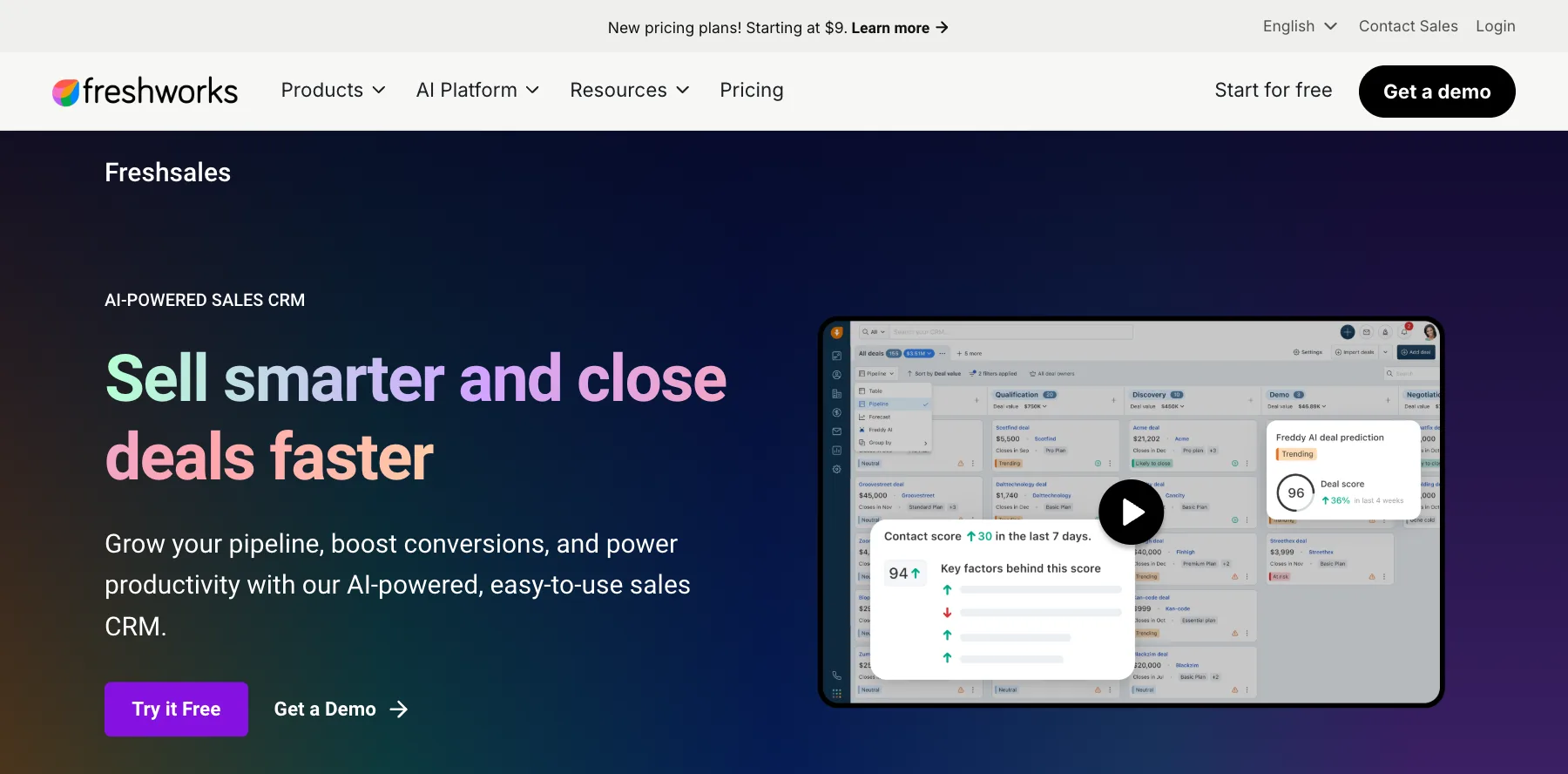
Freshsales is Freshworks's AI-powered sales CRM. It runs your sales campaigns, then captures, qualifies, routes and tracks the leads they bring in.
Freddy, its AI, highlights your best leads and deals, scores intent, recommends next steps and writes emails. You plan your sales in kanban views and see each customer in one 360-degree view.
It's one of the lowest-priced full sales CRMs, starting at $9 a month per user billed yearly.
Who is Freshsales for?
Freshsales is for sales teams that want an AI-powered CRM at a low price per user.
Key features
- Lead capture, qualification and routing
- Freddy AI lead scoring, deal insights and email writing
- Kanban views and a 360-degree customer view
- Sales campaigns and task automation
- Forecasts with deal recommendations from Freddy
Pros
- A 21-day free trial with no credit card
- Low prices per user
- AI built in from the first plan
Cons
- Freddy's AI agent is an add-on, at $49 per 100 sessions
- Branded documents cost $19 a month per user extra
Pricing
Freshsales has three plans, priced per user and billed yearly, after a 21-day free trial, from its pricing page as read on October 3, 2026:
- Growth – $9 a month per user, for startups and small businesses.
- Pro – $39 a month per user, for growing teams.
- Enterprise – $59 a month per user, for larger businesses.

A low-priced sales CRM with Freddy AI scoring your leads and deals.
6. monday CRM
The best visual CRM software with AI agents
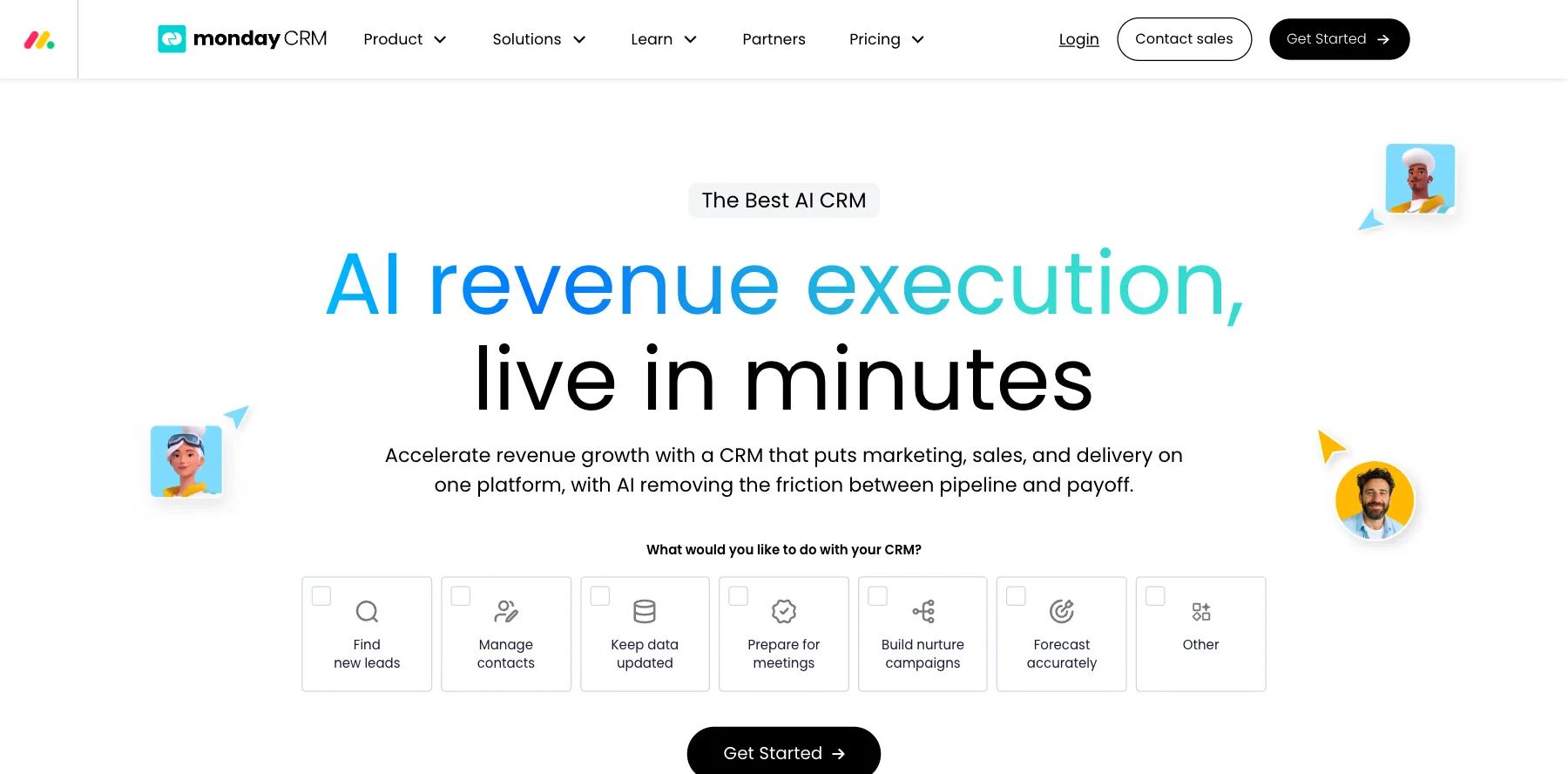
monday CRM is monday.com's AI-first CRM. Its agents source, enrich and score new leads, so your team starts each day with qualified prospects instead of a list to research.
Every call, email and meeting fills in the right CRM fields on its own. Its agents prep your meetings, take notes and handle the follow-up, and its forecasts are built from your real pipeline.
The agents go further on higher plans: an outreach caller that calls and qualifies leads around the clock with your own playbook, and a builder for agents of your own.
Who is monday CRM for?
monday CRM is for teams that already like monday.com, or want a visual CRM with AI agents that do the prospecting and admin.
Key features
- AI agents for lead sourcing, outreach calls and meeting prep
- An AI meeting notetaker and Sidekick, an AI work assistant
- Calls, emails and meetings logged to the CRM on their own
- Quotes and invoices, and custom automations
- Forecasts from your real pipeline
Pros
- A visual CRM that's easy to customize
- AI credits included in its plans
- A 14-day free trial
Cons
- No free plan
- The best AI agents and workflow builder need higher plans
Pricing
monday CRM has four plans, priced per seat, after a 14-day free trial, from its pricing page as read on October 3, 2026:
- Basic – $12 a month per seat billed yearly, or $18 monthly.
- Standard – $17 a month per seat billed yearly, or $25 monthly.
- Pro – $28 a month per seat billed yearly, or $41 monthly.
- Ultimate – a custom price, the new name for Enterprise.

A visual CRM with AI agents that source leads and prep meetings.
I may earn a commission if you make a purchase, at no additional cost to you.
7. ClickUp
The best CRM for service teams and agencies
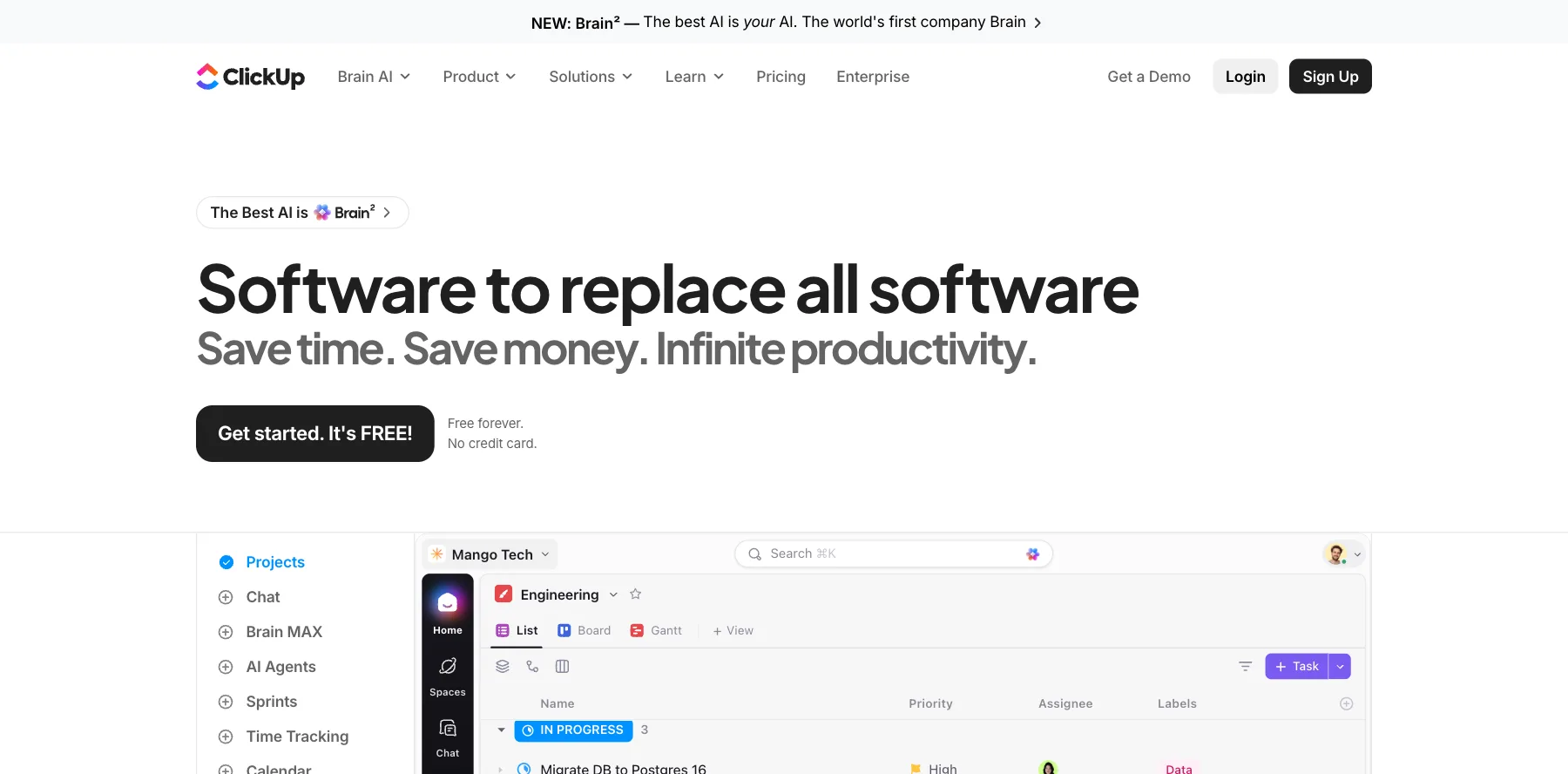
ClickUp is a work management app with a CRM inside it. Other CRMs track the deal, and ClickUp tracks the deal and the work that follows, with one record from the first call to the final deliverable.
You get a pipeline by stage, contacts, email and follow-up drafts on each deal, plus revenue dashboards for your win rate and forecast. Around it sit ClickUp's tasks, docs, forms, whiteboards and time tracking.
Every plan includes some use of ClickUp Brain, its AI, and its AI tiers add agents, an AI notetaker and AI fields.
Who is ClickUp for?
ClickUp is for service businesses and agencies that sell and deliver, and want deals and projects in the same app.
Key features
- A deal pipeline, contacts and email on each record
- Revenue dashboards for pipeline, win rate and forecast
- Tasks, docs, forms and time tracking for the work after the sale
- ClickUp Brain AI across chat, tasks and docs
- Automations, 5,000 a month on Business
Pros
- A free plan forever, with unlimited members
- One app for selling and delivering the work
- A 100% money-back guarantee
Cons
- Not a dedicated sales CRM, so fewer sales tools
- So many features that it takes time to set up
Pricing
ClickUp has a free plan and three paid plans, priced per user, from its pricing page as read on October 3, 2026:
- Free Forever – $0, with unlimited tasks and members.
- Unlimited – $7 a month per user billed yearly, or $10 monthly.
- Business – $12 a month per user billed yearly, or $19 monthly.
- Enterprise – a custom price.
A CRM inside your work, from the first call to the delivered project.
I may earn a commission if you make a purchase, at no additional cost to you.
8. Zoho CRM
The best value CRM software for small businesses
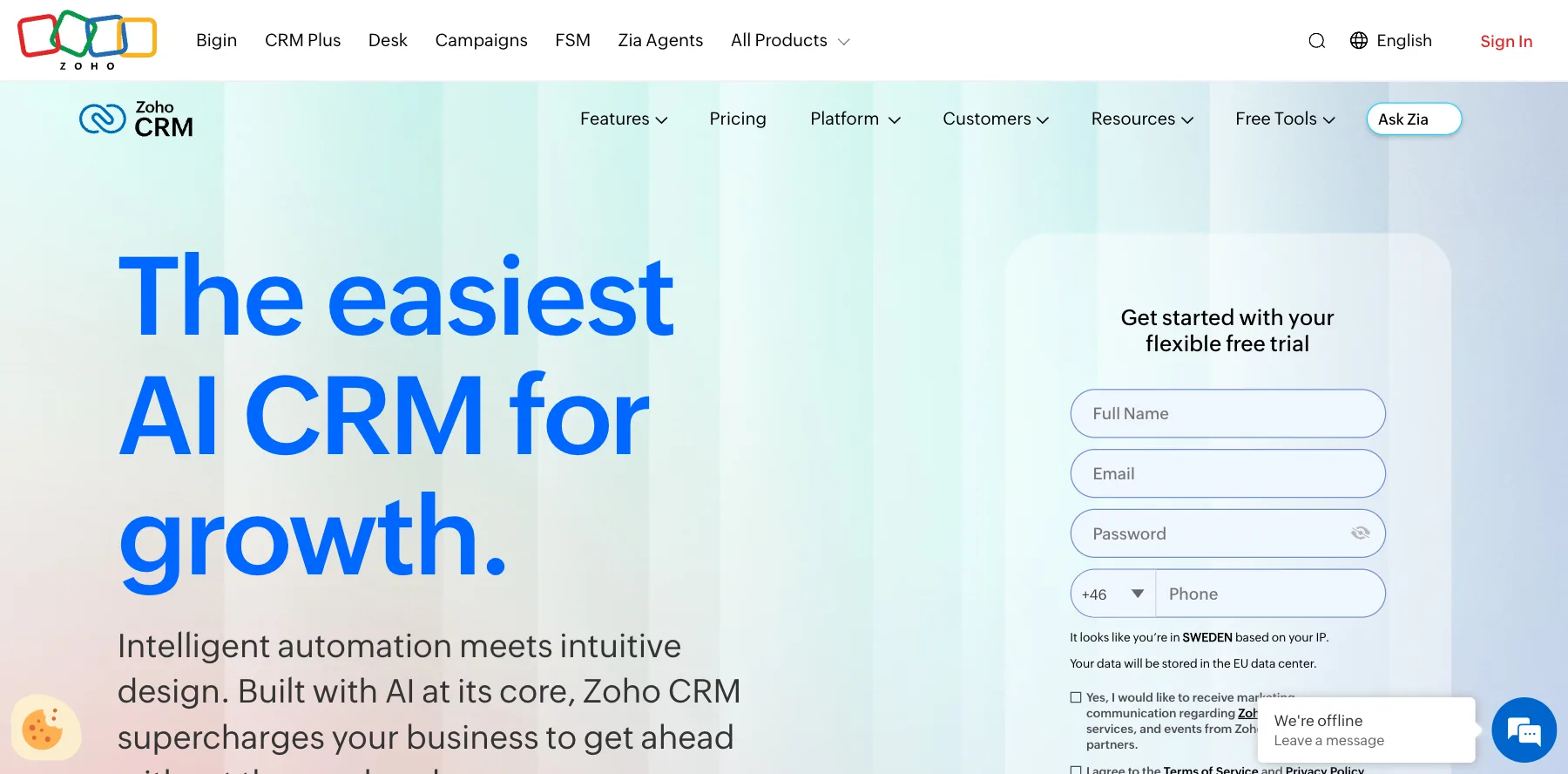
Zoho CRM is a full CRM at a low price, and it's free for up to three users. Over 350,000 businesses use it, it says.
Zia, its AI, predicts which deals will close, forecasts your sales, enriches your data, spots unusual changes, and helps with emails and calls. You can also build and run AI agents with Zia Agents, free.
It's part of Zoho's suite, so it connects with Zoho's own apps for marketing, service, bookings and finance. For something simpler, Zoho's Bigin is a small business CRM from $7 a month per user.
Who is Zoho CRM for?
Zoho CRM is for small and mid-size businesses that want a lot of CRM for the money, especially if they use other Zoho apps.
Key features
- Leads, deals, contacts and pipelines
- Zia AI for predictions, forecasts and data enrichment
- Zia Agents, to build AI agents
- Workflow automation and custom modules
- Mobile apps, and Zoho's suite of business apps
Pros
- Free for up to three users, with no credit card
- Low prices per user
- Free trials on every paid plan
Cons
- Lots of settings, so it takes time to learn
- The best AI features are on higher plans
Pricing
Zoho CRM has a free plan and paid plans priced per user, from its pricing page as read on October 3, 2026:
- Free – $0, for up to three users.
- Standard – $14 a month per user.
- Professional – $23 a month per user.
- Enterprise – $40 a month per user.
A full CRM at a low price, with Zia AI and free AI agents.
9. ClickFunnels
The best CRM for selling through funnels
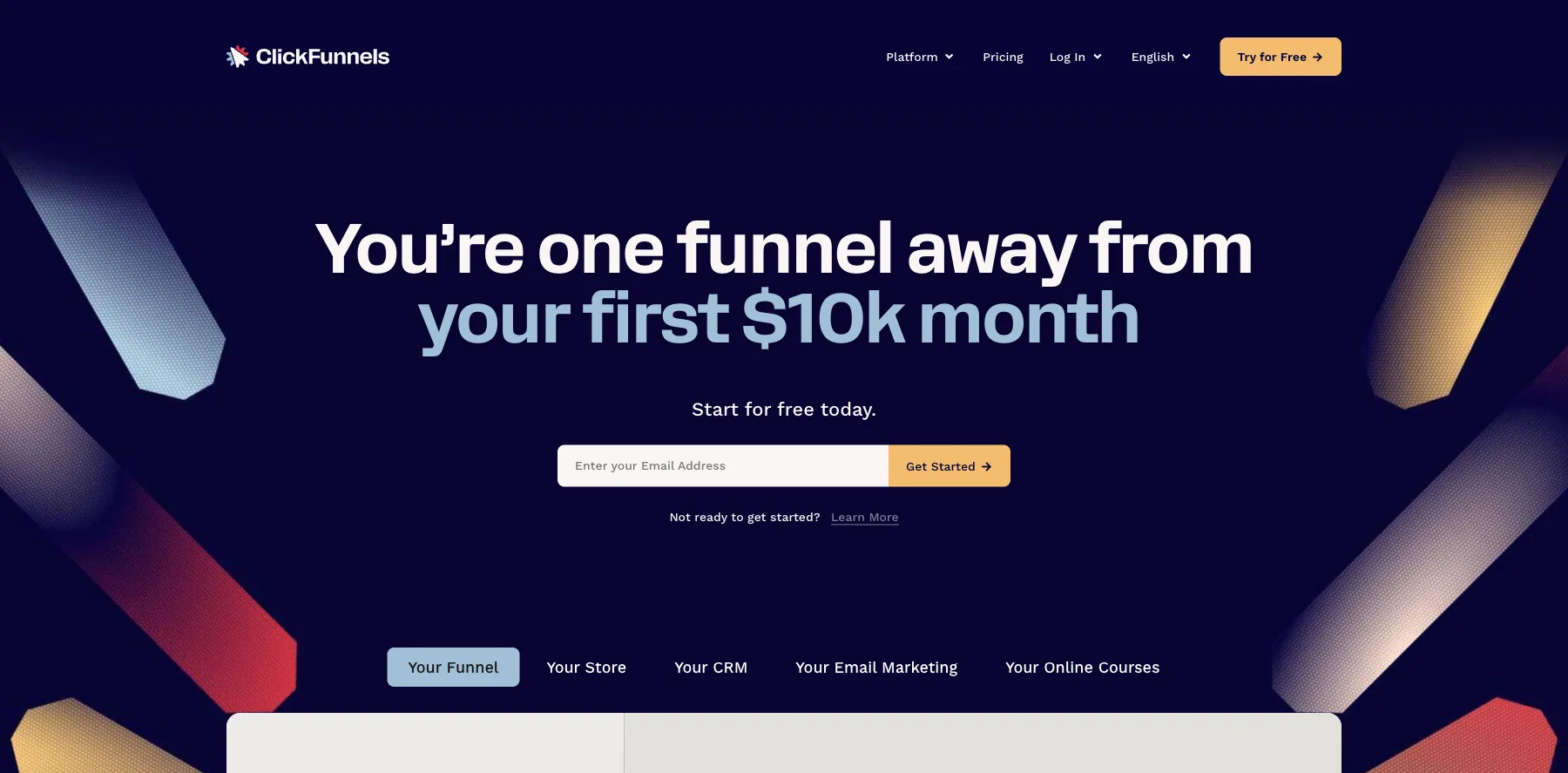
ClickFunnels is best known as a funnel builder, and it now has a CRM built into it, so you can follow every lead from your funnel to a closed sale without leaving the app.
MessageHub puts your email, SMS and social messages in one place. Appointments lets leads book a call right from your funnel, with reminders and follow-ups. Opportunities keeps your sales pipeline organized, with every lead's record and automated follow-up.
Every plan also includes its landing pages, courses, community, store, email and automations.
Who is ClickFunnels for?
ClickFunnels is for course creators, coaches and info product sellers who sell through funnels and want the CRM in the same place.
Key features
- A pipeline of opportunities through each funnel stage
- MessageHub for email, SMS and social messages
- Appointments booked straight from a funnel
- Funnels, checkouts, courses and email in the same app
- Automations for follow-up
Pros
- The CRM lives where your funnels and sales do
- Its apps are included in every plan
- A free trial
Cons
- A lighter CRM than a dedicated sales CRM
- Expensive if you only need a CRM
Pricing
ClickFunnels has four plans, each with a free trial, from its pricing page as read on October 3, 2026:
- Launch – $97 a month, or $81 billed yearly.
- Scale – $197 a month, or $164 billed yearly.
- Optimize – $297 a month, or $248 billed yearly.
- Dominate – $5,997 a year.
A CRM built into your funnels, checkouts and courses.
I may earn a commission if you make a purchase, at no additional cost to you.
10. folk
The best CRM for small teams and founders
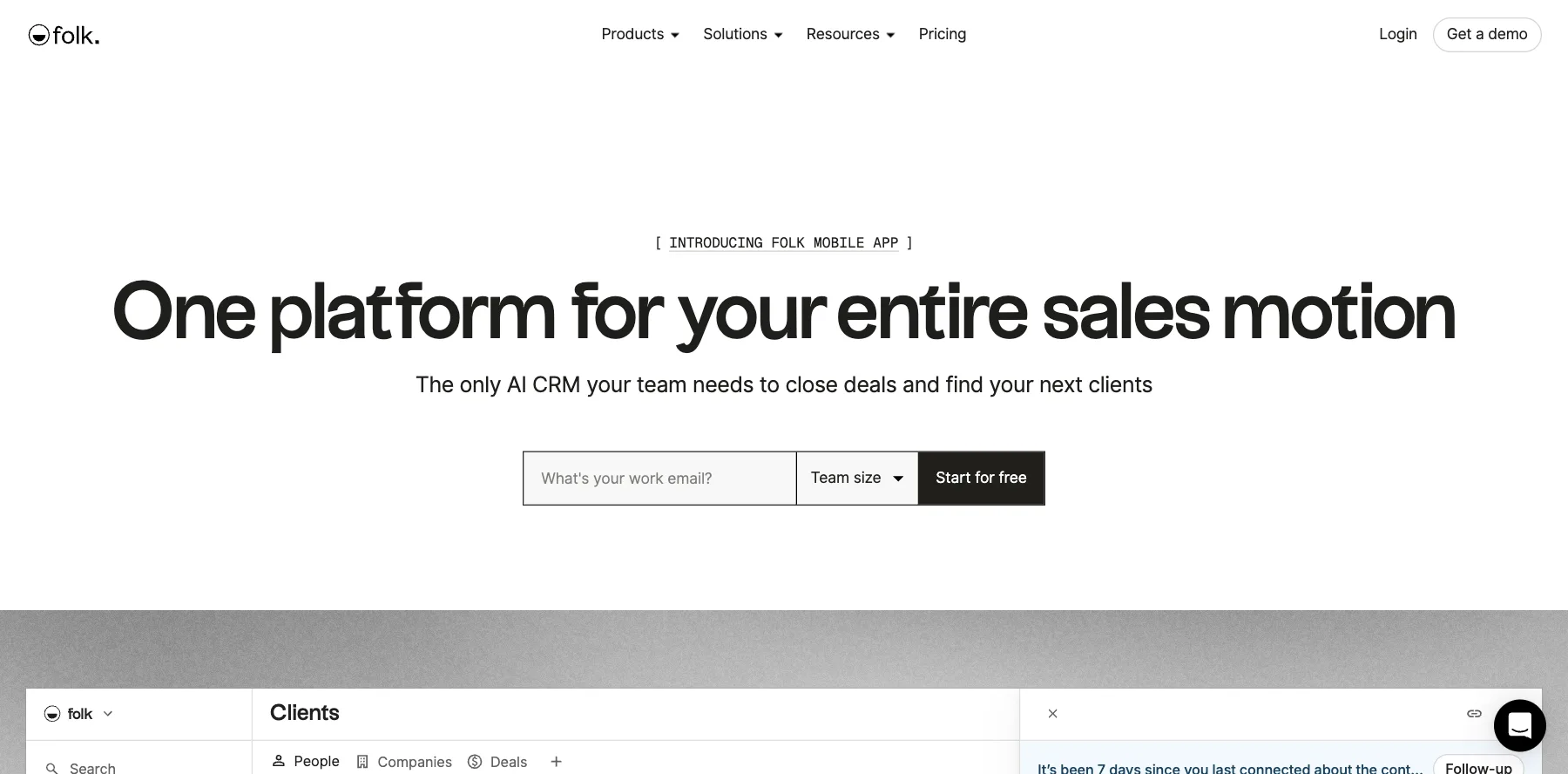
folk is an AI CRM for small teams that sell through relationships. It helps you find prospects, enrich and qualify them, and then reach them on the channels they already use.
It syncs your email, calendar and WhatsApp, and works with LinkedIn, Gmail and Outlook. Its AI assistants and magic fields fill in your contacts and tell your team what to prioritize next.
You can send email campaigns and sequences from it, and connect it to your AI tools and over 30 apps.
Who is folk for?
folk is for founders, agencies and small teams who sell through networks, LinkedIn and email and want a simple, good-looking CRM.
Key features
- Prospecting, enrichment and qualification
- Email, calendar and WhatsApp sync
- A LinkedIn CRM, and Gmail and Outlook support
- AI assistants and AI magic fields
- Email campaigns and sequences
Pros
- Quick to set up and easy to use
- A 14-day free trial with every premium feature
- 20% off when you pay yearly
Cons
- No free plan after the trial
- Enrichment and AI credits are capped by plan
Pricing
folk has three plans, priced per member, after a 14-day free trial, from its pricing page as read on October 3, 2026:
- Standard – $24 a month per member billed yearly, or $30 monthly.
- Premium – $48 a month per member billed yearly, or $60 monthly, with email sequences.
- Enterprise – from $80 a month per member billed yearly, or $100 monthly.

A simple AI CRM for selling through LinkedIn, email and WhatsApp.
11. Day AI
The best AI CRM that keeps itself up to date
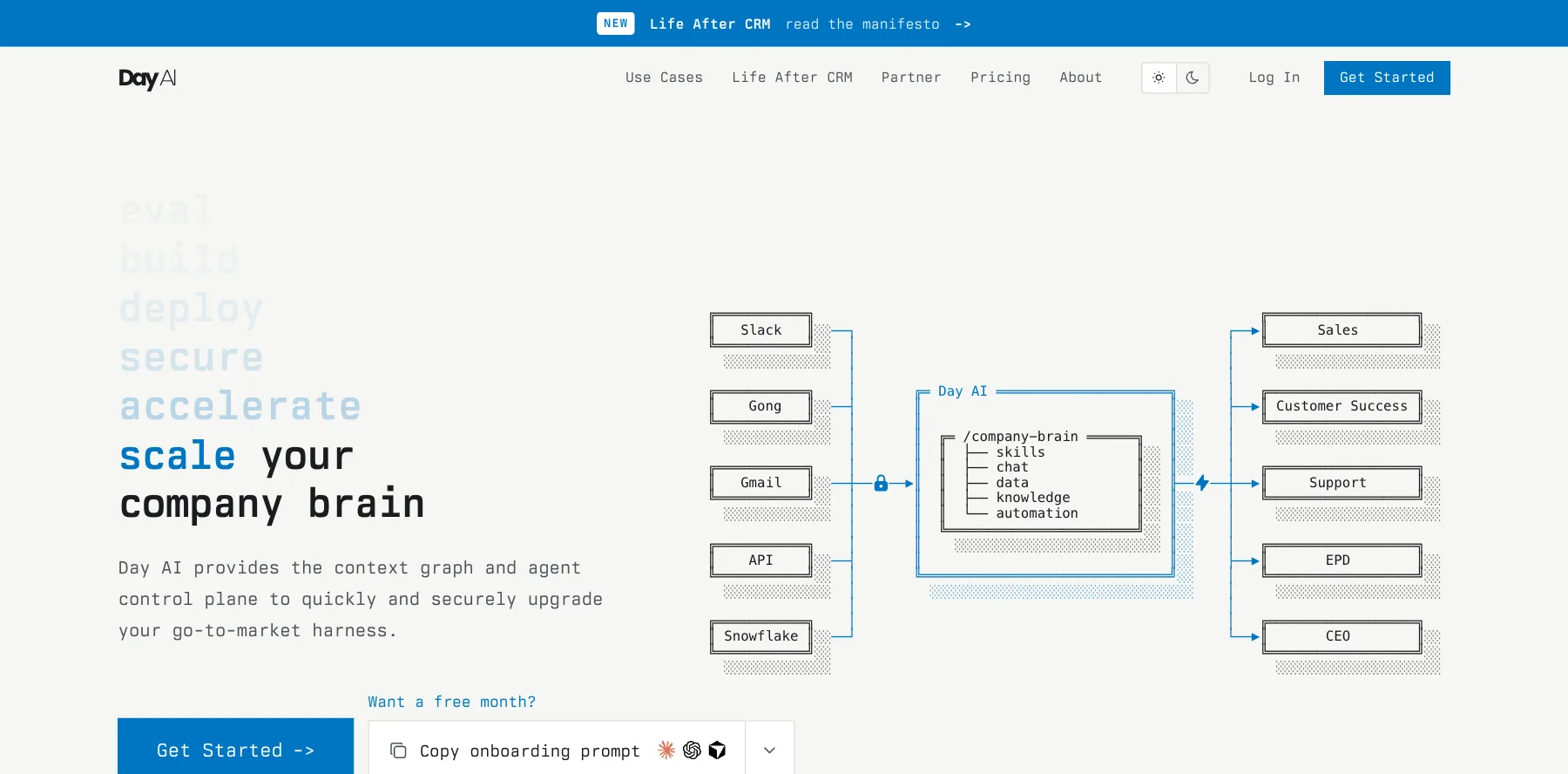
Day AI calls itself what comes after the CRM: a company brain. It builds a shared memory of every customer from your team's email, calendar, meetings and Slack, so nobody types anything in.
On top of that memory, you deploy AI agents with names and jobs, like a sales rep's assistant or a sales coach. Each agent reports to someone on your team, works when something happens, on a schedule or when you ask, and gets better from your feedback.
Nothing goes out without your approval, and every action is logged. It's backed by Sequoia Capital.
Who is Day AI for?
Day AI is for startups and go-to-market teams who'd rather have AI agents keep their customer records than keep a CRM by hand.
Key features
- Customer memory built from email, calendar, meetings and Slack
- AI agents with roles, schedules and skills
- Approval before anything goes out, and a full audit trail
- Connects with Claude and ChatGPT
Pros
- A free plan
- No manual data entry
- Agents that improve from your feedback
Cons
- Priced per agent, so costs grow with each one you add
- A new way of working, not a classic pipeline CRM
Pricing
Day AI has a free plan, and its paid plans are priced per agent, from its pricing page as read on October 3, 2026:
- Free – $0, and free users can search, view and share.
- Turbo – $24 a month per agent.
- Professional – $60 a month per agent, its most popular.
- Executive – $200 a month per agent.

A shared customer memory with AI agents that work it for you.
12. Clarify
The best autonomous CRM for founders
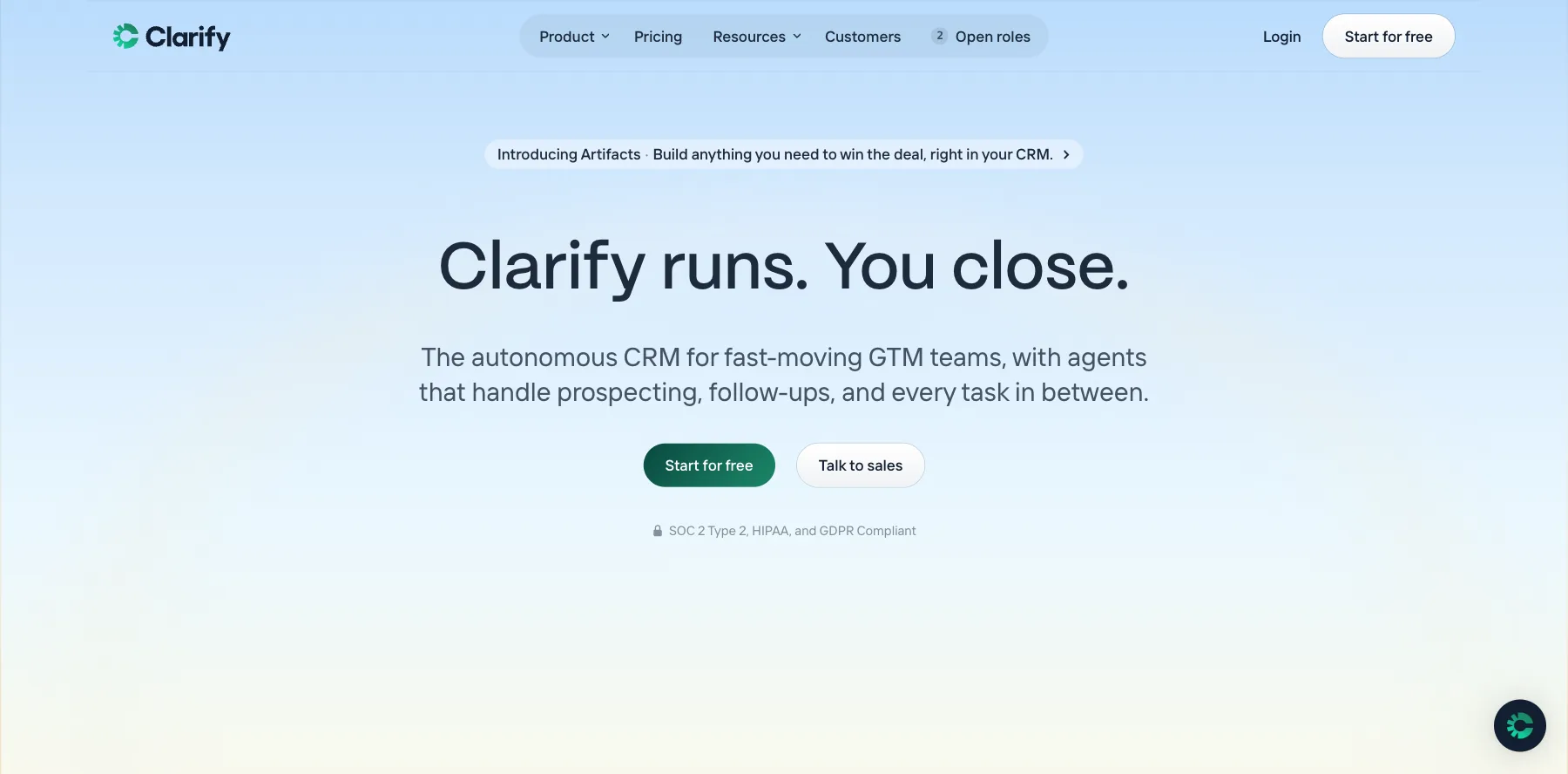
Clarify is an autonomous CRM for fast-moving sales teams. Connect your email and calendar in one click, and every lead, meeting and deal lands in it on its own.
It joins your calls, records and summarizes them, and updates the deal when you hang up. Rep, its personal sales agent, briefs you before every meeting and drafts your follow-ups.
It even configures itself. Name a field, and its AI writes the instructions and fills it in. It also finds new deals in your conversations and enriches your contacts.
Who is Clarify for?
Clarify is for founders and small sales teams who want a CRM that keeps itself up to date.
Key features
- Email and calendar sync in one click
- Call recording, summaries and deal updates
- Rep, a personal sales agent for briefs and follow-ups
- AI fields that fill themselves
- Prospecting and contact enrichment
Pros
- A free plan for individuals and small teams
- Almost no data entry
- Prospecting and CRM in one app
Cons
- A young product next to the big CRMs
- A big jump to its plan for scaling teams
Pricing
Clarify has a free plan and two paid plans, from its pricing page as read on October 3, 2026:
- Free – $0, for individuals and small teams.
- For growing teams – $40 a month billed yearly.
- For scaling teams – from $1,000 a month.
A CRM that joins your calls and updates every deal itself.
13. Lightfield
The best AI-native CRM for building pipeline
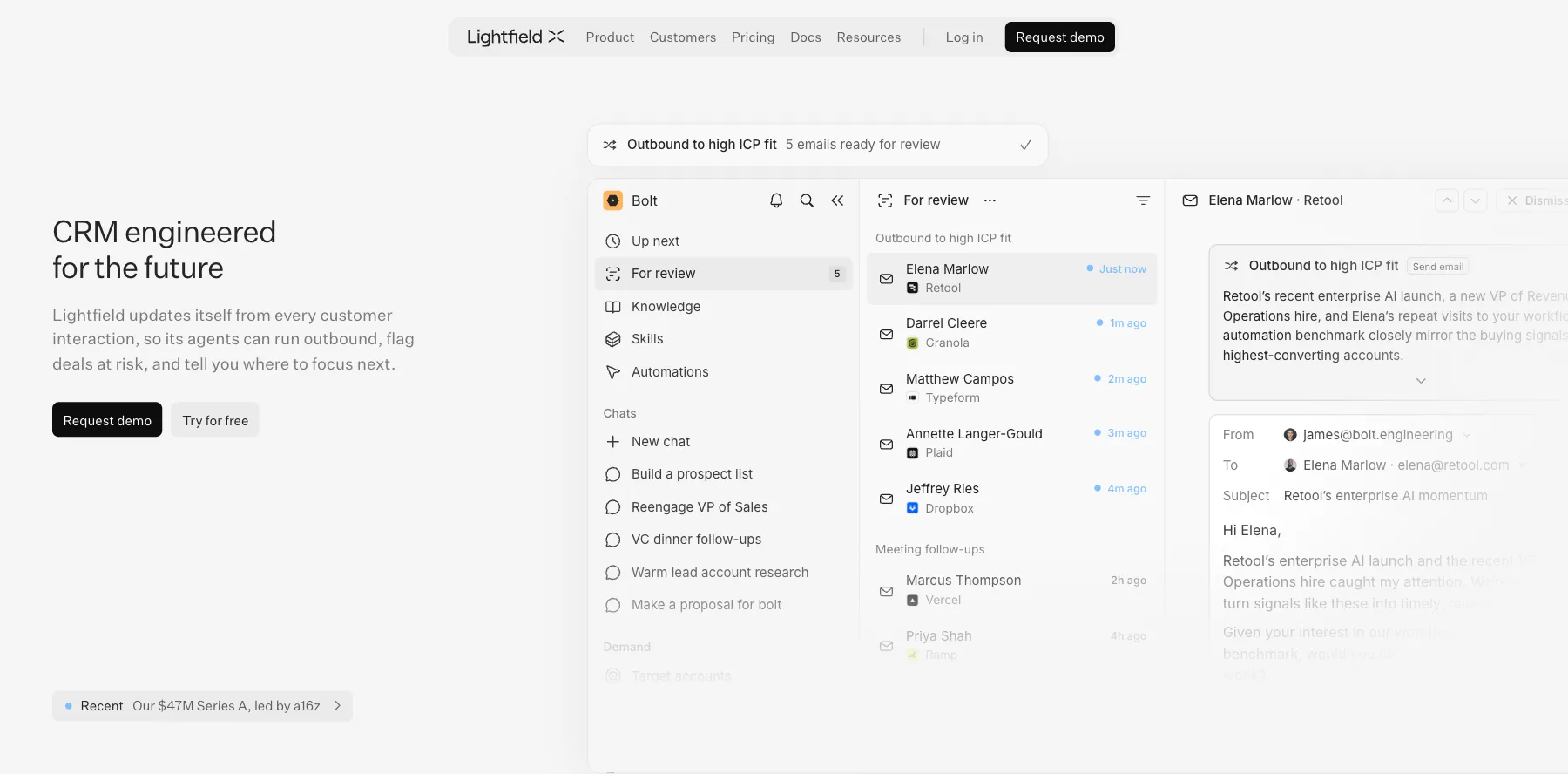
Lightfield is an AI-native CRM that updates itself from every call, email, meeting and Slack thread, so its agents work from a full picture of each customer.
Its agents find prospects who look like your best customers, write the outreach and book meetings. They capture commitments from every conversation, handle the follow-ups, flag deals at risk, and show you where your funnel is weak.
It raised a $47 million Series A led by a16z, it says.
Who is Lightfield for?
Lightfield is for B2B startups and sales teams that want AI agents to build pipeline and run follow-up for them.
Key features
- A CRM that fills itself from calls, email, meetings and Slack
- Agents for outbound, meeting prep and follow-ups
- Deal reviews against your qualification framework
- A meeting recorder
- Skills you write in plain English to shape its agents
Pros
- A 14-day free trial
- Agents that build pipeline, not just track it
- Almost no manual data entry
Cons
- Expensive past the founder plan
- Built for B2B sales, not creators
Pricing
Lightfield has three plans, after a 14-day free trial, from its pricing page as read on October 3, 2026:
- For founders – $89 a month per user, billed monthly.
- For small customer-facing teams – $999 a month.
- For scaling pipeline – $1,999 a month.

An AI-native CRM whose agents build pipeline and run follow-up.
14. Gist
The best CRM with live chat and email marketing
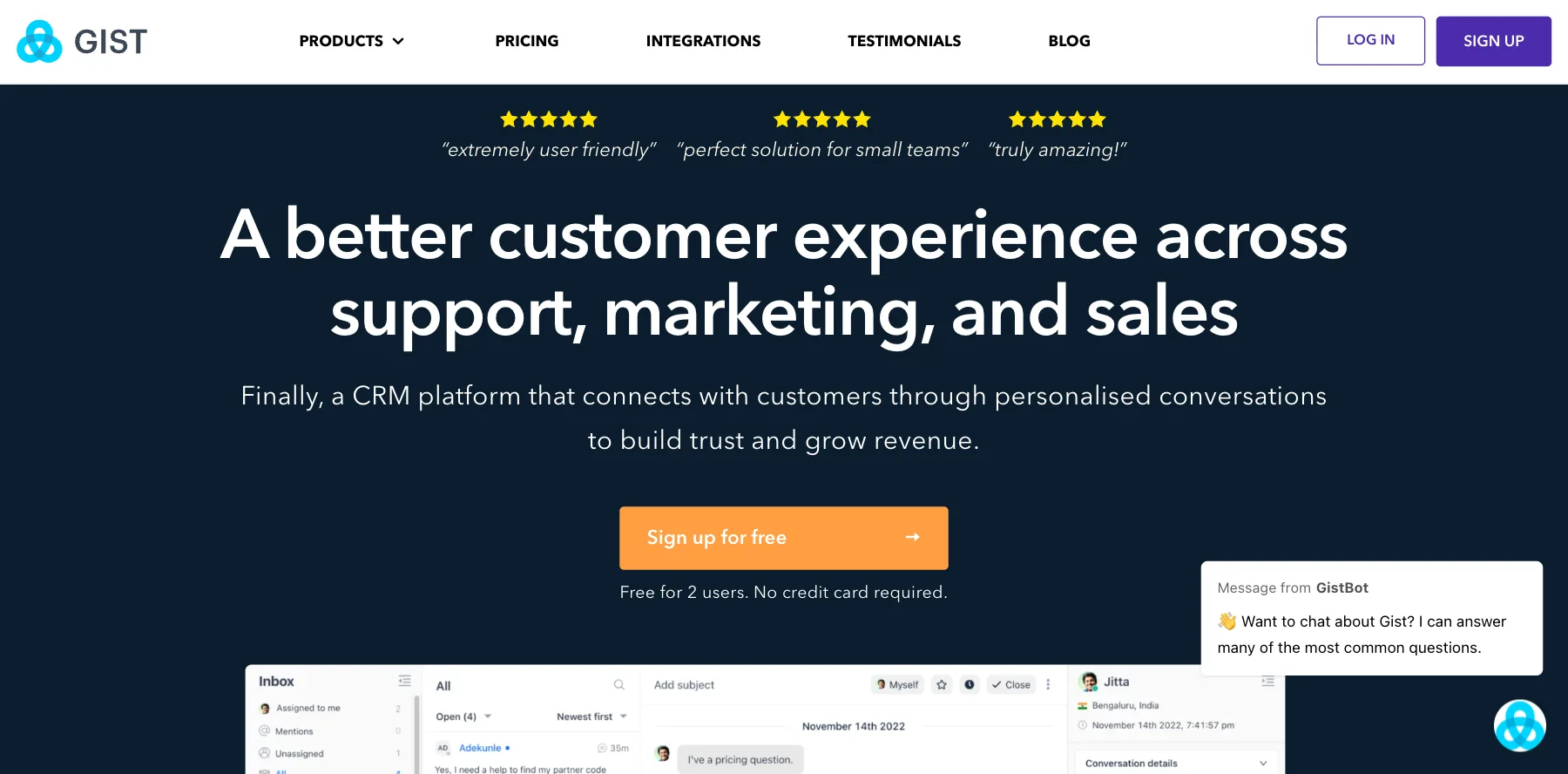
Gist puts your conversations with leads and customers in one app: live chat, chatbots, a help center, forms and popups, email marketing, a meeting scheduler and a simple CRM.
Its CRM gives you a drag-and-drop pipeline with revenue insights. The rest of Gist feeds it, so a chat, a form or an email turns into a contact you can follow up with.
Who is Gist for?
Gist is for small businesses that want live chat, email marketing and a light CRM in one app.
Key features
- Live chat and chatbots
- Email marketing automation
- A knowledge base, and forms and popups
- A drag-and-drop sales pipeline
- A meeting scheduler
Pros
- A free plan forever, with no credit card
- Many tools for the price
- A 14-day free trial of paid plans
Cons
- A light CRM next to dedicated sales CRMs
- Contacts and seats are capped by plan
Pricing
Gist has a free plan and three paid plans, from its pricing page as read on October 3, 2026:
- Free Forever – $0, for live chat with leads.
- Marketing Pro – $19 a month, with 1,000 contacts.
- Support Pro – $29 a month, with five support seats.
- All-in-One Pro – $48 a month, with 1,000 contacts and five support seats.
Live chat, email marketing and a light CRM in one app.
15. Keap
The best CRM for small business automation
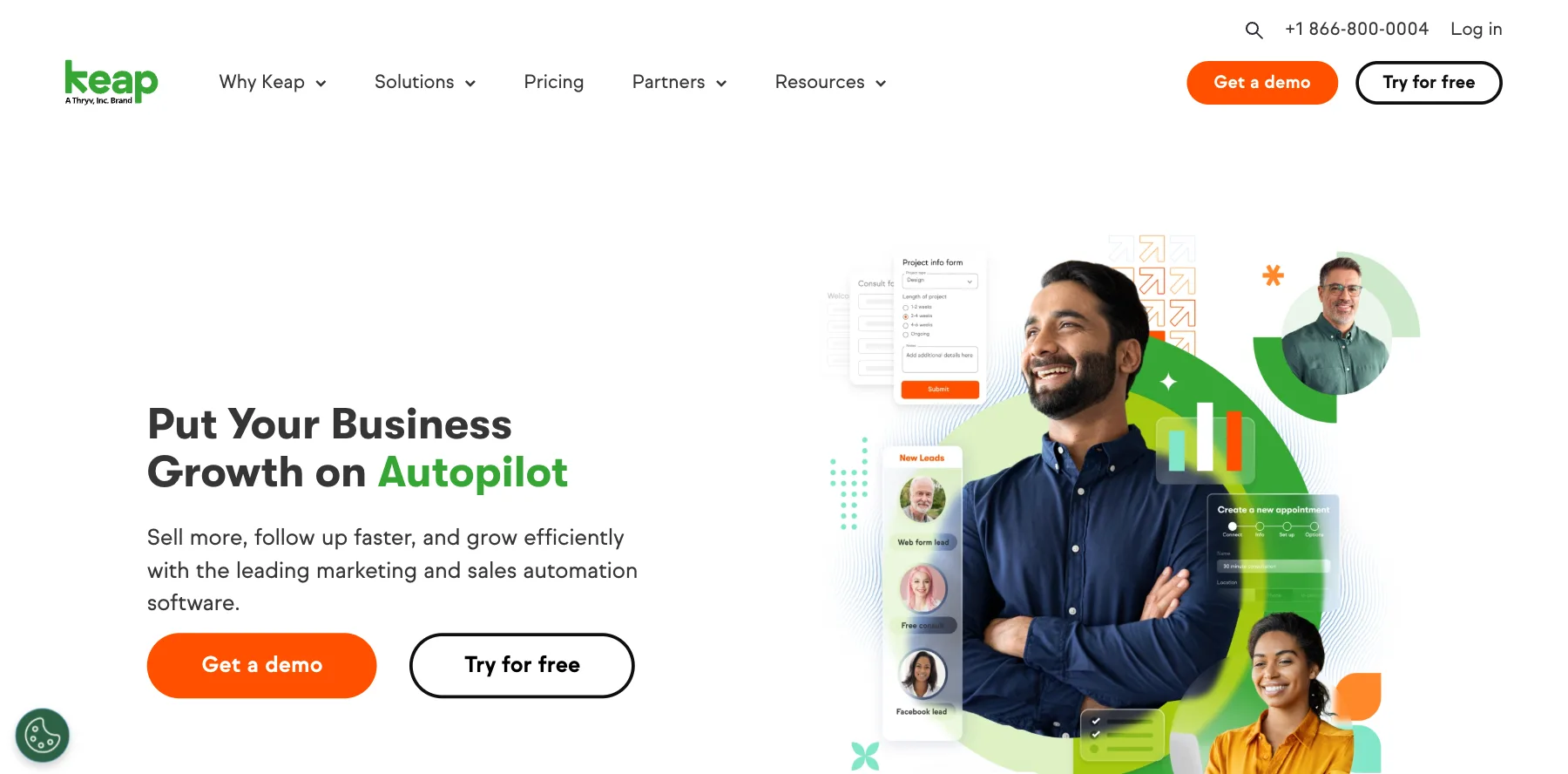
Keap, once Infusionsoft, is a CRM with sales and marketing automation for small businesses. If you can drag and drop, you can automate your follow-up with it, it says.
It captures leads, nurtures them into customers and keeps the relationship going, with invoices and payments built in. It connects with over 5,000 apps, and comes with a customer success manager.
Donald Miller of StoryBrand took his business from $500,000 to $16.5 million with Keap, it says.
Who is Keap for?
Keap is for service businesses, coaches and small teams who want their CRM, follow-up and payments automated.
Key features
- A CRM with drag-and-drop automation
- Email, and text marketing in the US
- Invoices and payments
- Over 5,000 integrations
- A customer success manager
Pros
- Powerful automation for a small business
- Two users included
- Over 20 years in business
Cons
- No public price, so you book a demo to get one
- Required implementation services and a $299 fee to end a yearly contract early
Pricing
Keap shares its price after a demo, from its pricing page as read on October 3, 2026:
- Keap – priced after a demo, with required implementation services and two users included.
- Extra users – $39 a month each.
- Text marketing – from $24 a month, in the US.
Its free trial sends up to 25 emails and takes no payments.
16. SureContact
The best CRM for WordPress sites and stores
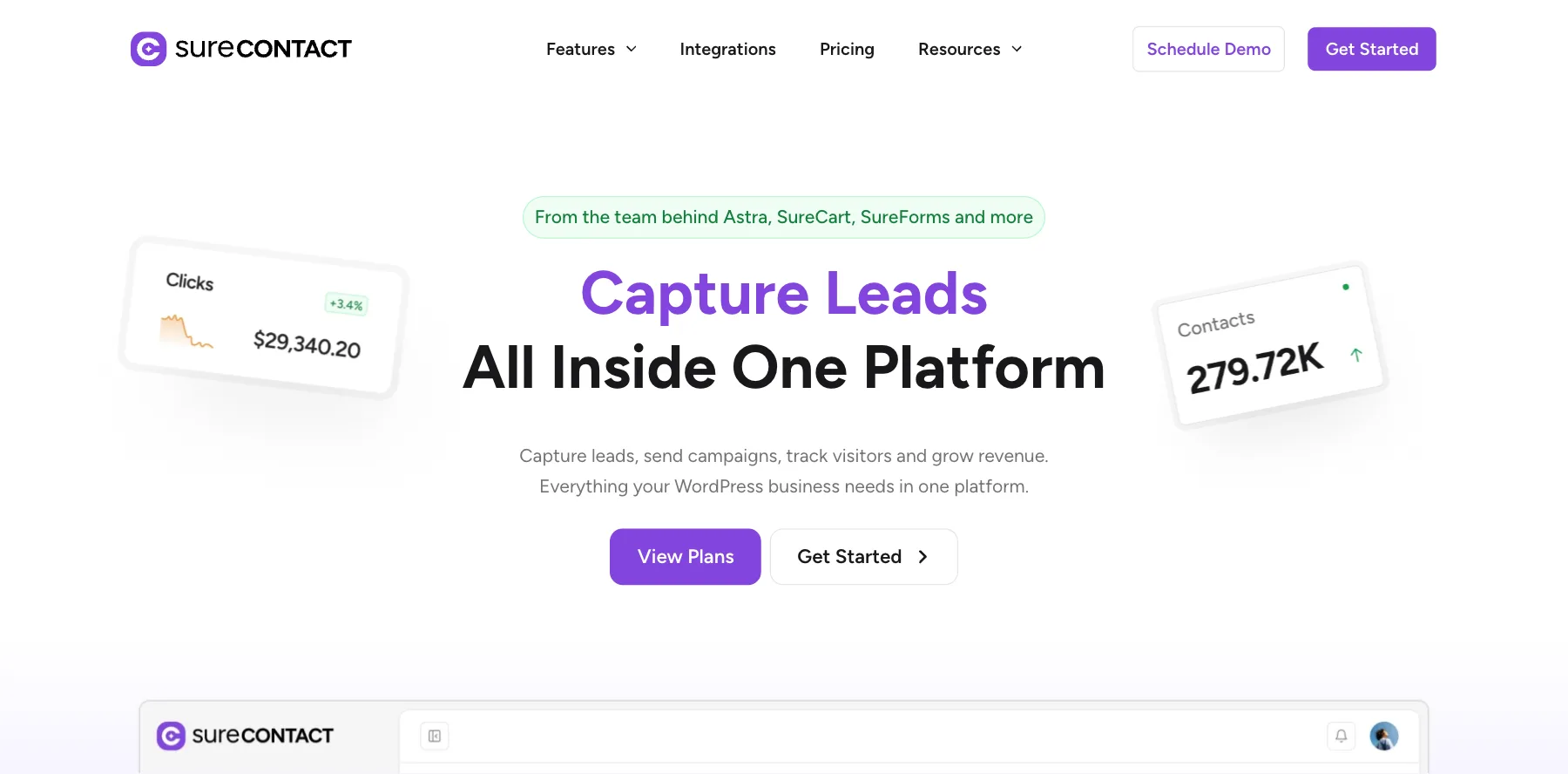
SureContact is a marketing CRM for WordPress, from the team behind Astra, SureCart and SureForms. It turns every form submission, WooCommerce or SureCart order and membership event into a tagged contact, ready for follow-up.
From there you send campaigns, build automations like welcome, cart recovery and win-back flows, and see opens, clicks and revenue. Its forms are built in, so you don't need a forms plugin.
It also works with AI: through its MCP server, Claude, ChatGPT and Cursor can manage your contacts, campaigns and automations in plain English.
Who is SureContact for?
SureContact is for WordPress sites and stores that want their CRM and email marketing tied to their orders and forms.
Key features
- Contacts synced from WooCommerce, SureCart and forms
- Campaigns with A/B testing, and unlimited sends with your own SMTP
- Visual automations for welcome, cart recovery and win-back
- Native forms and full analytics
- An MCP server for Claude, ChatGPT and Cursor
Pros
- Every feature on every plan
- Lifetime plans, if you'd rather pay once
- A 14-day money-back guarantee
Cons
- Built for WordPress, so it fits less well elsewhere
- A marketing CRM, not a sales pipeline CRM
Pricing
SureContact charges by your list size, with every feature on every plan, from its pricing page as read on October 3, 2026:
- Monthly – $29 a month for 10,000 contacts.
- Lifetime Starter – $399 once, for 10,000 contacts.
- Lifetime Growth – $699 once, for 30,000 contacts.
- Lifetime Suite – $799 once, for 50,000 contacts and 100,000 emails through its own SMTP.
Lifetime prices are introductory, and renewals are at full price, it says.

A WordPress marketing CRM tied to your forms and orders.
17. Salesflare
The best CRM for B2B sales teams
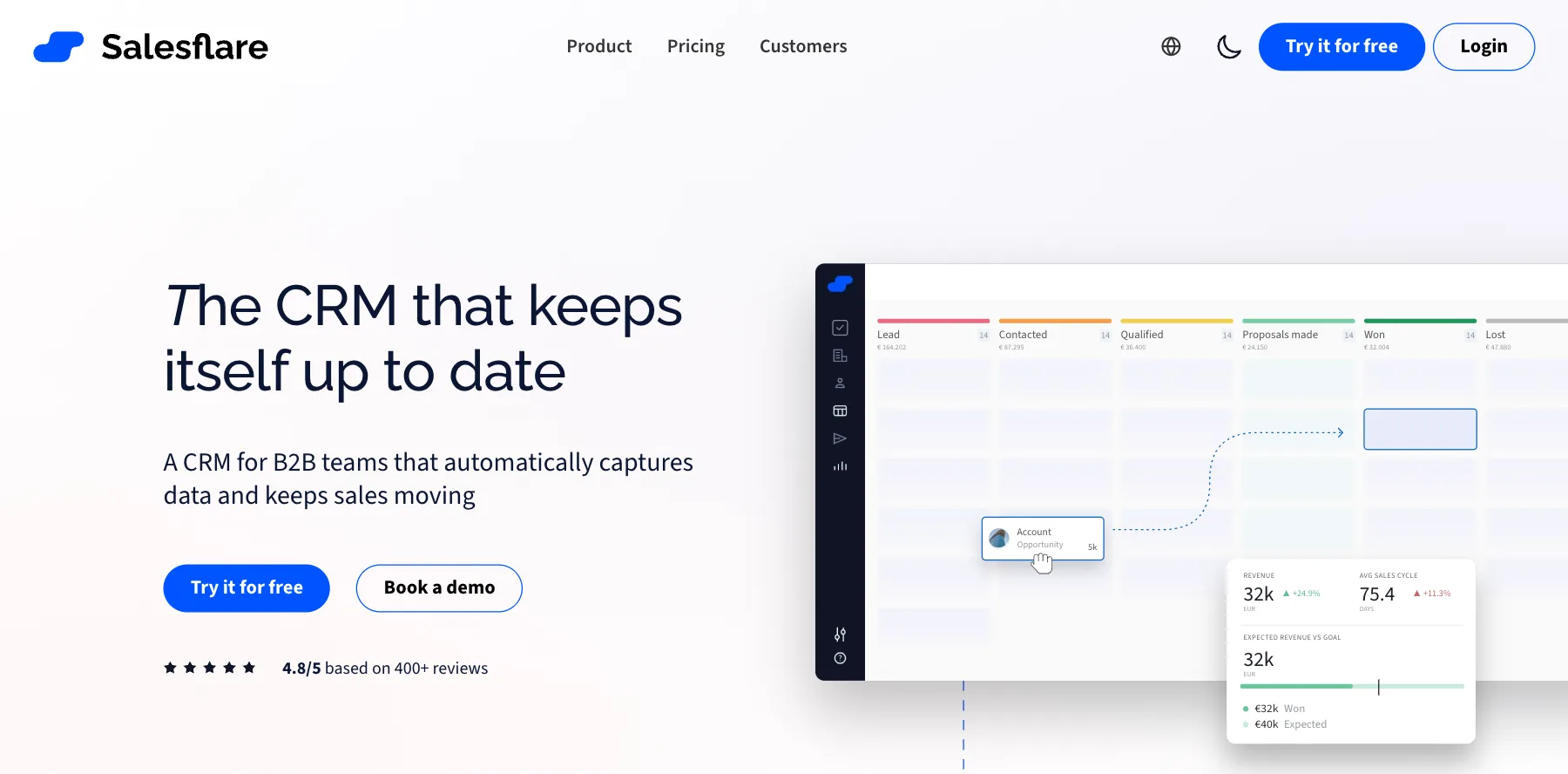
Salesflare is a CRM for B2B teams that keeps itself up to date. It fills itself from your email, calendar and contacts, so your team relies on the CRM instead of feeding it.
It reminds you who to follow up with, shows your pipeline at a glance, and finds new leads and email addresses with its lead search.
Who is Salesflare for?
Salesflare is for small B2B sales teams that don't want to type data into a CRM.
Key features
- A CRM that fills itself from email, calendar and contacts
- Follow-up reminders and a visual pipeline
- Lead search and email finding, with monthly credits
Pros
- Little to no data entry
- Easy for an entire sales team to use
- A free trial
Cons
- Lead credits are capped, and more cost extra
- Enterprise needs at least five users
Pricing
Salesflare has three plans, priced per user and billed yearly, from its pricing page as read on October 3, 2026:
- Growth – $29 a month per user, with five lead credits.
- Pro – $49 a month per user, with 100 lead credits.
- Enterprise – $99 a month per user, for at least five users.
More lead credits cost $39 for 250, $69 for 500 or $129 for 1,000 a month.

A B2B CRM that fills itself from your email and calendar.
18. Pipeline CRM
The best sales pipeline CRM you set up in plain English
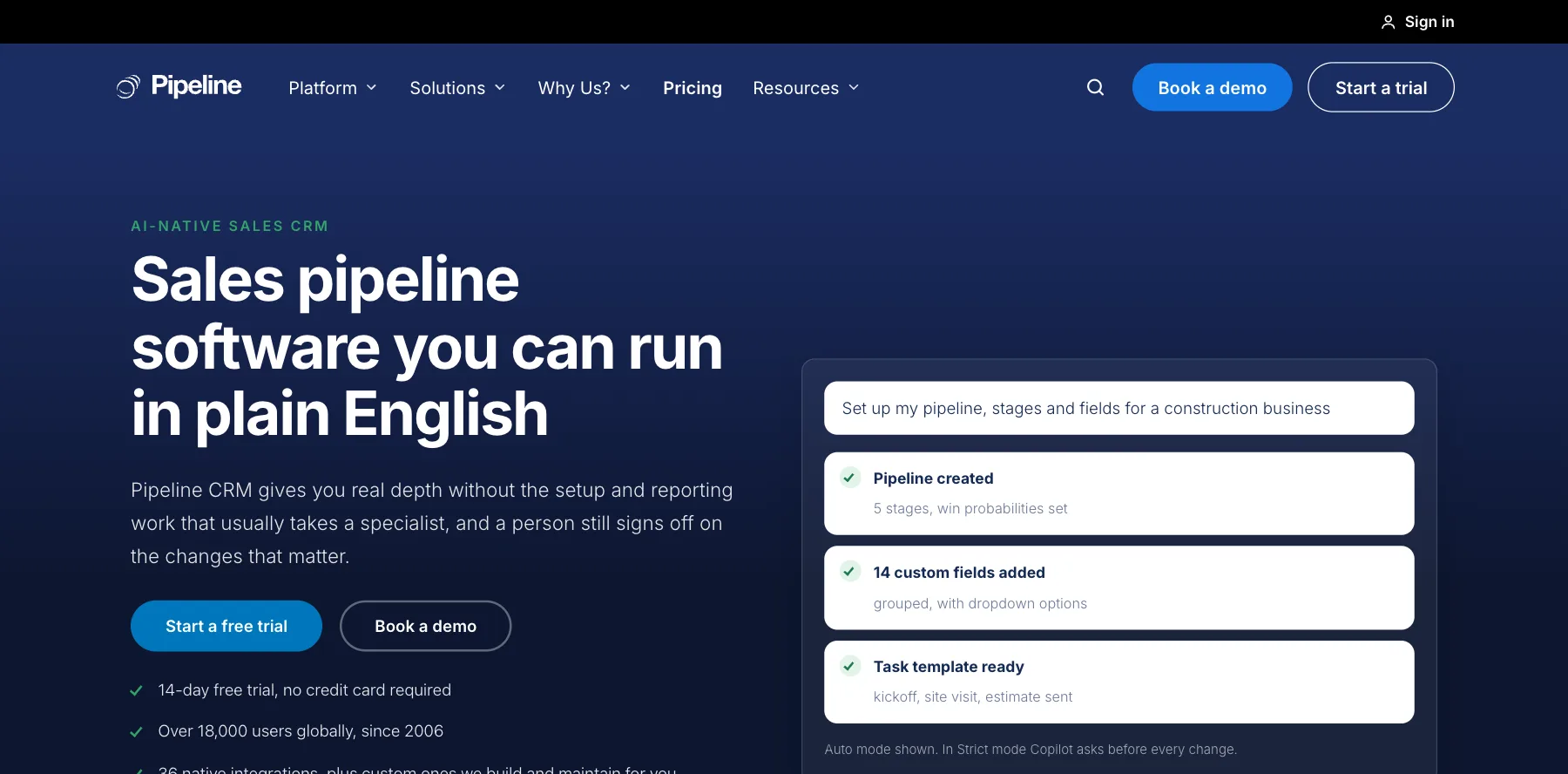
Pipeline CRM, once PipelineDeals, is sales pipeline software for small and mid-size B2B teams. Deals move through stages you define, and every record takes unlimited custom fields.
Its Copilot lets you run it in plain English. Describe the outcome, like a new stage, field or automation, and Copilot builds it. You choose how much it does on its own, and it never goes past each person's permissions.
It can also connect your other tools for you: its Pipeline Connect service builds, hosts and monitors the integrations.
Who is Pipeline CRM for?
Pipeline CRM is for small and mid-size B2B sales teams that want depth without a CRM specialist to set it up.
Key features
- Pipelines with your own stages and unlimited custom fields
- Copilot, to build stages, fields and automations in plain English
- Admin controls over what Copilot may do
- Managed integrations through Pipeline Connect
- Data enrichment and email validation add-ons
Pros
- A 14-day free trial of its top plan, with no credit card
- Simple per-user pricing
- Copilot does setup work that used to need an expert
Cons
- Managed integrations start at $99 a month extra
- Enrichment is an add-on, from $19 a month
Pricing
Pipeline CRM has three plans, priced per user, after a 14-day free trial, from its pricing page as read on October 3, 2026:
- Start – $25 a month per user billed yearly, or $29 monthly.
- Develop – $33 a month per user billed yearly, or $39 monthly.
- Grow – $49 a month per user billed yearly, or $59 monthly.
A sales pipeline you set up by describing what you want.
19. NetHunt CRM
The best CRM software inside Gmail
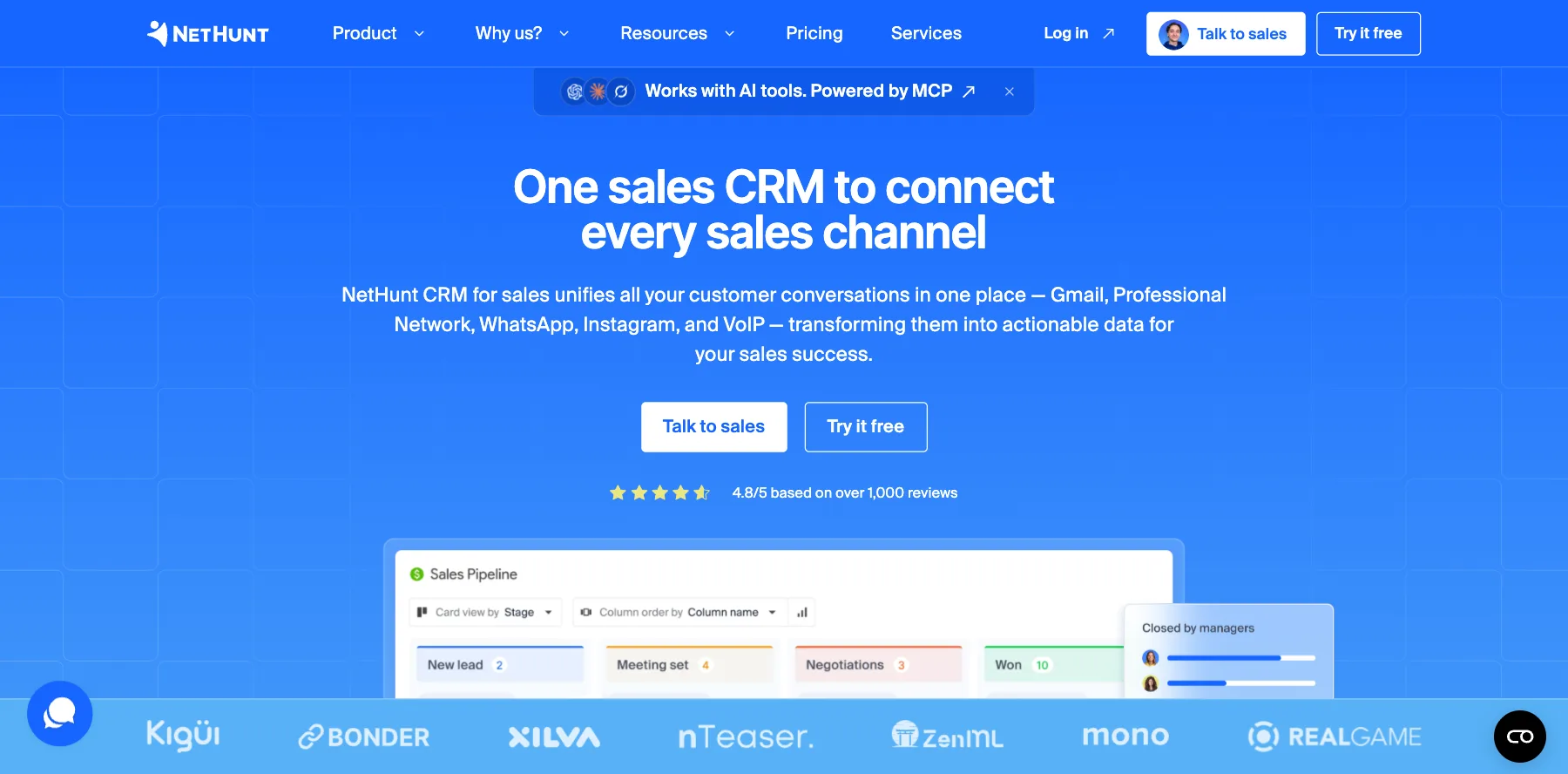
NetHunt CRM turns Gmail into a CRM. You manage your pipeline, talk to customers and see your sales reports without leaving your inbox.
It brings your channels together too: email, LinkedIn, messengers and phone calls, all in each customer's history. Its automations handle the routine, and you can change any field, stage, view or automation to fit how you sell.
Who is NetHunt CRM for?
NetHunt CRM is for small sales teams that live in Gmail and sell across email, LinkedIn and messengers.
Key features
- A CRM inside Gmail
- Email, LinkedIn, messengers and calls in one history
- Sales automation and reporting
- Custom fields, stages, views and automations
Pros
- Works where you already work
- A 14-day free trial with no limit on users
- Quick to set up
Cons
- Best for Gmail users
- Higher plans are priced on request
Pricing
NetHunt CRM is priced per user, after a 14-day free trial, from its pricing page as read on October 3, 2026:
- From $24 a month per user – billed yearly, or $30 monthly, with the essential CRM tools for small teams.
- From $34 a month per user – billed yearly, or $42 monthly, with advanced features for growing teams.
- Multichannel and deep automation – $60 and $84 a month per user billed monthly, or priced on request yearly.

A CRM inside Gmail that brings every channel together.
20. Streak
The best free CRM for Gmail
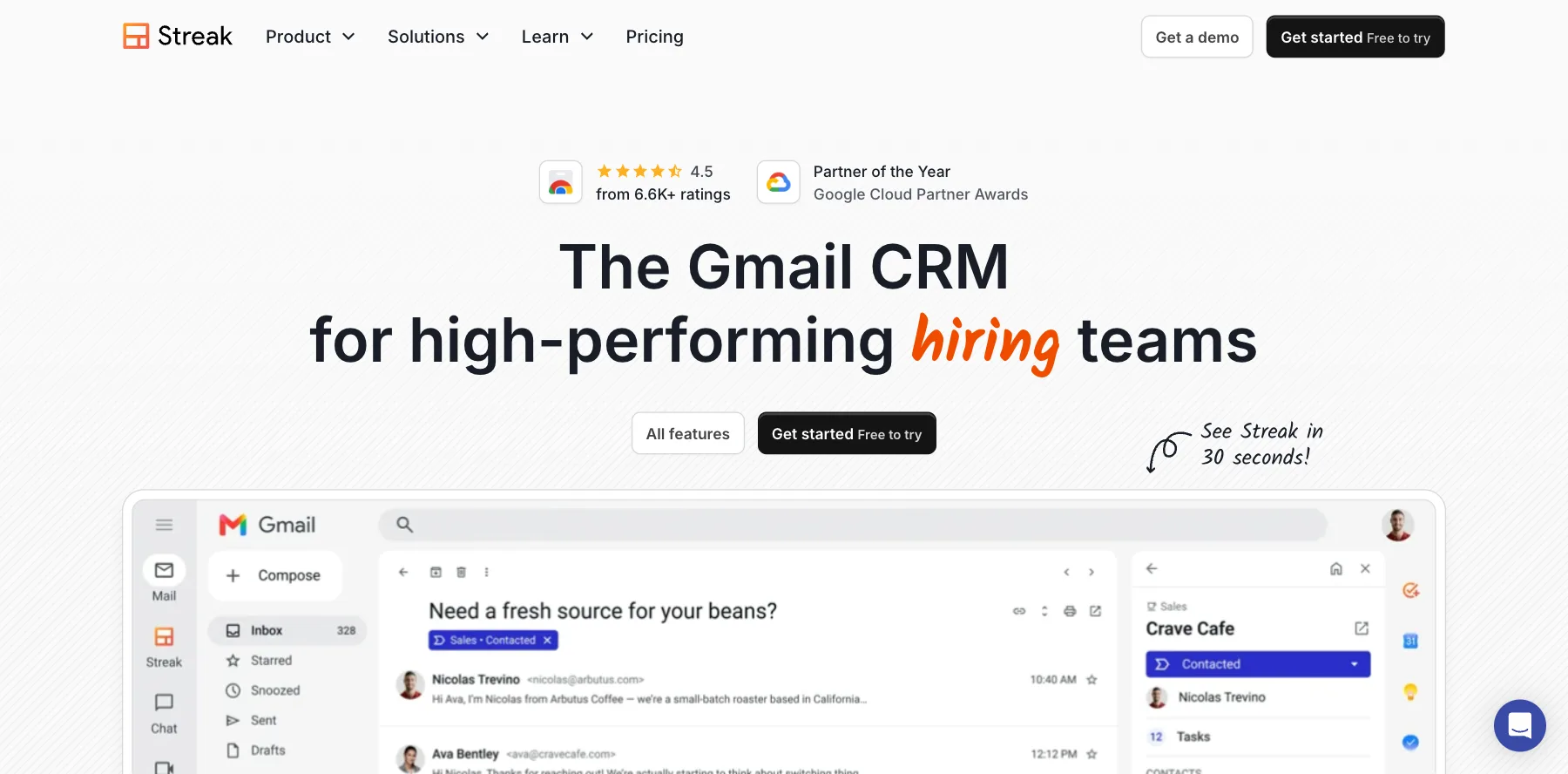
Streak is a CRM that lives inside Gmail, so your team uses it because it's always there. It logs your team's emails to each deal on its own and shows each email's pipeline and stage right in your inbox.
Its AI fills in your deals from your inbox, answers questions about your deal history in plain English, and surfaces important deals with magic columns.
It also has a free plan that works inside Gmail, with email and link tracking and mail merge.
Who is Streak for?
Streak is for small teams and solo founders who run their deals, hiring or partnerships from Gmail.
Key features
- Pipelines and deal tags inside Gmail
- Team-wide email logging
- AI data entry and answers in plain English
- Magic columns for real-time deal data
- Email and link tracking, snippets and mail merge
Pros
- A free plan inside Gmail
- No limits on contacts, pipelines or records
- A 14-day free trial of Pro+
Cons
- Only for Gmail and Google Workspace
- AI credits are capped and don't roll over
Pricing
Streak has a free plan and three paid plans, priced per user, from its pricing page as read on October 3, 2026:
- Free – $0 inside Gmail, with 50 mail merge sends a day.
- Pro – $49 a month per user billed yearly, or $59 monthly.
- Pro+ – $69 a month per user billed yearly, or $89 monthly.
- Enterprise – $129 a month per user billed yearly, or $159 monthly.
A CRM inside Gmail that logs every email for your team.
I may earn a commission if you make a purchase, at no additional cost to you.
21. Close
The best CRM for sales teams that call
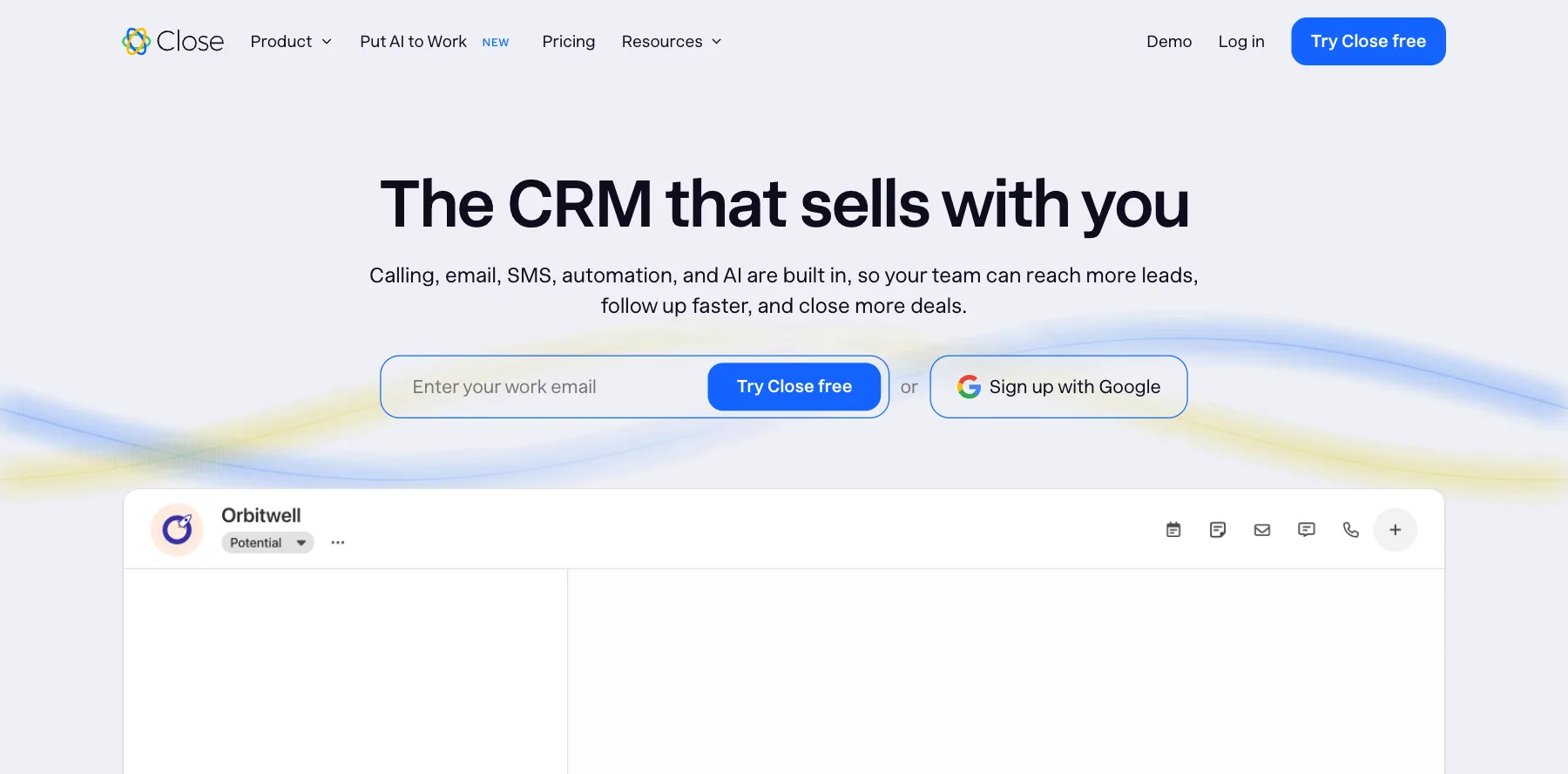
Close is a sales CRM built for teams that sell by phone, email and text. Calling, SMS, email, pipelines and reporting are all built in.
Its standout is Chloe, an AI sales agent. When a lead comes in, Chloe calls within minutes with Close's dialer, qualifies them in a real conversation, books the meeting and logs the notes. She also re-opens cold leads and writes and sends follow-ups.
Who is Close for?
Close is for small sales teams and agencies that close deals on calls and want an AI agent working leads for them.
Key features
- A built-in dialer, SMS and email
- Chloe, an AI agent that calls, qualifies and books meetings
- Pipelines, reporting and automation
- AI credits on every plan
- A call assistant that records, transcribes and summarizes
Pros
- Calling and texting without extra tools
- Up to 50% off when you pay yearly
- A free trial and a 30-day money-back guarantee
Cons
- Calls and texts cost extra, at cost
- The call assistant is an add-on, at $50 a month plus usage
Pricing
Close has four plans, priced per user, from its pricing page as read on October 3, 2026:
- Solo – $9 a month per user billed yearly, or $19 monthly.
- Essentials – $35 a month per user billed yearly, or $49 monthly.
- Growth – $99 a month per user billed yearly, or $109 monthly.
- Scale – $139 a month per user billed yearly, or $149 monthly.
Calls cost about $0.02 a minute, and phone numbers about $1 a month.
A sales CRM with a dialer and Chloe, an AI agent that calls leads.
I may earn a commission if you make a purchase, at no additional cost to you.
22. Twenty
The best open-source CRM software
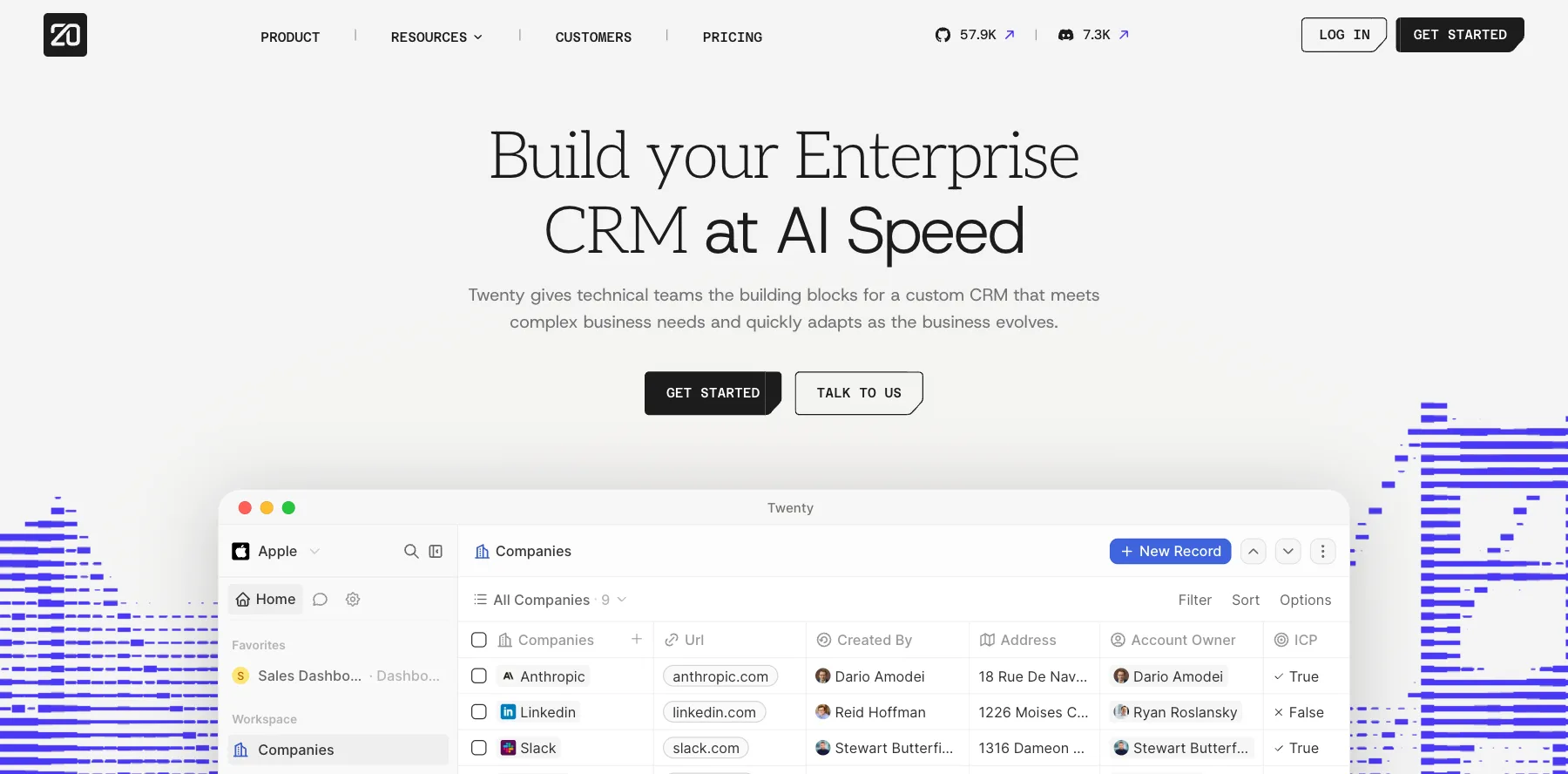
Twenty is an open-source CRM. It gives technical teams the building blocks for a CRM of their own: the data model, permissions, layouts and a workflow engine, ready to shape to how they sell.
You can use its cloud, or host it yourself. One company moved to a self-hosted Twenty and cut its CRM costs by more than 90%, it says. Its plans also include AI agents with custom skills.
Who is Twenty for?
Twenty is for technical founders and teams who want to own their CRM and build on it, or move off a costly one.
Key features
- An open-source CRM you can host yourself
- A custom data model, layouts and workflows
- AI agents with custom skills
- Email and calendar sync
- A toolkit to build your own CRM and internal apps
Pros
- Open source, so you own it and your data
- Low cloud prices, from $9 a month per user
- A free trial with no credit card
Cons
- Self-hosting takes technical skill
- Fewer ready-made sales tools than the big CRMs
Pricing
Twenty has two cloud plans and an enterprise plan, after a free trial, from its pricing page as read on October 3, 2026:
- Pro – $9 a month per user.
- Organization – $19 a month per user, with a custom domain.
- Enterprise – from $50,000 a year.
An open-source CRM you can own, host and build on.
23. Agile CRM
The best free CRM for teams of up to 10
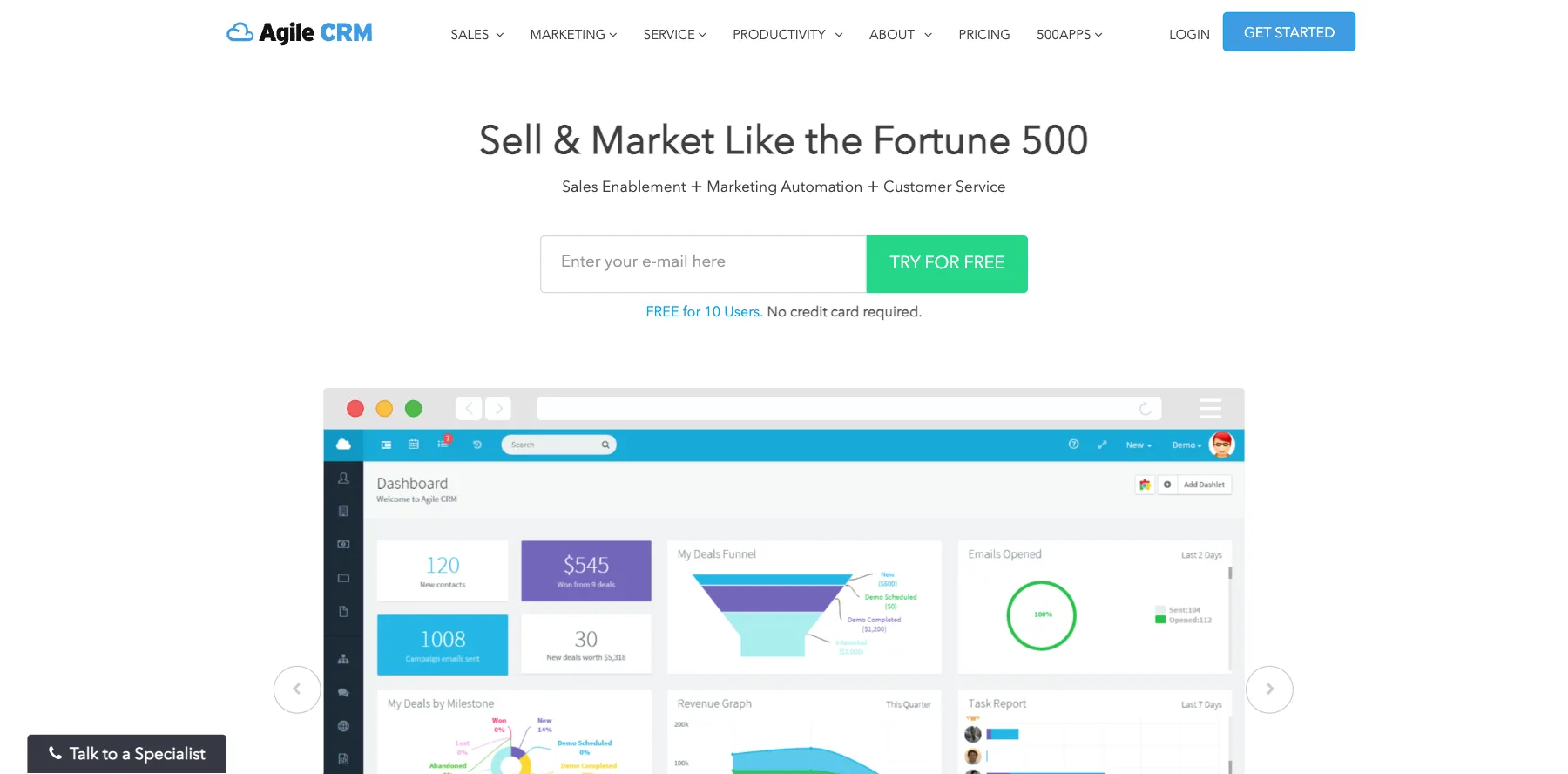
Agile CRM is an all-in-one CRM for sales, marketing and service, priced for small businesses. Its free plan covers up to 10 users, and its paid plans are some of the lowest-priced you'll find.
It keeps your contacts and deals, runs your marketing, and handles customer service in the same app.
Who is Agile CRM for?
Agile CRM is for small businesses that want a free or very cheap all-in-one CRM.
Key features
- Contacts, companies and deals
- Marketing automation and email campaigns
- Customer service tools
- Free for up to 10 users
Pros
- Free for up to 10 users, with no credit card
- Very low paid plans
- Sales, marketing and service in one app
Cons
- Its paid prices are shown as "as low as" figures
- Fewer AI features than the newer CRMs here
Pricing
Agile CRM has a free plan and three paid plans, priced per user, from its pricing page as read on October 3, 2026:
- Free – $0, for up to 10 users.
- Starter – from $8.99 a month per user.
- Regular – from $29.99 a month per user.
- Enterprise – from $47.99 a month per user.
A low-priced all-in-one CRM for sales, marketing and service.
24. Salesforce
The best CRM software for enterprise
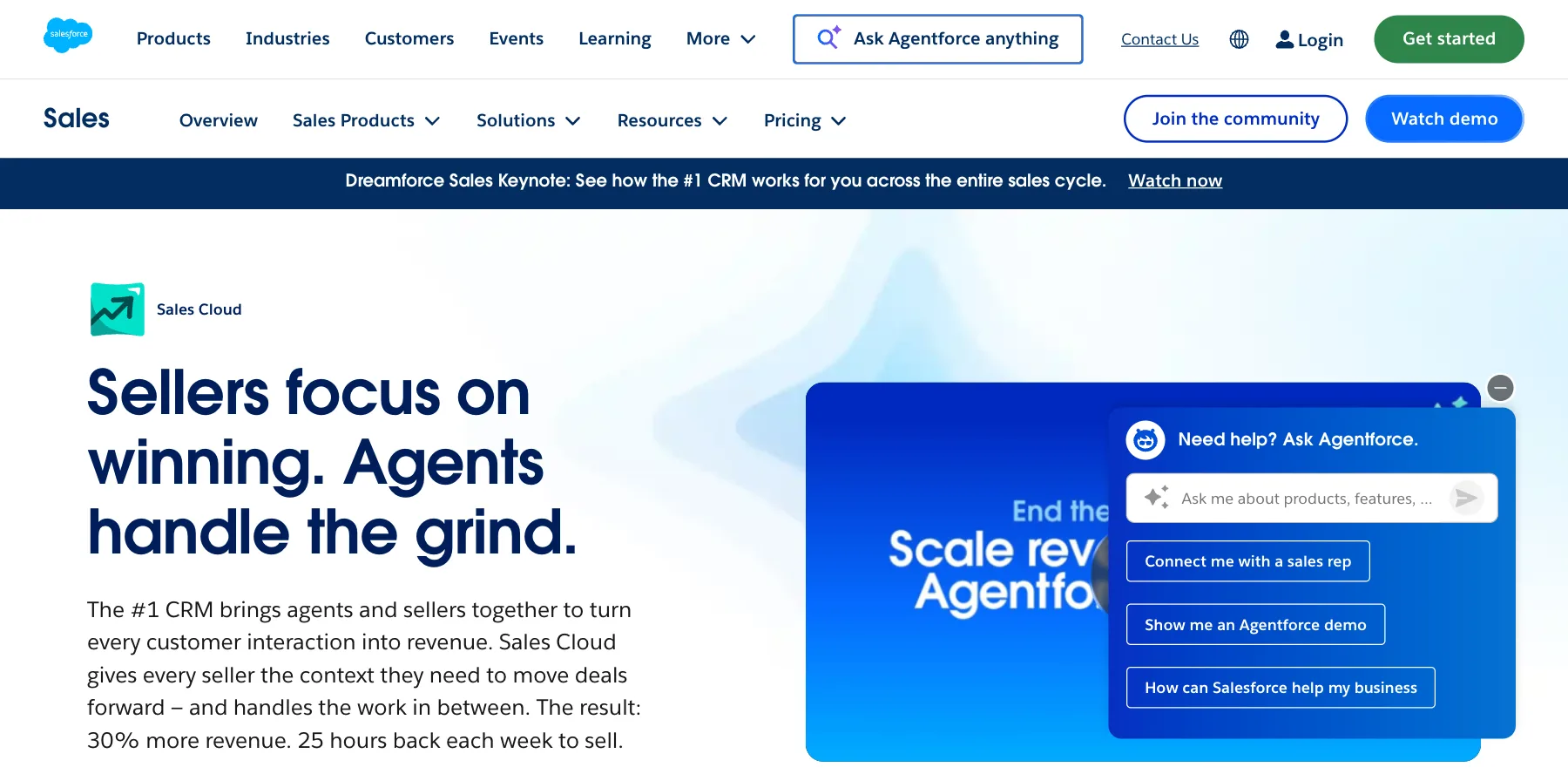
Salesforce calls itself the #1 CRM, and Sales Cloud is its CRM for sales. Agentforce, its AI agents, work across every stage of a deal, from planning to closing, so your sellers can focus on winning.
For small businesses, Starter Suite bundles sales, service and marketing for $25 a month per user. Its bigger editions add Slack, Tableau and more agents.
Who is Salesforce for?
Salesforce is for growing and large companies that need a CRM they can shape to any process, with AI agents at scale.
Key features
- Sales Cloud for leads, deals and forecasts
- Agentforce AI agents across the deal cycle
- Starter Suite for small businesses
- Slack and Tableau in higher editions
- Pro Suite, with more automation and customization
Pros
- It can do almost anything with enough setup
- A 30-day free trial of every Sales Cloud edition
- A low-priced starter suite
Cons
- Expensive at higher editions
- Complex to set up without help
Pricing
Salesforce's sales plans are priced per user, after a 30-day free trial, from its pricing page as read on October 3, 2026:
- Starter Suite – $25 a month per user.
- Pro Suite – $100 a month per user.
- Sales Cloud editions – $195, $395 and $550 a month per user, with Agentforce.
The CRM for any process, with Agentforce AI agents.
25. EngageBay
The best free all-in-one CRM for startups
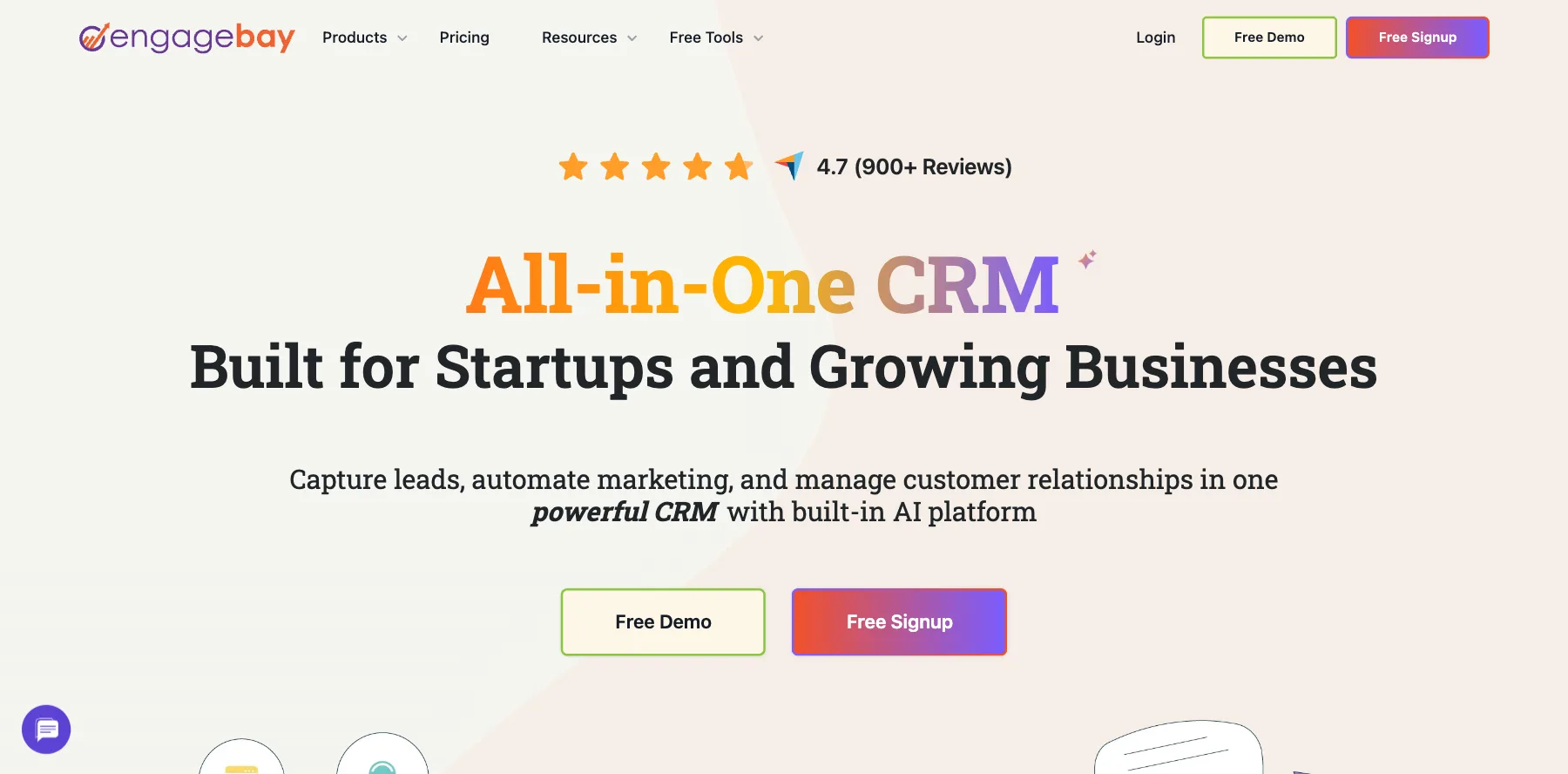
EngageBay is an all-in-one CRM for startups and small businesses, with marketing, sales and service in one app. It's free for teams of up to 15 members.
You can buy the full suite or only what you need, like its CRM and sales tools from $11.04 a month per user. It also moves your data from another platform for free.
Who is EngageBay for?
EngageBay is for startups and small businesses that want a free or low-priced all-in-one CRM.
Key features
- A CRM with sales, marketing and service
- Marketing automation and email
- A free plan for up to 15 members
- Free migration from your old platform
Pros
- Free for teams of up to 15
- Low prices for an all-in-one suite
- Buy the full suite or one part
Cons
- A big jump from Basic to Growth
- Pro includes up to 10,000 contacts, and more means a call with its team
Pricing
EngageBay's all-in-one suite has a free plan and three paid plans, priced per user and billed yearly, from its pricing page as read on October 3, 2026:
- Free – $0, for up to 15 members.
- Basic – $12.74 a month per user.
- Growth – $55.24 a month per user.
- Pro – $101.99 a month per user.
Marketing, sales and service in one low-priced CRM.
26. Nimble
The best CRM for prospecting and contacts
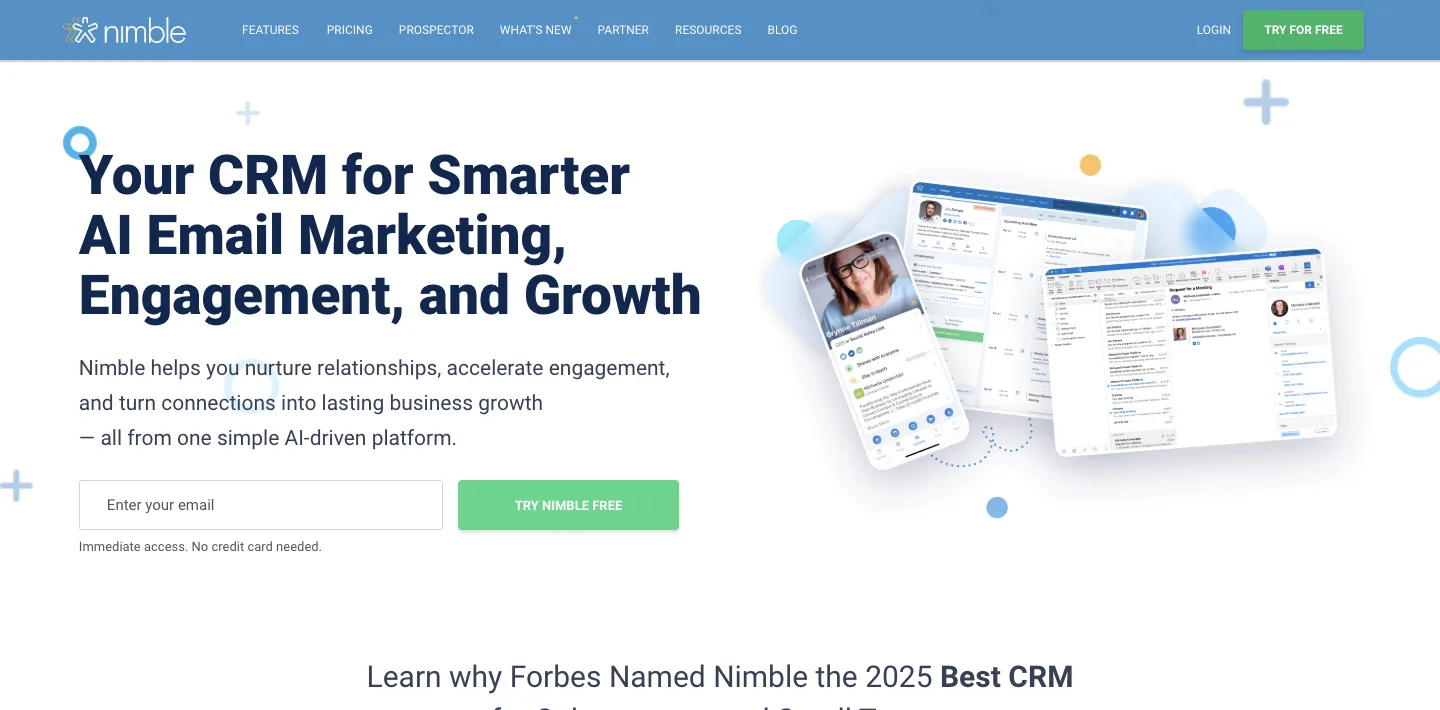
Nimble is a CRM for small businesses, with contact management, outreach and email marketing in one simple plan.
Nimble Prospector finds missing emails, phone numbers and details about anyone on social sites, websites and apps. You can send personal group messages to any segment, with open and click tracking, and capture leads with web forms.
Who is Nimble for?
Nimble is for small businesses, consultants and solo sellers who want a simple CRM with prospecting built in.
Key features
- Contact management for up to 25,000 contacts
- Nimble Prospector, to find emails and phone numbers
- Group messages with tracking, 1,000 a month per license
- Web forms and an email marketing add-on
Pros
- One simple plan
- A 14-day free trial with no credit card
- Up to 17% off when you pay yearly
Cons
- Email marketing and web forms are add-ons
- Fewer sales pipeline tools than a sales CRM
Pricing
Nimble has one plan, priced per seat, after a 14-day free trial, from its pricing page as read on October 3, 2026:
- Nimble – $24.90 a month per seat billed yearly, or $29 monthly.
- Email marketing – $15 a month per company extra.
- Web forms – $12 a month per company extra.
A simple CRM that finds emails and phone numbers for you.
27. Salesmate
The best CRM platform for sales, marketing and support
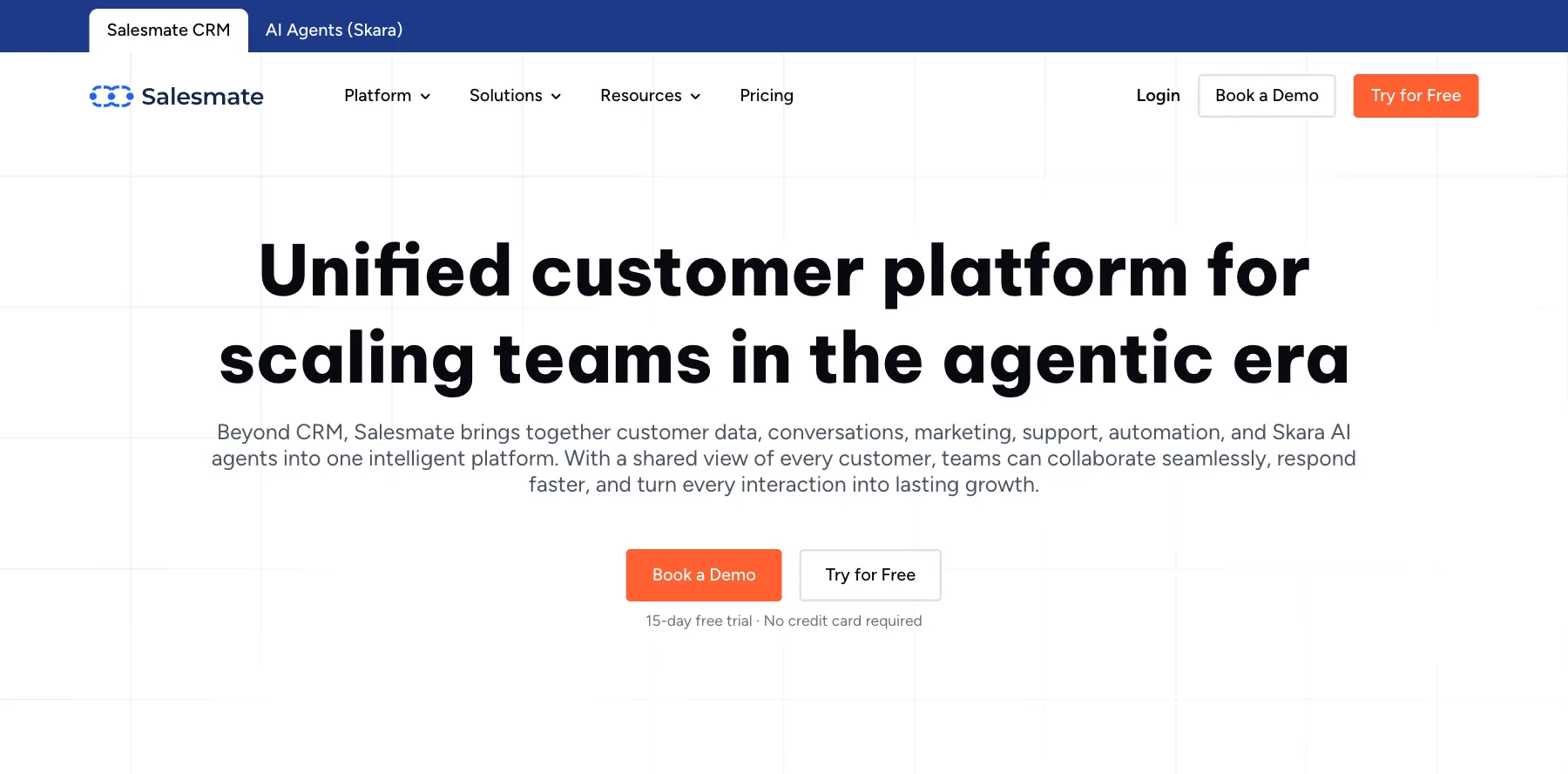
Salesmate is a CRM that grew into a customer platform: contacts, deals and pipelines, plus conversations, marketing automation, support and Skara, its AI agents.
Its AI summarizes conversations, suggests next steps and automates repetitive work, using your real customer data. Over 8,500 businesses use it, it says.
Who is Salesmate for?
Salesmate is for growing teams that want sales, marketing and support on one customer platform.
Key features
- Contacts, companies, deals and pipelines
- Marketing automation and campaigns
- Support with full customer context
- Skara AI agents
- Built-in calling and texting
Pros
- A 15-day free trial
- Sales, marketing and support in one app
- 24/7 support on its top plan
Cons
- Enterprise onboarding starts at $1,999
- Phone numbers and calls cost extra
Pricing
Salesmate has three plans, priced per user, after a 15-day free trial, from its pricing page as read on October 3, 2026:
- $23 a month per user – for startups and small businesses managing a pipeline across channels.
- $39 a month per user – for growing and mid-size businesses.
- $63 a month per user – sales, marketing and support together, with 24/7 support.
Sales, marketing and support on one platform, with AI agents.
28. ActiveCampaign
The best CRM for email marketing automation
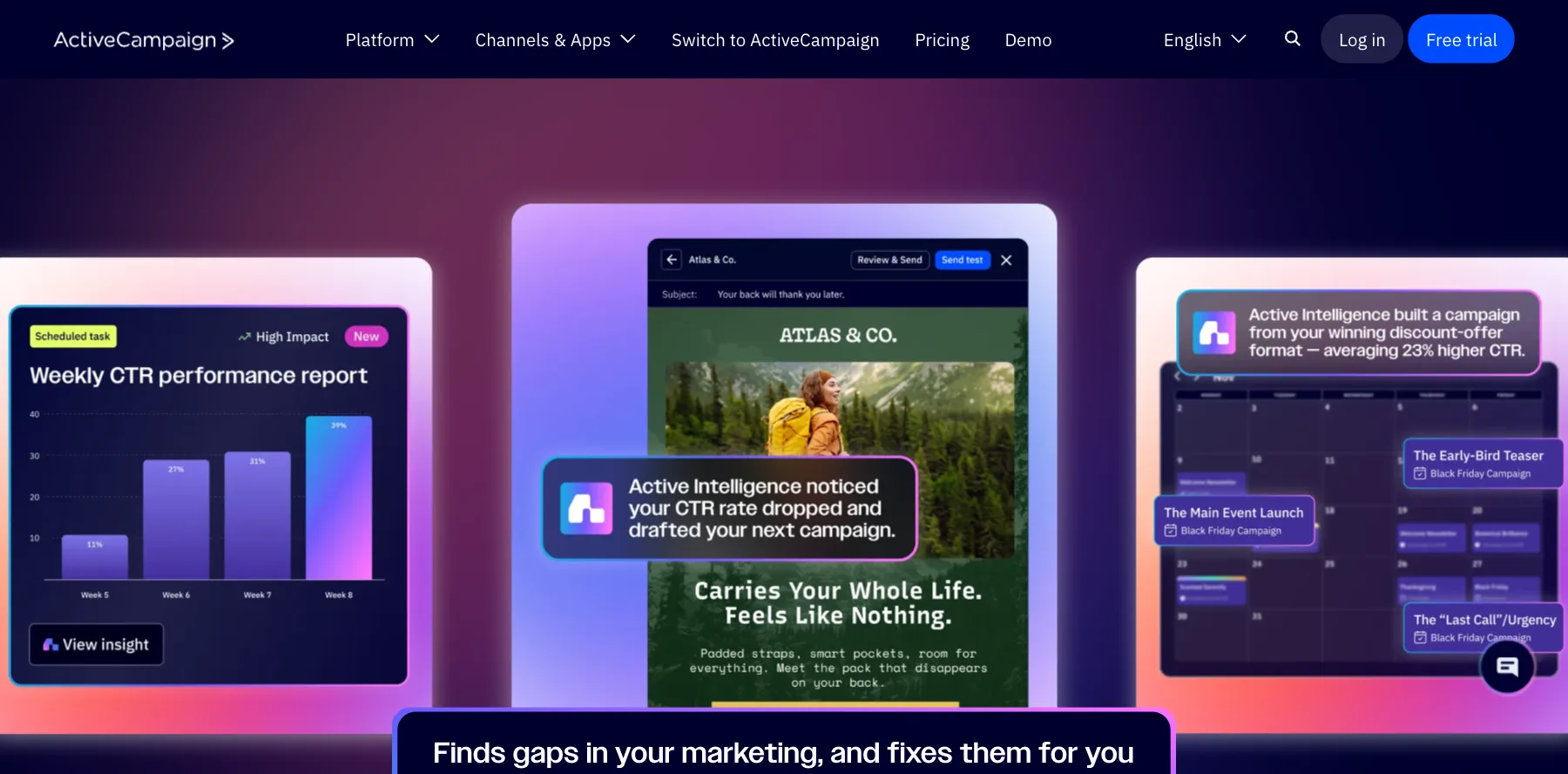
ActiveCampaign is email marketing automation first, with a CRM attached. Active Intelligence, its AI, builds your emails, automations and segments for you, and you can use your account's data in ChatGPT and Claude.
I'm not the biggest fan of it as a CRM. It's at its best when your sales follow your email list, and a dedicated sales CRM does more for a sales team.
Who is ActiveCampaign for?
ActiveCampaign is for businesses whose sales run through email marketing and automation.
Key features
- Email marketing and automation
- A CRM with deals and pipelines
- Active Intelligence, its AI for marketing
- Your account's data in ChatGPT and Claude
Pros
- Deep email automation
- A 14-day free trial
- A 30-day money-back guarantee
Cons
- A light CRM next to dedicated sales CRMs
- Prices rise with your list size
Pricing
ActiveCampaign has four plans, priced for 1,000 contacts and billed yearly, after a 14-day free trial, from its pricing page as read on October 3, 2026:
- Starter – $15 a month.
- Plus – $49 a month.
- Pro – $79 a month.
- Enterprise – $145 a month.

Email marketing automation with a CRM attached.
I may earn a commission if you make a purchase, at no additional cost to you.
29. Act!
The best desktop CRM for small businesses
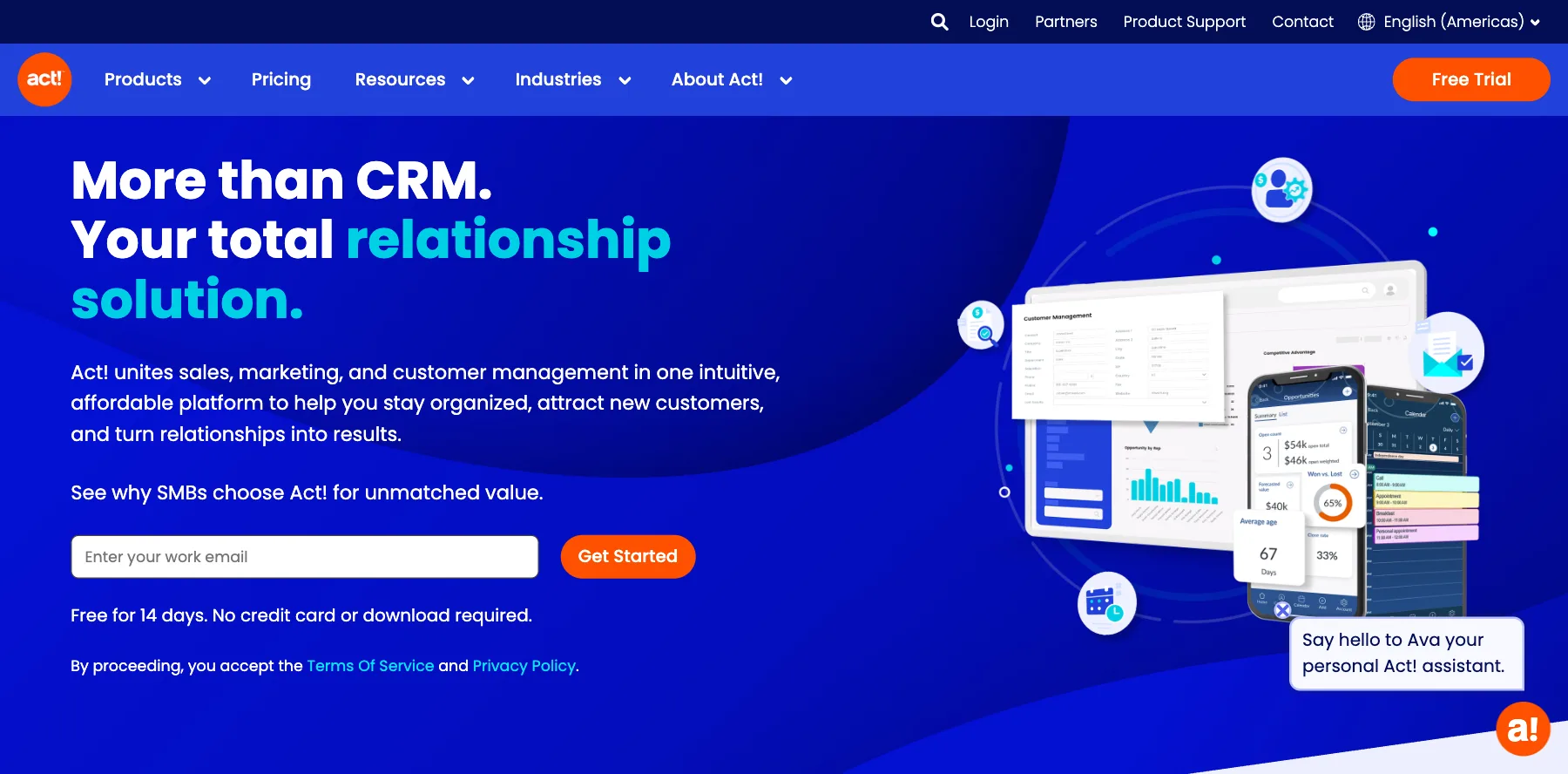
Act! is a CRM and marketing platform for small businesses that run on relationships. It brings contact management, sales, email marketing and marketing automation together.
You can send emails and newsletters, build landing pages and surveys, move deals with interactive quotes and a visual pipeline, and forecast your sales. It also still has a desktop version.
Who is Act! for?
Act! is for small businesses that want a CRM with email marketing, and teams that still want a desktop CRM.
Key features
- Contact management and customer profiles
- A visual sales pipeline, quotes and forecasts
- Email marketing, landing pages and surveys
- Marketing automation
- A desktop version
Pros
- A 14-day free trial with no credit card
- A desktop option
- CRM and marketing in one
Cons
- An older feel than newer CRMs
- Email marketing and automation cost extra on some plans
Pricing
Act! has three plans, priced per user, after a 14-day free trial, from its pricing page as read on October 3, 2026:
- Standard – $30 a month per user.
- Professional – $45 a month per user.
- Ultimate – $60 a month per user.
- Desktop – $40 a month.
A small business CRM with email marketing and a desktop version.
30. Bitrix24
The best CRM with flat pricing for your team
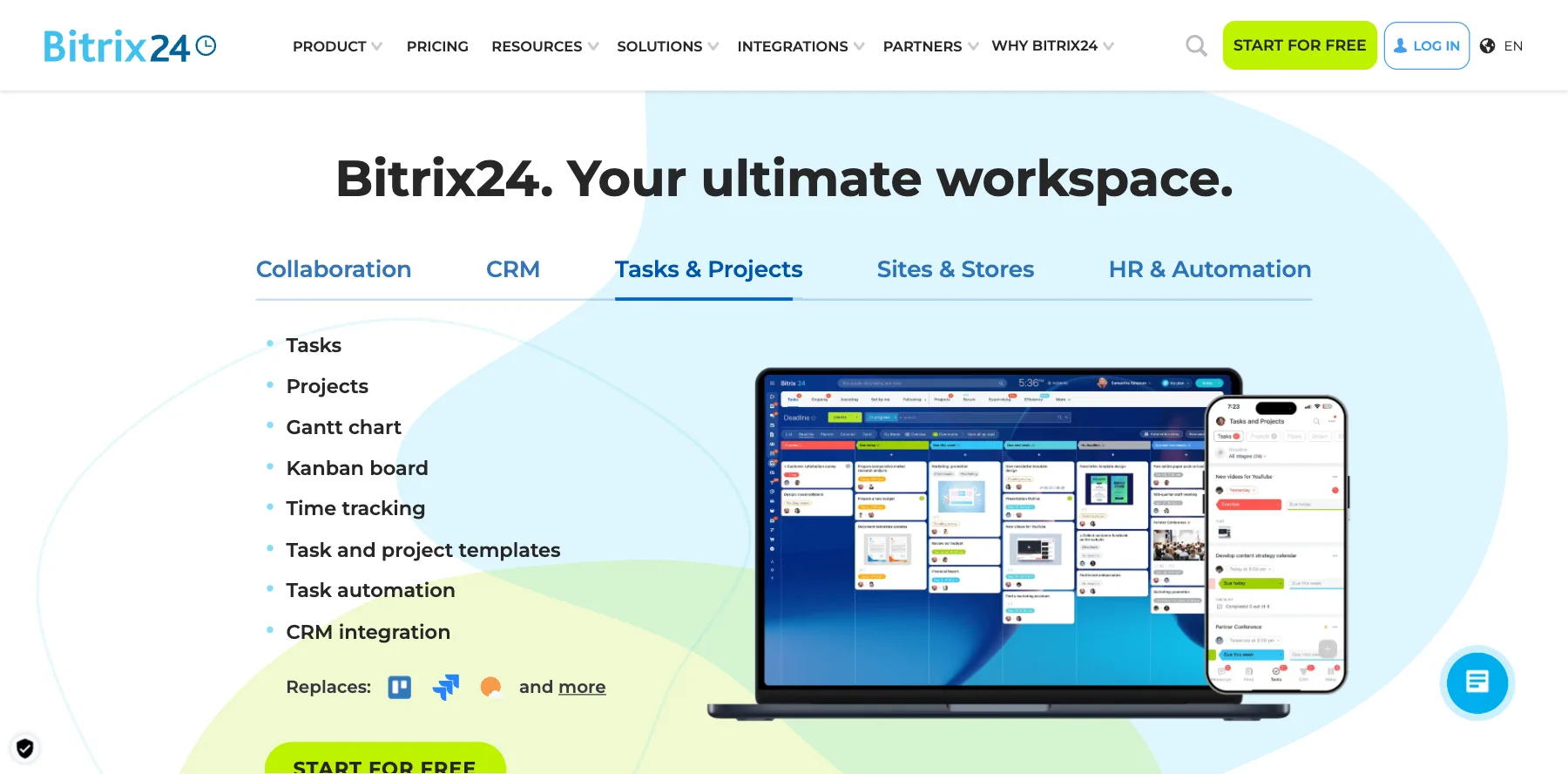
Bitrix24 is a full online workspace with a CRM at its heart, plus tasks, online meetings, chat and more. Over 15 million companies use it, it says.
Its pricing is flat: each plan has a fixed price and a user limit, so adding people within the limit costs nothing more. Its Vibecode lets you build apps, agents and chatbots on Bitrix24 by describing them in a chat.
Who is Bitrix24 for?
Bitrix24 is for small and mid-size companies that want a CRM and a workspace for everyone on the team at a flat price.
Key features
- A CRM with sales pipelines and recurring deals
- Tasks, chat and online meetings
- Vibecode, to build apps and agents from a prompt
- AI for everyday work
Pros
- A free plan for one or two users
- Flat prices, not per user
- Up to 40% off when you pay yearly
Cons
- So much in one app that it can feel busy
- The free plan is for one or two users only
Pricing
Bitrix24 has a free plan and flat-priced paid plans for your organization, billed yearly, from its pricing page as read on October 3, 2026:
- Free – $0, for one or two users.
- Basic – $49 a month, or $69 monthly, for five users.
- Standard – $99 a month, or $144 monthly, for 50 users.
- Professional – $199 a month, or $289 monthly, for 100 users.
- Enterprise – from $399 a month.
A CRM and team workspace at one flat price.
Op deze pagina
Our top 5 picks