
Choosing the best place to sell digital products decides how much of each sale you keep, who brings the buyers, and whether the customers are yours. In this guide, I ranked and reviewed 27 places to sell digital products, along with my top 5 picks, so you can pick the one that fits what you sell.
 WhopNo monthly fee, 2.7% + $0.30 a sale
Sell products, memberships and courses with payments from 195 countries, and pay only when you sell.
 ThriveCartFrom $47 a month, after a 30-day free trial
Checkouts with order bumps, one-click upsells and subscriptions, and 0% of your sales.
 KajabiFrom $179 a month, after 14 days free
Courses, coaching, a community, email and a checkout, with no cut of your sales.
 EdenFrom $299 a year, plus 5% a sale
A store for Custom AIs, courses and downloads, paid to your own Stripe.
 StanFrom $29 a month, after a 14-day free trial
Your products, bookings and memberships behind the link in your bio, with zero transaction fees.
This is my guide to the best place to sell digital products, from ebooks, templates and courses to memberships and Custom AIs. Where you sell decides how much of each sale you keep, who brings the buyers, and whether the customers are yours.
I've sold digital products for over a decade: courses, virtual summits and memberships. I processed millions of dollars through ThriveCart, and today I sell through Creator Store, a store I built myself.
I went through each place's own pricing, fee and help pages, and wrote up what it does well, where it falls short, and what it really costs.
In this guide, I'll show you:
- All 27 places to sell digital products I reviewed, each with who it's for, key features, pros, cons and pricing
- What digital products you can sell
- How to choose where to sell, and the kinds of places there are
- The best free places to sell digital products
- Why sell digital products, and how to start
- What I use today
Every price here is from each place's own pages, read in late September and early October 2026.
 TL;DR
TL;DRKey takeaways
The best places to sell digital products
Here's every place I reviewed, with what each is best for and what it costs to start. Each name jumps to its full review:
- Best for
- Selling with no monthly fee
- Price
- 2.7% + $0.30 a sale
- Free to try
- No monthly fee
- Best for
- Checkouts and upsells
- Price
- $47 a month
- Free to try
- 30-day free trial
- Best for
- Courses and coaching
- Price
- $179 a month
- Free to try
- 14 days free
- Best for
- Selling Custom AIs
- Price
- $299 a year, plus 5%
- Free to try
- Free workspace
- Best for
- Selling from your bio
- Price
- $29 a month
- Free to try
- 14-day free trial
- Best for
- Your first digital product
- Price
- 10% + $0.50 a sale
- Free to try
- No monthly fee
- Best for
- A free store
- Price
- Free, or $29 a month
- Free to try
- Free plan
- Best for
- Tax handled for you
- Price
- 5% + $0.50 a sale
- Free to try
- No monthly fee
- Best for
- Printables and digital art
- Price
- $0.20 a listing, 6.5% a sale
- Free to try
- No monthly fee
- Best for
- A simple store with merch
- Price
- $22 a month, billed yearly
- Free to try
- 14-day free trial
- Best for
- Tips and fan support
- Price
- 5% of sales, 0% on tips
- Free to try
- Free
- Best for
- Memberships
- Price
- 10% of what you earn
- Free to try
- Free to start
- Best for
- Brand deals and a store
- Price
- Free, or $10 a month
- Free to try
- Free plan
- Best for
- Courses, downloads and email
- Price
- $49 a month
- Free to try
- 14-day free trial
- Best for
- Courses with student apps
- Price
- $39 a month
- Free to try
- 7-day free trial
- Best for
- Courses
- Price
- $54 a month
- Free to try
- 30-day free trial
- Best for
- Selling to your email list
- Price
- $39 a month
- Free to try
- Free plan
- Best for
- More ways to pay
- Price
- $79 a month
- Free to try
- 7-day free trial
- Best for
- Subscriptions and affiliates
- Price
- $79 a month
- Free to try
- 14-day free trial
- Best for
- A full online store
- Price
- $29 a month, billed yearly
- Free to try
- 3 days free
- Best for
- A checkout on WordPress
- Price
- $199 a year
- Free to try
- Free plan
- Best for
- Software on WordPress
- Price
- $199 a year
- Free to try
- Free version
- Best for
- A checkout priced by sales
- Price
- $39 a month
- Free to try
- Free trial
- Best for
- Merch and memberships
- Price
- 5% of digital sales
- Free to try
- Free plan
- Best for
- Fonts, templates and graphics
- Price
- 50% of each sale
- Free to try
- Free to sell
- Best for
- Ebooks and print books
- Price
- Up to 70% royalty
- Free to try
- Free to publish
- Best for
- A course marketplace
- Price
- 37% to 97% a sale
- Free to try
- Free to teach
1. Whop
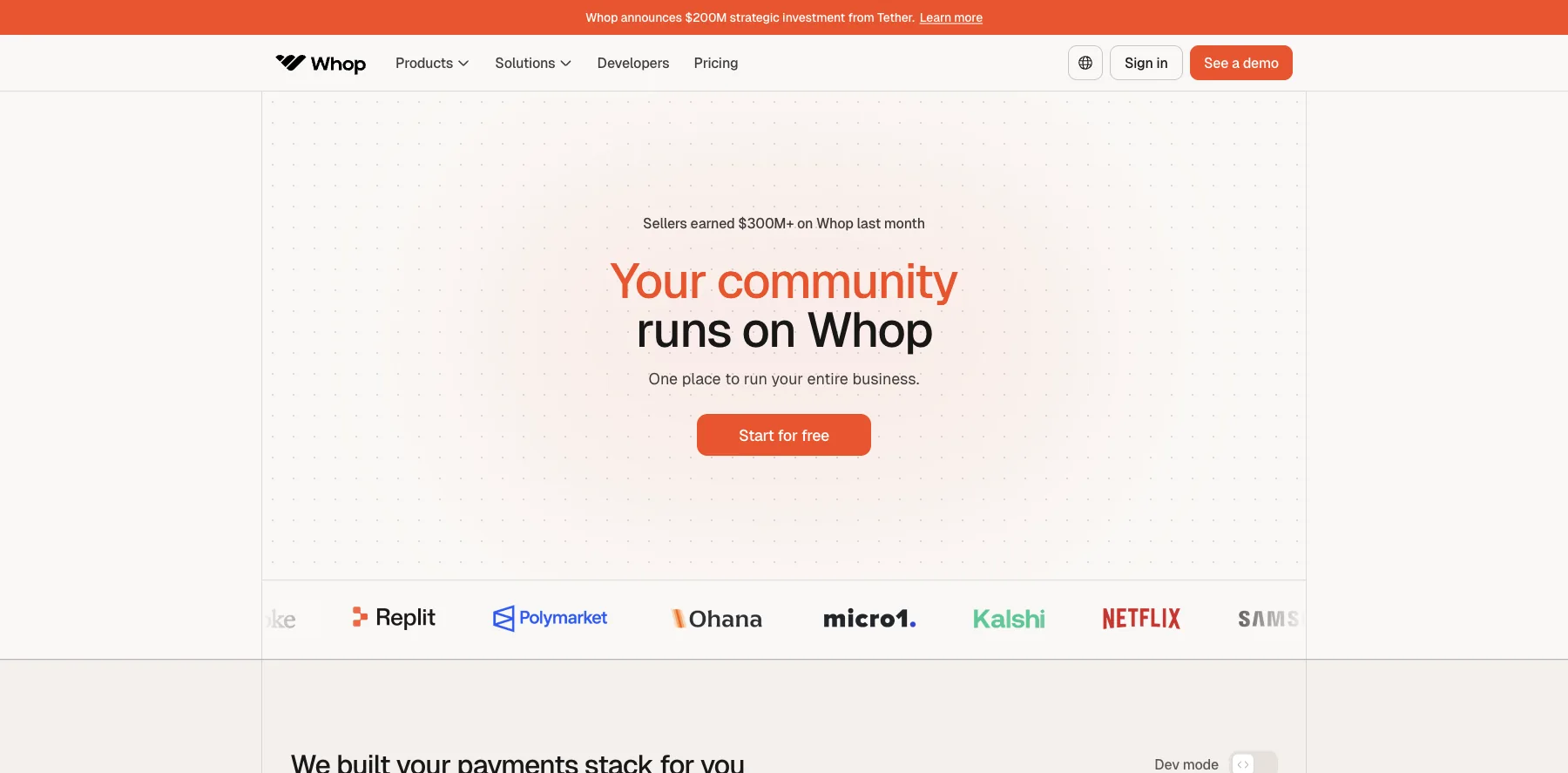
Whop is where you sell digital products, memberships, courses, communities and services, with the checkout and payouts built in. It says sellers earned over $300 million on Whop last month.
There's no setup fee and no monthly cost. Whop charges 2.7% + $0.30 for each successful card payment, plus 1.5% for international cards and 1% if a currency is converted.
The extras are optional: 0.8% for payment orchestration, 0.5% for billing and 2% for tax handling. With all of them on and tax collected, a sale costs 6% + $0.30.
It also runs its own MCP server, so AI agents like Claude can work with your store, and a marketplace on whop.com where buyers can find your products.
Who is Whop for?
Whop is for creators who want to sell without a monthly plan, and pay only when they make a sale.
Key features
- No monthly fee, only a fee on each sale
- Digital products, memberships, courses and communities
- Payments in 195 countries and 135+ currencies, with 100+ payment methods
- Klarna and Afterpay, so buyers can pay over time
- An affiliate program, with affiliate payouts at 1.25%
- A marketplace where buyers can find you
- An MCP server for AI agents like Claude
Pros
- No setup fee and no monthly cost
- Card processing included in its 2.7% + $0.30
- Buyers can pay from almost anywhere
- Works with AI agents through its MCP server
Cons
- Orchestration, billing and tax handling add up to 3.3% more when you turn them on
- Payouts cost from $2.50 each
- A fee on every sale grows with your sales, where a flat plan stays the same
Pricing
Whop has no plan to pay for. These are its fees, from its fee docs as read on October 3, 2026:
- Card payments – 2.7% + $0.30, plus 1.5% for international cards and 1% for currency conversion.
- Orchestration – 0.8%, when you turn it on.
- Billing – 0.5%, when you turn it on.
- Tax and remittance – 2%, when you turn it on and tax is collected.
- Payouts – from $2.50 each, by next-day ACH.
Sell products, memberships and courses with payments from 195 countries, and pay only when you sell.
I may earn a commission if you make a purchase, at no additional cost to you.
2. ThriveCart
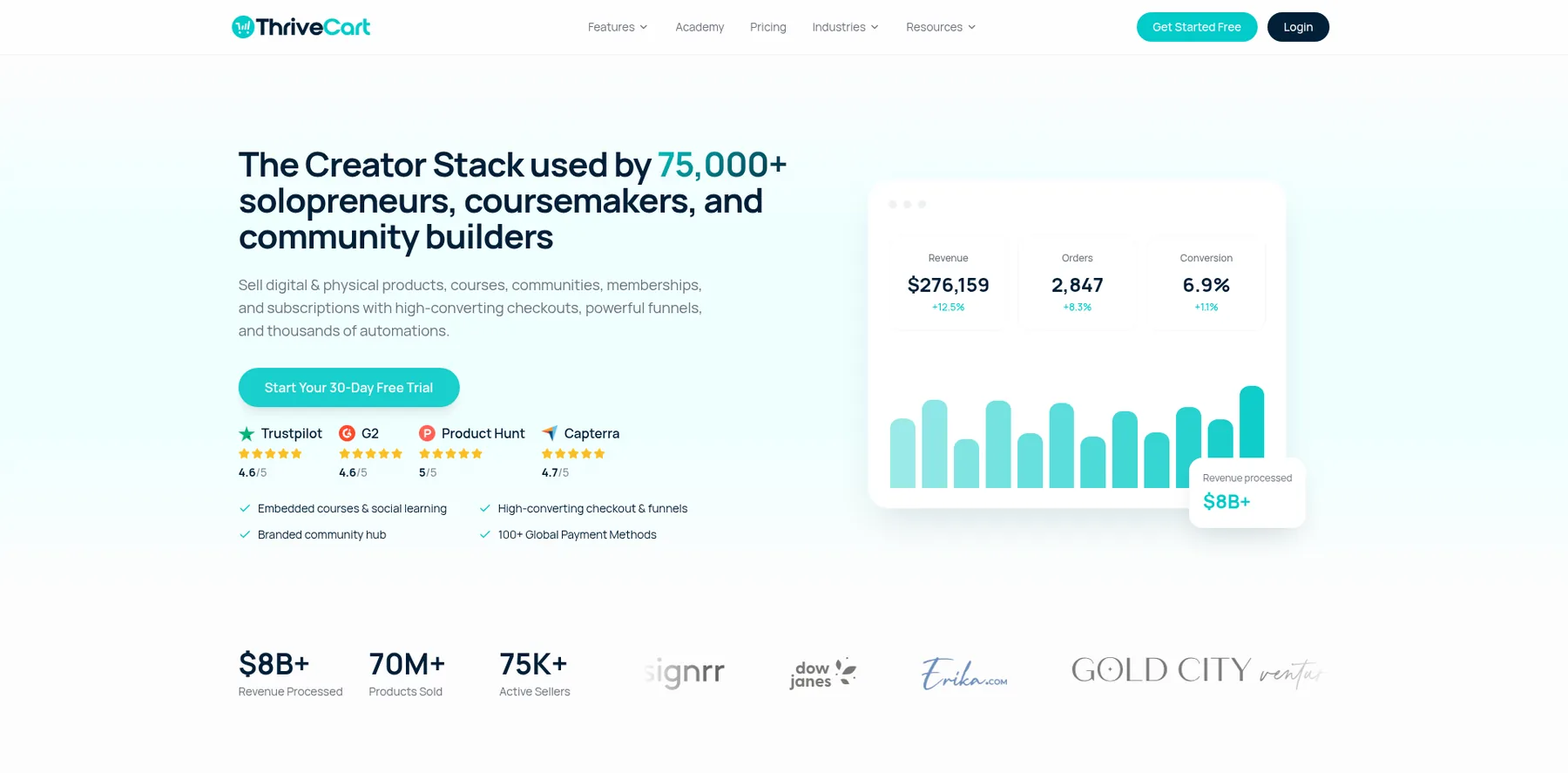
ThriveCart is a checkout platform: cart and checkout pages with order bumps, one-click upsells, subscriptions and an affiliate center, plus ThriveCart Academy for your courses and a community.
It takes 0% of your sales on every plan, with payments through your own Stripe, PayPal or Authorize.Net. ThriveCart says sellers have processed over $8 billion through it.
I'm one of them. I was one of ThriveCart's early adopters, and I processed millions of dollars through it, selling my courses and virtual summits.
It was my go-to shopping cart for years, and I still stand behind it.
Who is ThriveCart for?
ThriveCart is for creators and course sellers who want a checkout that sells more per order, without a big monthly plan.
Key features
- Custom checkout and cart pages, in 100+ countries
- One-click upsells and downsells, order bumps and A/B split testing
- Abandoned cart recovery and sales tax automation
- Buy now pay later, split pay, pay-what-you-like and subscriptions
- ThriveCart Academy: courses, a community, quizzes and certificates
- An affiliate center with automated payouts, on Pro+
Pros
- 0% fees on your sales, on every plan
- Order bumps and one-click upsells from the first plan
- A 30-day free trial
- Your courses and a community in the same account
Cons
- Standard gives you one order bump
- The affiliate center, coupons and your own domain start on Pro+, at $87 a month
- No email marketing of its own
Pricing
ThriveCart has two plans, each with a 30-day free trial, and Enterprise on request, from its pricing page as read on September 29, 2026:
- Standard – $47 a month, with ThriveCart Academy Starter: unlimited courses and students, and up to 2,000 community members.
- Pro+ – $87 a month, with multiple order bumps, the affiliate center, coupons, custom domains and up to 10,000 community members.
Checkouts with order bumps, one-click upsells and subscriptions, and 0% of your sales.
I may earn a commission if you make a purchase, at no additional cost to you.
3. Kajabi
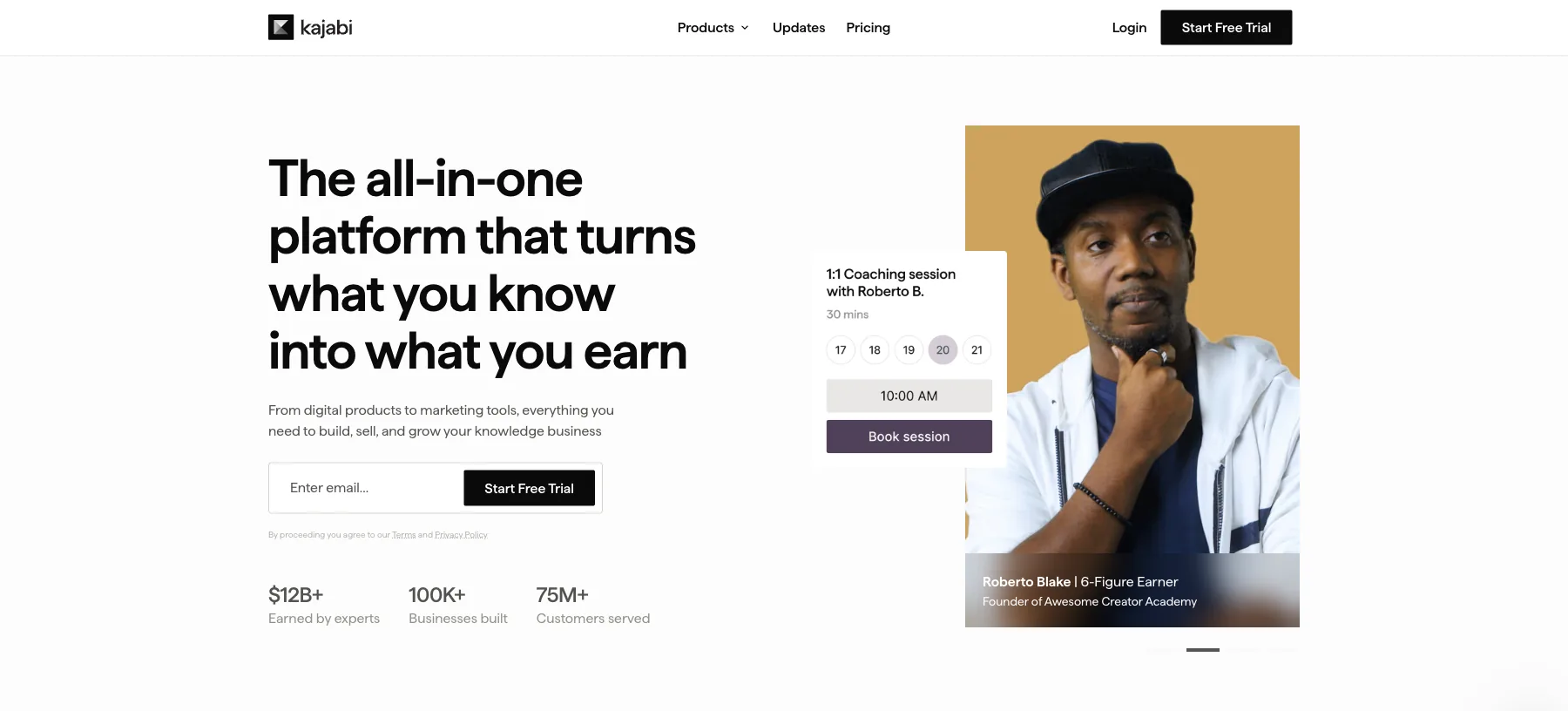
Kajabi is an all-in-one platform for courses, coaching, memberships and a community, with your website, email, funnels and checkout built in.
It takes no cut of your sales on any plan. Kajabi Payments charges card fees, which differ by country.
By Kajabi's own count, experts on it have earned over $12 billion since 2010.
It costs more than most places here, from $179 a month, but it also replaces your course platform, your email tool and your website.
Who is Kajabi for?
Kajabi is for course creators and coaches who want their funnels, email, community and courses in one place, and would rather pay one plan than connect five tools.
Key features
- Courses, coaching and memberships
- A private community with multiple groups
- Unlimited emails, landing pages and funnels
- Checkout and payments built in
- Your own website and custom domain
- A mobile app for your students on iPhone and Android
- Your own affiliate program, from Growth
Pros
- No cut of your sales on any plan
- Email, funnels, a website, a community and a checkout under one plan
- 14 days free and a 30-day money-back guarantee
- Unlimited email sends on every plan
Cons
- Starts at $179 a month
- Basic caps you at 2,500 contacts
- Your own affiliate program starts on Growth, at $249 a month
Pricing
Kajabi has three plans, each with 14 days free, from its pricing page as read on October 2, 2026:
- Basic – $179 a month, or $143 a month billed yearly, with 2,500 contacts.
- Growth – $249 a month, or $199 billed yearly, with 25,000 contacts and your own affiliate program.
- Pro – $499 a month, or $399 billed yearly, with 100,000 contacts and your own branded app.
Courses, coaching, a community, email and a checkout, with no cut of your sales.
4. Eden
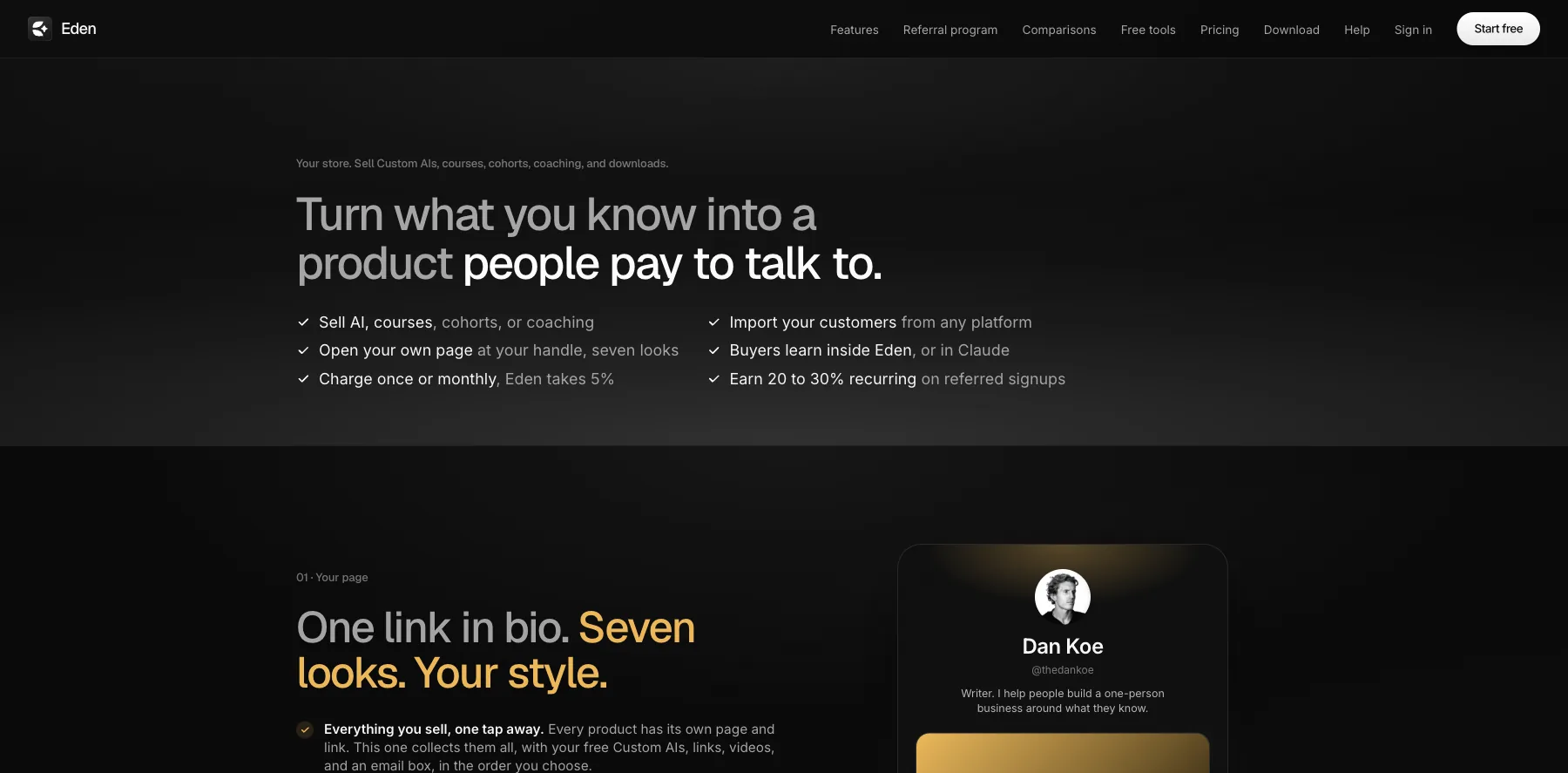
Eden is a workspace for saving ideas and creating with AI, with a store where you sell Custom AIs, courses, cohorts, coaching and downloads.
Every sale goes straight to your own Stripe account. Eden takes a flat 5% of each sale, and Stripe's fee comes out of your share.
Selling starts on Starter, at $299 a year, or $200 for the first year with its welcome offer. Pro adds up to three one-click upsells after checkout and your own affiliate program.
Who is Eden for?
Eden is for creators who want to sell an AI version of what they know, a Custom AI people can talk to, next to their courses and downloads.
Key features
- A store for Custom AIs, courses, cohorts, coaching and downloads
- Charge once or monthly
- Sales through your own Stripe account
- Email broadcasts to 250 contacts, with 5,000 sends a month, on Starter
- Up to three one-click upsells and your own affiliate program, on Pro
- Connectors for Kit, beehiiv, Stripe, Notion, Whop, Kajabi and more
Pros
- Sells Custom AIs next to courses and downloads
- The money lands in your own Stripe account
- A flat 5%, with no store fee on top of the plan
Cons
- Keeps 5% of each sale, with Stripe's fee on top
- Selling starts on Starter, at $299 a year
- Upsells and an affiliate program start on Pro, at $790 a year
Pricing
Eden's selling plans are billed yearly, plus its 5% of each sale, from its pricing and store pages as read on October 3, 2026:
- Starter – $299 a year, or $200 for the first year, with your store and 200 AI credits a month.
- Pro – $790 a year, or $529 for the first year, adding one-click upsells and your own affiliate program.
- Studio – $1,999 a year, for teams and agencies, with five workspaces.
A store for Custom AIs, courses and downloads, paid to your own Stripe.
5. Stan
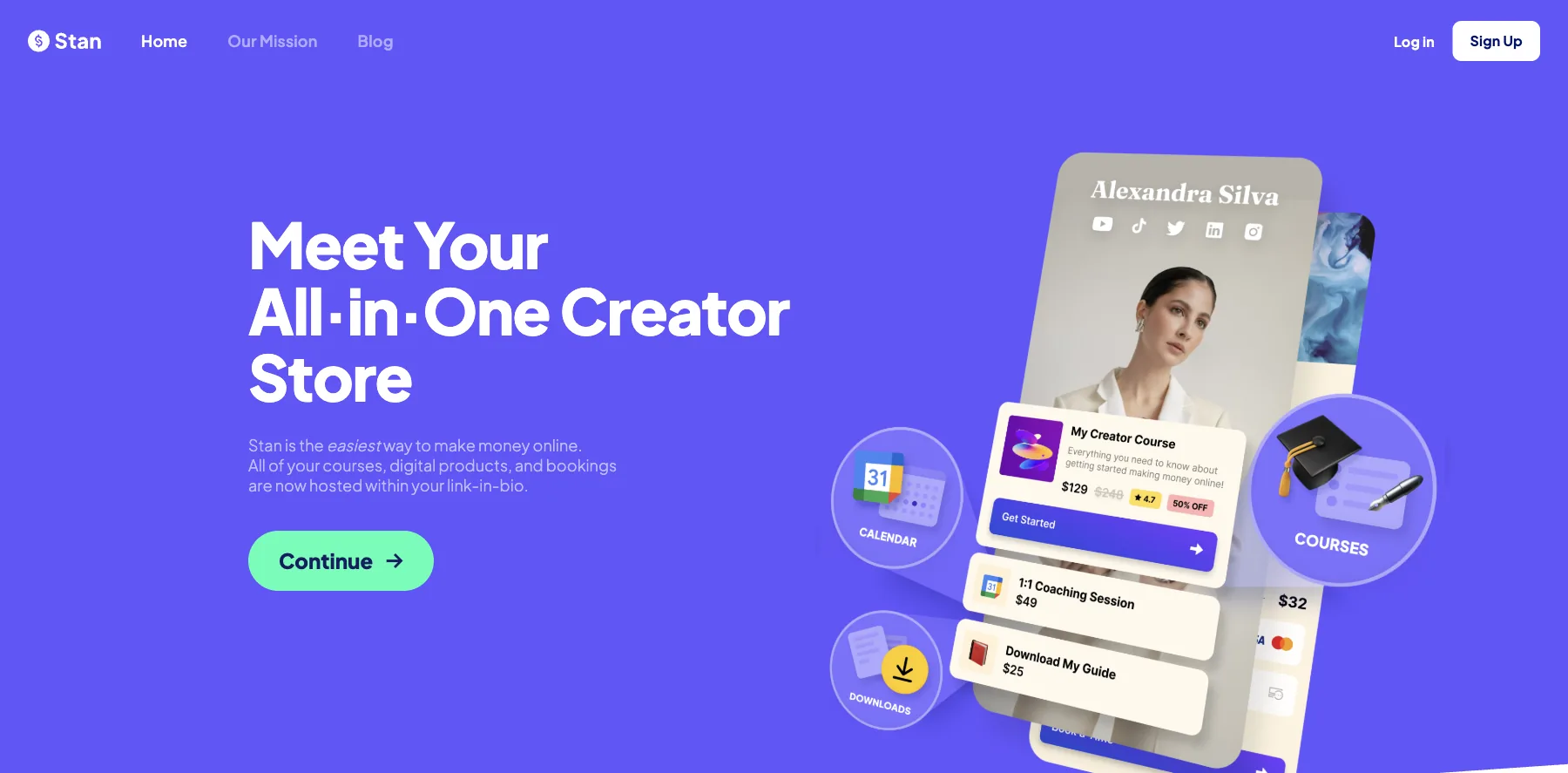
Stan is a link-in-bio store: your digital products, courses, bookings and memberships behind the one link in your social profiles.
It takes zero transaction fees on both plans, so you keep 100% of each sale, apart from your payment processor's fee.
Creator, at $29 a month, includes a course builder, a calendar for bookings, subscriptions, lead magnets, a community and AutoDM, which answers Instagram comments and DMs for you.
Creator Pro, at $99 a month, adds email marketing, funnels, upsells, payment plans, Afterpay and Klarna, and pixel tracking for Meta, Google, Pinterest and TikTok.
Who is Stan for?
Stan is for creators who sell from Instagram and TikTok, and want their products, bookings and downloads one tap from their bio.
Key features
- A store behind your link in bio
- Digital products, courses and memberships
- Calendar and bookings for coaching calls
- Recurring subscriptions and a community
- AutoDM for Instagram
- Email marketing, funnels and upsells, on Creator Pro
- Afterpay, Klarna and payment plans, on Creator Pro
Pros
- Zero transaction fees on both plans
- Built for selling from social media
- A 14-day free trial
Cons
- No free plan
- Email, funnels and upsells start on Creator Pro, at $99 a month
- Afterpay, Klarna and payment plans also start on Creator Pro
Pricing
Stan has two plans, with a 14-day free trial, from its pricing page as read on September 29, 2026:
- Creator – $29 a month, or $300 a year.
- Creator Pro – $99 a month, or $948 a year, with email, funnels, upsells and payment plans.
Your products, bookings and memberships behind the link in your bio, with zero transaction fees.
6. Gumroad
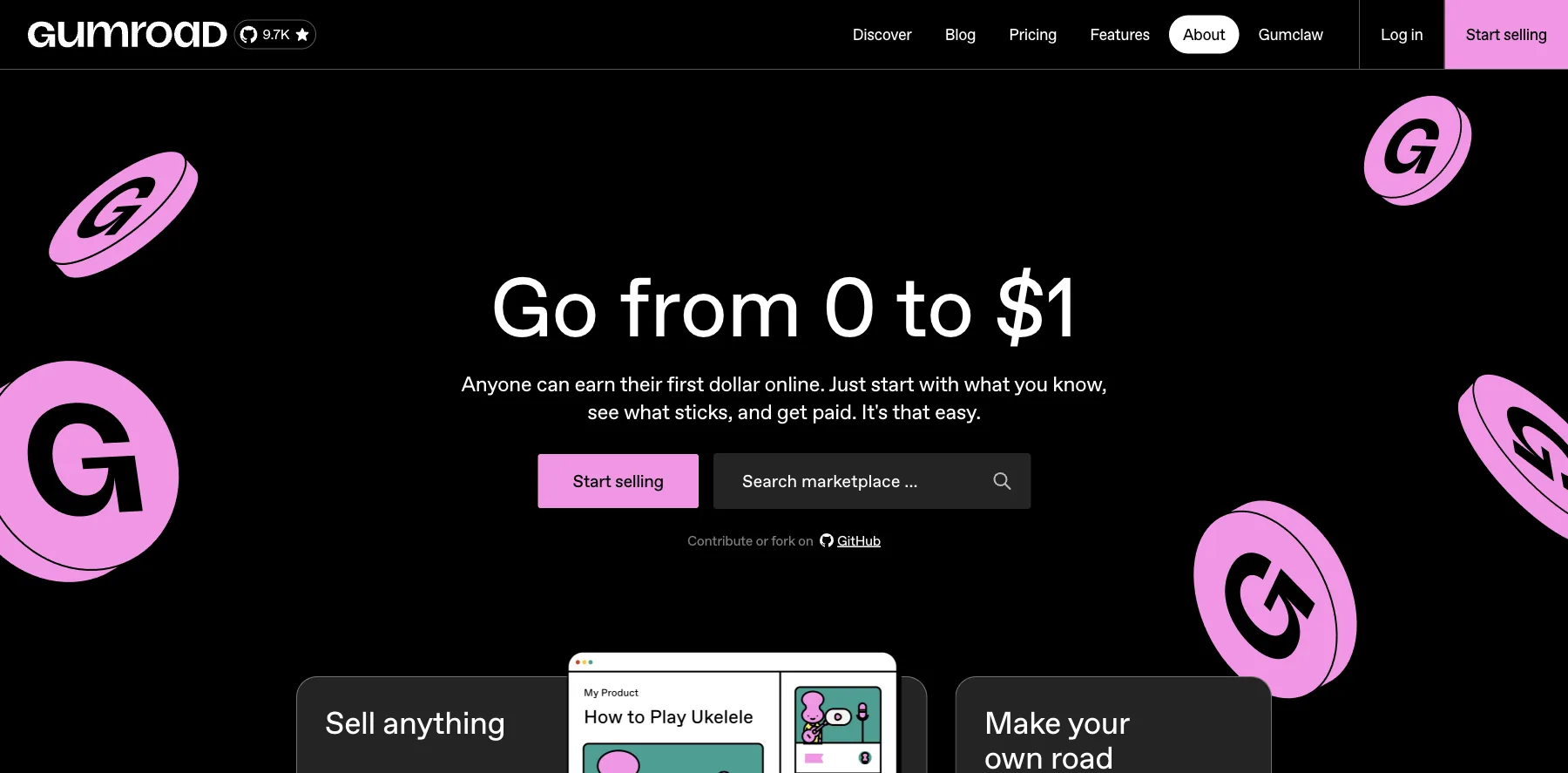
Gumroad sells digital products, ebooks, courses and memberships, with no monthly fee.
Instead, it keeps 10% + $0.50 of each sale through your profile or your own links, with card processing on top. On a sale it finds for you through Discover, its marketplace, it keeps 30%.
Since January 1, 2025, Gumroad is the merchant of record for your sales. So it collects and pays sales tax, VAT and GST worldwide, and you don't have to.
Who is Gumroad for?
Gumroad is for creators selling their first digital product, who want to pay nothing until they make a sale.
Key features
- Digital products, courses and memberships
- A profile store and product pages
- Its Discover marketplace
- Email to your customers
- Coupons, upsells and an affiliate program
- Sales tax, VAT and GST handled worldwide
Pros
- No monthly fee
- The merchant of record, so tax is handled for you
- A marketplace that can bring you buyers
- Its cut drops to 5% + $0.50 once paid sales pass $20,000 in a month
Cons
- Keeps 10% + $0.50 of each sale, with card fees on top
- Keeps 30% of sales through Discover
- Costs more than a flat plan once you sell a lot
Pricing
Gumroad has no plans. Its fees, from its pricing page as read on September 29, 2026:
- Your own sales – 10% + $0.50 per sale, plus card processing.
- Discover sales – 30% per sale.

Digital products and memberships, with tax handled worldwide.
7. Payhip
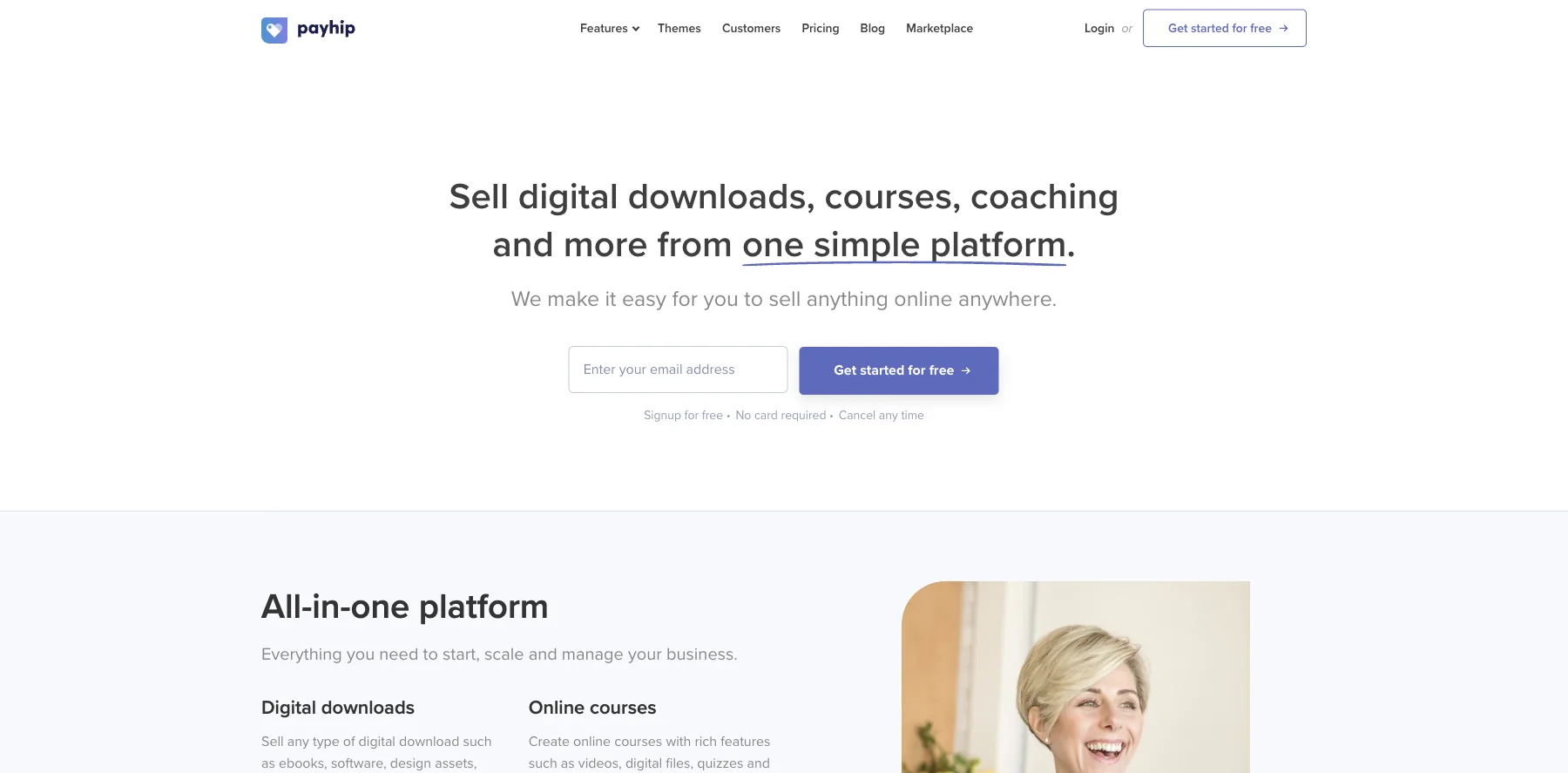
Payhip sells digital downloads, courses, coaching, memberships and physical products, from a store it builds for you.
Every plan has the same features. What you choose is how you pay: a share of each sale, or a monthly plan.
The free plan keeps 5% of each sale, Plus at $29 a month keeps 2%, and Pro at $99 a month keeps nothing. PayPal and Stripe charge their own fees on every plan.
Payhip also collects and pays EU and UK VAT for you, and pays your sales out as soon as each one completes.
Who is Payhip for?
Payhip is for creators who want to start selling today without a monthly bill, and switch to a flat plan once sales grow.
Key features
- Digital downloads, courses, coaching and memberships
- A store and website
- Coupons, upsells and an affiliate program
- Email marketing
- EU and UK VAT collected and paid for you
- Payouts as soon as each sale completes
Pros
- A free plan, with no credit card needed
- Every feature on every plan
- EU and UK VAT handled for you
- No cut of your sales on Pro
Cons
- The free plan keeps 5% of each sale, and Plus 2%
- PayPal and Stripe fees on top, on every plan
Pricing
Payhip has three plans, all with the same features, from its pricing page as read on September 29, 2026:
- Free Forever – $0, keeping 5% of each sale.
- Plus – $29 a month, keeping 2%.
- Pro – $99 a month, keeping nothing.

Downloads, courses, coaching and memberships, from a store it builds for you.
8. Lemon Squeezy
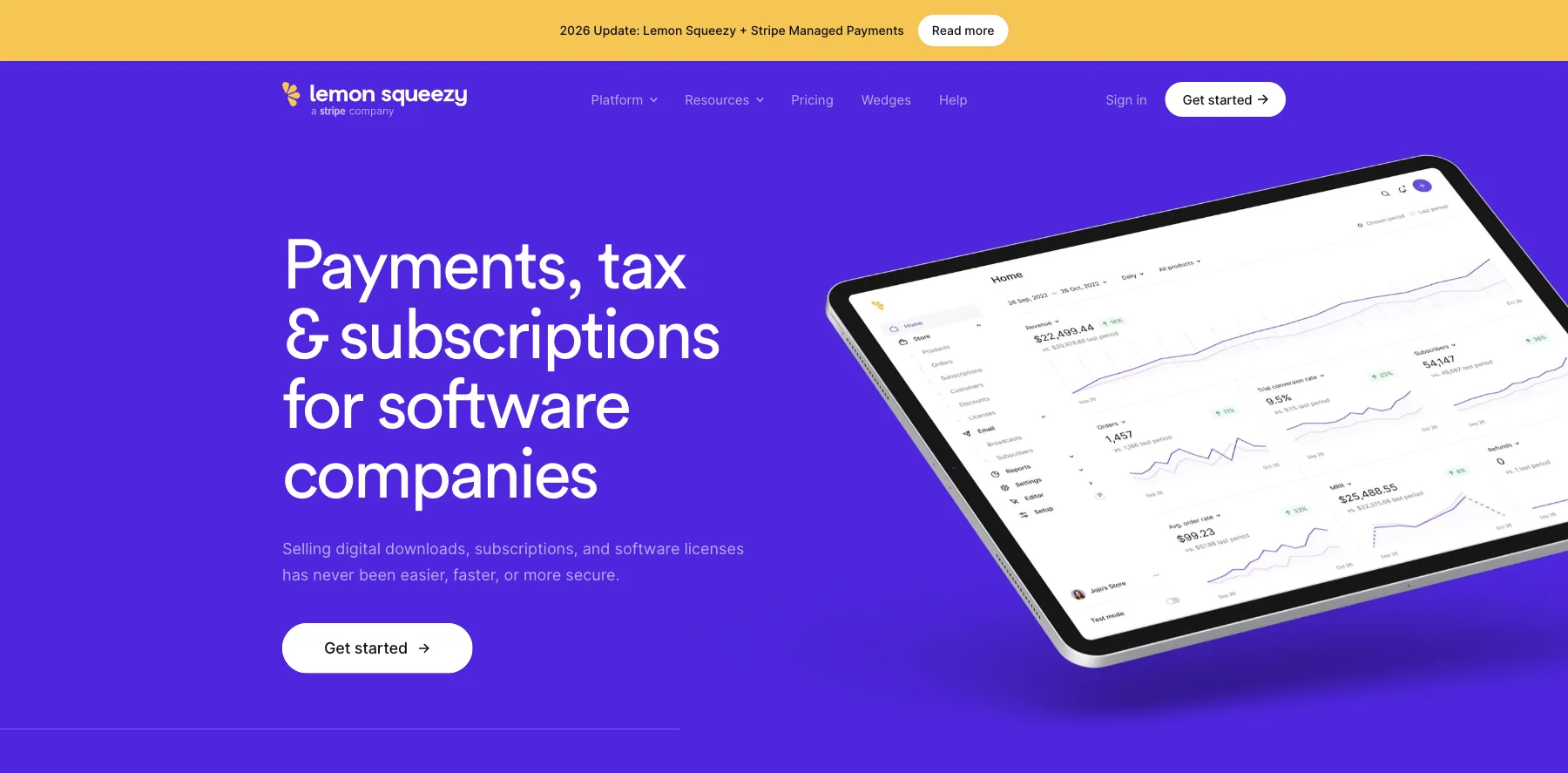
Lemon Squeezy is a checkout for digital products, subscriptions and software licenses, and part of Stripe.
It's built for software companies first, and it sells downloads, subscriptions and license keys.
There's no monthly fee. Lemon Squeezy keeps 5% + $0.50 of each sale, card processing included, and some payments carry small extra fees.
It's also the merchant of record, so it handles sales tax and VAT for you.
Who is Lemon Squeezy for?
Lemon Squeezy is for creators and software makers who sell downloads and subscriptions worldwide and never want to deal with sales tax.
Key features
- A checkout for digital products and subscriptions
- Sales tax and VAT handled as the merchant of record
- Secure download links
- License keys for software
- Email marketing, free up to 500 subscribers
- An affiliate program
Pros
- No monthly fee, and free to start
- Sales tax and VAT handled for you
- Card processing included in its cut
- Part of Stripe
Cons
- Keeps 5% + $0.50 of each sale
- Built for software first
- Some payments carry extra fees
Pricing
Lemon Squeezy has one price, from its pricing page as read on September 29, 2026:
- Every sale – 5% + $0.50, with volume pricing on request.
- Email marketing – free up to 500 subscribers.

A checkout for downloads, subscriptions and licenses, as the merchant of record.
9. Etsy
Etsy is the marketplace for creative goods, where millions of shoppers spend billions each year, it says. It sells digital downloads too: printables, planners, patterns, templates and art.
A digital listing works like any other. You upload the file, and the buyer gets it the moment they pay, or you make it to order and send it later.
There's no monthly fee. You pay $0.20 to list an item, 6.5% of each sale, and Etsy Payments' processing fee, which is 3% + $0.25 in the US. If a buyer comes from one of Etsy's ads off Etsy, it also keeps 15% of that order, or 12% once your shop passes $10,000 in yearly sales.
Who is Etsy for?
Etsy is for creators of printables, templates and digital art who want buyers who are already searching for them.
Key features
- A marketplace of millions of shoppers
- Digital downloads, delivered instantly or made to order
- Etsy Ads, and Offsite Ads that promote your listings across the web
- Etsy Plus, with extra tools for growing shops, at $10 a month
Pros
- Buyers already searching on Etsy
- No monthly fee
- $0.20 to list an item
Cons
- 6.5% of each sale, plus payment processing
- Offsite Ads can take 15% of an order
- Your buyers are Etsy's customers as much as yours
- A one-time shop setup fee for some sellers
Pricing
Etsy has no plan to pay for. These are its fees for a US shop, from its fees and Etsy Payments policies as read on October 3, 2026:
- Listing – $0.20 an item, for four months.
- Transaction – 6.5% of each sale.
- Payment processing – 3% + $0.25 a sale in the US.
- Offsite Ads – 15% of an order it brings, or 12% once you pass $10,000 in yearly sales.
- Etsy Plus – $10 a month, if you want it.

Printables, templates and digital art in front of millions of Etsy shoppers.
10. Sellfy
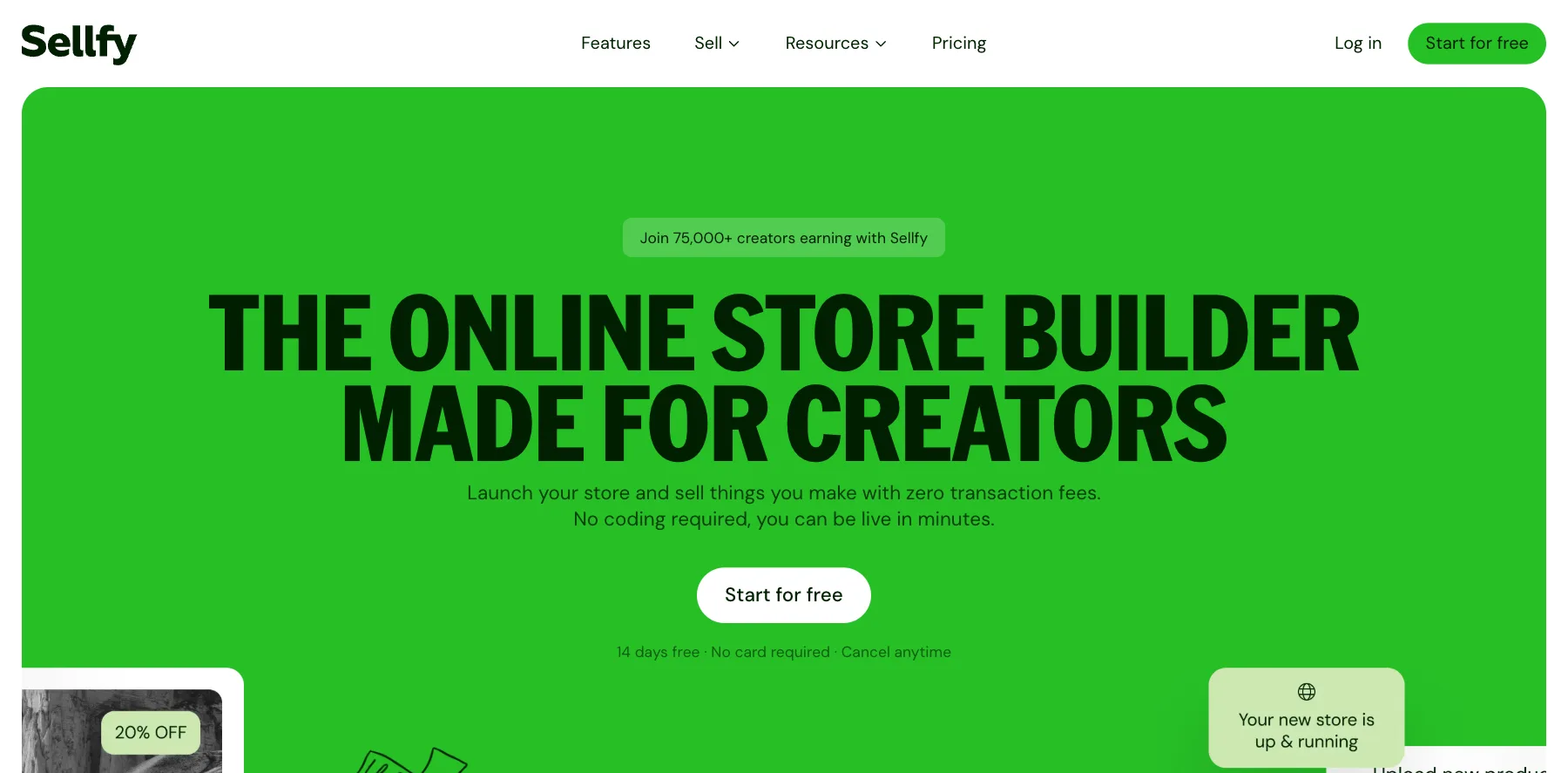
Sellfy is a store builder for creators: digital downloads, subscriptions, print-on-demand merch and physical products, from one store. It says over 75,000 creators earn with it.
It charges no transaction fees. What you pay for is a plan, sized by how much you sell in a year.
Who is Sellfy for?
Sellfy is for creators who want a simple store for downloads and merch, at a flat monthly price.
Key features
- Digital downloads
- Subscriptions
- Print-on-demand merch
- Physical products
- Unlimited products on every plan
Pros
- No transaction fees
- A 14-day free trial, with no card needed
- 25% off billed yearly
Cons
- Each plan caps your yearly sales: $10,000 on Starter
- Starts at $22 a month billed yearly
Pricing
Sellfy has three plans, with a 14-day free trial, from its pricing page as read on October 3, 2026:
- Starter – $29 a month, or $22 billed yearly, for up to $10,000 in sales a year.
- Business – $79 a month, or $59 billed yearly, for up to $50,000.
- Premium – $159 a month, or $119 billed yearly, for up to $200,000.

Downloads, subscriptions and print-on-demand merch, with no transaction fees.
11. Ko-fi
Ko-fi is where fans support creators: tips, memberships, a shop for digital and physical products, and commissions, all from your Ko-fi page.
It's free to set up. Ko-fi keeps nothing from tips and 5% of memberships, shop sales and commissions, and card processing fees apply on top. Ko-fi Gold, at $12 a month, drops that 5% to 0%.
Who is Ko-fi for?
Ko-fi is for creators with fans who want to tip, join and buy in one place.
Key features
- Tips, one-time or monthly
- Memberships
- A shop for digital and physical products
- Commissions
Pros
- Free to set up
- 0% on tips
- Ko-fi Gold removes the 5% fee for $12 a month
Cons
- 5% of shop sales on the free plan
- Card processing fees on top
- Built for fan support more than for a full store
Pricing
Ko-fi is free, with a fee on each payment, from its pricing page as read on October 3, 2026:
- Free – $0, with 0% on tips and 5% on memberships, shop sales and commissions.
- Ko-fi Gold – $12 a month, with 0% on everything.

Tips, memberships, a shop and commissions from one Ko-fi page.
12. Patreon
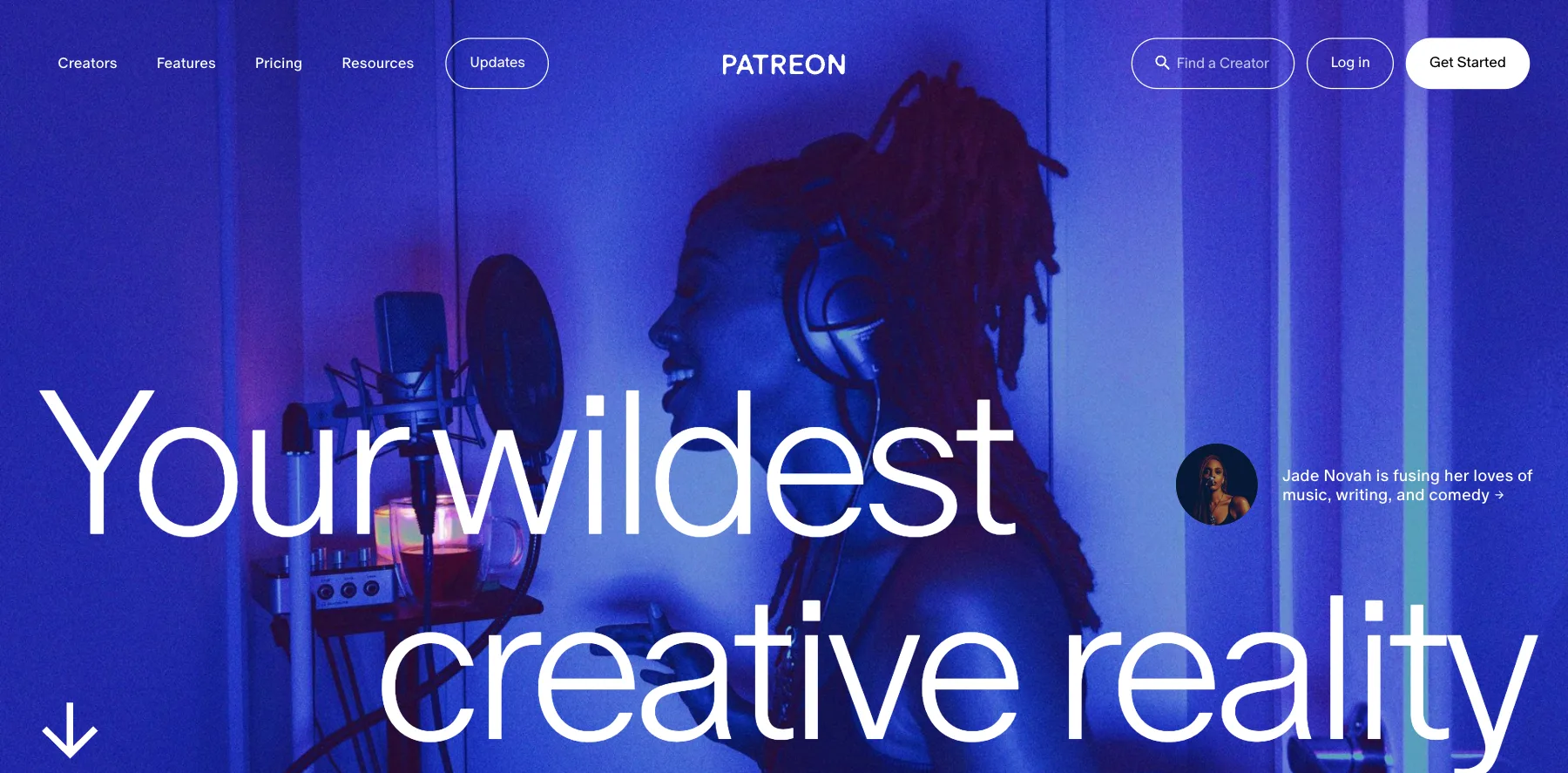
Patreon is a membership platform: your fans pay you monthly or yearly for your work, and you can sell one-time purchases too.
It's free to start. Patreon keeps 10% of what you earn, plus payment processing, currency conversion and payout fees.
Around the memberships, it gives you video and livestreaming, email newsletters, chats and DMs, and an email list you can export.
Who is Patreon for?
Patreon is for creators with an audience who'll pay every month for more of their work.
Key features
- Monthly and yearly memberships, in tiers
- One-time purchases
- Video, livestreaming and podcasts
- Email newsletters
- Chats, DMs and comments
- Free trials, discounts and sales
- An email list you can export
Pros
- Free to start
- Memberships and one-time sales in one place
- Your email list is yours to export
Cons
- Keeps 10% of what you earn, plus payment and payout fees
- Built for memberships first
Pricing
Patreon has one price, from its pricing page as read on October 3, 2026:
- Patreon – free to start, then 10% of what you earn, plus payment processing, currency conversion and payout fees.

Monthly and yearly memberships, one-time sales, video and newsletters.
13. Beacons
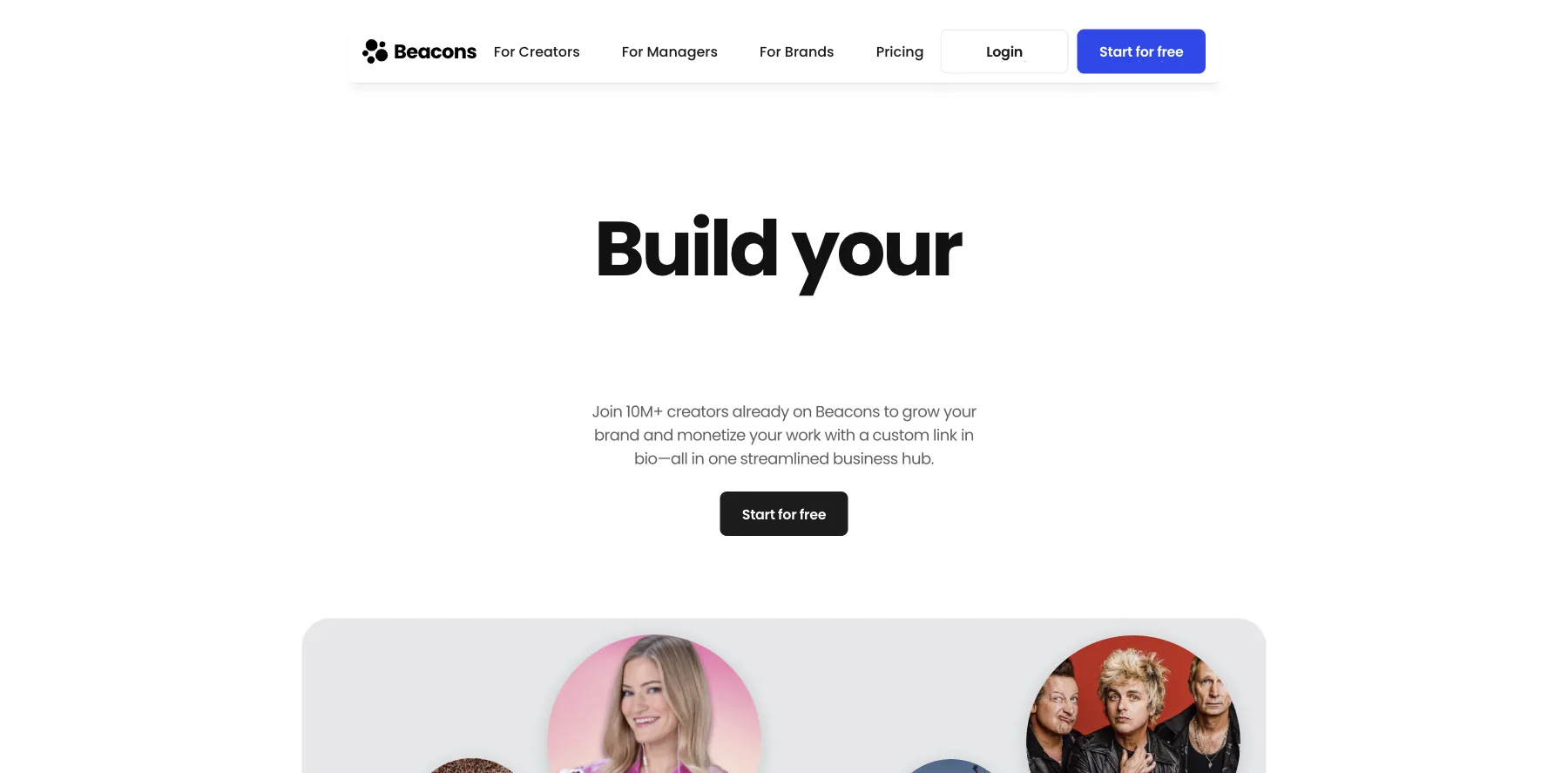
Beacons is a link-in-bio platform with a store for digital products, merch and courses, email, a media kit for brand deals, and Beam, an AI teammate for your content and brand deals.
Its free plan keeps 9% of each sale, and so does Creator, at $10 a month. Creator Plus, at $30 a month, keeps nothing.
Its plans come with AI tools built in: chat with Beam, AI text and images, and an AI designer for your link in bio.
Who is Beacons for?
Beacons is for creators who earn from brand deals and want to sell from the same link in bio.
Key features
- A link-in-bio page and a website
- A store for digital products
- Email collection and sends
- An auto-updating media kit and brand deals
- Beam, AI text and images, and an AI link-in-bio designer
- A free custom domain, from Creator
Pros
- A free plan
- AI tools built in
- 0% seller fees on Creator Plus
- Two months free billed yearly
Cons
- Free and Creator keep 9% of each sale
- 0% seller fees start on Creator Plus, at $30 a month
- Email sends are capped: 50 a month free, 500 on Creator
Pricing
Beacons has a free plan and three paid ones, from its pricing page as read on October 3, 2026:
- Free – $0, with a 9% seller fee and 50 email sends a month.
- Creator – $10 a month, or $8.33 billed yearly, with a free custom domain and a 9% seller fee.
- Creator Plus – $30 a month, or $25 billed yearly, with 0% seller fees.
- Creator Max – $100 a month, or $83.33 billed yearly.

A link-in-bio store with AI tools, a media kit and brand deals.
I may earn a commission if you make a purchase, at no additional cost to you.
14. Podia

Podia puts your courses, community, coaching, digital downloads and email in one place.
Over 15,000 creators have earned more than $900 million on it, Podia says.
Every plan includes Podia Email, so you can send newsletters and sequences without a separate email tool. But each plan caps your subscribers: 100 on Mover, 500 on Shaker and 1,000 on Earthquaker.
Mover keeps 5% of each sale. From Shaker, Podia keeps nothing, and Stripe or PayPal charge their usual 2.9% + $0.30.
Who is Podia for?
Podia is for creators starting out who want courses, a community and email in one simple account, with a small list to begin with.
Key features
- Courses, digital downloads, coaching and webinars
- A community
- Email marketing, built in
- A website and landing pages
- Sales tax handling
- An affiliate program and upsells, from Shaker
Pros
- A 14-day free trial, with no credit card needed
- Courses, a community and email in one account
- No Podia fees on sales from Shaker
- Free migration of up to 50 products, or 150 from Shaker
Cons
- Mover keeps 5% of each sale
- Email caps you at 100 subscribers on Mover and 1,000 on Earthquaker
- Affiliates, upsells and PayPal start on Shaker, at $99 a month
Pricing
Podia has three plans, after a 14-day free trial, from its pricing page as read on October 3, 2026:
- Mover – $49 a month, or $42 billed yearly, with a 5% transaction fee, 50 products and 100 email subscribers.
- Shaker – $99 a month, or $84 billed yearly, with no transaction fee, 150 products, affiliates and 500 subscribers.
- Earthquaker – $179 a month, or $150 billed yearly, with unlimited products and 1,000 subscribers.

Courses, a community, coaching, downloads and email in one place.
15. Teachable
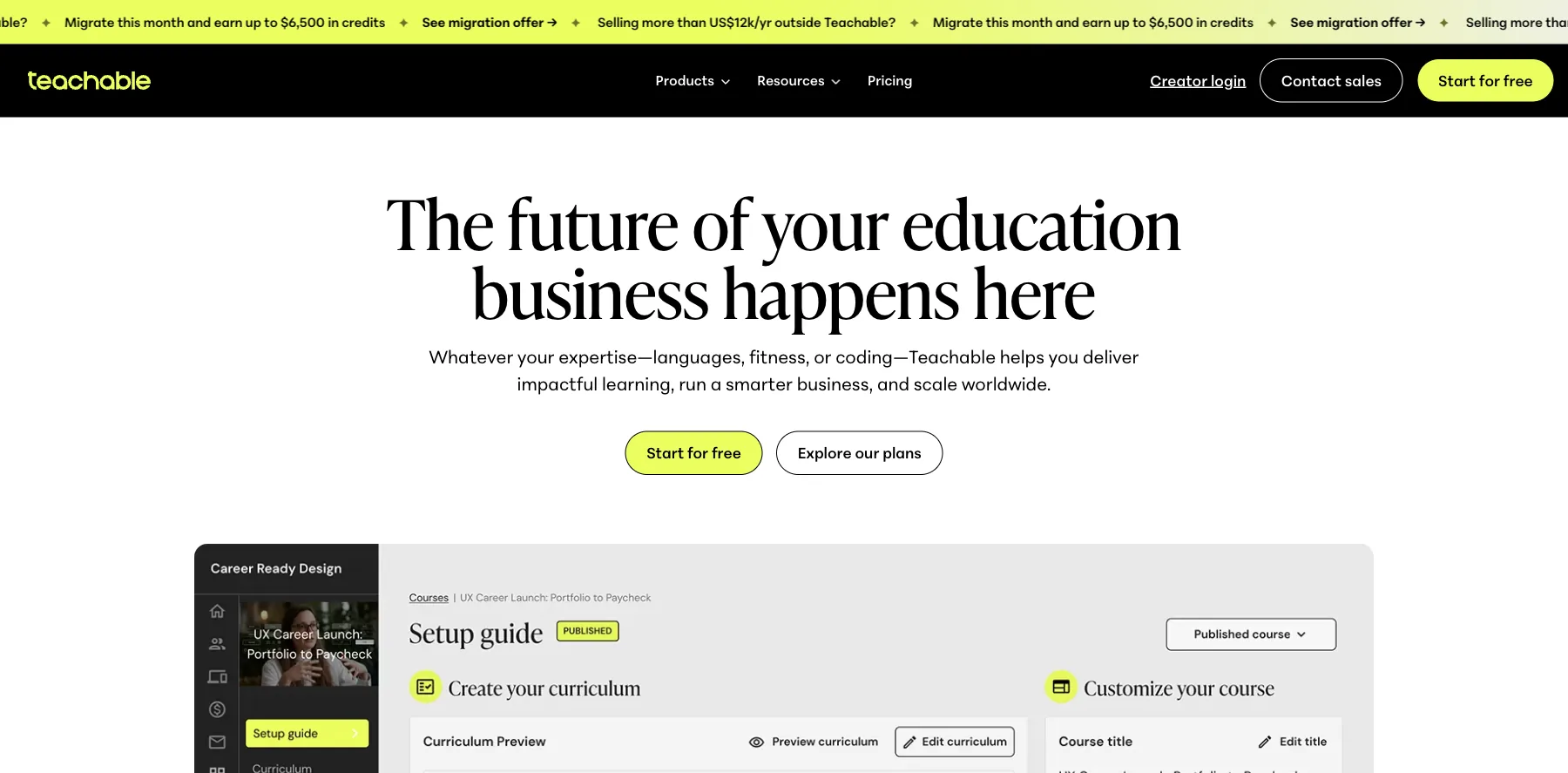
Teachable is a course platform for courses, coaching and digital downloads, used by creators in 180 countries.
It hosts your lessons, takes the payment, and gives your students apps on iOS and Android.
The Starter plan is $39 a month, but it keeps 7.5% of each sale. From Builder, at $89 a month, there are no transaction fees when you sell through teachable:pay.
Every plan also caps how many products you can publish: five on Starter, 10 on Builder and 50 on Growth.
Who is Teachable for?
Teachable is for course creators who want a proven course platform with student apps, and who sell a handful of products rather than a large catalog.
Key features
- Courses, coaching and digital downloads
- Quizzes, certificates and drip lessons
- Student apps on iOS and Android
- Checkout with upsells
- Sales tax handling
- An affiliate program, from Builder
- Free subtitles and translations, on Growth
Pros
- A 7-day free trial and a 30-day money-back guarantee
- No transaction fees from Builder, through teachable:pay
- Student apps on iOS and Android
- 22% off with yearly billing
Cons
- Starter keeps 7.5% of each sale
- A cap on products: five on Starter, 10 on Builder, 50 on Growth
- The affiliate program starts on Builder, at $89 a month
Pricing
Teachable has three plans, with a 7-day free trial, and Custom on request, from its pricing page as read on October 3, 2026:
- Starter – $39 a month, or $29 billed yearly, with a 7.5% transaction fee and five products.
- Builder – $89 a month, or $69 billed yearly, with no transaction fee and 10 products.
- Growth – $189 a month, or $139 billed yearly, with 50 products and free subtitles and translations.

Courses, coaching and digital downloads, with apps for your students.
I may earn a commission if you make a purchase, at no additional cost to you.
16. Thinkific
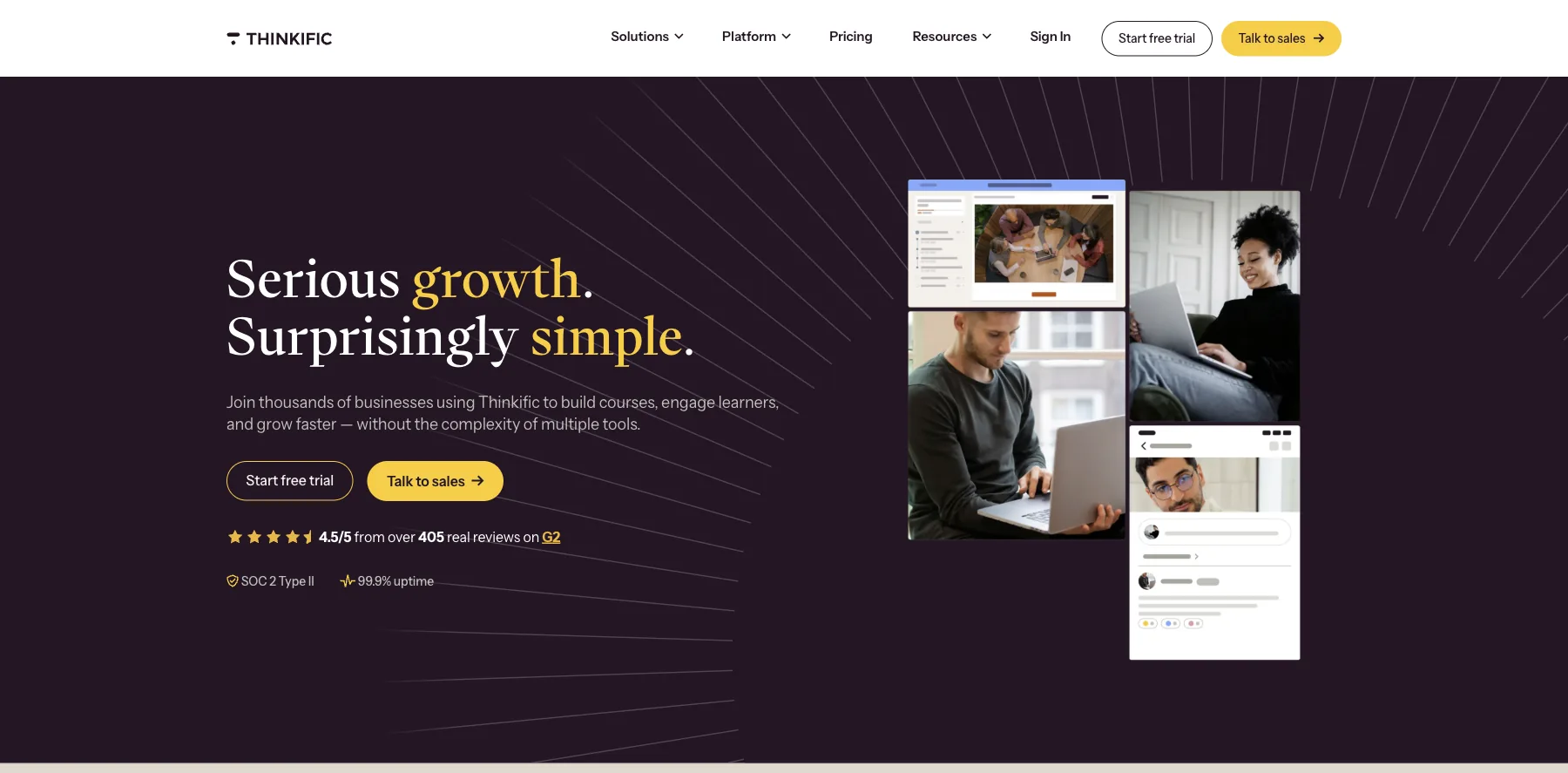
Thinkific is a course platform: video lessons, quizzes and discussions, a community with a private feed and DMs, and a checkout with order bumps and coupon codes, all on your own domain.
It's rated 4.5 out of 5 from over 405 reviews on G2.
There's no free plan: every account starts with a 30-day free trial. The plans run from $54 to $219 a month, or $40 to $164 a month billed yearly, and every plan comes with up to 10,000 current students and unlimited courses.
Thinkific takes no cut when you sell through Thinkific Payments, which charges 2.9% + $0.30 a card payment in the US.
But if you sell through Stripe instead, Thinkific adds a gateway fee: 5% on Basic, 2% on Start and 1% on Grow.
Who is Thinkific for?
Thinkific is for experts and course businesses that want the course itself done well: lessons, quizzes, certificates, a community and a checkout, without stitching separate tools together.
Key features
- Video lessons, quizzes and student discussions
- A community with a private feed, DMs and weekly digests
- Checkout, order bumps, gifting and coupon codes
- Abandoned checkout recovery
- Your school on your own domain
- Certificates, graded work, bundles, upsells and payment plans, from Start
- Memberships and subscriptions, from Start
- Your own iOS and Android app, on select Plus plans
Pros
- A 30-day free trial to build your first course
- Up to 10,000 current students and unlimited courses on every plan
- No cut of your sales through Thinkific Payments
- Lessons, quizzes, a community and a checkout in one place
- Rated 4.5 out of 5 from over 405 reviews on G2
Cons
- Selling through Stripe adds 5% on Basic, 2% on Start and 1% on Grow
- Certificates, payment plans and memberships start on Start
- Basic allows five digital downloads and five coaching sessions
Pricing
Thinkific has three plans, each with a 30-day free trial, from its pricing page as read on October 3, 2026:
- Basic – $54 a month, or $40 a month billed yearly, with 100 GB of video bandwidth a month and five digital downloads.
- Start – $109 a month, or $82 billed yearly, with certificates, payment plans, memberships and 200 GB a month.
- Grow – $219 a month, or $164 billed yearly, with bulk seats for companies, B2B invoicing and phone support.
Lessons, quizzes, a community and a checkout, with up to 10,000 students.
I may earn a commission if you make a purchase, at no additional cost to you.
17. Kit
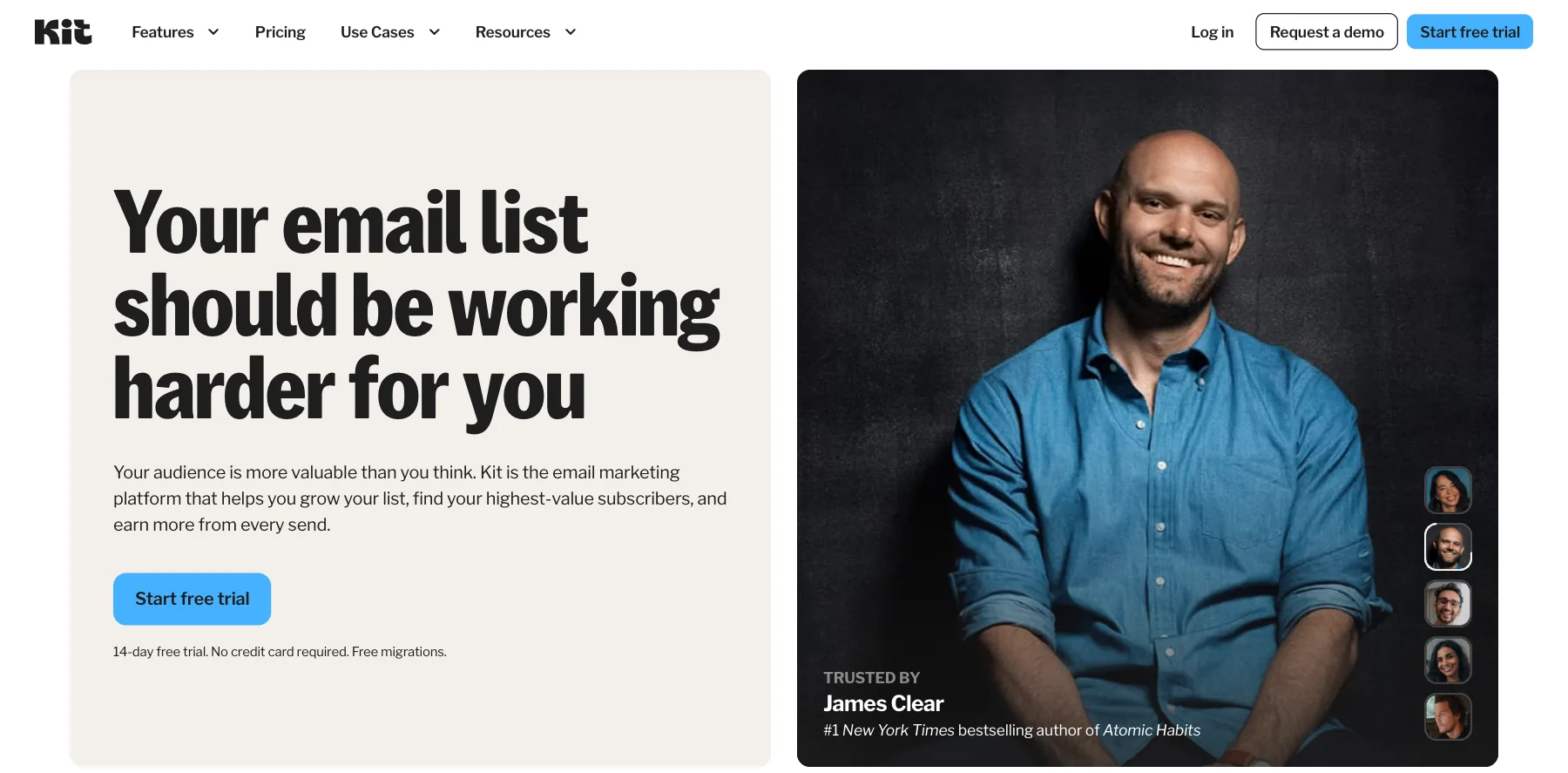
Kit is email marketing for creators, with landing pages, forms, automations, digital products and paid newsletters. It used to be called ConvertKit, and I used it for years.
Its free plan covers up to 10,000 subscribers, with unlimited landing pages, forms and email broadcasts, and you can sell digital products and subscriptions on it.
Kit isn't a store with a catalog. It sells to your email list: simple product pages, delivery handled for you and low transaction fees, it says, with the emails that sell them.
Who is Kit for?
Kit is for creators who build their business on an email list, and sell digital products and newsletters to it.
Key features
- Unlimited landing pages and forms
- Unlimited email broadcasts
- Tagging and segmentation
- Digital products, subscriptions and paid newsletters
- Visual automations and email sequences, from Creator
- A/B tests on subject lines, from Creator
- Kit's MCP, to work with your account from AI tools, from Creator
Pros
- A free plan for up to 10,000 subscribers
- A 14-day free trial of Creator and Pro, with no credit card
- Free migrations from another platform
- A refund within 30 days of signing up
Cons
- Automations and sequences start on Creator
- The price rises with your number of subscribers
- No order bumps or one-click upsells at checkout
Pricing
Kit has a free plan and two paid ones, priced for 1,000 subscribers, from its pricing page as read on October 2, 2026:
- Free – $0, for up to 10,000 subscribers.
- Creator – $39 a month, or $33 a month billed yearly ($390 a year), with automations, sequences and Kit's MCP.
- Pro – $79 a month, or $66 a month billed yearly ($790 a year), adding subscriber signals, engagement analytics and unlimited users.
Digital products and paid newsletters sold to your email list, free up to 10,000 subscribers.
I may earn a commission if you make a purchase, at no additional cost to you.
18. SamCart
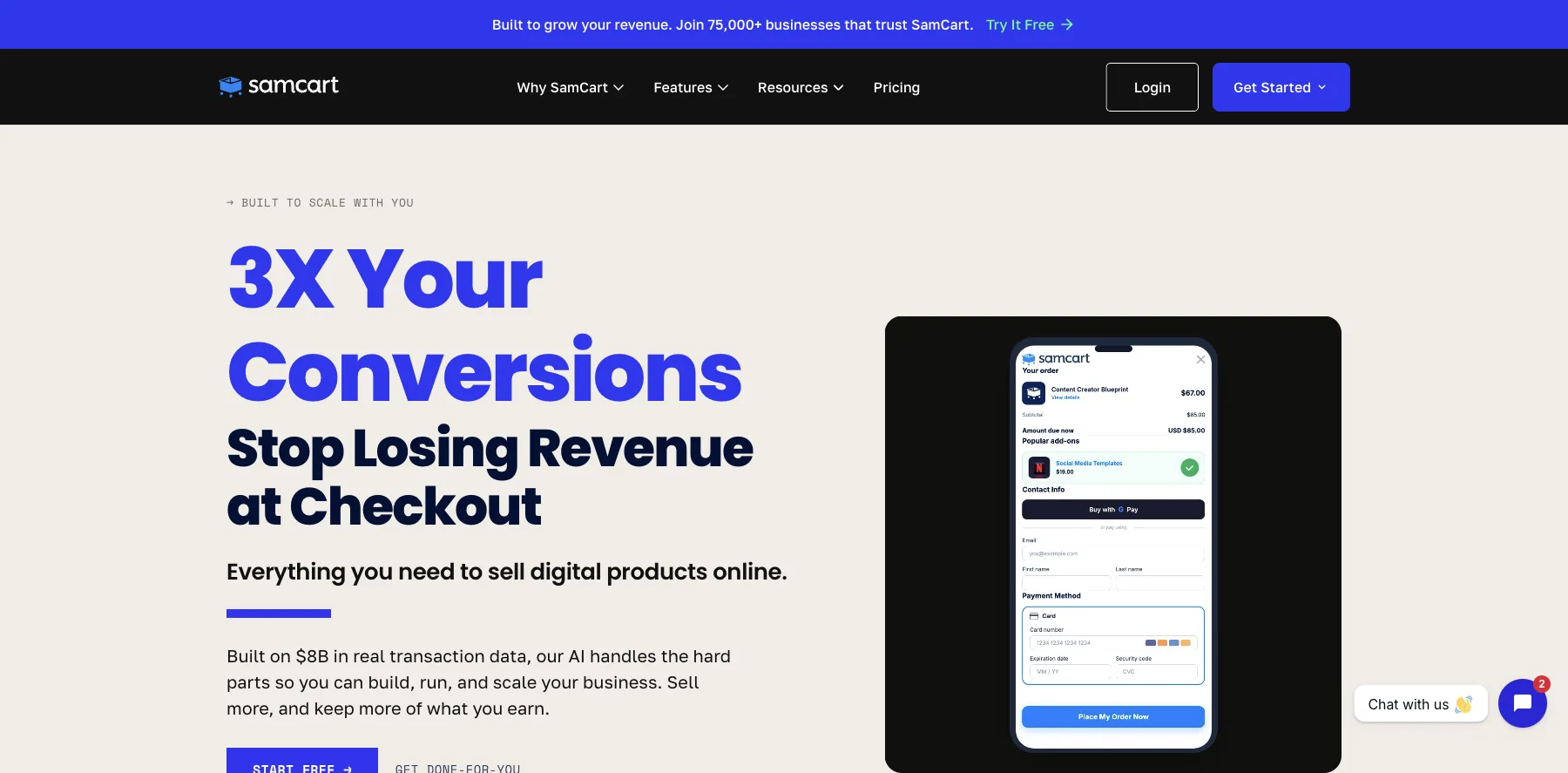
SamCart is a checkout platform for digital products, courses, subscriptions and coaching, used by over 75,000 businesses, it says.
It builds your sales pages and checkouts, hosts your courses, and takes Apple Pay, Google Pay, PayPal, Venmo, cards and buy now pay later.
SamCart takes no cut of your sales. One-click upsells and order bumps start on its second plan, Pro.
Who is SamCart for?
SamCart is for sellers who care most about the checkout itself, and the ways people can pay.
Key features
- Sales pages and checkouts
- Apple Pay, Google Pay, PayPal, Venmo, cards and buy now pay later
- Cart abandonment and coupons
- Subscriptions, with a customer portal
- A members area for your courses
- One-click upsells, order bumps, A/B tests and an affiliate center, on Pro
Pros
- No cut of your sales
- Many ways to pay at checkout
- A 7-day free trial
Cons
- Starts at $79 a month
- Upsells, order bumps and affiliates start on Pro, at $199 a month
Pricing
SamCart has two plans, with a 7-day free trial and 25% off billed yearly, from its pricing page as read on October 2, 2026:
- Core – $79 a month, with unlimited pages, products and checkouts.
- Pro – $199 a month, with one-click upsells, order bumps, A/B tests and an affiliate center.
Checkouts with Apple Pay, Google Pay, PayPal and buy now pay later.
I may earn a commission if you make a purchase, at no additional cost to you.
19. PayKickstart
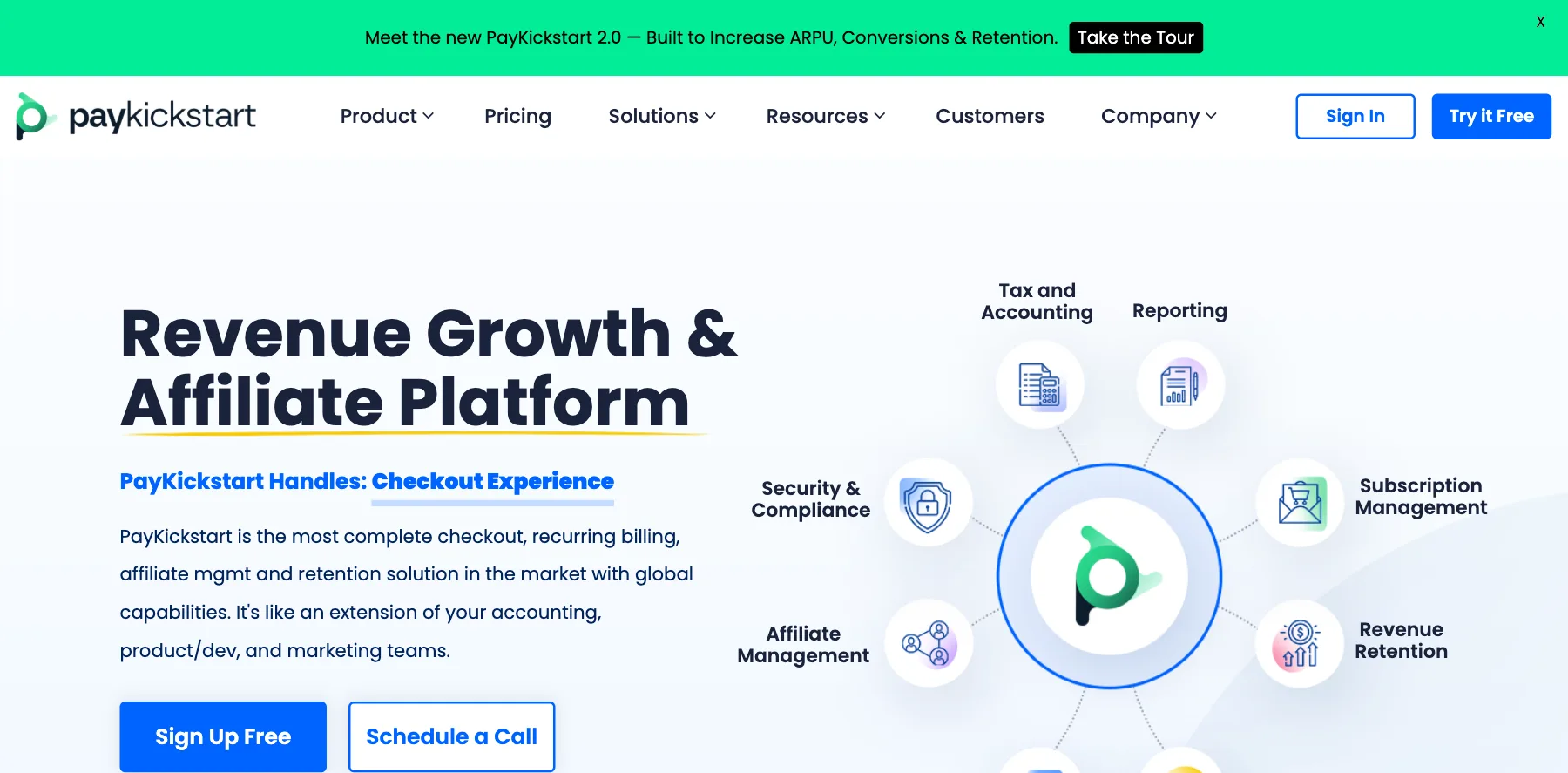
PayKickstart is a checkout, subscription billing and affiliate platform: hosted checkout pages, one-click upsells and order bumps, subscriptions with dunning, and an affiliate center.
Every plan has every feature. What changes is the price, which goes by your monthly revenue, from $79 a month for up to $3,000 in sales.
Its affiliate center pays first- and second-tier commissions, and its marketplace puts your product in front of over 100,000 affiliates, it says.
Who is PayKickstart for?
PayKickstart is for sellers of subscriptions, software and digital products who want a checkout with an affiliate program built in.
Key features
- 50+ hosted checkout page designs, plus pop-ups and embeddable forms
- Cards, PayPal, ACH and mobile wallets
- One-click upsells, order bumps, coupons and cart recovery
- Subscriptions, free and paid trials, payment plans and usage-based billing
- Dunning, a self-serve billing portal and cancellation savers
- An affiliate center with first- and second-tier commissions
- Tax profiles for US sales tax, EU VAT and GST, and checkouts in 19 languages
Pros
- Every feature on every plan
- A 14-day free trial
- Free migration help and 24/7 support
Cons
- Starts at $79 a month, for up to $3,000 in monthly revenue
- Revenue over your plan's limit costs a 5.27% fee
- Your pages, courses and emails need tools of their own
Pricing
PayKickstart's plans go by your average monthly revenue, each with a 14-day free trial, from its pricing page as read on October 3, 2026:
- From $79 a month – for up to $3,000 in monthly revenue, with a 5.27% fee on revenue over that.
- Launch – no monthly fee, with every feature, for 6% of your revenue.
Plans for more revenue cost more, and the slider on its pricing page shows each one.
Checkouts, subscription billing and an affiliate platform, priced by your revenue.
I may earn a commission if you make a purchase, at no additional cost to you.
20. Shopify
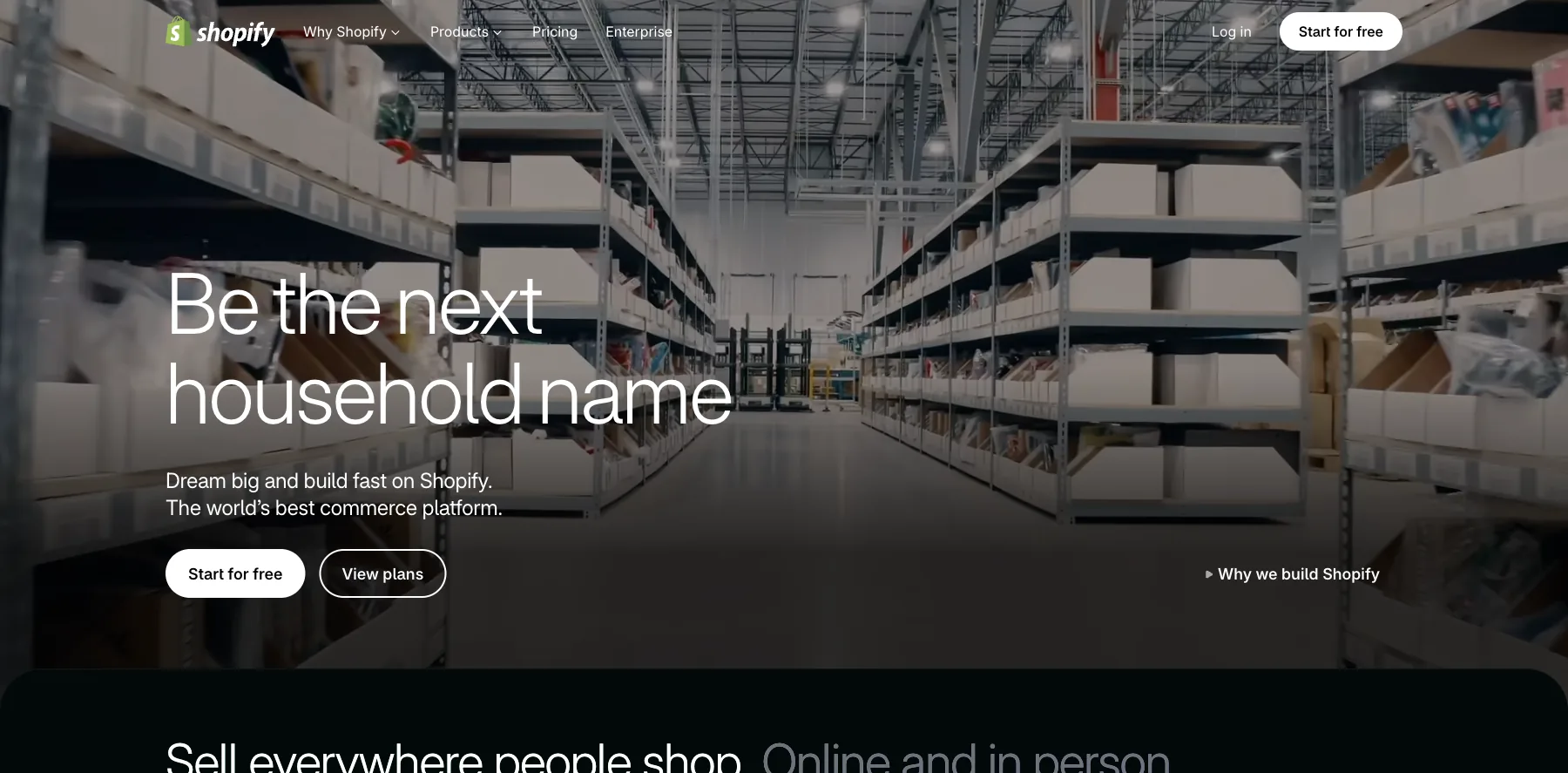
Shopify is the platform for online stores: a store with its own checkout, themes, inventory, and a point of sale for selling in person.
For digital products, Shopify's own Digital Products app is free: you add files or links to a product, and the buyer gets an access link after paying.
Sidekick, its AI assistant, helps you run the store, and its app store adds whatever Shopify doesn't do itself.
Shopify takes no cut when you use Shopify Payments, whose card rates start at 2.9% + $0.30 on Basic. With another payment provider, it adds a transaction fee.
Who is Shopify for?
Shopify is for sellers whose digital products sit next to physical ones, in a full store.
Key features
- An online store with its own checkout
- Themes, plus apps from the Shopify App Store
- Orders and inventory
- Digital products through Shopify's free Digital Products app
- Point of sale for selling in person
- Sidekick, an AI assistant for the store
- Shopify Payments, from 2.9% + $0.30 on Basic down to 2.5% + $0.30 on Advanced
Pros
- The most complete store of any builder here
- No transaction fee with Shopify Payments
- Three days free, then $1 a month for three months
Cons
- Starts at $39 a month, or $29 billed yearly
- Many features come through paid apps
- A transaction fee with another payment provider
Pricing
Shopify has three main plans, from its pricing page as read on September 29, 2026, with today's card rates:
- Basic – $39 a month, or $29 billed yearly.
- Grow – $105 a month, or $79 billed yearly, with five staff accounts.
- Advanced – $399 a month, or $299 billed yearly, with 15 staff accounts.
A complete online store, for digital products next to physical ones.
21. SureCart
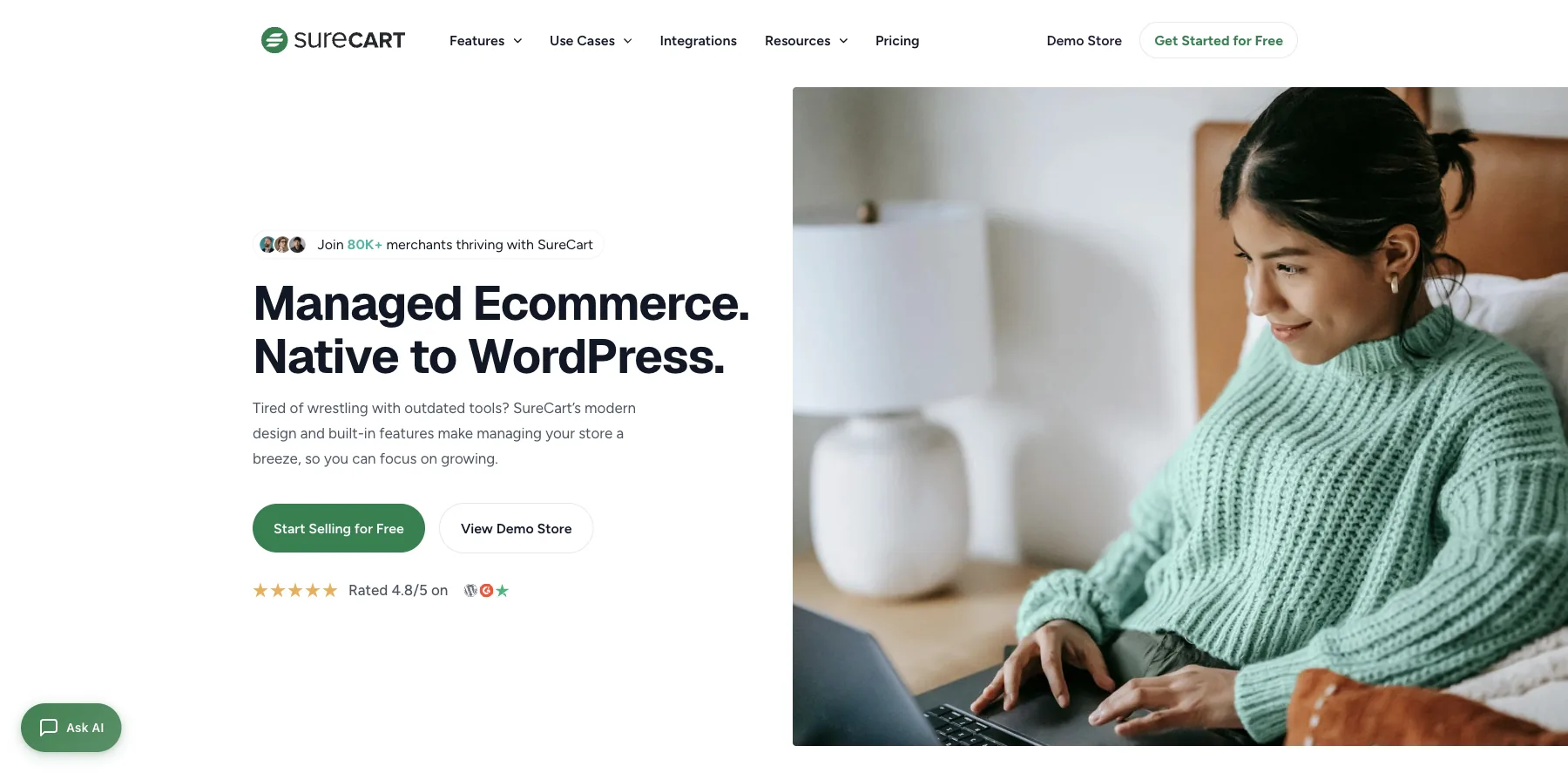
SureCart is a checkout and ecommerce plugin for WordPress, used by over 80,000 merchants, it says.
It sells files, ebooks, courses and templates with secure, instant delivery, plus license keys for software.
Every plan, the free one included, has order bumps, one-click upsells, subscriptions and sales tax, on your own site, without WooCommerce.
The free Launch plan charges a 2.9% transaction fee. Pro, from $199 a year for one store, charges none.
Who is SureCart for?
SureCart is for WordPress site owners who want a checkout with order bumps and upsells on a site they own.
Key features
- A checkout native to WordPress
- Digital downloads with secure, instant delivery, and license keys
- Order bumps and one-click upsells, on every plan
- Subscriptions, free and paid trials, setup fees and a subscription saver
- Automatic sales tax for 40+ countries and every US state, and EU VAT
- Coupons, an affiliate program and a customer portal
- An agency suite to run many stores from one place
Pros
- Order bumps and upsells, even on the free plan
- No transaction fee on Pro
- A lifetime option
- A 14-day money-back guarantee
Cons
- The free plan charges a 2.9% transaction fee
- Card fees on top on every plan
- WordPress and hosting are yours to run
Pricing
SureCart has a free plan and Pro by the number of stores, yearly or once, from its pricing page as read on October 3, 2026:
- Launch – free, with a 2.9% transaction fee.
- Pro, one store – $199 a year, or $699 once.
- Pro, five stores – $299 a year ($249 the first year when I checked), or $1,199 once.
- Pro, unlimited stores – $499 a year ($399 the first year when I checked), or $1,999 once.

A WordPress checkout with order bumps, one-click upsells and subscriptions on every plan.
22. Easy Digital Downloads
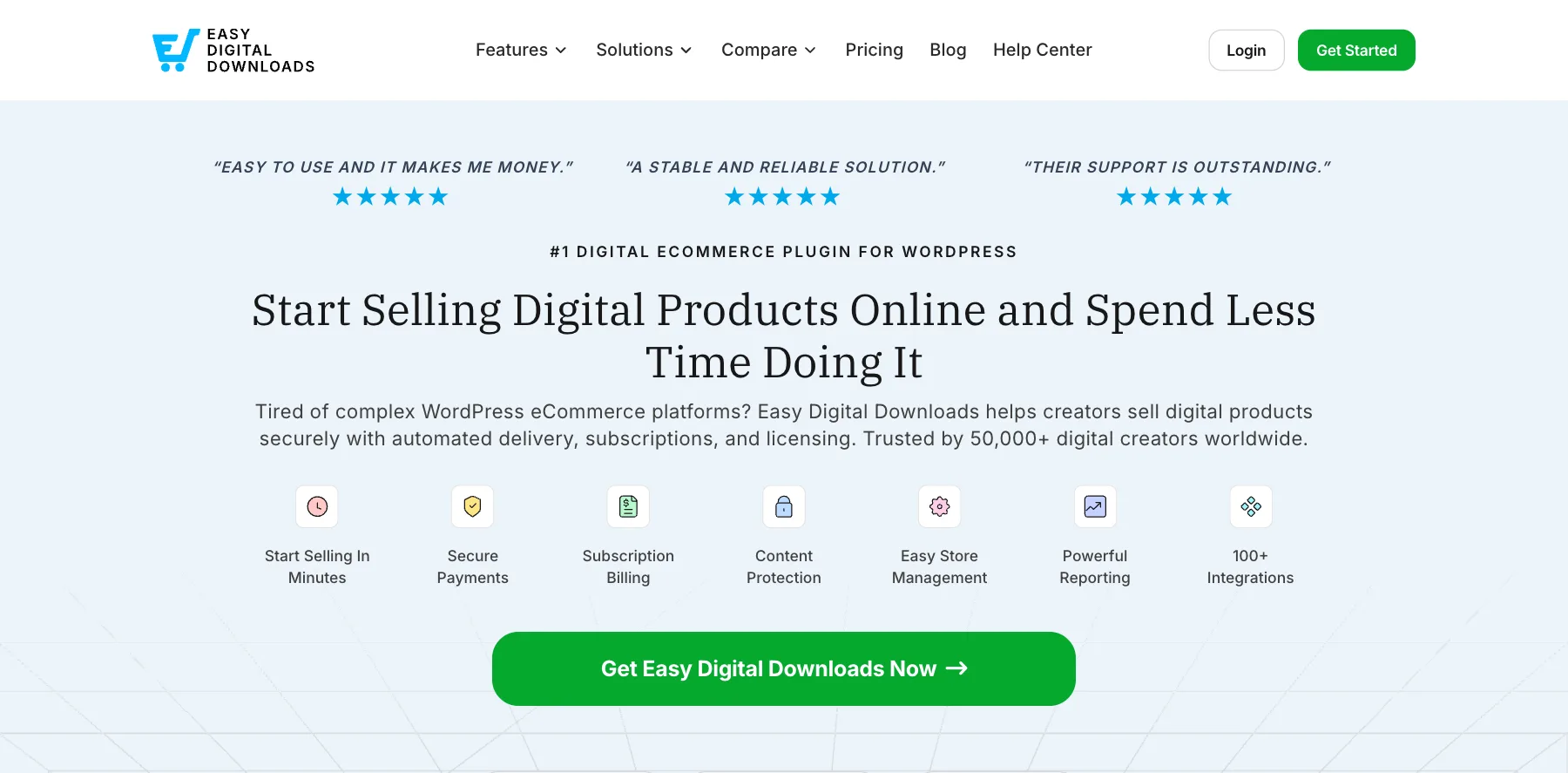
Easy Digital Downloads is a WordPress plugin for selling digital products on your own site: downloads, subscriptions and software, with content protection and reports. Over 50,000 professionals use it, it says.
Its free version charges an extra 3% on each Stripe or PayPal payment, renewals included. An Extended pass or higher removes it.
Who is Easy Digital Downloads for?
Easy Digital Downloads is for WordPress site owners who sell downloads, software or subscriptions on their own site.
Key features
- A store for digital products on WordPress
- Secure payments through Stripe and PayPal
- Subscription billing and free trials, on the paid passes
- Content protection
- Store management and reports
- 100+ integrations
Pros
- Your store and your customers on your own site
- A free version
- No platform fee from the Extended pass
- A 14-day money-back guarantee
Cons
- The free version adds 3% to each payment
- Needs WordPress and hosting of your own
Pricing
Easy Digital Downloads is free to start, with yearly passes at half price for the first year when I checked, from its pricing page and Stripe docs as read on October 3, 2026:
- Free – $0, with an extra 3% on each Stripe or PayPal payment.
- $199 a year – for one site, with the 3% fee still on.
- $399 a year – for one site, with no platform fee.
- $599 a year – for two sites.
- $999 a year – for three sites.

Downloads, subscriptions and software sold from your own WordPress site.
23. SendOwl
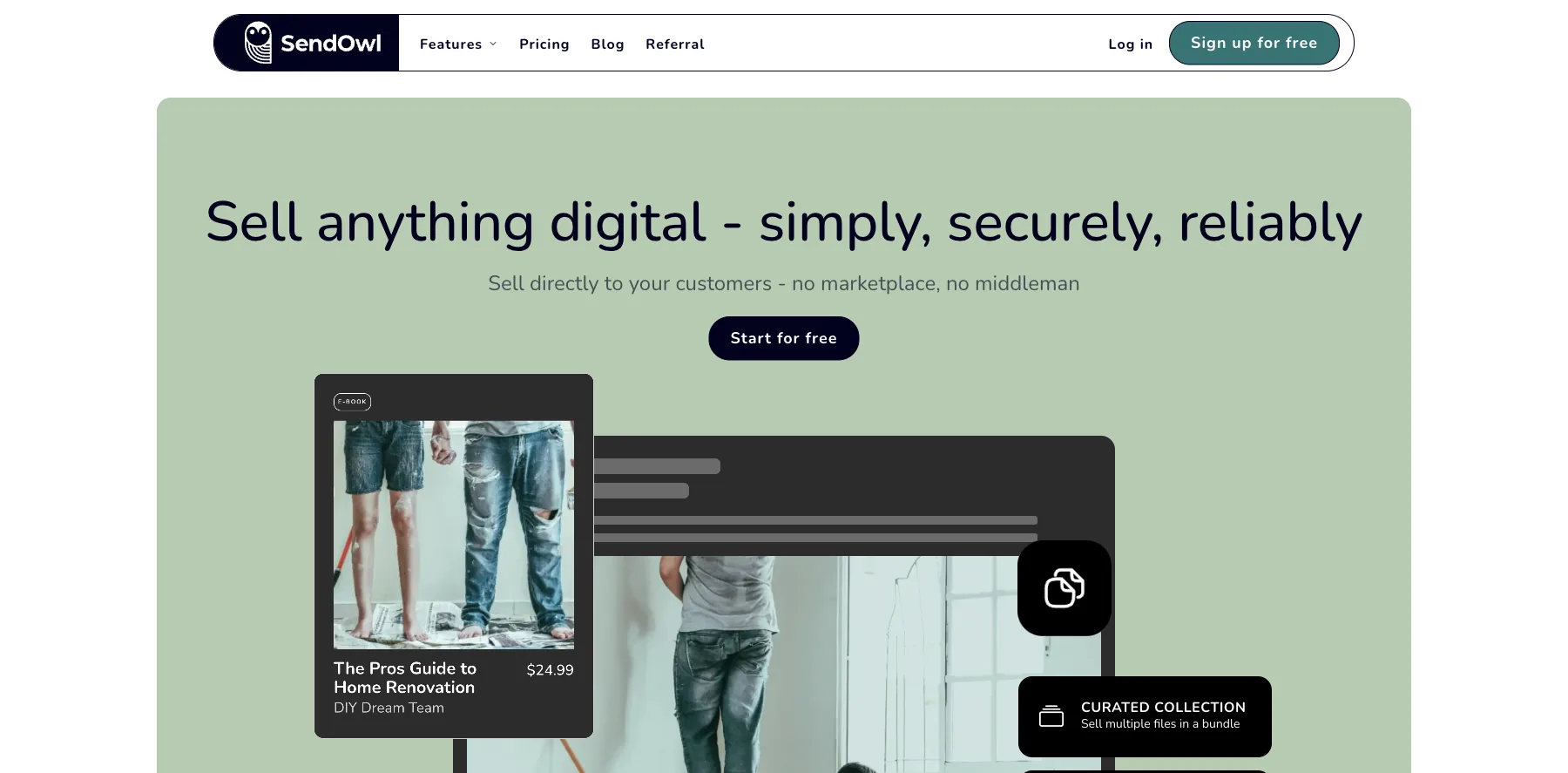
SendOwl sells anything digital straight to your customers, with no marketplace in between: downloads, courses, subscriptions and physical goods.
Every plan has every feature. What you pay for is sales volume.
Launch covers up to $10,000 in sales a year, Grow up to $36,000, and Business starts at $299 a month for up to $200,000. Go past your plan's limit, and SendOwl moves you up.
SendOwl takes no cut of your sales.
Who is SendOwl for?
SendOwl is for creators who already have a site and want a checkout that delivers digital products securely, without a transaction fee.
Key features
- Three checkout flows, overlay checkout and shareable links
- Instant delivery of PDFs, videos, images and music
- Subscriptions and recurring billing
- Bundles and pre-orders
- Upsells, coupons and an affiliate program
- License keys and video streaming
Pros
- No cut of your sales
- Every feature on every plan
- A free trial
Cons
- Launch stops at $10,000 in sales a year, and Grow at $36,000
- Business starts at $299 a month
- No marketplace: you bring the buyers
Pricing
SendOwl's plans go by your sales in a year, from its pricing page as read on October 3, 2026:
- Launch – $39 a month, or $32.50 billed yearly, for up to $10,000 in sales a year.
- Grow – $87 a month, or $72.50 billed yearly, for up to $36,000.
- Scale – $159 a month, or $132.50 billed yearly, for up to $100,000.
- Business – from $299 a month, for up to $200,000.

A checkout for downloads, courses and subscriptions, with no marketplace in between.
24. Fourthwall
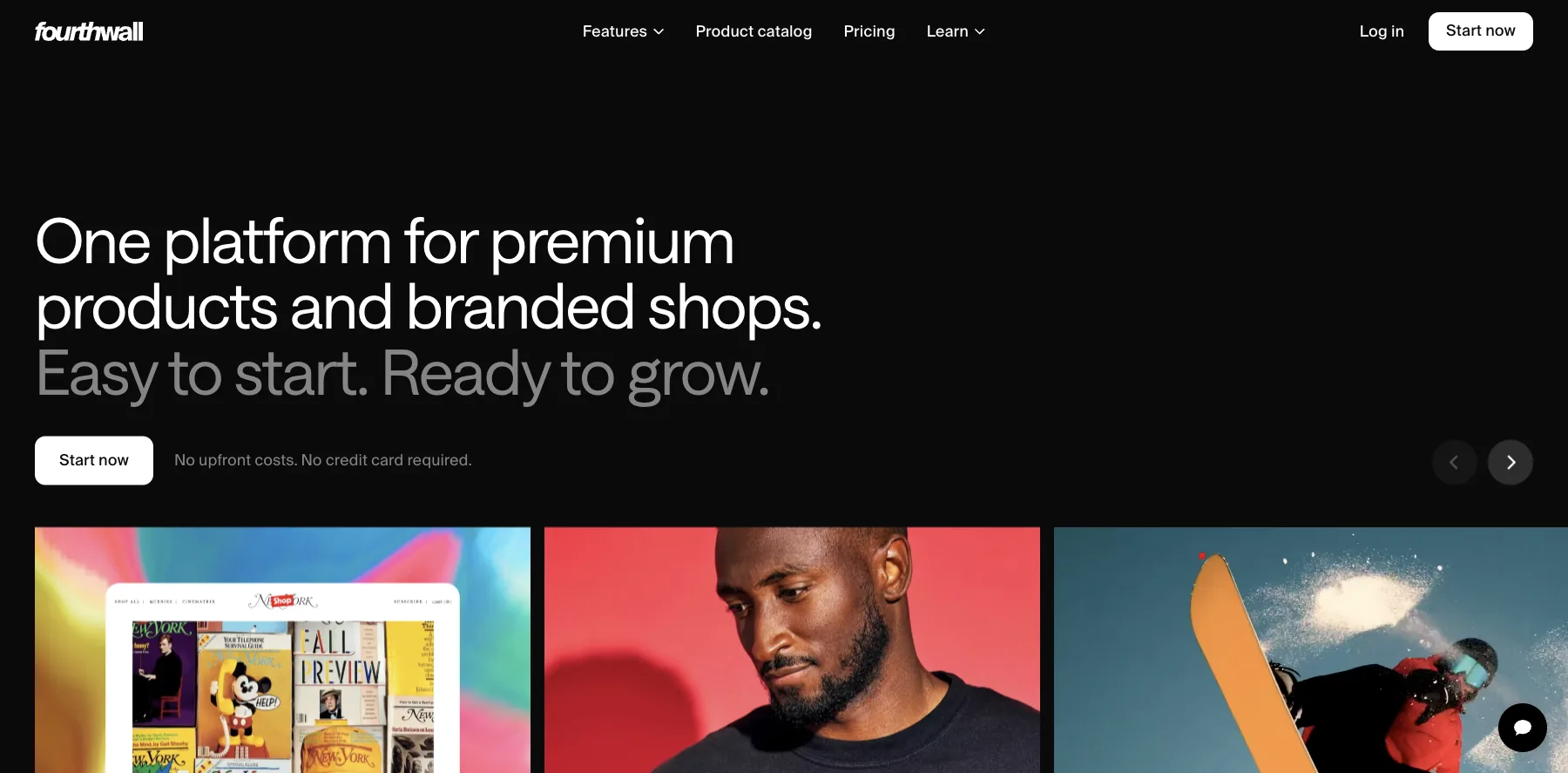
Fourthwall is a creator store for merch, digital products and memberships, with no upfront costs and no credit card to start.
It hosts your digital products and delivers them securely to buyers, next to your merch, and it runs video memberships, with your videos organized into series in its video catalog.
Its free plan keeps 5% of digital product sales, and Pro, at $15 a month, keeps nothing on them. Memberships keep 5% on both plans, and card processing is 2.9% + $0.30 on US cards.
Who is Fourthwall for?
Fourthwall is for creators who sell merch and memberships to their audience, and want to add a course or a digital product to the same shop.
Key features
- A branded shop for merch, digital products and memberships
- A video catalog, with videos organized into series
- Private livestreams, polls, badges and Discord roles for members
- Branded mobile apps for your members
- Your own domain
Pros
- A free plan, with no upfront costs
- Merch, downloads and memberships in one shop
- No fee on digital products on Pro
- Branded mobile apps for members
Cons
- Built around merch and memberships more than a catalog of downloads
- Keeps 5% of digital product sales on the free plan
- Memberships keep 5% on both plans
Pricing
Fourthwall has a free plan and Pro, from its pricing page as read on October 3, 2026:
- Free – $0, keeping 5% of digital product sales, with 5 GB of storage.
- Pro – $15 a month, or $48 less a year billed yearly, with no fee on digital products, 100 GB, a free .store domain and $120 of shop credit a year.

Merch, digital products and memberships, with no upfront costs.
25. Creative Market
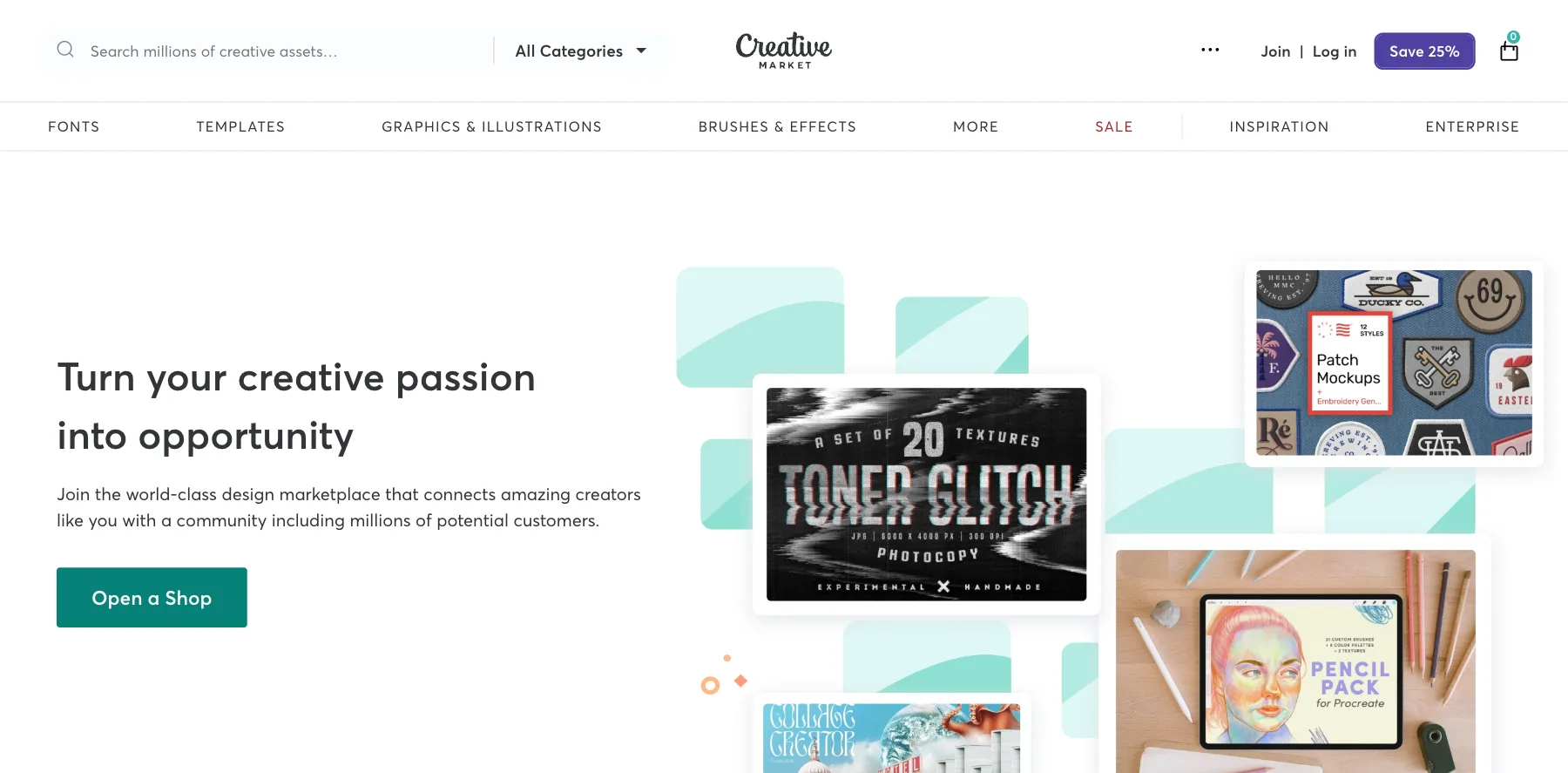
Creative Market is a marketplace for design assets: fonts, templates, graphics, illustrations, brushes and effects. It says over 11 million members shop there.
Shops earn 50% of their list price by default, and Creative Market covers card processing and the marketing. You set your own prices, there's no approval for each product, and you can sell the same work on your own site too.
Who is Creative Market for?
Creative Market is for designers who sell fonts, templates and graphics, and want a marketplace of buyers who come for exactly that.
Key features
- A marketplace of over 11 million members
- Fonts, templates, graphics, illustrations, brushes and effects
- Your own prices
- No approval for each product
- No exclusivity
Pros
- Buyers who come for design assets
- Card fees and marketing covered
- Sell the same work elsewhere too
Cons
- Keeps half of each sale by default
- Only for design assets
Pricing
Creative Market pays a share of each sale, from its seller pages as read on October 3, 2026:
- Your share – 50% of your list price by default, with rates that vary by shop and product.
Fonts, templates and graphics in front of over 11 million members.
26. Amazon KDP
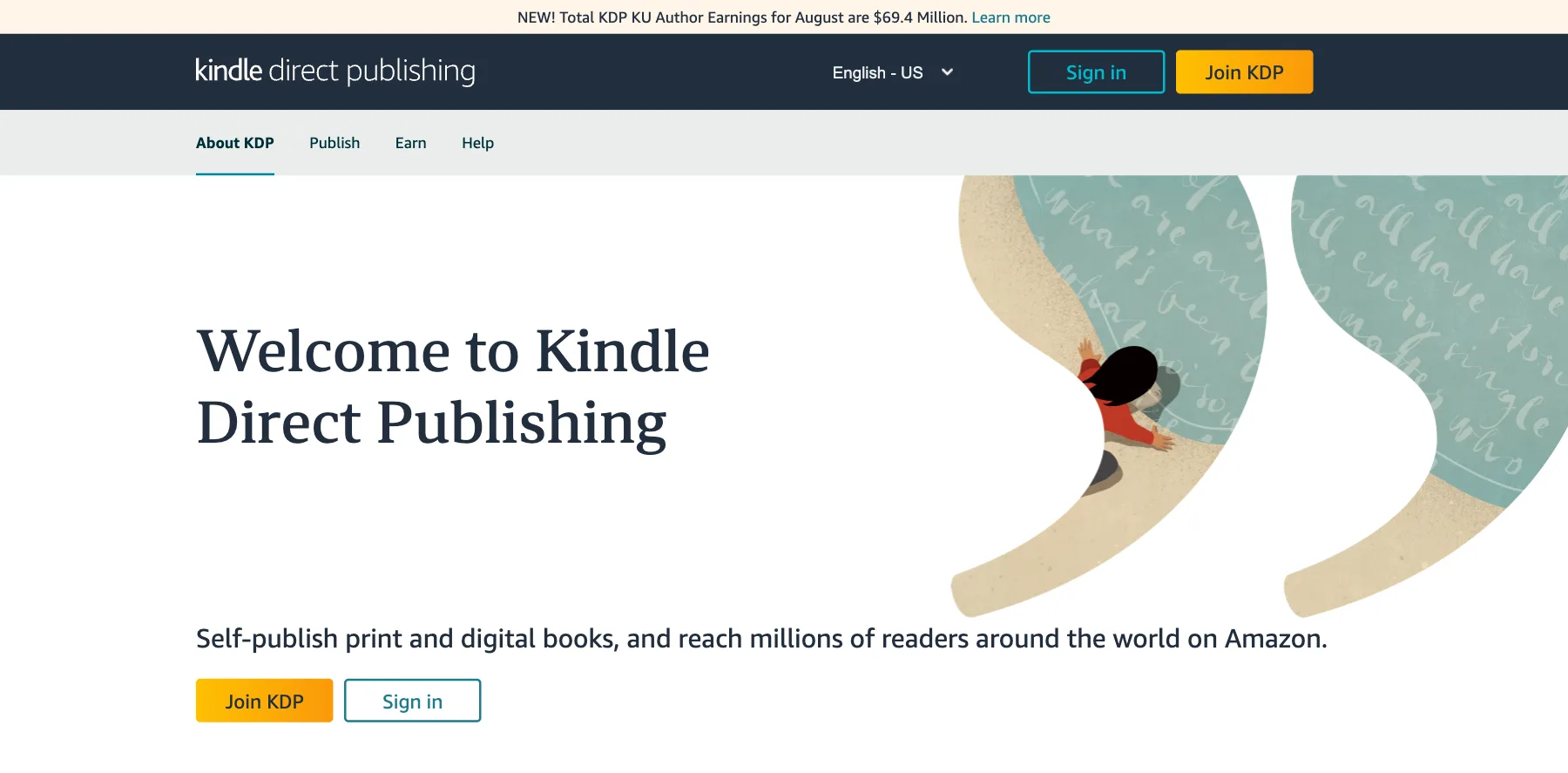
Amazon Kindle Direct Publishing, or KDP, self-publishes your ebooks and print books to Amazon, in more than 10 countries and over 45 languages, with free tools.
You choose a royalty for each ebook: 35% of the list price, or 70% minus a small delivery cost, for buyers in eligible countries. On Amazon.com, the 70% option covers ebooks priced from $2.99 to $12.99 since July 7, 2026, up from $9.99.
Enroll a book in KDP Select, and you also earn for each page read on Kindle Unlimited. KDP says authors earned $69.4 million from it in August.
Who is Amazon KDP for?
Amazon KDP is for authors who want their ebook or print book in front of Amazon's readers.
Key features
- Ebooks and print books on Amazon
- Free tools to publish, in more than 10 countries and over 45 languages
- A 70% or 35% royalty on each ebook
- Kindle Unlimited page reads through KDP Select
Pros
- Amazon's readers
- Free to publish
- Up to 70% royalty
Cons
- 35% outside the 70% price band and countries
- Delivery costs come out of the 70% option, about $0.06 a copy
- Amazon owns the customer, not you
Pricing
KDP is free to publish on, and pays royalties, from its help pages as read on October 3, 2026:
- 70% option – 70% of the list price, minus delivery costs, for ebooks from $2.99 to $12.99 sold in eligible countries.
- 35% option – 35% of the list price.
- KDP Select – royalties for pages read on Kindle Unlimited.

Ebooks and print books on Amazon, in more than 10 countries.
27. Udemy
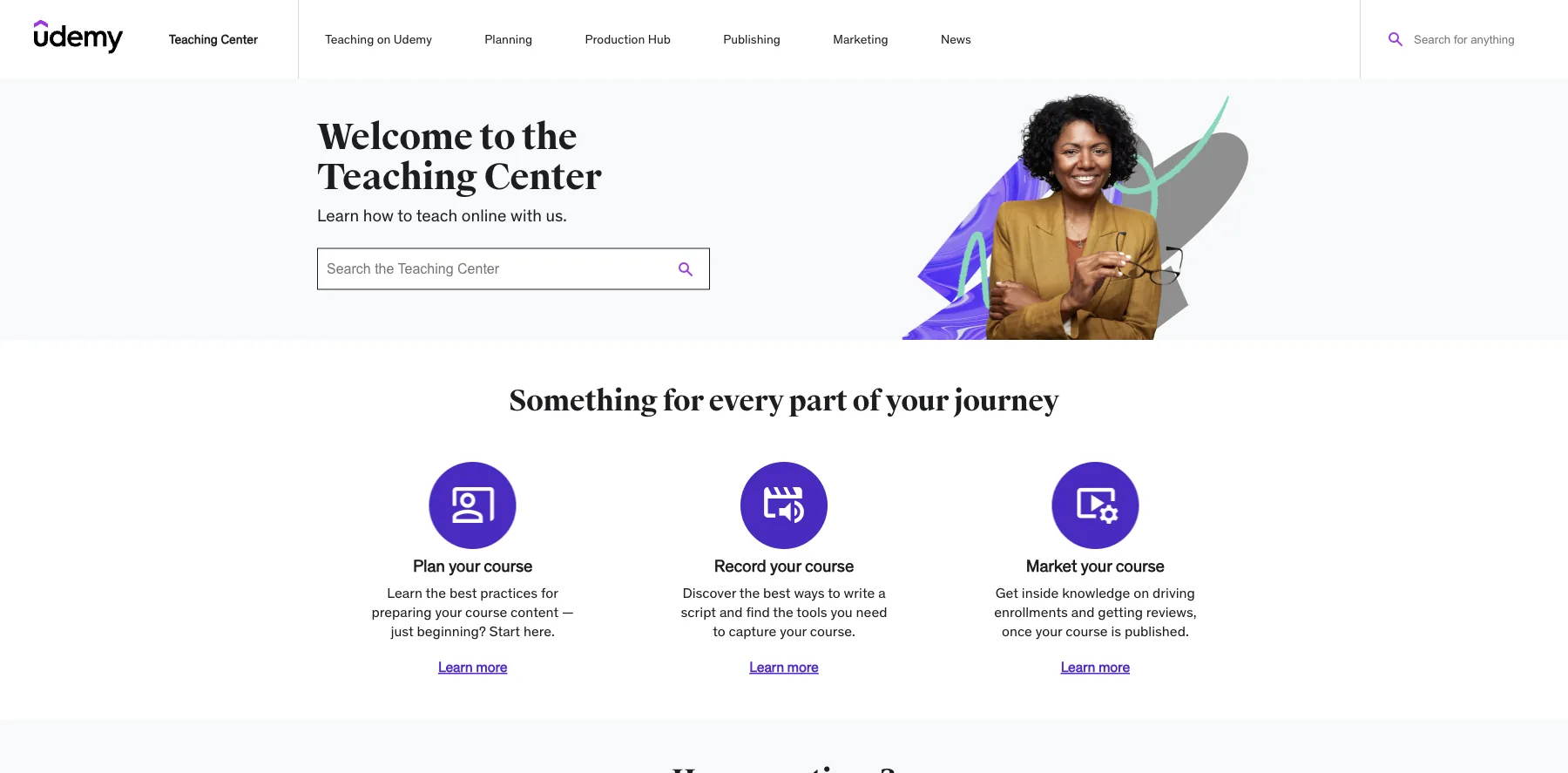
Udemy is a course marketplace: you publish a course, and Udemy sells it to its own students.
It's free to teach on. What you earn depends on who brought the student: a sale through your own coupon or referral link pays you 97%, and a sale Udemy finds for you, through its ads or its marketplace, pays you 37%.
Who is Udemy for?
Udemy is for teachers who want buyers without building an audience first, and who are fine earning less on each sale for it.
Key features
- A marketplace of students looking for courses
- Free to publish
- Quizzes and certificates
- A mobile app for students
- A Teaching Center with guides for planning, recording and marketing
Pros
- Brings its own students
- Free to teach on
- 97% of sales through your own coupon or referral link
Cons
- Pays you 37% of a sale it finds
- To earn 97%, the sale has to come through your own coupon or link
Pricing
Udemy is free to teach on and pays a share of each sale, from its instructor terms as read on September 29, 2026:
- Your own sales – 97%, through your coupon or referral link.
- Udemy's sales – 37%, when Udemy finds the student.

A marketplace that brings its own students to your course.
What digital products can you sell?
Almost anything you can deliver as a file, a login or a link:
- Ebooks and guides – on Amazon KDP, Gumroad, Payhip or your own store.
- Online courses and cohorts – on Kajabi, Thinkific, Teachable, Podia or Whop, or Udemy's marketplace.
- Templates, planners and printables – on Etsy, Gumroad, Payhip or Stan.
- Fonts, graphics and design assets – on Creative Market or your own store.
- Memberships and communities – on Whop, Patreon, Kajabi or Ko-fi.
- Coaching and calls – on Stan, Kajabi or Podia.
- Software, apps and license keys – on Lemon Squeezy, PayKickstart or Easy Digital Downloads.
- Custom AIs – on Eden, an AI version of what you know that people pay to talk to.
- Music, audio and stock files – on Gumroad, Payhip, Sellfy or Ko-fi.
How to choose where to sell digital products
Five things decide most of it:
- Who brings the buyers – a marketplace like Etsy, Creative Market, Amazon KDP or Udemy brings its own, and a store like Whop, Gumroad or ThriveCart sells to the audience you bring.
- How you pay for it – a share of each sale, like Whop, Gumroad and Patreon, or a flat plan, like ThriveCart, Kajabi and Sellfy. A share costs little at first and more as you grow.
- Sales tax and VAT – Lemon Squeezy and Gumroad act as the merchant of record and handle it for you, Payhip handles EU and UK VAT, and Whop handles it for 2% when you turn it on.
- Selling more per order – order bumps and one-click upsells raise what each buyer spends. ThriveCart, SamCart, SureCart and PayKickstart have them.
- Who owns the customer – on a marketplace, the buyer is the marketplace's. On your own store, the email list and the relationship are yours.
They come in seven kinds:
All-in-one creator platforms
Products, courses, memberships and a community in one place, like Whop, Kajabi, Podia and Eden.
Checkouts
Checkouts that sell more per order, like ThriveCart, SamCart, PayKickstart and Lemon Squeezy.
Stores
A store for your downloads and merch, like Gumroad, Payhip, Sellfy, SendOwl, Fourthwall and Shopify.
Fan support and memberships
Tips and monthly support from your fans, like Patreon and Ko-fi.
Marketplaces
Buyers who come to the marketplace, like Etsy, Creative Market, Amazon KDP and Udemy.
WordPress
A store on your own WordPress site, like SureCart and Easy Digital Downloads.
The best free places to sell digital products
Here's where you can start without a monthly bill:
- Whop – 2.7% + $0.30 a sale, with no setup fee.
- Gumroad – 10% + $0.50 a sale, with tax handled worldwide.
- Lemon Squeezy – 5% + $0.50 a sale, card processing and tax included.
- Payhip – a free plan that keeps 5% of each sale.
- Ko-fi – 0% on tips and 5% on shop sales.
- Patreon – 10% of what you earn.
- Etsy – $0.20 a listing and 6.5% a sale.
- Beacons and Fourthwall – free plans with a share of each sale.
- Amazon KDP and Udemy – free to publish, paying you a share of each sale.
Why sell digital products?
You make a digital product once and sell it again and again. There's no stock to buy, nothing to ship, and almost no cost for each extra sale, so most of the price is yours.
It also scales with your audience: the same course or template can sell to 10 people or 10,000.
How to sell digital products
Here's how I'd start today:
- Pick one problem you can solve – for a group you know, ideally one you've already helped.
- Make the smallest useful version – a guide, a template or a short course, before a big program.
- Choose where to sell – your own store if you have an audience, a marketplace if you don't yet.
- Price it and write the page – who it's for, what they get and what it changes for them.
- Bring buyers to it – your email list, social media, search, or a marketplace's own traffic.
What I use
I sell through Creator Store, a store I built myself. It sells my digital products through my own Stripe account, with real invoices, order bumps, upsells and bundles, coupons, and an affiliate program with its own portal for my partners. There's no plan and no cut of my sales.
It's built with Next.js, Stripe and Supabase, and I write it with AI coding tools like Claude Code and Codex. That's a lot more setup than any place here, so it isn't for everyone.
Before Creator Store, ThriveCart was my go-to shopping cart for years, and I processed millions of dollars through it. If you'd rather not build your own, Whop is where I'd start today, or ThriveCart for a checkout that sells more per order.
Some links in this guide are affiliate links: if you sign up through one, I may earn a commission, at no cost to you.
FAQs about where to sell digital products
Here are answers to the questions people ask most about where to sell digital products.
Whop is my pick overall, with no monthly fee, 2.7% + $0.30 a sale and payments from 195 countries.
For a checkout that sells more per order, I'd pick ThriveCart, and for courses and coaching, Kajabi.
Whop charges 2.7% + $0.30 a sale, card processing included, with no monthly fee.
ThriveCart, Kajabi and Stan take no cut of your sales, but you pay a monthly plan.
It can be, since you make a product once and sell it again and again, with no stock or shipping.
Most of the price is yours, and the same product can sell to 10 people or 10,000.
Start with one problem you can solve for a group you know, and make the smallest useful version of the answer.
A guide, a template or a short course is enough to start, and AI tools make the first draft faster.
Yes, Etsy sells digital downloads, delivered the moment the buyer pays or made to order.
It charges $0.20 a listing, 6.5% of each sale and a payment processing fee.
A merchant of record sells your product on your behalf, so it collects and pays sales tax and VAT for you.
Lemon Squeezy and Gumroad work this way.
I sell through Creator Store, a store I built myself with Next.js, Stripe and Supabase.
Before that, ThriveCart was my go-to cart for years, and I processed millions of dollars through it.
Final thoughts on the best place to sell digital products
There are a lot of places to sell digital products, so it comes down to what you sell, whether you bring the buyers or the marketplace does, and how you want to pay.
Here are my final recommendations:
The best overall: products, memberships and courses with no monthly fee, for 2.7% + $0.30 a sale.
Start selling on WhopThe best checkout, with order bumps and upsells and 0% of your sales. I processed millions of dollars through it.
Try ThriveCart freeThe best for courses and coaching, with email, a community and a checkout under one plan.
Try Kajabi freeThe best for selling a Custom AI of what you know, next to your courses and downloads.
See Eden's storeThe best for creators on social, with your store behind the link in your bio.
Try Stan freeThe best marketplace for printables and digital art, where buyers are already searching.
Start selling on EtsyNow I'd like to turn it over to you. Where will you sell? Or do you use a great place I didn't cover? Send me a message and tell me.
Keep reading:
- The best shopping cart software – checkouts for your products, compared
- The best online course platforms – 40 platforms for selling a course, compared
- The best landing page builders – pages that sell your product, compared
Start with the place that fits what you sell, and put one product on it before you build a catalog.
Navid Moazzez
AI business strategist & AI OS builder
Navid Moazzez helps creators and founders master AI and build their own AI Operating System (AI OS) to automate their business and life.
Navid.me is reader-supported. When you buy through links on this site, I may earn an affiliate commission. Learn more.
Similar articles

How to write 1,000 words every day and massively create remarkable content

200+ creator economy glossary terms you need to know (2026)

What is a wantrapreneur? How I stopped being one (and how you can too)

32 experts share their best guest blogging tips
50 ways to make money from home in 2026, with what each pays
The 19 best sales funnel software and builders in 2026
The 14 best website builders in 2026 (free and paid)
43 ways to make extra money beside your day job in 2026
70 side hustle ideas for 2026, with what each pays
The 15 best landing page builders in 2026 (free and paid)
60 side hustles from home for 2026, with what each pays
The 17 best shopping cart software in 2026 (free and paid)
Related free tools


 Free AI newsletter
The most actionable AI newsletter for founders
Every week, get proven AI strategies, curated tools, and step-by-step systems to grow your audience, create better content, and build a profitable creator business.
No fluff, no filler, no BS. Just five minutes each week that might level up your online business and life.
P.S. Sign up now to get free access to my ultimate AI tools guide for creators.


