
What is Claude Code? What it does, where it runs and what it costs
Claude Code is Anthropic's agentic coding tool, and you do not need to write code to use it. Here is what it actually does, where it runs, and whether it is for you.

Claude Code is Anthropic's agentic coding tool. It reads your project, edits files and runs commands, and it keeps working through a task instead of answering one question and stopping.
That word "coding" puts people off, and it should not. Most of what it does all day is read files, write files, move things around and run something for you. That is admin, not engineering.
I don't write code, and Claude Code built over 450 free tools on this site, 23 open source MCP servers, the apps I run my business on and the AI Operating System (AI OS) behind all of it.
Here's how much I use it, live from my GitHub and Claude Code:
5,778 contributions on GitHub in the last year
In this guide, I'll show you:
- What Claude Code is, and how it differs from Claude in a browser
- What it can do for a business, with examples from mine
- Every place it runs, and how to start in each one
- Whether you need to be technical to use it
- What it costs, and how I use it every day
So the useful question is not whether you can code. It is what you would hand to somebody who could sit at your machine and do the boring half of your week.
 TL;DR
TL;DRKey takeaways
What is Claude Code?
Claude Code is an agentic coding tool from Anthropic. It reads your codebase, edits files, runs commands and connects to the tools you already use.
The word that matters there is agentic. Claude in a browser answers you. Claude Code does the thing, checks whether it worked, and carries on.
For example, ask a chat window to rename 200 files and it writes you instructions. Ask Claude Code and the files are renamed.
It works the way a new teammate would. It searches your project for the files it needs, reads them to understand the context, and makes coordinated changes across them.
If you want my verdict on it, it's in my Claude Code review.
What can Claude Code do?
It can do almost anything you would do at a computer with files, a terminal and your apps. Here's what it does in my business:
- It builds tools – every one of the 450 free tools on navid.me, like my UTM builder and my llms.txt generator
- It builds and runs my apps – my business runs on apps it built, replacing software I used to pay for
- It connects my tools – it wrote the 23 open source MCP servers I've published, so any agent can reach the apps I use
- It handles the admin – it renames and sorts files, pulls data out of documents, and drafts from my own notes
- It checks its own work – it opens what it built in a browser, clicks through it, and fixes what breaks
The last one matters most. Anthropic's own advice is to give Claude Code a way to verify its work, because the more it can check itself, the further it gets without you.
How is it different from Claude in a browser?
It has hands.
Claude in a browser reads what you paste and writes back. It cannot open a file on your machine, save one, or run anything there.
Claude Code works inside a folder on your machine. It reads what is there, changes it, runs commands, and can reach outside to other services.
- Claude in a browser
- No, you upload them
- Claude Code
- Yes
- Claude in a browser
- No
- Claude Code
- Yes
- Claude in a browser
- It answers and waits for you
- Claude Code
- It keeps going and checks its own work
- Claude in a browser
- Projects and chat memory
- Claude Code
- CLAUDE.md files and its own memory
So the real difference is not intelligence. It is the same model, and the difference is access. My Claude review covers both, and my Claude Code review goes deeper on the agent.
Where does Claude Code run?
Claude Code runs in 6 places, and the choice matters more than it first appears.
- How you start
- Install it with one command, then type
claudein your folder - Needs a terminal?
- Yes
- How you start
- Download the app, sign in, and open the Code tab
- Needs a terminal?
- No
- How you start
- Install the Claude Code extension from the Extensions view
- Needs a terminal?
- No
- How you start
- Install the Claude Code plugin, which also needs the terminal install
- Needs a terminal?
- Inside the IDE
- How you start
- Open claude.ai/code and connect GitHub
- Needs a terminal?
- No
- How you start
- Open the Code tab in the Claude app for iOS or Android
- Needs a terminal?
- No
The first 4 run on your machine and share the same configuration, project memory and connected tools, so all 4 read the same files. The web and the phone app run in the cloud by default and check out a repository instead.
But that is a default, not a limit. Run claude remote-control and your phone drives the session on your machine, with @ autocompleting your own file paths from the phone.
It also reaches past those 6. It works in Slack through Claude Tag, and in your Chrome browser, where it can test pages, read console logs and fill in forms.
The desktop app holds Claude Code next to Chat and Claude Cowork, which Anthropic calls Claude Code for the rest of your work.
That split between your machine and the cloud is worth holding on to. It decides where the folder holding your context has to live, which is the whole subject of an AI OS.
My guide to installing Claude Code walks you through each one, step by step.
Do you need to be technical?
You don't, and the name is the only hard part.
You type in plain English. It stops before anything risky, you can make it ask before every change, and it can undo its own work.
What you do need is a project, meaning a folder on your machine that holds the thing you are working on. That is it.
What does it cost?
It needs a paid plan: Pro, Max, Team, Enterprise or Console. The free Claude.ai plan does not include Claude Code.
You can also point it at a third-party provider instead, such as Amazon Bedrock, Google Cloud's Agent Platform or Microsoft Foundry, and pay per use there.
No prices are published in the docs themselves, so anyone quoting you a figure is quoting a pricing page that moves.
I pay for 2 Max plans, because Claude Code does almost all of my building. You can start on Pro and move up when you hit the limits.
How I use Claude Code every day
I run it in VS Code, with Codex in the same window, so one agent builds and the other checks the work.
Every session starts from my AI OS: my CLAUDE.md files, 190 skills, 15 plugins and 9 agents that tell it who I am and how I work.
It connects to my apps through MCP servers, and I've published 23 of them as open source on my MCP servers page.
Nothing goes live until it has been opened in a browser, on desktop and phone, in light and dark mode.
And when I need a good first prompt, my Claude Code prompt generator writes it with the files, a check Claude can run, and what done looks like. My full setup is on How I use AI.
I set up the same kind of AI OS for companies as an AI consultant, and I teach teams to work with Claude Code in my AI training.
AI tools in this guide
These are the AI tools this guide mentions, each with my full review:
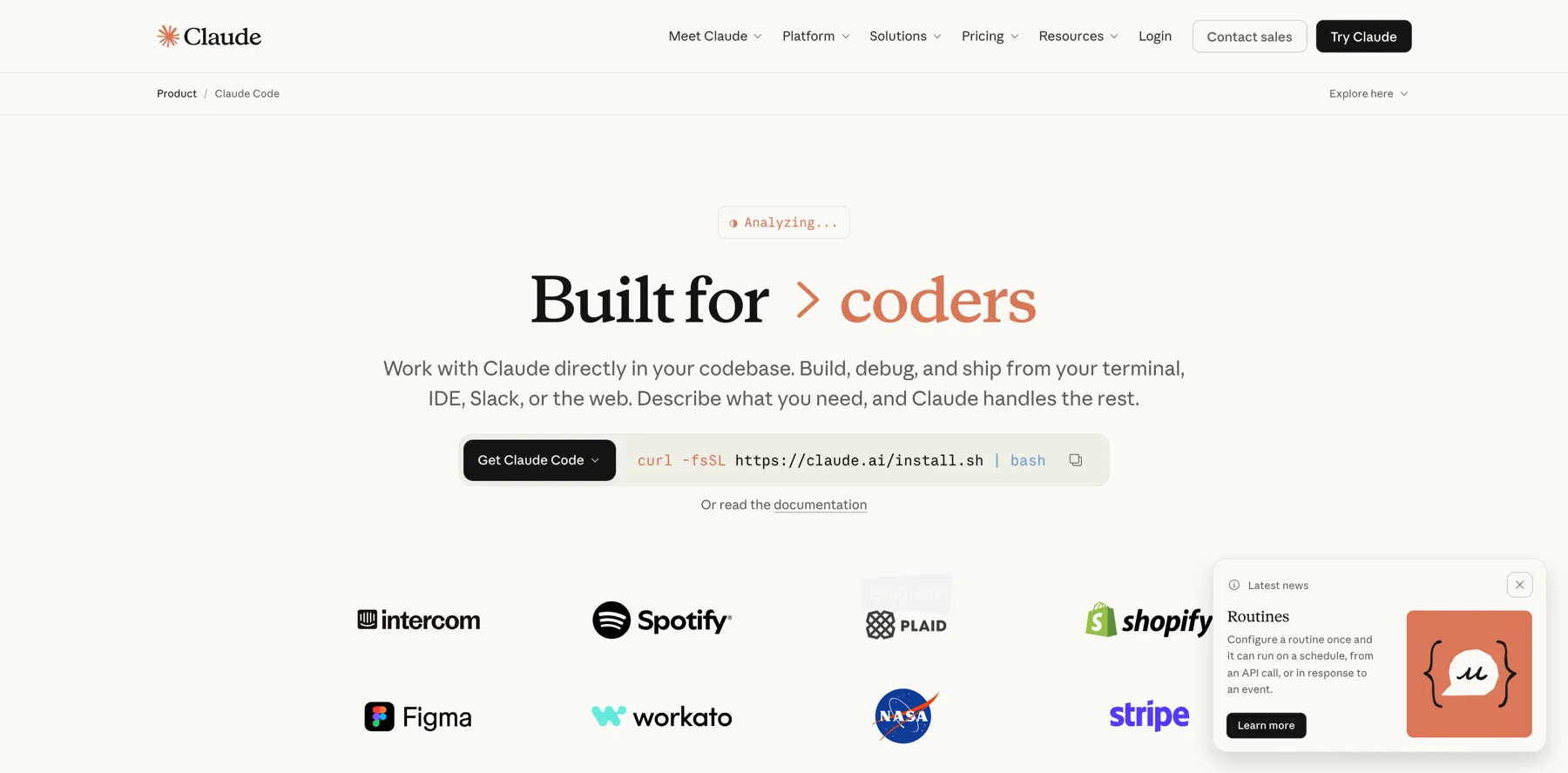

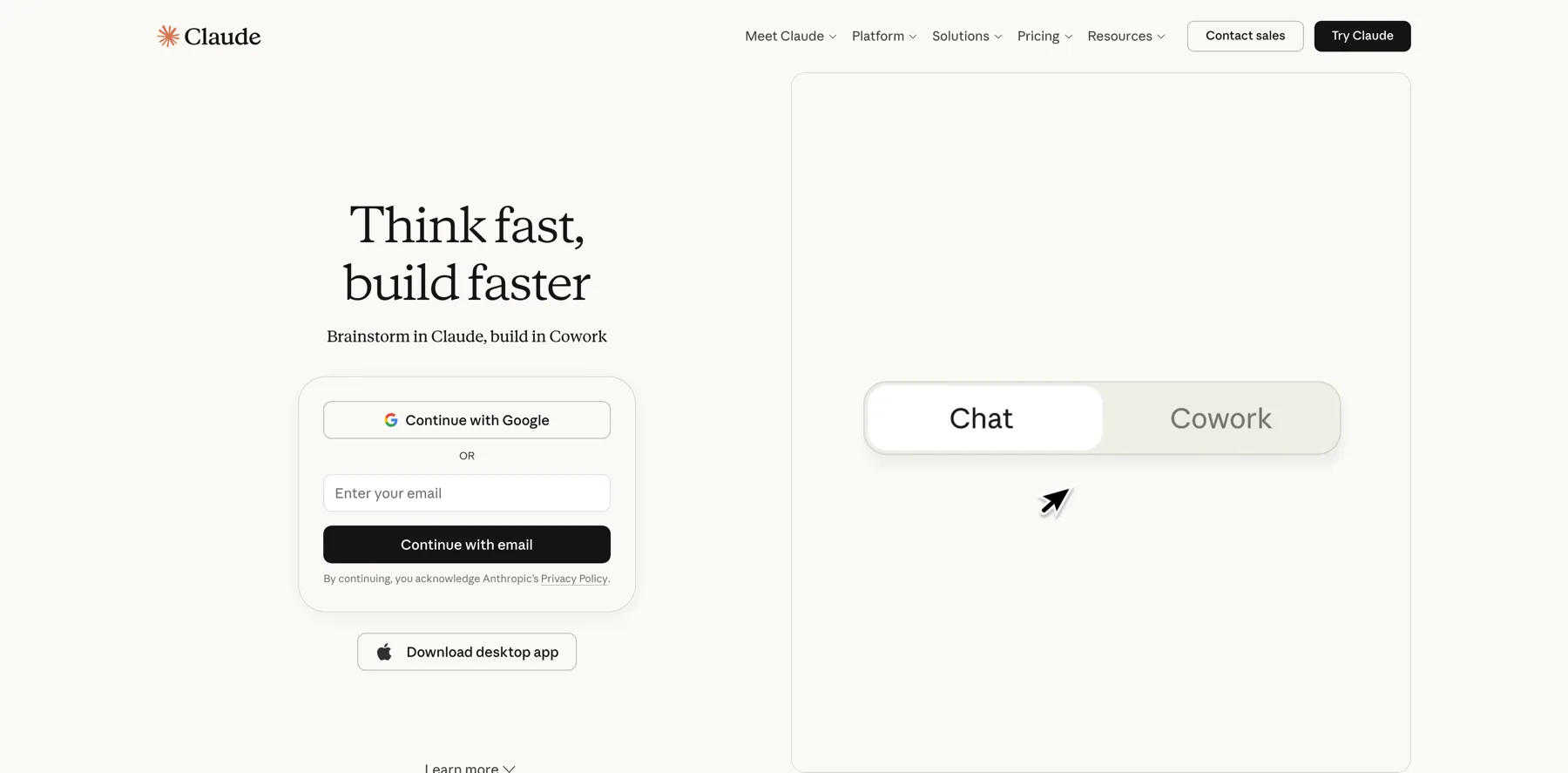

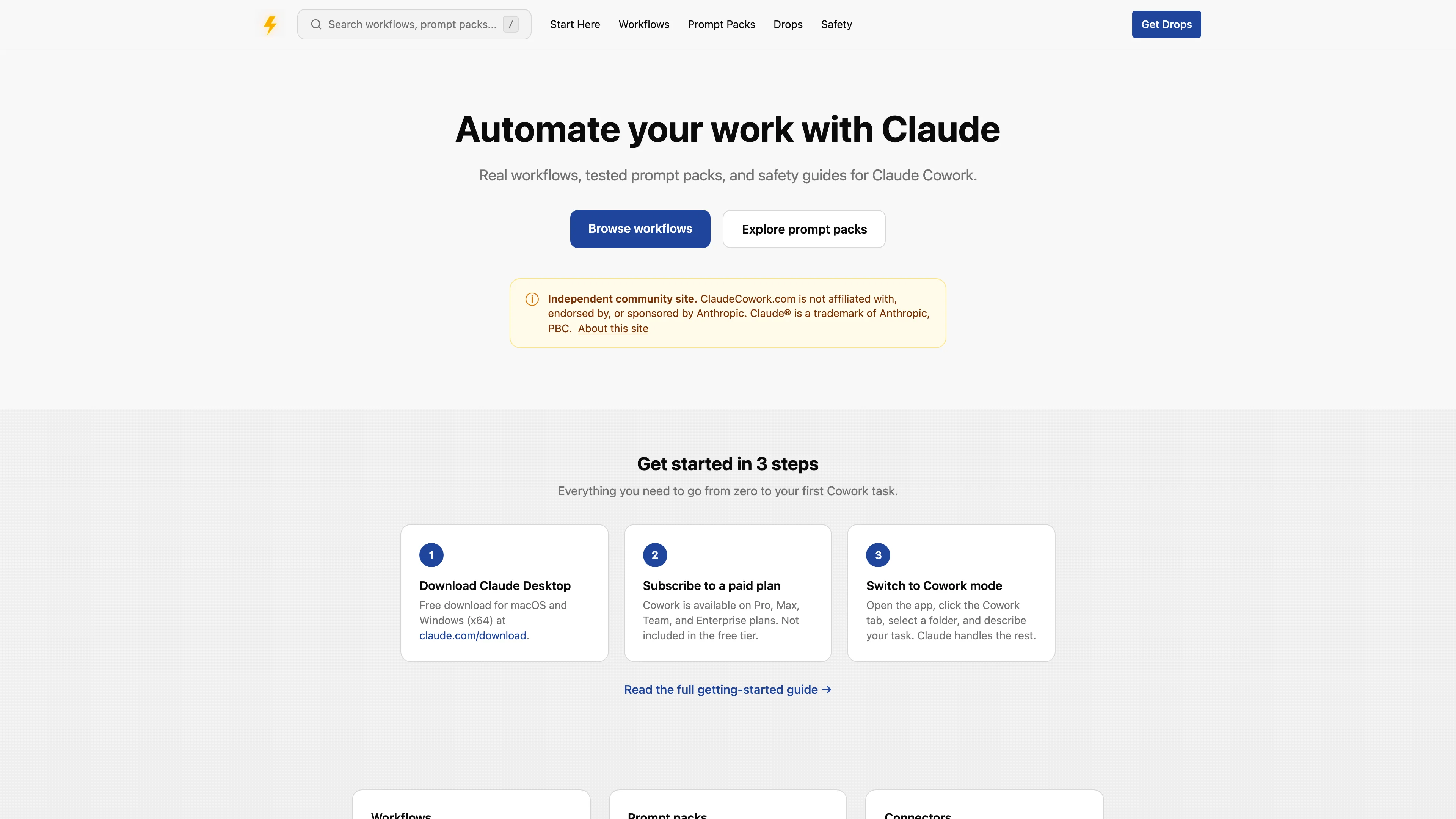
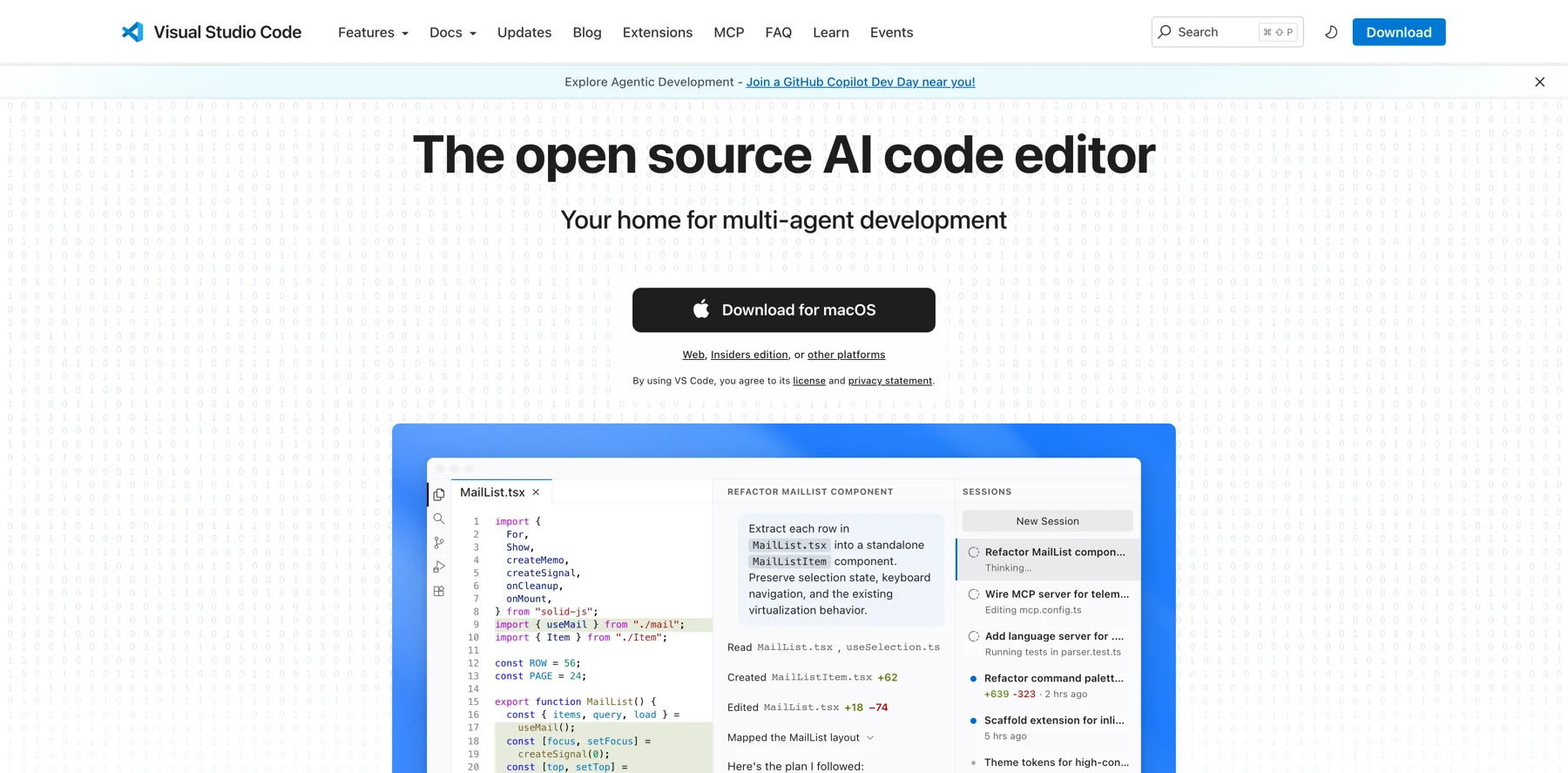



What to do next
FAQs about Claude Code
These are the ones people ask before they commit an afternoon to it.
Claude Code is Anthropic's agentic coding tool.
It reads your project, edits files, runs commands and connects to other tools.
Agentic means it works through a task rather than answering a question and stopping.
It is the same model with different access.
Claude in a browser reads what you paste and writes back.
Claude Code works inside a folder on your machine, so it can open files, change them and run things.
You don't need to code.
You type in plain English, and it stops before anything risky.
The name is misleading for what most people use it for, which is reading, writing and moving files.
Claude Code isn't free.
It needs Pro, Max, Team, Enterprise or Console, and the free Claude.ai plan does not include it.
You can also run it against a third-party provider such as Amazon Bedrock and pay per use instead.
Claude Code runs in 6 places: the terminal, the desktop app, VS Code, JetBrains, your browser and the Claude mobile app.
The VS Code extension works in Cursor too.
The first 4 run on your machine.
The web and the phone app run in Anthropic's cloud by default, but they do not have to: Remote Control connects either of them to a session running on your own machine, so your files and the commands stay on your computer.
The conversation itself still passes through Anthropic while you are connected.
It sees only the folder you point it at, and you add others deliberately with `/add-dir`.
What it may change without asking depends on the permission mode you are in.
It doesn't remember you on its own.
Every session starts with an empty context window.
What carries over is what it reads on launch, which is `CLAUDE.md` and its own auto memory.
That folder of files is what an AI OS is.
It handles the boring half of a week: renaming and sorting files, pulling data out of documents, drafting from your own notes, and running the same job every day.
It reaches other services too, so it can work with your drive, your calendar or your site rather than just the folder in front of it.
On a current version it starts in Auto mode, which stops for anything risky.
If you want it to ask before every change, switch to Manual with `Shift+Tab`, and stay there until you trust a given job.
It also checkpoints, so `/rewind` puts the conversation and the code back to an earlier point.
You don't need a terminal.
The desktop app runs the same engine with a window instead, and there are extensions for VS Code, Cursor and JetBrains.
The terminal is 1 of 6 places it runs, not the price of entry.
The install guide shows how to start in each one.
Final thoughts on Claude Code
Claude Code is the same Claude, with access to your files.
So the useful question is not whether you can code. It is what you would hand to somebody who could sit at your machine and do the boring half of your week.
Keep reading:
- How to install Claude Code – every route, including the 2 that need nothing installed
- Claude Code commands – all 118 of them, grouped by when you reach for one
- Claude Code permission modes – what it may do without asking you first
- How to build an AI operating system (AI OS) – the folder that tells it who you are
Then pick the folder you would hand it first.
Navid Moazzez
AI business strategist & AI OS builder
Navid Moazzez helps creators and founders master AI and build their own AI Operating System (AI OS) to automate their business and life.
Navid.me is reader-supported. When you buy through links on this site, I may earn an affiliate commission. Learn more.
Similar articles
What is a token in AI? The 4 kinds and what each one costs
All 6 Claude Code permission modes, and what each one allows
All 118 Claude Code commands, and when to use each
What is a vibe creator? (And how to become one)
How to install Claude Code: 8 ways, and which one to pick
What is vibe coding? (And how it works)
How to build an AI voice agent (step by step)
How to build an AI operating system (AI OS)
17 hidden Claude Code commands most people never find
How to set up VS Code for Claude Code (in one command)

How to make money with AI as a creator: 15 real ways (2026)

10 biggest AI lessons to 10x your creator business (2026)
Related free tools


 Free AI newsletter
The most actionable AI newsletter for founders
Every week, get proven AI strategies, curated tools, and step-by-step systems to grow your audience, create better content, and build a profitable creator business.
No fluff, no filler, no BS. Just five minutes each week that might level up your online business and life.
P.S. Sign up now to get free access to my ultimate AI tools guide for creators.


