

The 26 best AI website builders in 2026: how I build my sites





The best AI website builders build a site from your own words, from a one-page site to a full app you own. In this guide, I ranked and reviewed 26 AI website builders, along with my top 5 picks and how I build my own sites with AI, so you can pick the one that fits.
 by Navid Moazzez·Updated Oct 3, 2026·37 min read·Navid.me is reader-supported. When you buy through links on this site, I may earn an affiliate commission. Learn more.
 Claude CodeWith Claude Pro, from $17 a month billed yearly
The AI coding agent I build my own sites with, from a plan to a live site.
 CodexIncluded in ChatGPT, from $8 a month
OpenAI's coding agent, in ChatGPT, your editor, the terminal and its own app.
 HighLevelFrom $97 a month, after a 14-day free trial
AI Studio builds full sites from a prompt, with the CRM, forms and bookings behind them.
 LovableFree plan, or from $25 a month
Describe a site or app in a chat, and it builds one you can publish.
 FramerFree plan, or from $10 a month
A website builder for designed pages, now built around AI agents.
The best AI website builders in 2026 go well beyond templates: you describe a site in your own words, and AI builds it, from a one-page site to a full app with a database. I build all my own sites this way, with AI coding agents.
I've built websites for over a decade, from WordPress sites to funnels. Today I build navid.me, my store and my other sites with Claude Code and Codex, in Next.js, and host them on Cloudflare and Vercel.
I went back through every one this week, and wrote up what each does well, where it falls short, and what it really costs.
In this guide, I'll show you:
- All 26 AI website builders I reviewed, each with who it's for, key features, pros, cons and pricing
- What AI website builders are, and the four kinds there are
- How I build my own sites with AI, with real examples
- Where to host a site you build with AI
- How to choose one, and the best free AI website builders
- The stats that show how fast AI building is moving
Every price here is from each tool's own pages, read on October 3, 2026.
TL;DRKey takeaways
The best AI website builders
Here's every builder I reviewed, with what each is best for and what it costs to start. Each name opens its site in a new tab:
 Claude Code
- Best for
- Building real sites with an AI agent
- Price
- $17 a month, billed yearly
- Free to try
- With Claude Pro
 Codex
Codex- Best for
- ChatGPT users
- Price
- Included in ChatGPT
- Free to try
- Limited on Free
 HighLevel
- Best for
- Sites with a CRM behind them
- Price
- $97 a month
- Free to try
- 14-day free trial
 Lovable
- Best for
- Beginners
- Price
- Free, or $25 a month
- Free to try
- Free plan
 Framer
- Best for
- Design
- Price
- Free, or $10 a month
- Free to try
- Free plan
 Cursor
- Best for
- Building in an editor
- Price
- Free, or $20 a month
- Free to try
- Free plan
 Google Antigravity
- Best for
- A free agent platform
- Price
- Free
- Free to try
- Free
 ChatGPT
- Best for
- A site from a chat
- Price
- Free, or $8 a month
- Free to try
- Free plan
 Gemini
- Best for
- Google users
- Price
- Free, or $4.99 a month
- Free to try
- Free
 Grok
Grok- Best for
- Sharing on X
- Price
- Free to try
- Free to try
- Free to try
 Manus
Manus- Best for
- Full-stack apps from an agent
- Price
- Free, or $20 a month
- Free to try
- Free plan
 Bolt
Bolt- Best for
- A live preview
- Price
- Free, or $25 a month
- Free to try
- Free plan
 v0
v0- Best for
- Next.js apps
- Price
- Free, or $20 a month
- Free to try
- Free plan
 Replit
- Best for
- Building and hosting
- Price
- $18 a month, billed yearly
- Free to try
- Free Mode
 Base44
- Best for
- Apps with a backend
- Price
- $40 a month
- Free to try
- Starter plan
 Emergent
- Best for
- Simple apps
- Price
- Free, or $17 a month
- Free to try
- Free plan
 Anything
- Best for
- Mobile apps
- Price
- $19 a month, billed yearly
- Free to try
- Paid plans only
 Wix
Wix- Best for
- Small businesses
- Price
- $29 a month, billed yearly
- Free to try
- Free to start
 Webflow
- Best for
- Designers
- Price
- Free, or $15 a month
- Free to try
- Free plan
 Squarespace
- Best for
- Creatives
- Price
- $19 a month, billed yearly
- Free to try
- 14-day free trial
 Hostinger AI Website Builder
- Best for
- A small budget
- Price
- $2.99 a month, 48 months
- Free to try
- 30-day money-back
 Durable
- Best for
- Service businesses
- Price
- Free, or $22 a month
- Free to try
- Free plan
 Gamma
Gamma- Best for
- One-page sites
- Price
- Free, or $9 a month
- Free to try
- Free plan
 10Web
10Web- Best for
- Agencies
- Price
- $10 a month
- Free to try
- 30-day money-back
 Elementor
- Best for
- WordPress
- Price
- Free AI assistant
- Free to try
- Free plan
 Divi
Divi- Best for
- WordPress designers
- Price
- $277 a year
- Free to try
- No
1. Claude Code
The best AI website builder overall, with real code you own
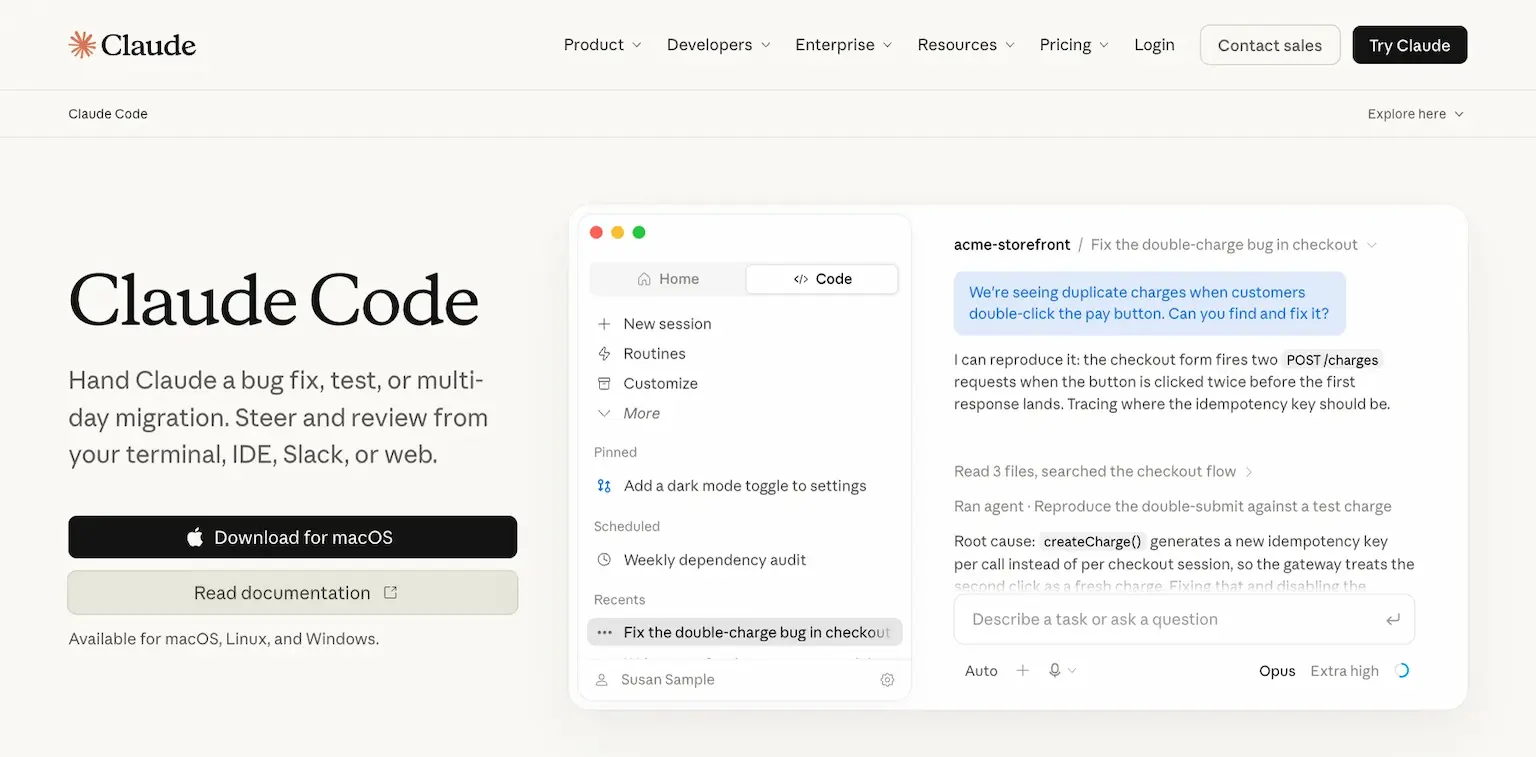
Claude Code is Anthropic's AI coding agent, and it's how I build my own sites. You describe what you want, and it writes the plan, asks what it needs to know, then writes, runs and fixes the code, for minutes or for hours.
It works where you do: your terminal, your editor, Slack, the web, or its desktop app for macOS, Linux and Windows. It connects with the rest of a real site too, from deployment and databases to version control.
That's the difference from a site builder. You get real code you own, in any framework, hosted wherever you like. I build my sites in Next.js with it, and host them on Cloudflare or Vercel.
Who is Claude Code for?
Claude Code is for anyone who wants a site or app with no limits on what it can do, and is happy to work with code that the AI writes for them.
Key features
- An AI agent that plans, writes, runs and fixes your code
- Works in your terminal, your editor, Slack, the web and a desktop app
- Maps your codebase in seconds, so it can change any part of your site
- Connects with deployment, databases, monitoring and version control
- Long tasks that run for hours or days
Pros
- Real code you own, in any framework
- No limits on what your site can do
- Included in Claude Pro, from $17 a month
Cons
- Not on Claude's free plan
- You host the site yourself, on Cloudflare, Vercel or similar
- More to learn than a drag-and-drop builder
Pricing
Claude Code comes with Claude's paid plans, from its pricing page as read on October 3, 2026:
- Pro – $17 a month billed yearly ($200 up front), or $20 monthly, with Claude Code included.
- Max – from $100 a month, with 5 or 20 times Pro's usage.

The AI coding agent I build my own sites with, from a plan to a live site.
2. Codex
The best AI website builder for ChatGPT users
Codex is OpenAI's coding agent, and it's the other tool I build with. It comes with your ChatGPT plan, and you use it in ChatGPT, in your editor, in the terminal, or in the Codex app for macOS and Windows.
It runs several agents at once and checks its own work with computer and browser tools until your requirements are met. Its cloud environments keep working when you close your laptop.
Like Claude Code, it writes real code you own. ChatGPT Sites can even start a site from a Codex project and host it for you.
Who is Codex for?
Codex is for ChatGPT users who want an AI agent to build their site or app in real code, without a second subscription.
Key features
- Several agents working in parallel
- Computer and browser tools that check the work
- Cloud environments that keep running when your laptop is closed
- Codex in ChatGPT, an editor extension, the terminal and a desktop app
- Plugins for tools like Slack, GitHub and Figma, from Plus
- Code reviews on your pull requests
Pros
- Included in every ChatGPT plan
- Real code you own
- Works on its own in the cloud
Cons
- Only limited trial access on Free and Go
- You host the site yourself, unless you use ChatGPT Sites
- More to learn than a drag-and-drop builder
Pricing
Codex is included in ChatGPT's plans, from its Codex and ChatGPT pricing pages as read on October 3, 2026:
- Free and Go ($8 a month) – limited trial access.
- Plus – $20 a month, with expanded Codex use and the Codex app.
- Pro – $100 a month, with the most Codex tasks.

3. HighLevel
The best no-code AI website builder for businesses
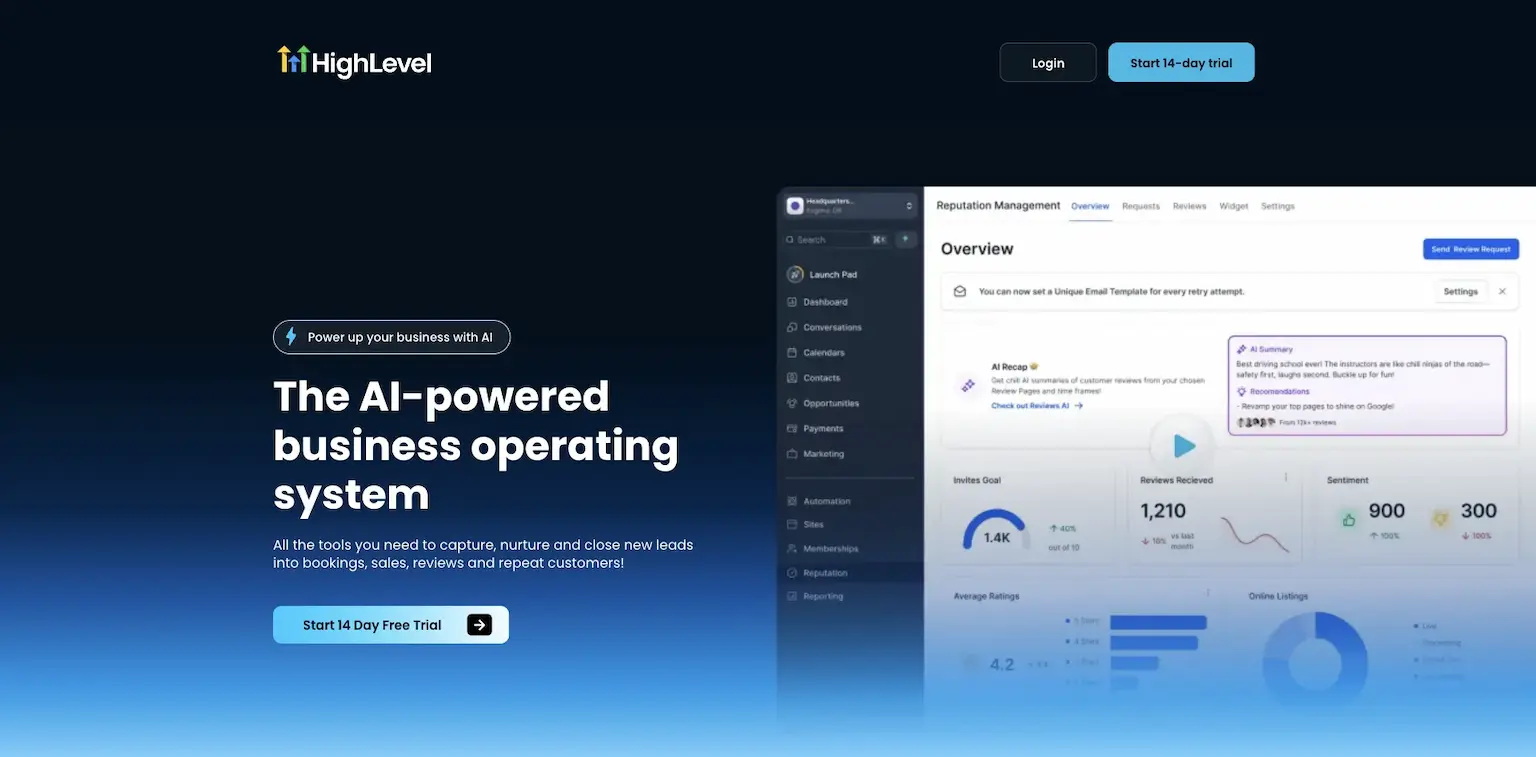
HighLevel's AI Studio builds websites, landing pages and other interactive pages from a prompt. You can start from a live URL for the layout, your own photos for a storefront, or a description of a multi-page site, then refine it by chat or by hand.
What sets it apart is what sits behind the site. A booking page connects to your calendar, a form to your CRM, and every lead gets HighLevel's email and SMS follow-up. Then you publish to your own domain.
Its Funnel and Website AI does the same for funnel pages, from prompts, guided inputs, URLs and images.
Who is HighLevel for?
HighLevel is for businesses and agencies that want an AI-built site with the CRM, bookings and follow-up already behind it.
Key features
- AI Studio: websites, landing pages and multi-page sites from a prompt
- Pages from a live URL, your photos or a description
- Booking pages tied to your calendar, and forms tied to your CRM
- Funnel and Website AI for funnel pages
- Editing by chat or by hand
- Publishing to your own domain
Pros
- The site and the business behind it in one place
- No code at all
- A 14-day free trial, month to month
Cons
- Starts at $97 a month, more than a site builder on its own
- AI Studio is charged by use, and images cost the most
- Built around sub-accounts, the way an agency works
Pricing
HighLevel has three plans, each with a 14-day free trial, from its pricing page and AI Studio help pages as read on October 3, 2026:
- Starter – $97 a month, or $970 a year.
- Unlimited – $297 a month, or $2,970 a year.
- Agency Pro – $497 a month, or $4,970 a year.
- AI Studio – charged by use, on top of the plan.

AI Studio builds full sites from a prompt, with the CRM, forms and bookings behind them.
I may earn a commission if you make a purchase, at no additional cost to you.
4. Lovable
The best AI website builder for beginners
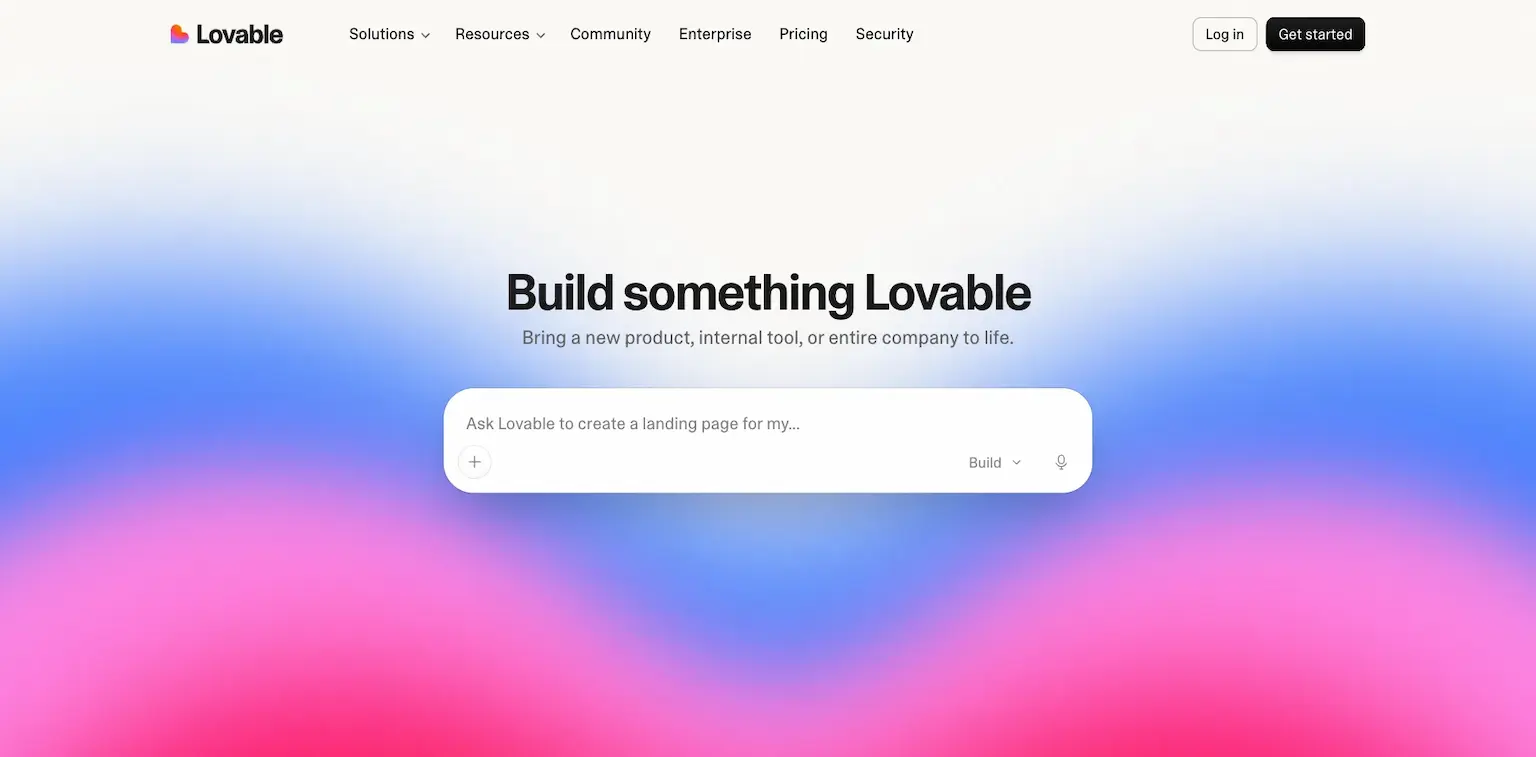
Lovable is an AI app and website builder: you describe what you want in a chat, and it builds a working site or app you can publish.
It's free to start with no credit card. Pro adds credits for more building, your own domain, and credits that roll over.
Who is Lovable for?
Lovable is for beginners who want a working site or app from a conversation, without writing code.
Key features
- A site or app built from a chat
- Publishing what you build
- Your own domain, from Pro
- Credits that roll over
Pros
- A free plan, with no credit card
- The easiest start for a full app
- Two months free billed yearly
Cons
- Credits run out on bigger builds
- Your own domain starts on Pro
Pricing
Lovable has a free plan and paid ones, from its pricing page as read on October 3, 2026:
- Free – $0, with no credit card.
- Pro – $25 a month, with 100 monthly credits and your own domain.
- Business – $50 a month.

Describe a site or app in a chat, and it builds one you can publish.
I may earn a commission if you make a purchase, at no additional cost to you.
5. Framer
The best AI website builder for design
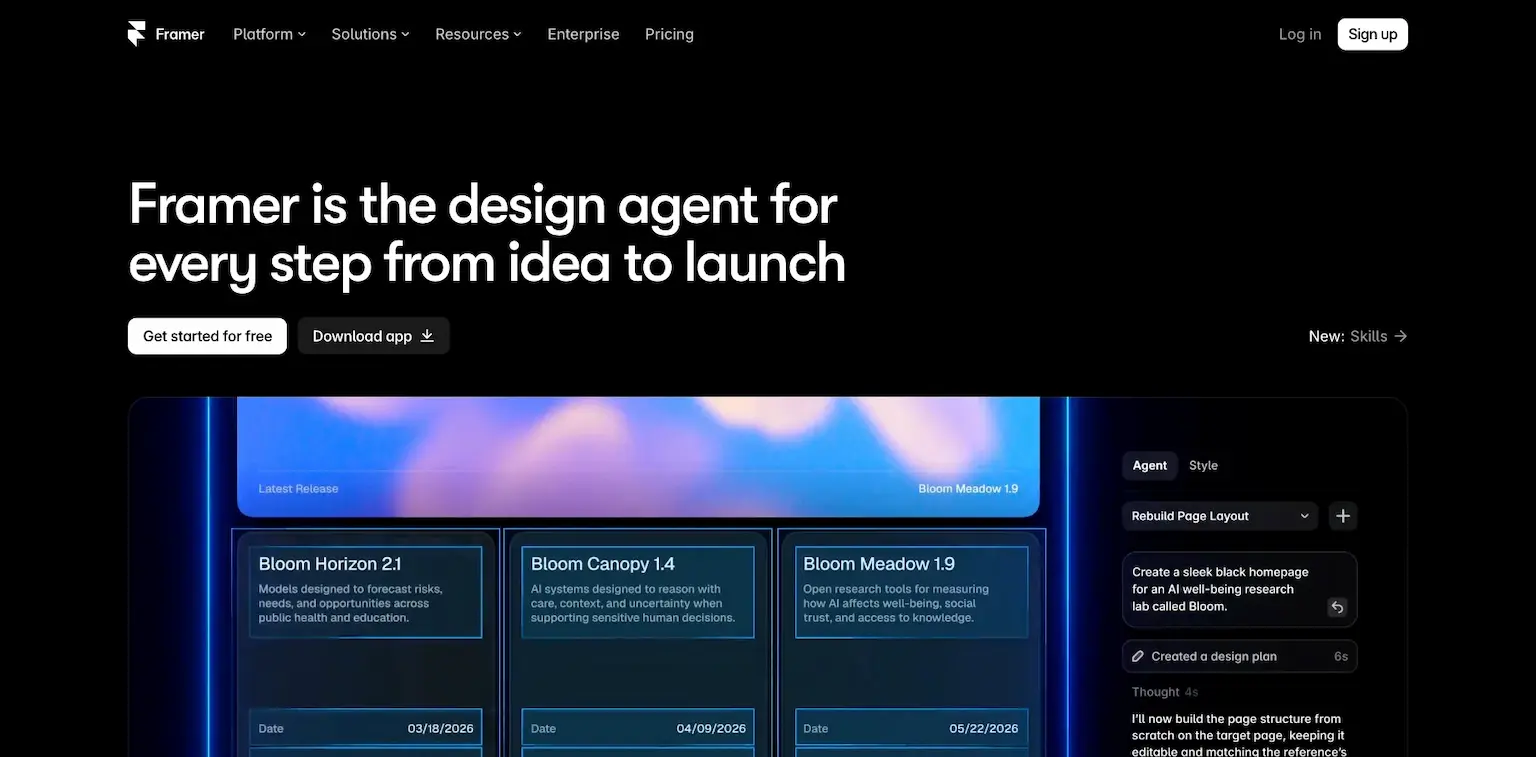
Framer is a website builder for pages that look designed, now built around AI agents: it calls itself the design agent for every step from idea to launch.
You describe the site, Framer's AI drafts it, and you refine every detail on a visual canvas. Hosting comes with it, and its agents and other AI features run on credits.
Who is Framer for?
Framer is for designers and brands who want a site that looks exactly right, with AI to start it and a visual editor to finish it.
Key features
- AI agents that draft and change your site
- A visual canvas with full design control
- Hosting, with your own domain from Basic
- Redirects to keep your search rankings, from Pro
Pros
- The best-looking results of any builder here
- A free plan
- Your own domain from $10 a month
Cons
- AI features use credits
- More design choices than a beginner needs
Pricing
Framer has a free plan and paid ones, from its pricing page as read on October 3, 2026:
- Free – $0, on a Framer domain.
- Basic – $10 a month, with your own domain.
- Pro – $30 a month, or $20 billed yearly.

A website builder for designed pages, now built around AI agents.
I may earn a commission if you make a purchase, at no additional cost to you.
6. Cursor
The best AI code editor to build a website
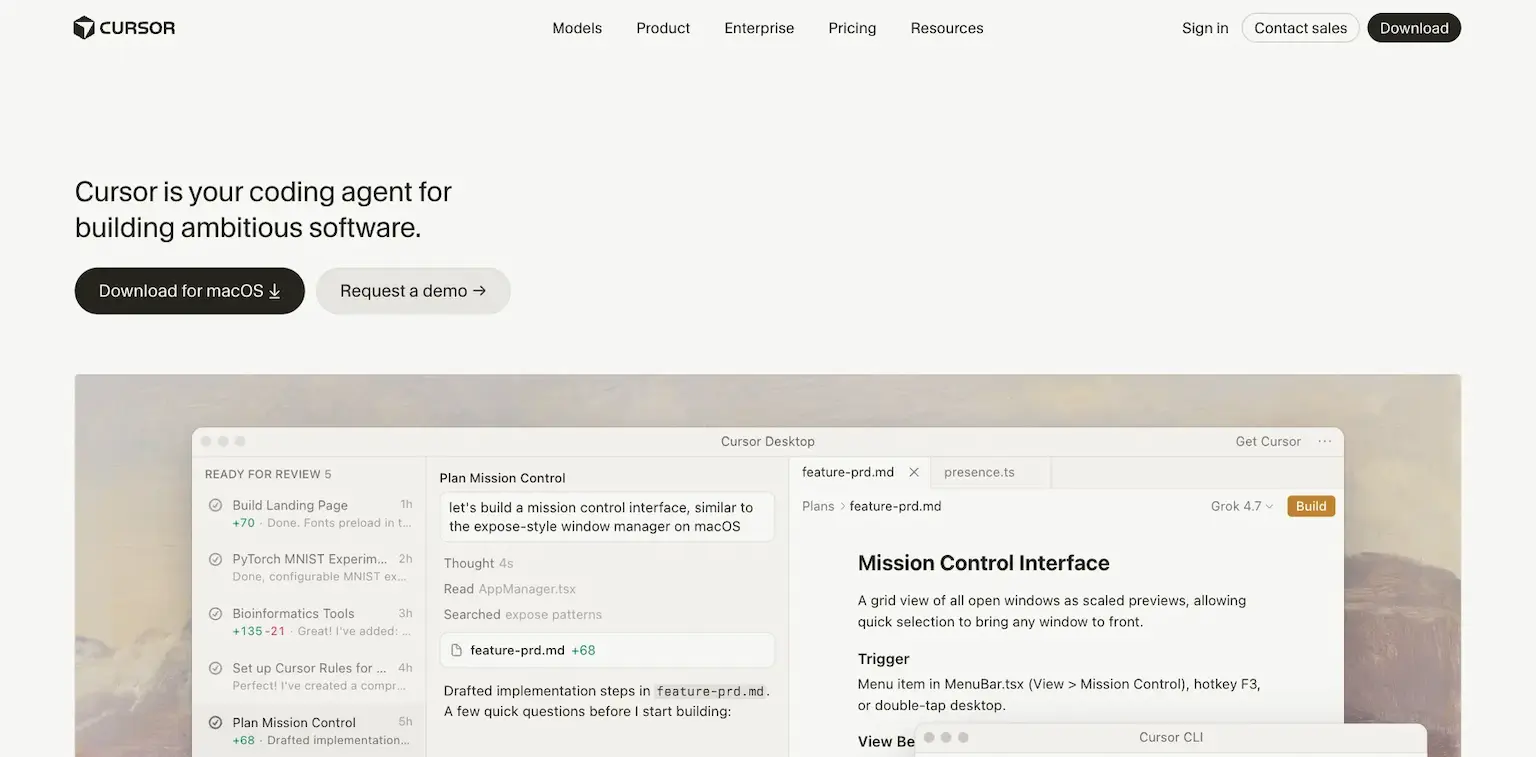
Cursor is an AI code editor with a coding agent built in, made for building ambitious software. You open your project, describe the change, and its agent writes it across your files.
It's a favorite of developers who want to stay in an editor, and it has a free Hobby plan to start.
Who is Cursor for?
Cursor is for builders who want to see and steer every file while an AI agent writes the code.
Key features
- An AI coding agent inside a full code editor
- Changes across every file in your project
- A desktop app
- Plans for heavier agent use: Pro+ and Ultra
Pros
- A free Hobby plan
- Every line in front of you
- Real code you own
Cons
- You host the site yourself
- Usage-based pricing on top for heavy use
Pricing
Cursor has a free plan and paid ones, from its pricing page as read on October 3, 2026:
- Hobby – free.
- Individual – $20 a month.
- Teams – $40 a user a month.

7. Google Antigravity
The best free AI agent platform to build websites
Google Antigravity is Google's agentic development platform: a desktop app and a command-line tool where AI agents build production-ready applications, with plans and verification tests you can check.
It's where Google's coding tools now live. On June 18, 2026, Gemini CLI stopped serving individual accounts and handed over to Antigravity CLI, which imports your Gemini CLI settings and memory.
Who is Google Antigravity for?
Google Antigravity is for builders in Google's world who want a free AI agent platform to build their site or app.
Key features
- AI agents that build and verify applications
- A desktop app and a command-line tool
- Imports Gemini CLI settings, skills and MCP servers
- Higher limits with Google AI Pro and Ultra
Pros
- Free for individuals
- Google's models built in
- A path for Gemini CLI users
Cons
- Entry limits on the free plan
- You host the site yourself
Pricing
Antigravity is free for individuals, with higher limits on Google's AI plans, from its pricing page and Google One's as read on October 3, 2026:
- Individuals – $0 a month.
- Google AI Pro – $19.99 a month, with more agent use.
- Google AI Ultra – $99.99 or $199.99 a month, with the highest limits.

Google's agent platform for building apps, in a desktop app and the terminal.
8. ChatGPT
The best way to build a website from a chat
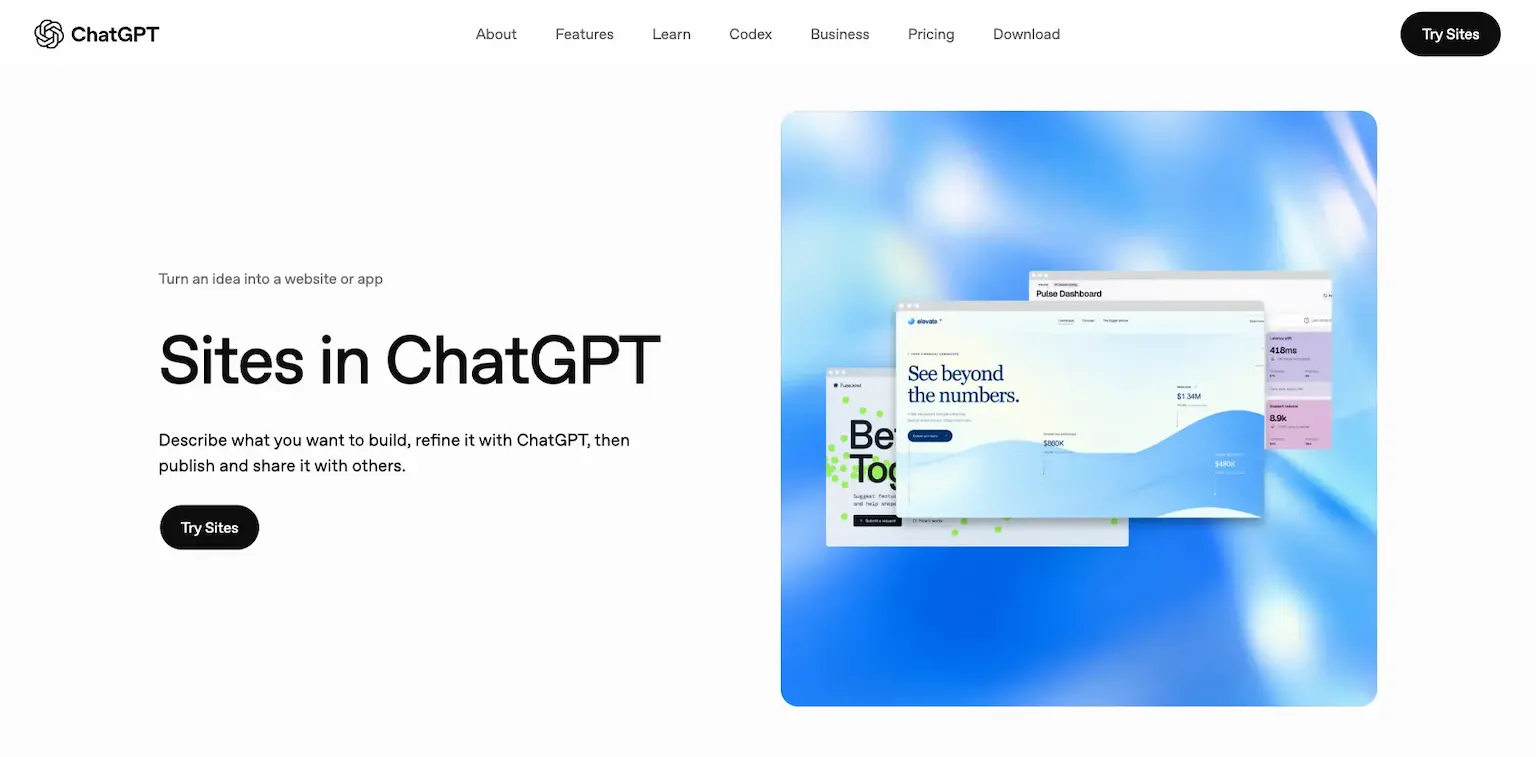
ChatGPT now builds and hosts sites. With ChatGPT Sites, you ask it to build a website or mention @Sites, describe what you want, refine it in the chat, then publish and share it.
You choose who can visit or edit, add sign-in with ChatGPT so visitors can save their work, and rename the ChatGPT-hosted address or connect a domain you own. You can also start from a Codex project.
Who is ChatGPT for?
ChatGPT is for anyone who already uses it and wants a simple site, tool or portfolio online from a conversation.
Key features
- Sites built, hosted and shared from a chat
- Sharing with selected people, your workspace or the public
- Sign in with ChatGPT and built-in storage for visitors
- A ChatGPT-hosted address, or your own domain
- Starting from a Codex project
Pros
- Nothing new to learn
- Hosting included
- Your own domain
Cons
- Less control than real code you host
- Built for simple sites and tools first
Pricing
ChatGPT has a free plan and paid ones, from its pricing page as read on October 3, 2026:
- Free – $0.
- Go – $8 a month.
- Plus – $20 a month.
- Pro – $100 a month.

ChatGPT Sites builds, hosts and shares a site from a conversation.
9. Gemini
The best AI site builder for Google users
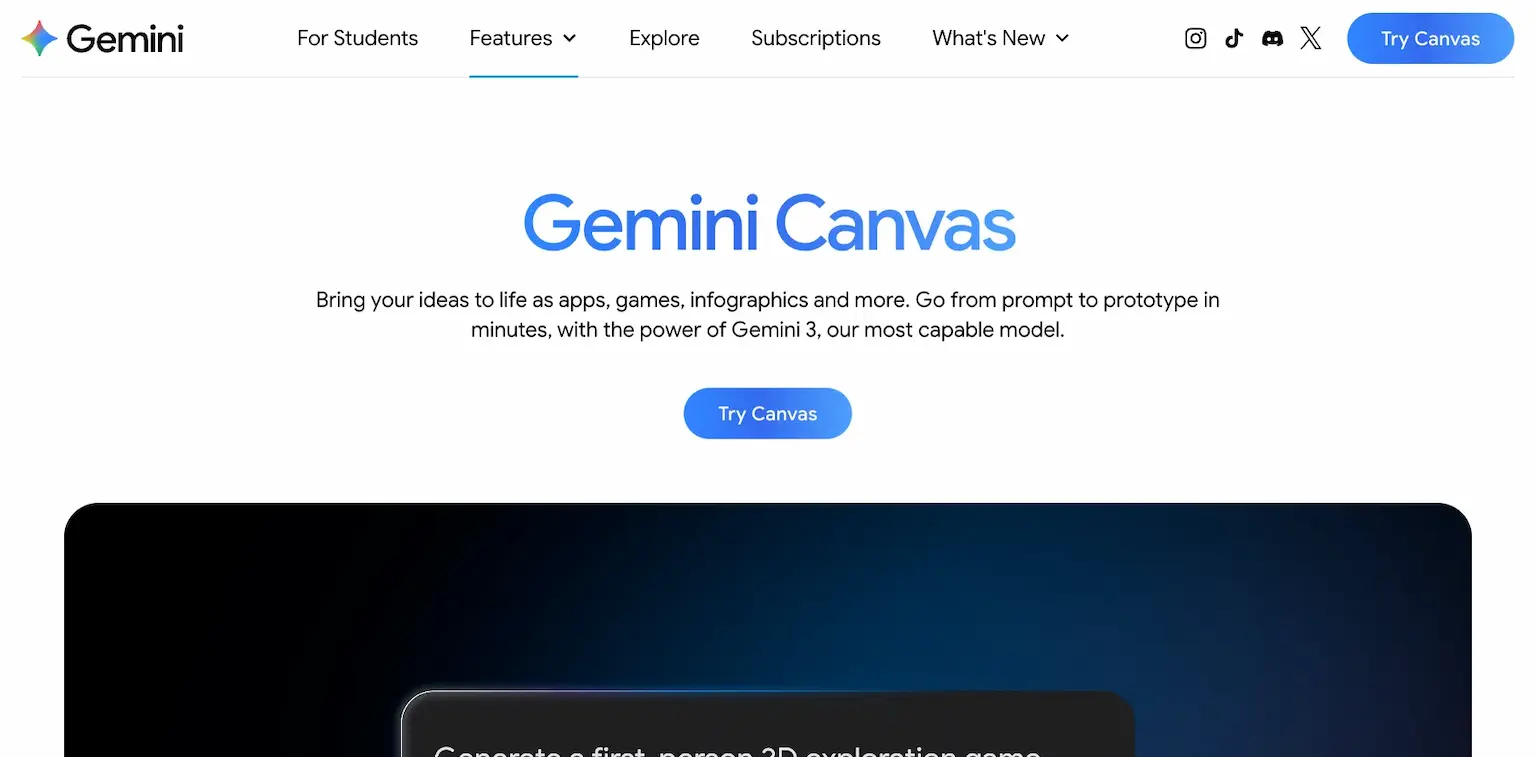
Gemini builds sites two ways. In the Gemini app, Canvas turns a description into a working, shareable app, game or web page, and can turn a Deep Research report into a web page.
For more, Google AI Studio's Build mode makes a full-stack web app from a prompt or a GitHub project, with a server, packages, a Firebase database and sign-in set up for you, or a native Android app.
Who is Gemini for?
Gemini is for Google users who want a quick page from a chat, or a full app from AI Studio.
Key features
- Canvas: apps, games and web pages from a prompt, for every Gemini user
- Deep Research reports turned into web pages
- AI Studio Build mode: full-stack web apps and Android apps
- Firebase database and sign-in set up for you
- Google Workspace connections, like Gmail, Sheets and Drive
Pros
- Canvas is free for every Gemini user
- Full apps with a database from AI Studio
- Google's newest models
Cons
- Canvas makes pages and apps, not a full website
- AI Studio is more technical
Pricing
Gemini is free to start, with Google's AI plans for more, from its plans page as read on October 3, 2026:
- Free – $0 with a Google account.
- Google AI Plus – $4.99 a month.
- Google AI Pro – $19.99 a month, with Gemini 3 and a larger context in Canvas.
- Google AI Ultra – $99.99 or $199.99 a month.

Canvas pages from a chat, and full apps from AI Studio's Build mode.
10. Grok
The best AI website builder for sharing on X
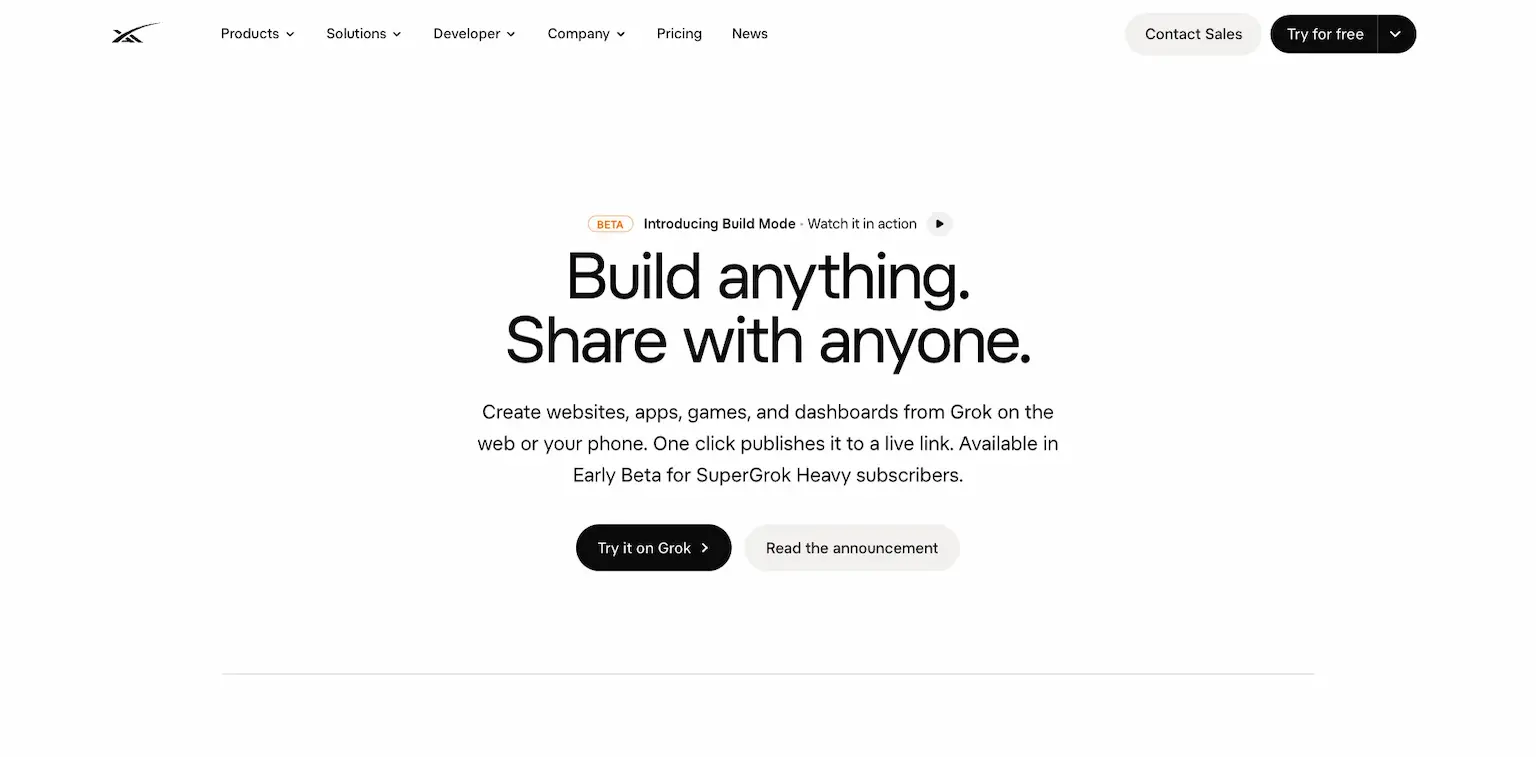
Grok builds sites in the chat. Describe an app, a game, a website or a dashboard, and Grok builds a working version live, on the web, on iOS and on Android, which it opened to everyone on August 19, 2026.
One click publishes it to its own grok.me address, for you, anyone with the link, or everyone, or to a domain you own. You can let others remix it, export it to GitHub, and let the app call Grok for chat, images and voice.
For bigger projects, Grok Build is xAI's coding agent for the terminal, with plans, diffs and agents that work in parallel.
Who is Grok for?
Grok is for X users who want to build and share a site or app fast, right where they post.
Key features
- Sites, apps, games and dashboards built in the chat
- Publishing to a grok.me address or your own domain
- Remixing, export to GitHub and secrets for API keys
- Apps that can call Grok for chat, images and voice
- Grok Build, a coding agent for the terminal
Pros
- Free to try
- One-click publishing with a share card for X
- A terminal agent for real projects
Cons
- Its paid plans' prices show only after you sign in
- Grok Build in the terminal is for paid plans
Pricing
Grok is free to try, with paid plans for more, from its plans page and Grok Build announcement as read on October 3, 2026:
- Free – to try building in the chat.
- SuperGrok and SuperGrok Plus – more usage, with Plus raising Chat, Imagine, Voice and Build limits a lot.
- SuperGrok Heavy – everything in Plus, and more.
- Grok Build in the terminal – with SuperGrok and X Premium Plus.

Sites built in the chat and published to grok.me or your own domain.
11. Manus
The best AI agent to build a full-stack website
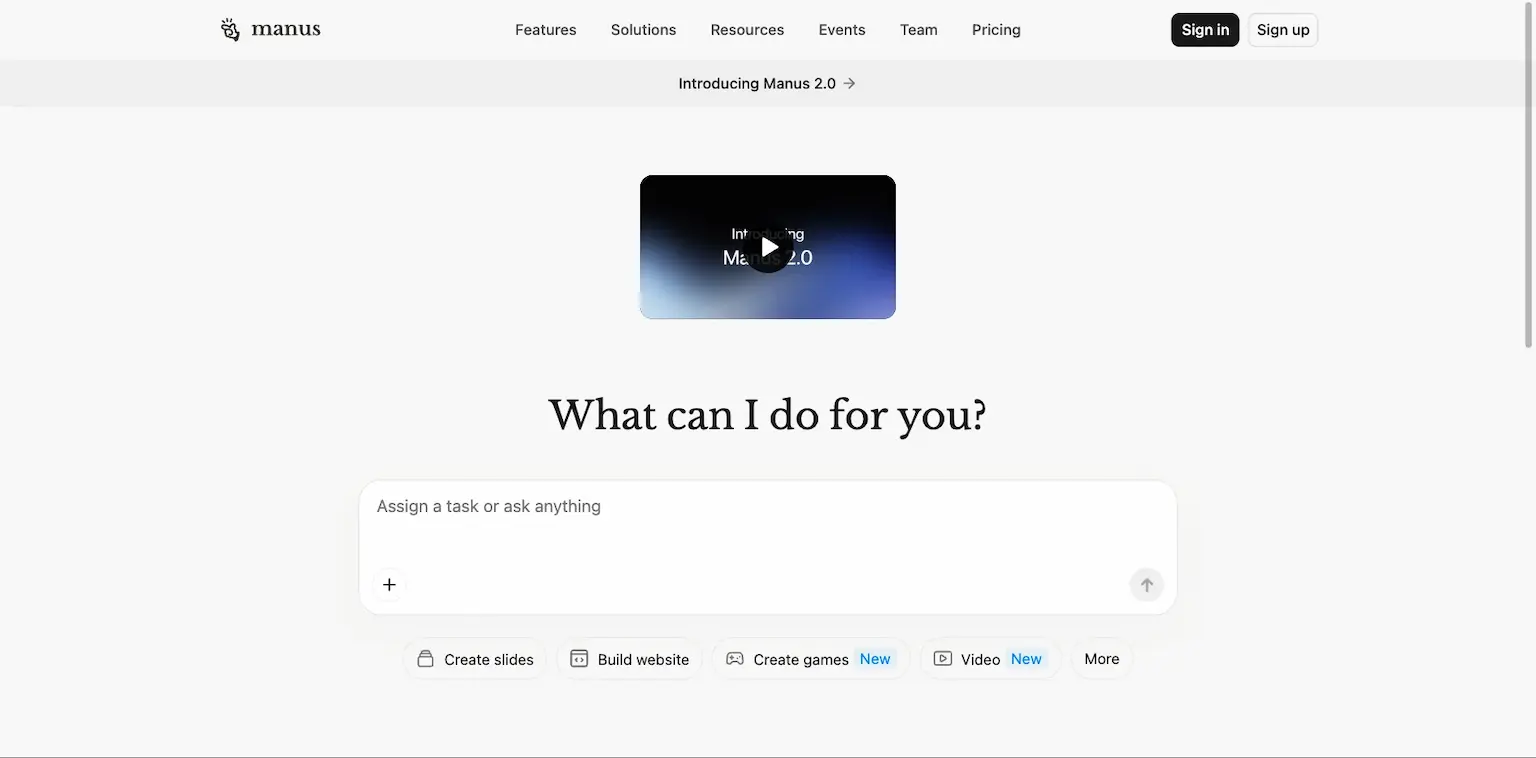
Manus is an AI agent that takes a task from start to finish, and building websites and web apps is one of its main jobs.
Describe a site in plain English, and Manus writes the code, sets up the database and the login, and designs the pages. It builds anything from a landing page to a SaaS dashboard or an online store.
The rest is built in: Stripe payments, analytics, lead collection, alerts when someone signs up, and AI features like chatbots and image generation.
You own what it builds. You can export the full code, connect your own domain or buy one through Manus, and roll back to any earlier version.
Who is Manus for?
Manus is for founders and creators who want a working web app with logins, payments and a database, without writing code.
Key features
- Full-stack sites and web apps from a prompt, with a database and backend
- Logins, and Stripe products and subscriptions set up for you
- Built-in analytics, lead collection and sign-up alerts
- Full code export, version history and rollback
- Your own domain, or one bought through Manus
- A visual edit mode for layouts, colors and fonts
Pros
- A free plan to try it
- Payments, logins and a database without code
- No lock-in, since you can export the code
- The same agent also does research, slides and design
Cons
- Every task uses credits, and bigger builds use more
- The free plan's credits are limited
Pricing
Manus has a free plan, and its paid plans give you more credits, from its pricing page and docs as read on October 3, 2026:
- Free – a limited number of credits each month, to try it.
- $20 a month – 4,000 credits a month.
- $40 a month – 8,000 credits a month, and you can choose more.
- $200 a month – 40,000 credits a month, with analytics on your sites.
Every paid plan adds 300 refresh credits a day, and paying yearly saves 17%.

An AI agent that builds full-stack web apps, with a database, logins and Stripe.
12. Bolt
The best AI app and website builder with a live preview
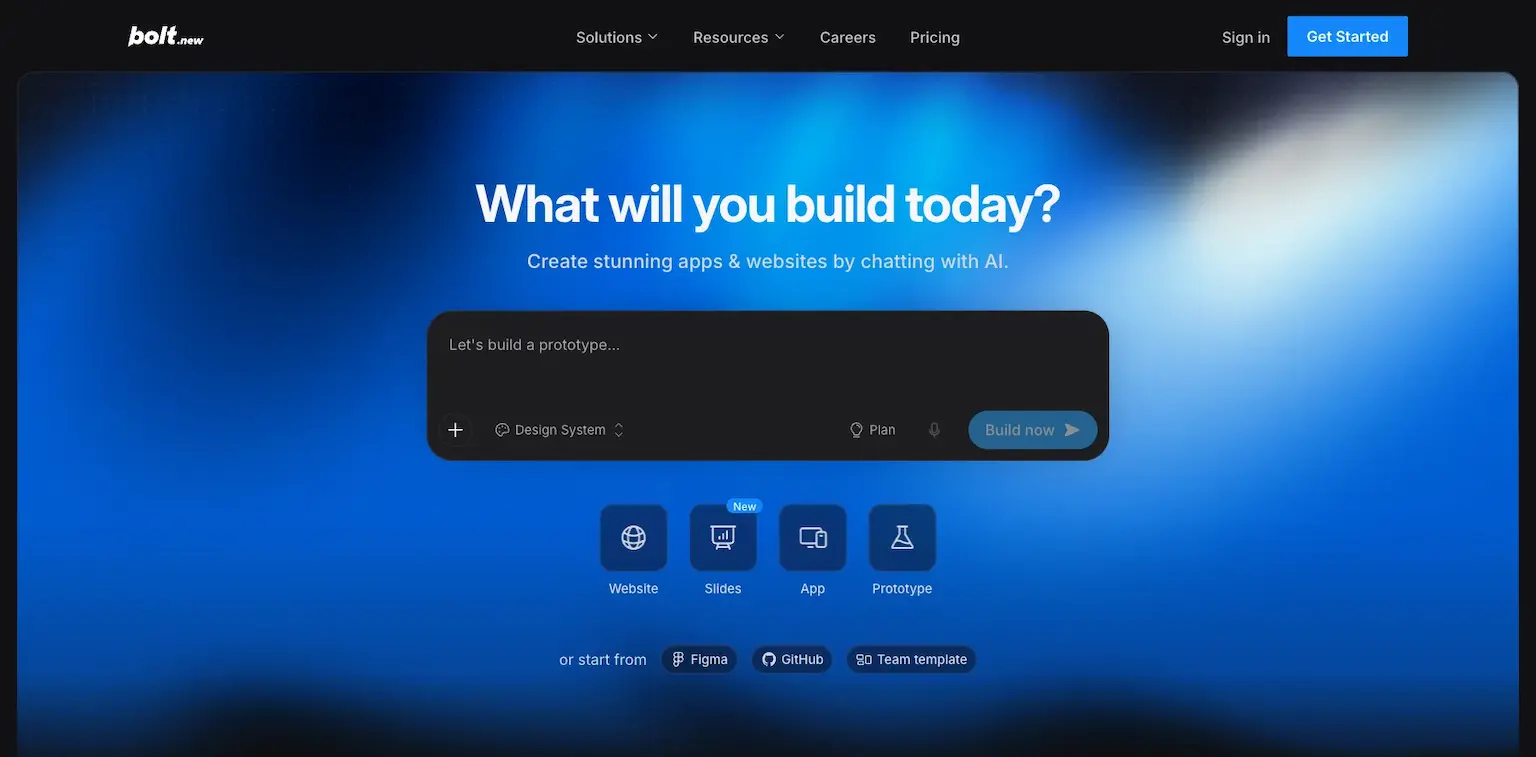
Bolt builds websites and apps from a chat: you describe the site, and its AI writes it, shows it to you live and changes what you ask. You can also start from a Figma design or a GitHub project.
It's free to start, with a monthly limit on the AI's work, which it counts in tokens.
Who is Bolt for?
Bolt is for beginners and makers who want a working site or app from a chat, with the code there if they want it.
Key features
- Sites and apps built from a chat
- A live preview as it builds
- Your own domain, from Pro
- Starting from a Figma design or a GitHub project
- Teams that build together
Pros
- A free plan
- See the site as it builds
- Paid plans remove Bolt's branding
Cons
- Tokens run out on bigger builds
- The free plan has a daily limit
Pricing
Bolt has a free plan and paid ones, from its pricing page as read on October 3, 2026:
- Free – $0, with 1 million tokens a month and 300,000 a day.
- Pro – $25 a month, from 10 million tokens, with your own domain.
- Teams – $30 a member a month.

Sites and apps built from a chat, with a live preview.
13. v0
The best AI website builder for Next.js
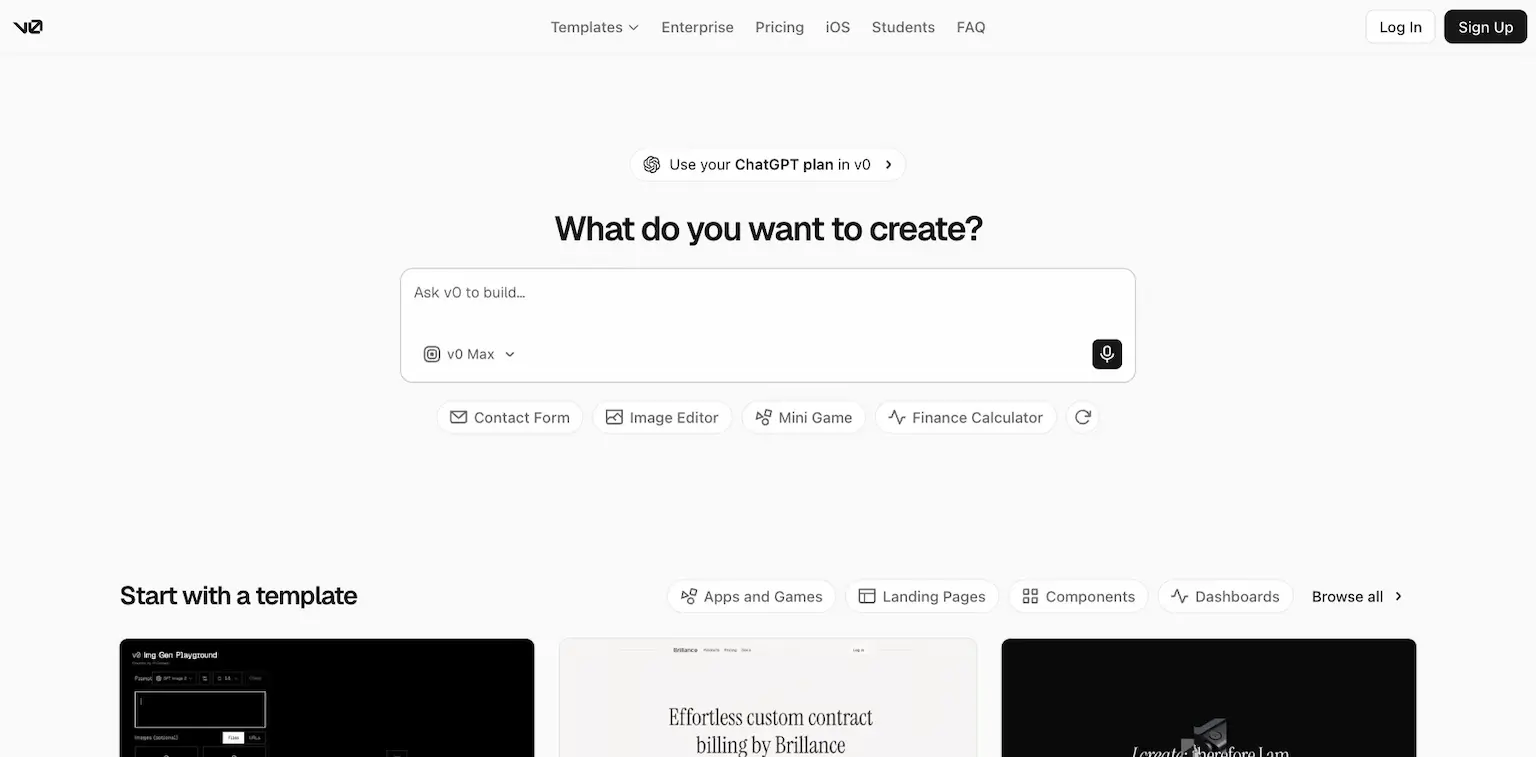
v0 is Vercel's AI builder for full-stack web apps: you describe what you want, it builds it, and you publish it as a live website in seconds, with one-click deployment to Vercel. You can even use your ChatGPT plan in v0.
It runs on credits. Paid plans add a monthly allowance, and unused credits roll over for 65 days.
Who is v0 for?
v0 is for builders who want an AI-built web app on the same stack many developers use, Next.js on Vercel.
Key features
- Full-stack web apps from a prompt
- Templates to start from
- One-click deployment to Vercel, and sync with a GitHub repo
- Your ChatGPT plan usable in v0
- Credits that roll over for 65 days
- Plans for teams with shared credits
Pros
- A free plan
- Built on the Next.js stack
- Ready to deploy on Vercel
Cons
- Building pauses when credits run out
- Tied closely to Vercel
Pricing
v0 has a free plan and paid ones, from its pricing docs as read on October 3, 2026:
- Free – $0.
- Premium – $20 a month.
- Plus – $30 a user a month.
- Business – $100 a user a month.

14. Replit
The best AI website builder to build and host in one place
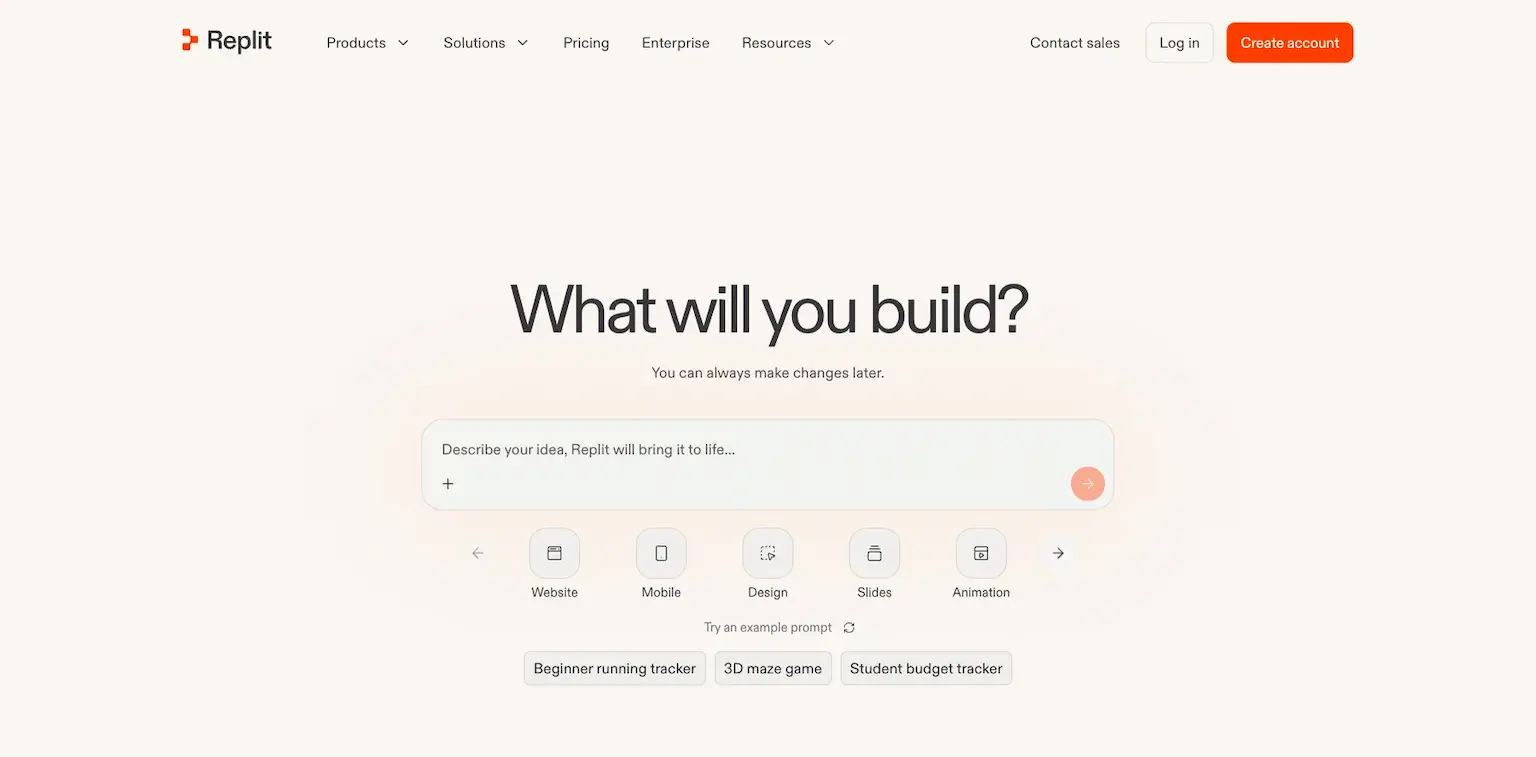
Replit is an AI app and website builder that also hosts what you make. You describe the app, its agent builds it, and you publish it from the same place.
Its plans include credits toward the most powerful AI models, and a Free Mode for chatting and building more on the side.
Who is Replit for?
Replit is for builders who want to build and host an app in one place, from a prompt.
Key features
- Apps and websites built from a prompt
- Hosting and publishing built in
- Free Mode, with up to 30 hours of chat and 60 projects
- Credits toward the most powerful models
Pros
- Build and host in one place
- Free Mode to try it
- Credits for the strongest models
Cons
- Credits run out on bigger builds
- Hosting ties you to Replit
Pricing
Replit has two paid plans and Free Mode, from its pricing page as read on October 3, 2026:
- $20 a month, or $18 billed yearly – with $20 a month toward the strongest models.
- $100 a month, or $90 billed yearly – with $100 of credits.

Apps and sites built and hosted in one place.
15. Base44
The best AI app builder for apps with a backend
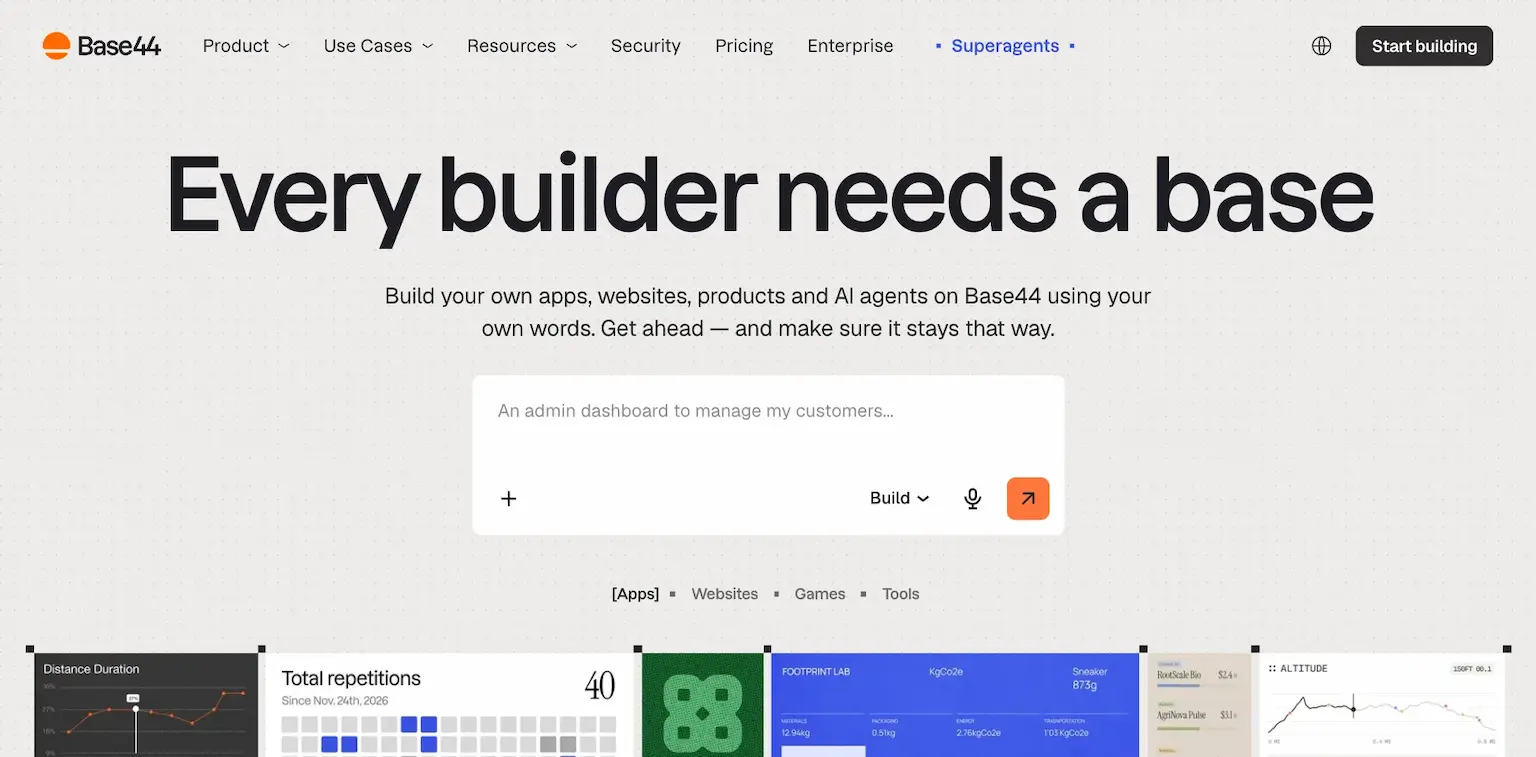
Base44 is a vibe coding platform: you build apps, websites, products and AI agents in your own words, then keep them private, share them with your team or publish them to the web.
Its plans go by message credits, for the AI's work, and integration credits, for what your app does once it's live. Elite adds a free domain for a year.
Who is Base44 for?
Base44 is for founders who want an app or site with a backend, built and hosted from a conversation.
Key features
- Apps, websites and AI agents built from your words
- Publishing to the web, or sharing privately
- Integration credits for what your app does live
- The code is yours to export
- A free domain for a year, on Elite
Pros
- Apps with a backend, not only pages
- You own the code and can export it
- Plans that scale with your credits
Cons
- Starts at $40 a month for real building
- Two kinds of credits to keep track of
Pricing
Base44 has a starter plan and paid ones, from its pricing page as read on October 3, 2026:
- Builder – $40 a month, with 250 message credits.
- Pro – $80 a month, with 500 message credits.
- Elite – $160 a month billed yearly, with 1,200 message credits and a free domain for a year.

Apps, sites and AI agents built and hosted from your words.
16. Emergent
The best simple AI app and website builder
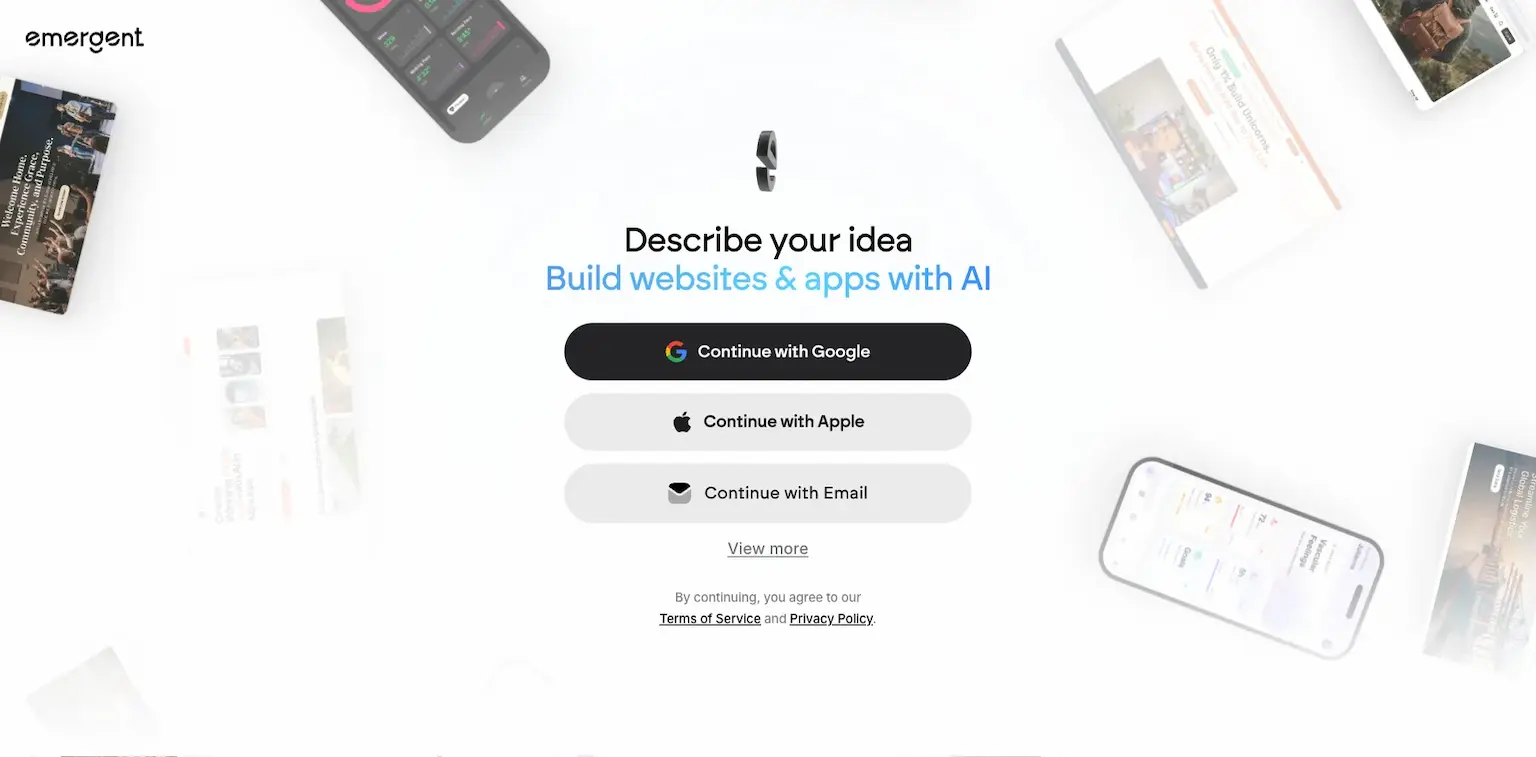
Emergent builds websites and apps from a description. You sign in, describe your idea, and its AI builds it.
It's free to start with 10 credits a month, and its paid plans add credits for more building.
Who is Emergent for?
Emergent is for anyone who wants a website or app from a description, and a free plan to try it.
Key features
- Websites and apps from a description
- Credits for the AI's work
- Extra credits when you need them
Pros
- A free plan
- Simple to start
Cons
- 10 credits a month on the free plan
- The top plan is $200 a month
Pricing
Emergent has a free plan and paid ones, from its pricing page as read on October 3, 2026:
- Free – $0, with 10 credits a month.
- $20 a month, or $17 billed yearly – with 100 credits.
- $200 a month, or $167 billed yearly – with 750 credits.

Websites and apps from a description.
17. Anything
The best AI builder for mobile apps and sites
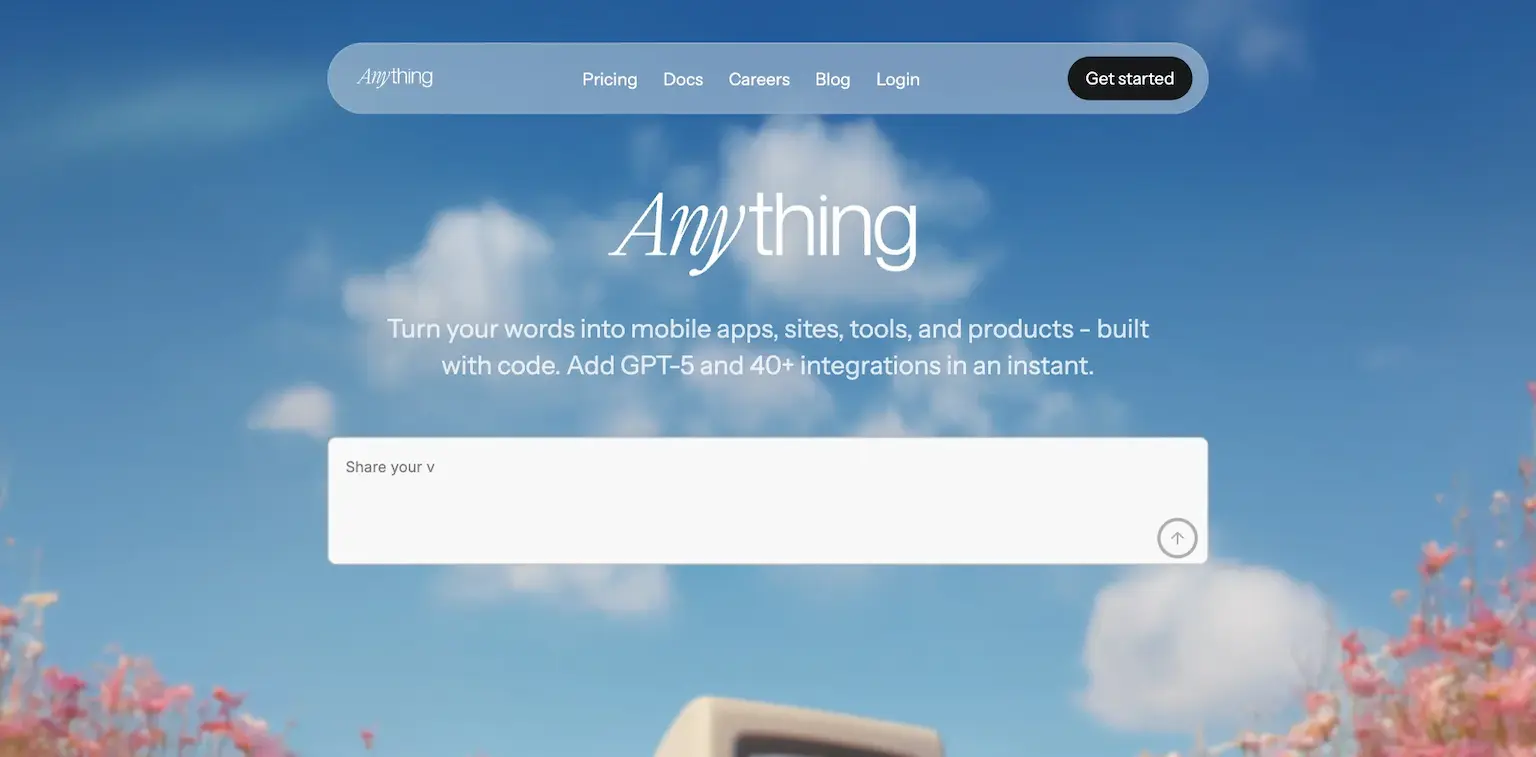
Anything turns your words into mobile apps, sites, tools and products, built with real code. Over 1.5 million builders have joined, it says.
Building needs a paid plan, and Pro lets you publish to the App Store, use your own domain and take payments with Stripe and RevenueCat.
Who is Anything for?
Anything is for founders who want a mobile app and a site from the same description, ready to sell.
Key features
- Mobile apps, sites and tools from your words
- Publishing to the App Store
- Your own domain
- Payments with Stripe and RevenueCat
Pros
- Mobile apps, not only websites
- Payments built in
- Real code
Cons
- Building needs a paid plan
- Max plans start at $239 a month
Pricing
Anything has Pro and Max plans, from its subscriptions page as read on October 3, 2026:
- Pro – $24 a month, or $19 billed yearly, with 20,000 credits.
- Max – from $239 a month, or $199 billed yearly, with 220,000 credits.

Mobile apps and sites from your words, ready for the App Store.
18. Wix
The best AI website builder for small businesses
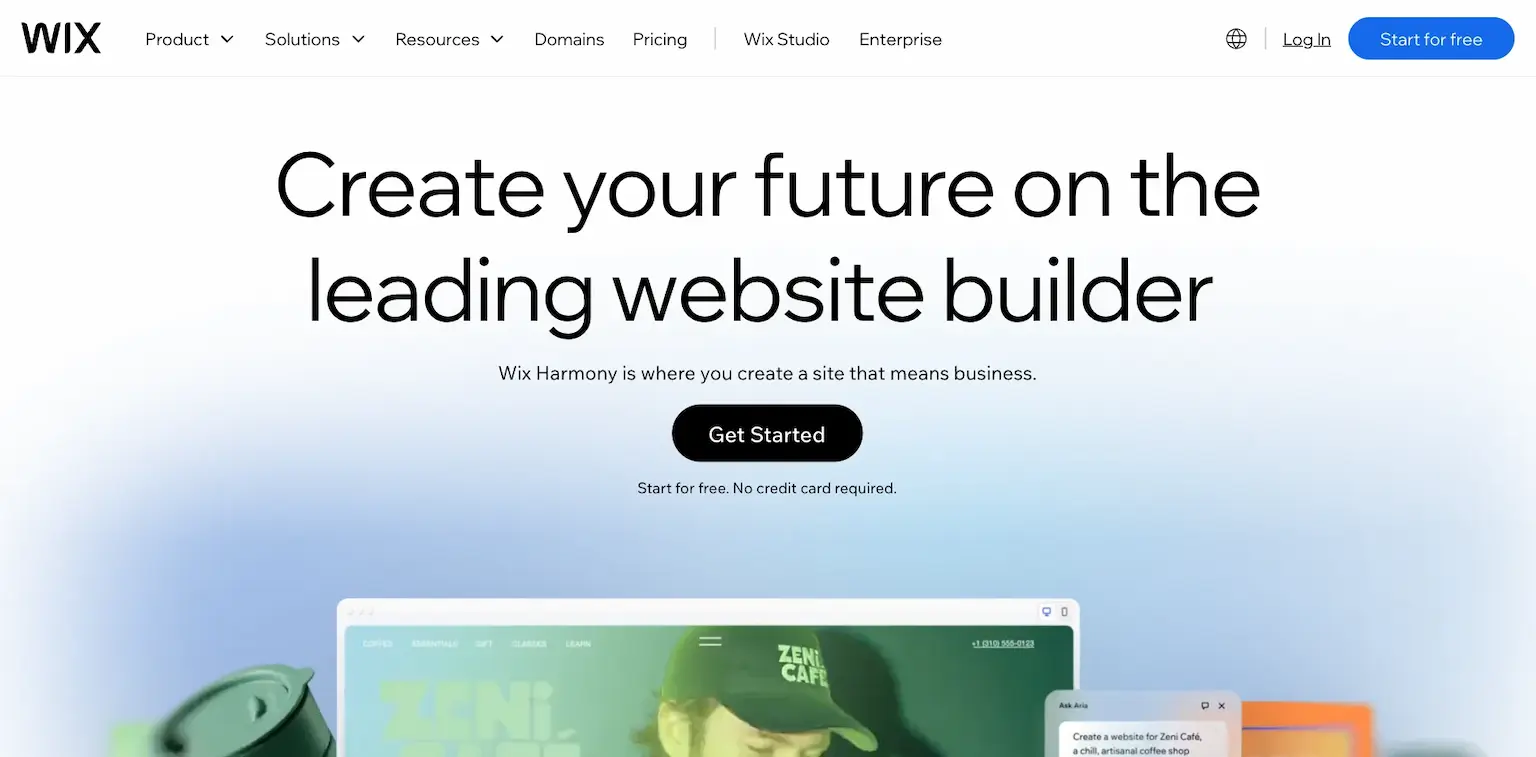
Wix goes from a prompt to a business-ready website. You describe what you want, its AI builds the site, and you customize anything by hand or with Aria, its built-in AI agent.
It calls this hybrid building: vibe code with AI, then drag and drop any detail. A store, bookings and the rest of a business get wired in as you go.
Who is Wix for?
Wix is for small businesses who want an AI-built site with a store, bookings and marketing, and no code.
Key features
- A website from a single prompt
- Aria, a built-in AI agent for changes
- Drag and drop for any detail
- A store, bookings and marketing tools
Pros
- Free to start, with no credit card
- AI and drag-and-drop in one editor
- Business tools built in
Cons
- Payments start on Core, at $29 a month billed yearly
- Moving off Wix later is hard
Pricing
Wix is free to start, with paid plans billed yearly, from its plans page as read on October 3, 2026:
- Light – $17 a month.
- Core – $29 a month, with payments and a basic store.
- Business – $39 a month.
- Business Elite – $159 a month.

A business-ready site from a prompt, with Aria, its AI agent.
19. Webflow
The best AI website builder for designers
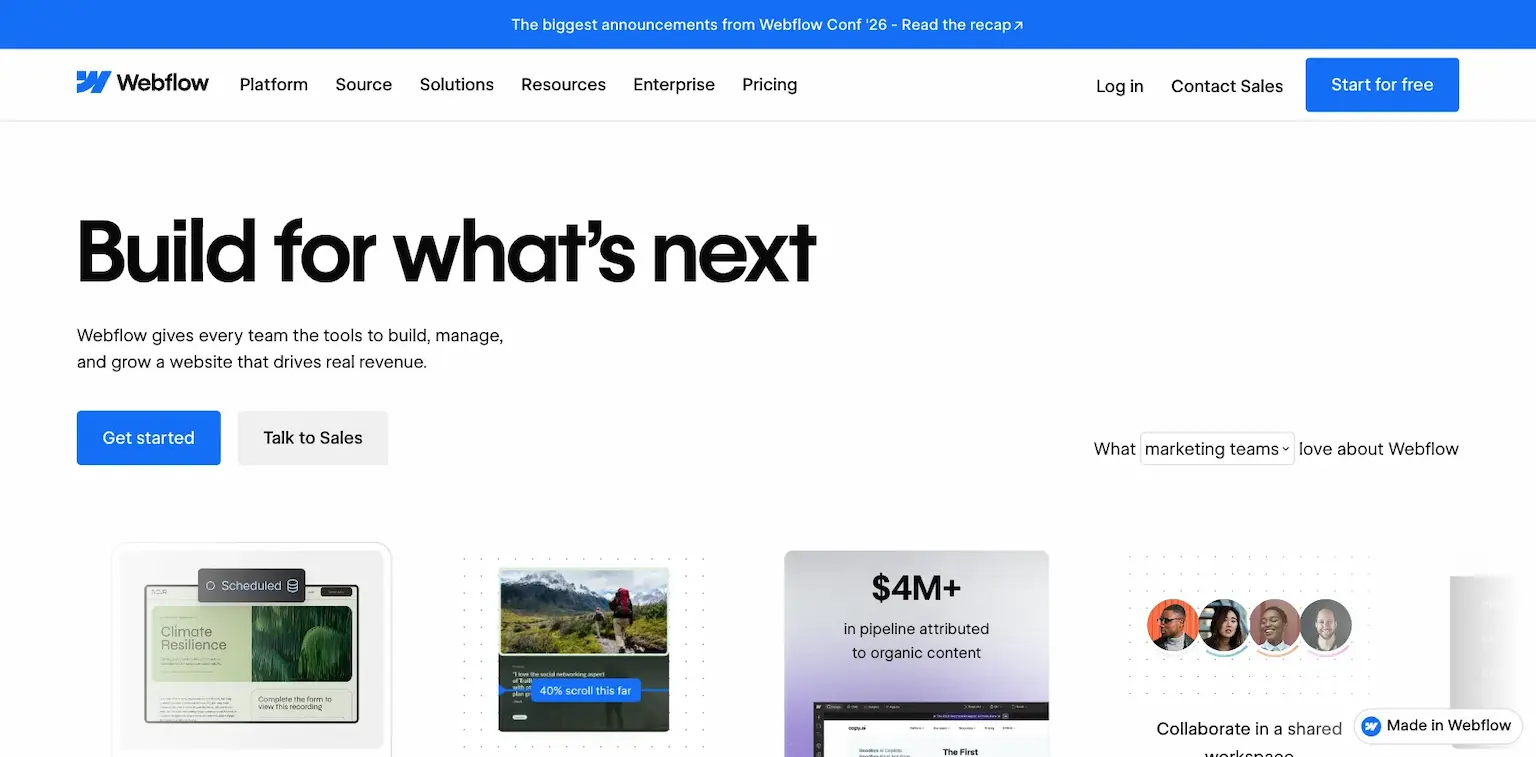
Webflow's AI site builder makes a full website, with a design system that scales, from a basic prompt. Its AI Assistant then helps you change and manage the site.
Every plan, the free one too, includes Webflow AI, its MCP server for working from AI tools, and Webflow Cloud for hosting apps.
Who is Webflow for?
Webflow is for designers and teams who want an AI start and full control of every element after it.
Key features
- A full site with a design system from a prompt
- The Webflow AI Assistant
- An MCP server for AI tools
- Webflow Cloud app hosting
- A CMS, from Premium
Pros
- A free plan
- Full design control after the AI's draft
- Works with AI agents through its MCP server
Pricing
Webflow has a free plan and site plans billed yearly, from its pricing page as read on October 3, 2026:
- Starter – free, on a webflow.io address.
- Basic – $15 a month, with your own domain.
- Premium – $25 a month, with the CMS.

A full site with a design system from a prompt.
I may earn a commission if you make a purchase, at no additional cost to you.
20. Squarespace
The best AI website builder for creatives
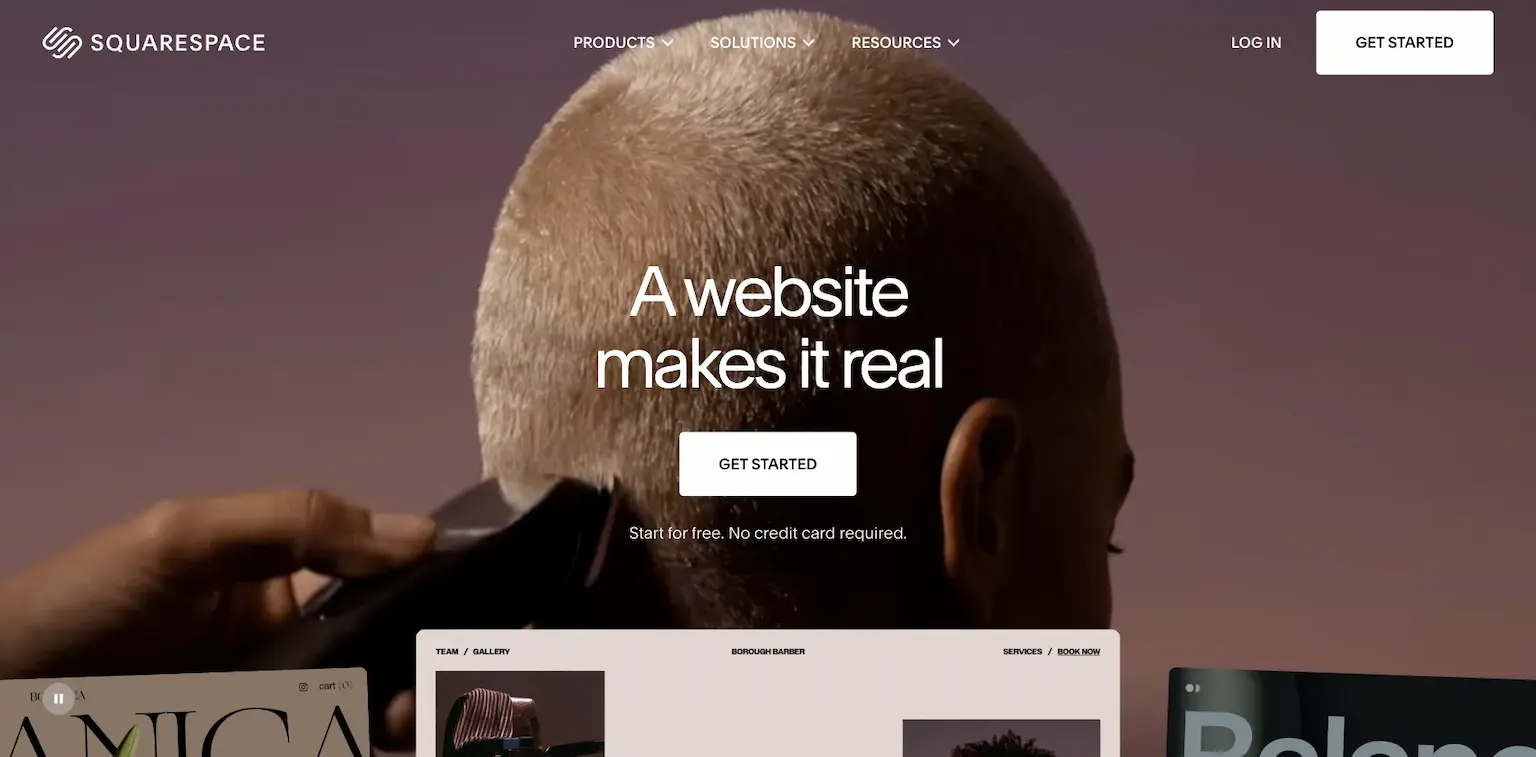
Squarespace's Blueprint AI website builder starts your site for you, and its templates are known for looking polished from the start.
Its AI tools also write your content, and hosting, security and updates are done for you.
Who is Squarespace for?
Squarespace is for creatives and small businesses who care most about how their site looks.
Key features
- The Blueprint AI website builder
- AI tools for your content
- Templates that look designed
- A store, memberships and invoices
Pros
- A 14-day free trial
- Templates that look good with little work
- Up to 36% off billed yearly
Pricing
Squarespace has four plans, with a 14-day free trial, from its pricing page as read on October 3, 2026:
- Basic – $25 a month, or $19 billed yearly.
- Core – $39 a month, or $29 billed yearly.
- Plus – $65 a month, or $49 billed yearly.
- Advanced – $139 a month, or $99 billed yearly.

Blueprint AI and templates that look designed.
I may earn a commission if you make a purchase, at no additional cost to you.
21. Hostinger AI Website Builder
The best cheap AI website builder
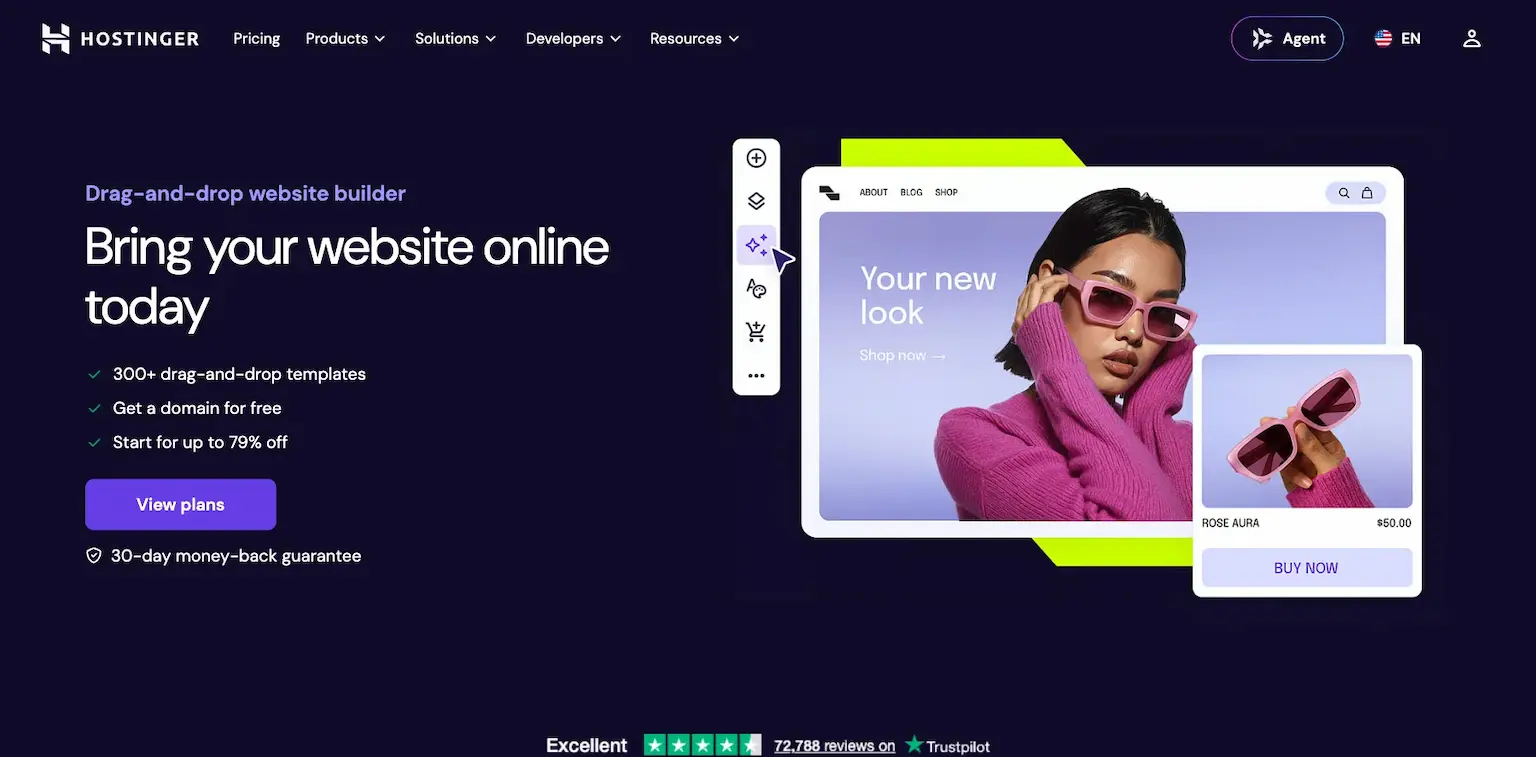
Hostinger AI Website Builder builds your site from a description, then lets you shape every detail, from a landing page to a store. Hosting, a domain and email come with it.
The price is the draw: from $2.99 a month on a 48-month plan, renewing at $10.99.
Who is Hostinger AI Website Builder for?
Hostinger AI Website Builder is for beginners who want a cheap AI-built site with hosting, and are happy to pay for years upfront.
Key features
- A site built by AI from a description
- An AI assistant that builds or manages your store
- Hosting, a domain and email included
- A store, from the Unlimited plan
Pros
- The lowest price here
- Hosting and a domain included
- A 30-day money-back guarantee
Cons
- The low price needs a 48-month plan
- It renews at more than three times the first price
Pricing
Hostinger's builder plans are priced for 48 months, from its AI website builder page as read on October 3, 2026:
- Premium – $2.99 a month, renewing at $10.99, for up to three websites.
- Unlimited – $3.99 a month, renewing at $16.99, with ecommerce.
- Cloud Startup – $7.99 a month, renewing at $25.99.

An AI-built site with hosting, a domain and email.
I may earn a commission if you make a purchase, at no additional cost to you.
22. Durable
The best AI website builder for service businesses
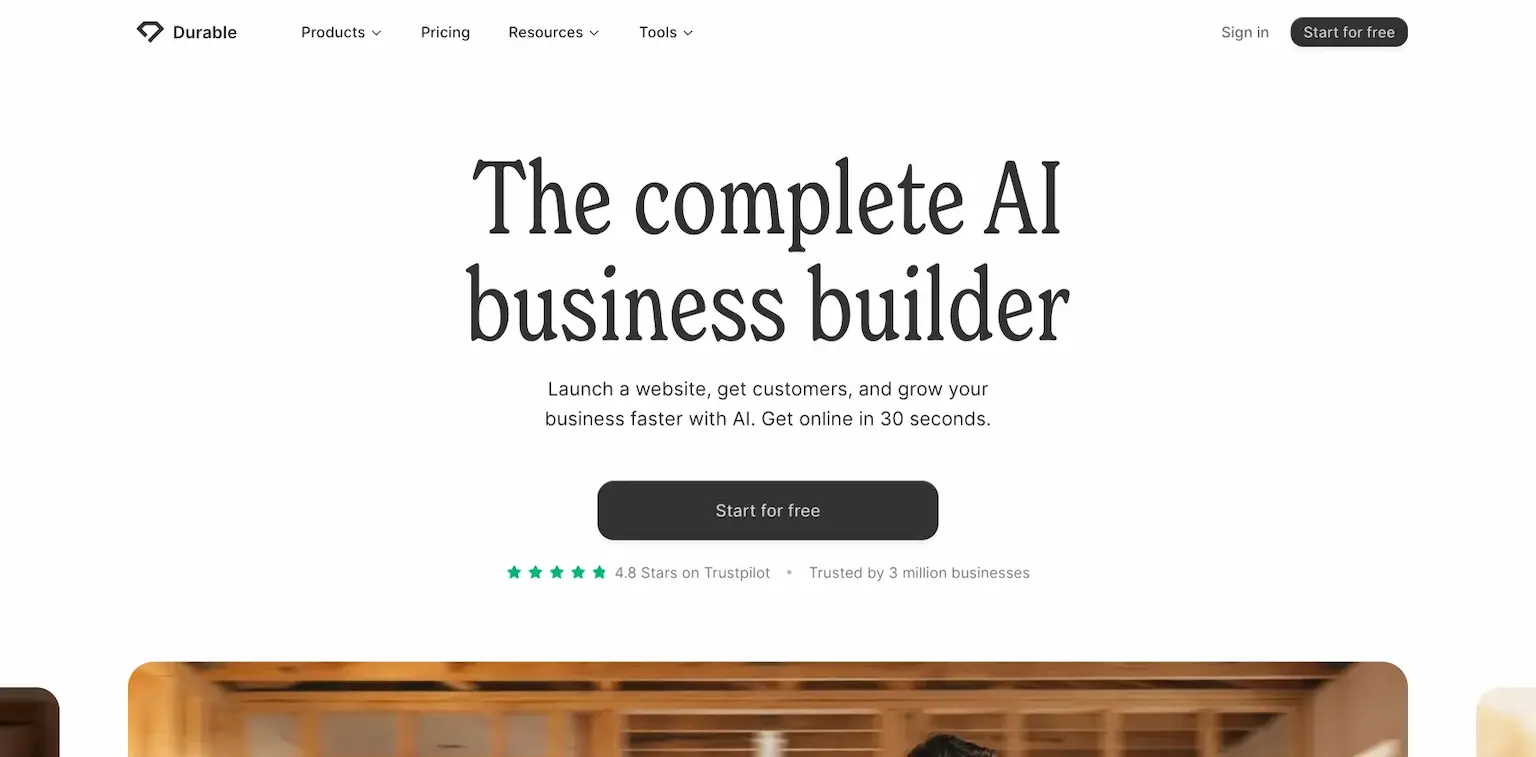
Durable is an AI business builder: it launches a website and helps you get customers, with AI agents working in the background. It says you can get online in 30 seconds.
Its paid plans add a CRM, AI replies to your leads, your own domain or a free one, and daily blog posts on the top plan.
Who is Durable for?
Durable is for small service businesses that want a website and leads handled by AI, with no setup.
Key features
- A website in about 30 seconds
- A CRM with AI replies to leads
- AI agents working in the background
- Your own domain, or a free one
- Daily blog posts, on the top plan
Pros
- A free plan
- Leads handled by AI
- A free domain on paid plans
Cons
- A durable.site address on the free plan
- Less design control than a full builder
Pricing
Durable has a free plan and two paid ones, from its pricing page as read on October 3, 2026:
- Free – $0, on a durable.site address.
- $25 a month, or $22 billed yearly – with the CRM and AI lead replies.
- $49 a month, or $41 billed yearly – with unlimited users and 10 times the AI.

A website in 30 seconds and AI that answers your leads.
23. Gamma
The best AI site builder for one-page sites
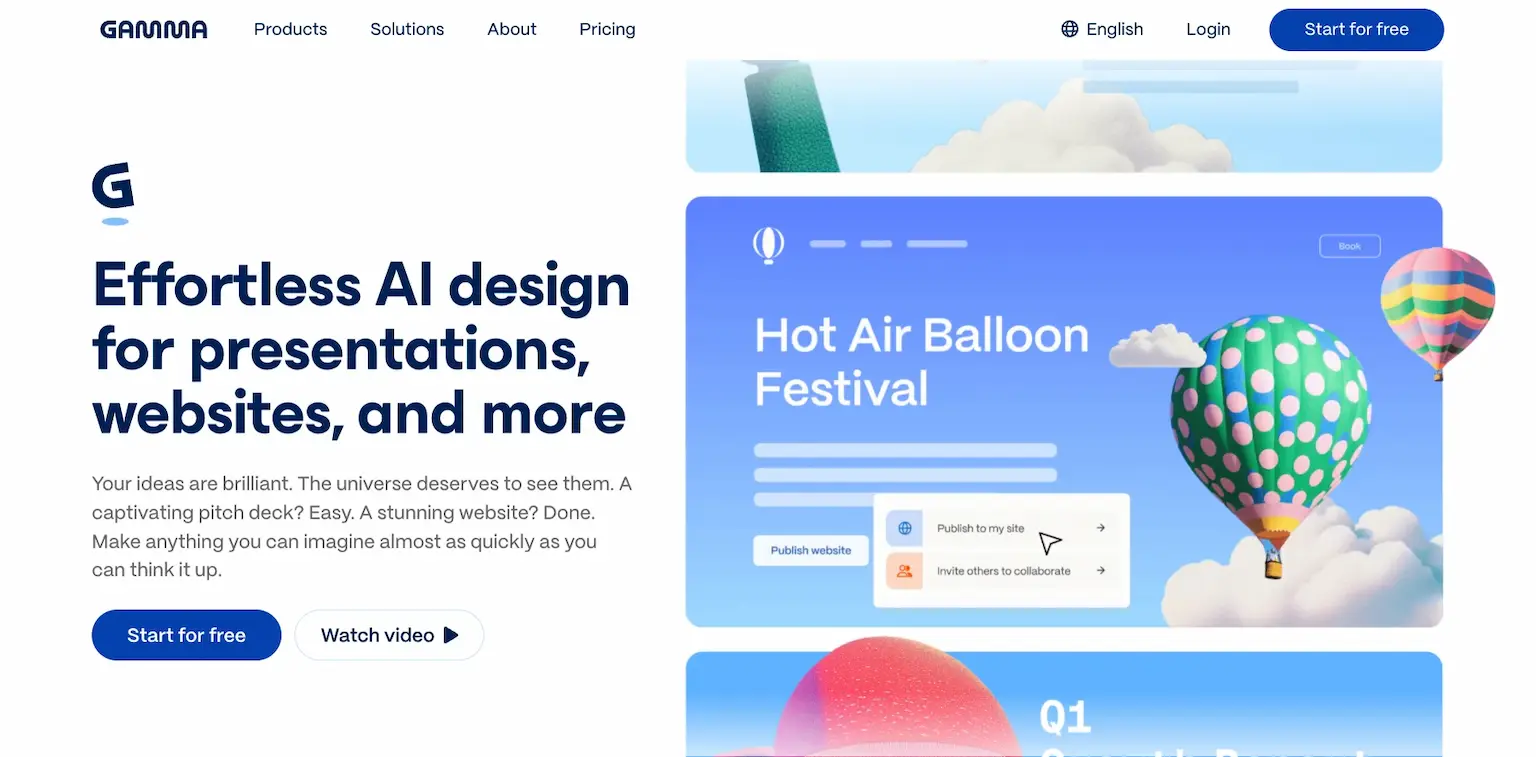
Gamma makes presentations, websites and more with AI. You describe the page, Gamma designs it, and you publish it, on your own domain from Pro.
It's best for simple sites, like a one-page site for an event, a product or a portfolio.
Who is Gamma for?
Gamma is for anyone who wants a good-looking simple site as fast as a slide deck.
Key features
- Websites, presentations and more from a prompt
- AI image models
- Publishing to your own domain, up to 10, from Pro
- Analytics, from Pro
Pros
- A free plan
- Designed pages in seconds
- Cheap paid plans
Cons
- Built for simple sites, not full websites
- Gamma's branding on the free plan
Pricing
Gamma has a free plan and paid ones, from its pricing page as read on October 3, 2026:
- Free – $0, with 400 credits to start.
- Plus – $9 a month billed yearly, without Gamma's branding.
- Pro – $18 a month billed yearly, with up to 10 custom domains.

Designed pages and simple sites from a prompt.
24. 10Web
The best AI website builder for agencies
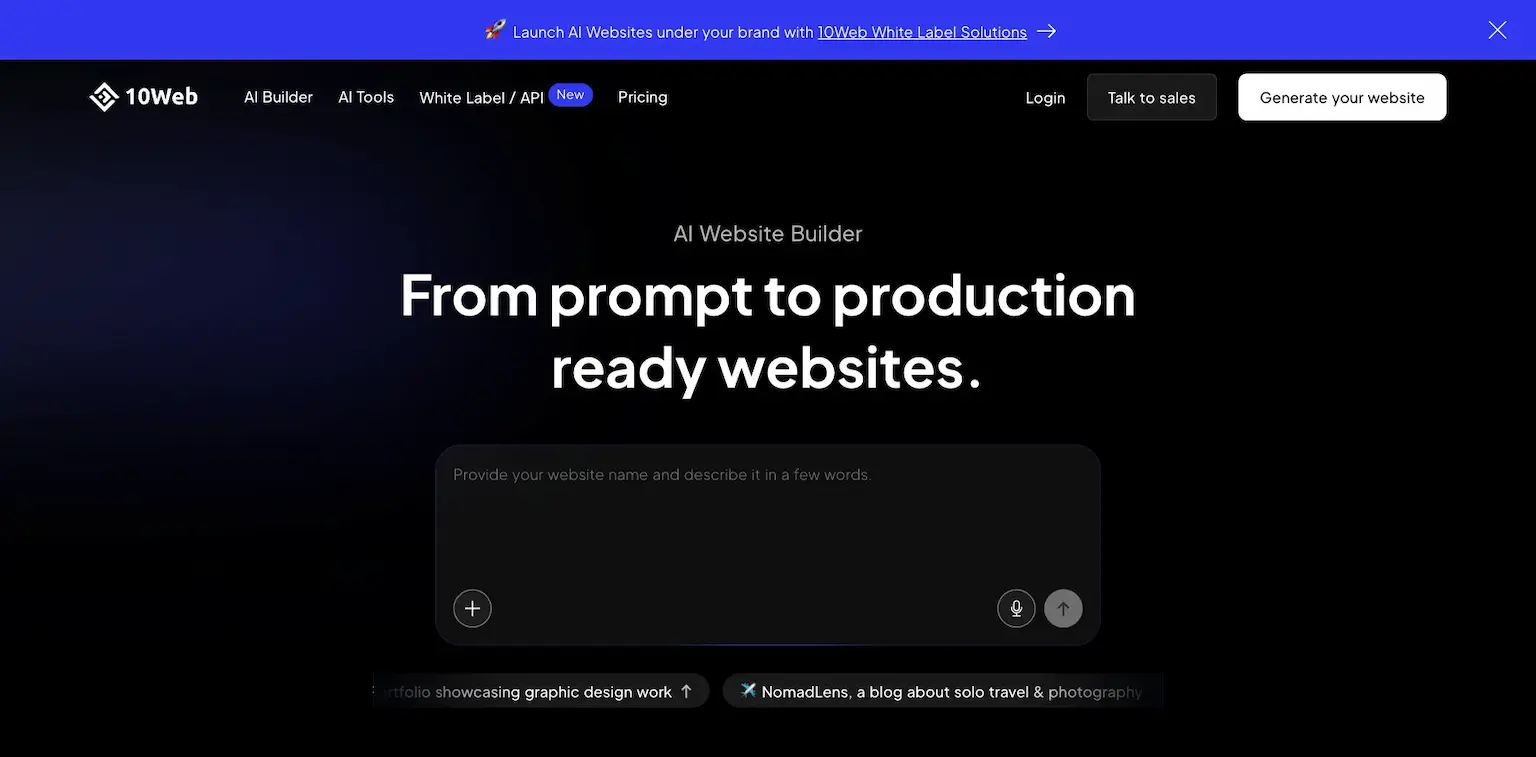
10Web builds production-ready websites from a prompt, and hosts them. Its plans are priced by the number of sites, so the price for each site falls as you add more.
Your first custom domain is free, up to $30.
Who is 10Web for?
10Web is for freelancers and agencies who build AI websites for several clients.
Key features
- Websites from a prompt
- Hosting included
- A free custom domain, up to $30
- Its builder under your own brand, for agencies
Pros
- Cheap per site as you add more
- A free domain
- A 30-day money-back guarantee
Cons
- Priced for several sites more than one
Pricing
10Web's AI plans are priced by sites, from its pricing page as read on October 3, 2026:
- AI Starter – $10 a month, for one website.
- AI Premium – $15 a month, $7.50 a website.

25. Elementor
The best AI website builder for WordPress
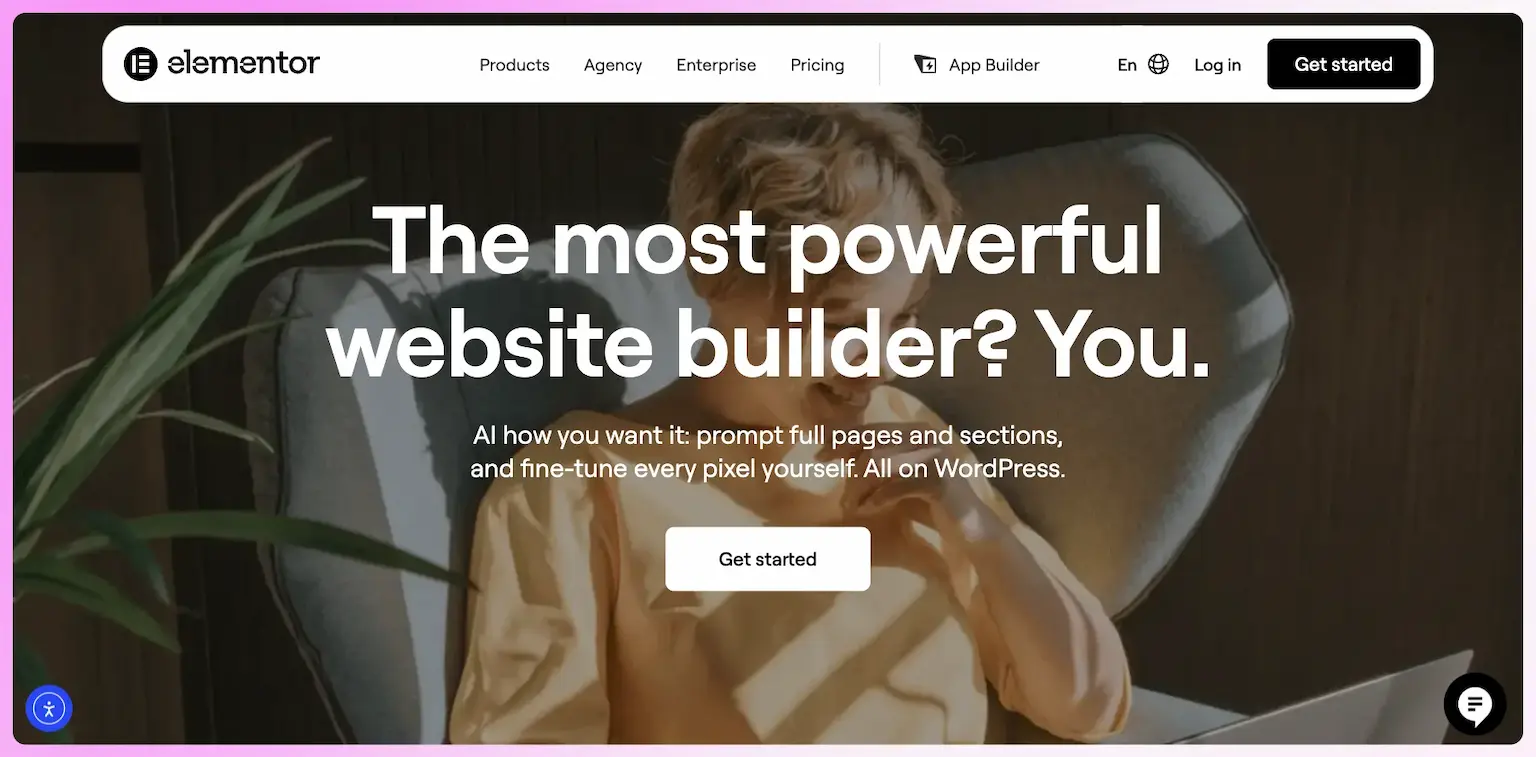
Elementor is the drag-and-drop website builder for WordPress, and its AI builds full pages for you. It says it powers over 22 million sites and 13% of the web.
Angie, its WordPress AI assistant, works across your WordPress site, plugins too, and has a free plan with AI credits that renew every day.
Who is Elementor for?
Elementor is for WordPress users who want AI to build and change their pages.
Key features
- Full Elementor pages generated by AI
- Angie, an AI assistant for your WordPress site
- A drag-and-drop editor
- Over 22 million sites built with it
Pros
- Angie has a free plan
- Works with the WordPress site you have
Cons
- Needs WordPress and hosting
- Angie's free plan can't buy extra credits
Pricing
Elementor's AI starts free, from its AI page as read on October 3, 2026:
- Angie – a free plan, with AI credits that renew daily.

AI pages and Angie, an assistant for your WordPress site.
I may earn a commission if you make a purchase, at no additional cost to you.
26. Divi
The best AI website builder for WordPress designers
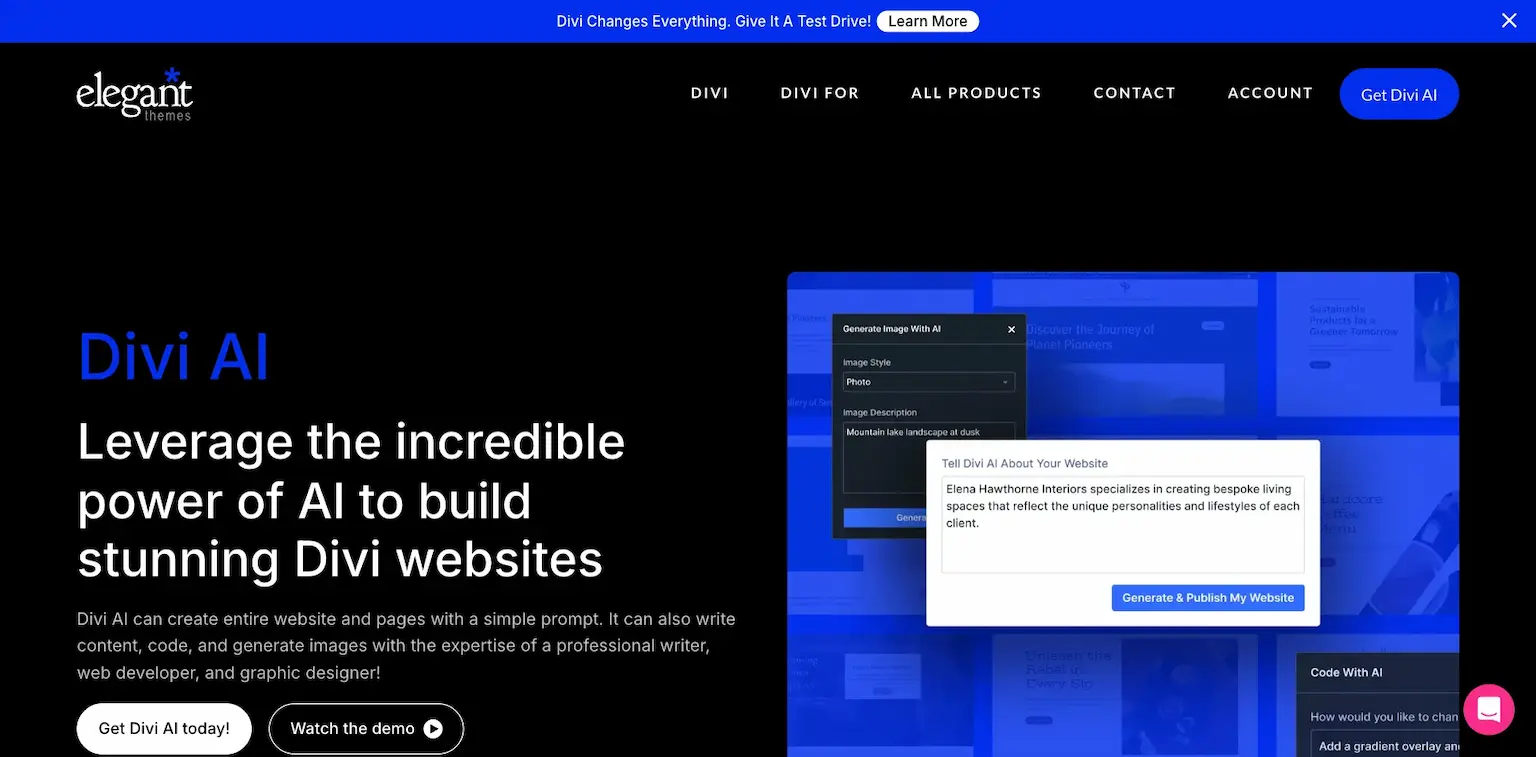
Divi is a WordPress theme and builder, and Divi AI builds full websites, layouts and sections for you, writes the copy and makes the images. Give it your brand's fonts and colors, or let it choose.
Divi Pro includes Divi AI, at $277 a year.
Who is Divi for?
Divi is for WordPress designers who build many sites and want AI to do the first draft of each.
Key features
- Websites, layouts and sections from AI
- AI copywriting and images
- Your brand's fonts and colors
- Pages you can edit fully afterward
Pros
- AI that builds, writes and designs
- Unlimited sites on Divi Pro
Cons
- Needs WordPress and hosting
- Billed yearly
Pricing
Divi Pro includes Divi AI, from its AI page as read on October 3, 2026:
- Divi Pro – $277 a year, about $23.08 a month, with Divi AI.

AI that builds, writes and designs Divi sites.
What are AI website builders?
An AI website builder makes a website from a description. You say what you want, in your own words, and it writes the pages, the copy and the code, then lets you change anything by asking again or by hand.
They differ in what they hand you at the end. Some give you a site inside their platform, like Wix or Framer. Others give you real code you own, like Claude Code and Codex, which you can host anywhere and change without limits.
Types of AI website builders
They come in four kinds:
AI coding agents
They write real code you own, like Claude Code, Codex, Cursor and Google Antigravity. The most power, and you host the site yourself.
AI chat apps
The chat you already use builds and shares a site, like ChatGPT Sites, Gemini Canvas and Grok.
How I build my sites with AI
I build every site I run with AI coding agents, mostly Claude Code and Codex. These are a few of them:
- navid.me – my main site, with its articles, hubs and free tools.
- navid.store – my merch store, my own design on Fourthwall's Storefront API.
- navid.consulting – my AI consulting site.
- aiosbook.com – the site for my AI OS book.
- aiosworkshop.com – the site for my AI OS workshop.
- navid.now – my now page.
Here's how a site comes together:
- Describe the site – what it's for, its pages and its look, to Claude Code or Codex.
- Let the agent build it – in Next.js, with a database in Supabase and images on Cloudflare R2.
- Review and change it – I look at it in the browser, and ask for changes in plain words.
- Host it – on Cloudflare or Vercel, which build and publish the site each time I push a change.
It's more setup than a drag-and-drop builder. In return, the code is mine, nothing limits what the site can do, and hosting costs little.
Where to host a site you build with AI
Coding agents write the site, and a host puts it online. These are the ones I'd look at:
- Cloudflare – free for static sites, with unlimited sites and bandwidth, and Workers free for 100,000 requests a day, then $5 a month. It costs far less for a lot of tools, which is why I'm moving my sites there.
- Vercel – free on Hobby for personal projects, then $20 a month on Pro, with a 14-day trial. The home of Next.js.
- Netlify – free with 300 credits a month, then $9 or $20 a month.
- Railway – a 30-day trial with $5 of credits, then $5 a month on Hobby, for apps with a server and a database.
The AI app builders, ChatGPT Sites and Grok host your site for you, so you only need one of these for code you build yourself.
AI website building in 2026
Here's how fast this has moved:
- ChatGPT Sites – ChatGPT builds, hosts and shares sites, on its own address or a domain you own.
- Grok – opened building sites and apps in its chat to everyone on August 19, 2026, with publishing to grok.me.
- Google – retired Gemini CLI for individuals on June 18, 2026, for Google Antigravity.
- Anything – over 1.5 million builders have joined, it says.
- Elementor – powers over 22 million sites, 13% of the web, and now builds pages with AI.
A year ago, most of these were prototypes. Today they publish real sites, on your own domain.
How to choose an AI website builder
Four questions decide most of it:
- Do you want code you own? A coding agent like Claude Code or Codex gives you real code with no limits. A builder like Wix or Framer is simpler, but the site lives on its platform.
- How much do you want to learn? Lovable, ChatGPT Sites and Durable need nothing. Claude Code, Cursor and Antigravity reward a little learning.
- What's behind the site? HighLevel adds a CRM, bookings and follow-up. Wix and Squarespace add a store. Base44 and Anything add a backend and payments.
- What will it cost a year from now? Watch credits that run out, prices that renew higher, like Hostinger's, and hosting you pay for yourself.
The best free AI website builders
Here's where you can start without paying:
- Google Antigravity – free for individuals.
- Gemini Canvas – free for every Gemini user.
- ChatGPT – a free plan, with Sites to publish.
- Lovable – a free plan, with no credit card.
- Bolt – 1 million tokens a month free.
- v0 – a free plan.
- Framer, Webflow and Durable – free plans on their own addresses.
- Cursor – a free Hobby plan.
For code you build yourself, Cloudflare and Vercel host it free to start.
Some links in this guide are affiliate links: if you sign up through one, I may earn a commission, at no cost to you.
FAQs about AI website builders
Claude Code is my pick overall, and it's how I build my own sites, with real code you own.
For no code at all, I'd pick HighLevel for a business site, and Lovable for the easiest start.
An AI website builder makes a website from a description, writing the pages, the copy and the code for you.
You then change anything by asking again or by hand.
Yes, tools like Claude Code, Lovable and HighLevel build full multi-page sites from a description.
You still review it, and ask for changes until it's right.
No, Vercel is a host, and so are Cloudflare, Netlify and Railway.
An AI tool like Claude Code or v0 builds the site, and a host puts it online.
I build them with Claude Code and Codex, in Next.js, with Supabase for data and Cloudflare R2 for images.
Then I host them on Cloudflare or Vercel, which publish each change I push.
Most cost $0 to $25 a month to start, like Claude Pro at $17 billed yearly and Lovable at $25.
Credits that run out and prices that renew higher are what to watch.
Final thoughts on the best AI website builders
There are a lot of AI website builders, so it comes down to whether you want code you own, how much you want to learn, and what you need behind the site.
Here are my final recommendations:
The best overall, and how I build my own sites: real code you own, hosted where you like.
Try Claude CodeThe best no-code AI builder, with the CRM, bookings and follow-up behind the site.
Try HighLevel free
The easiest way to get a simple site online from a chat, on your own domain.
Try ChatGPT SitesNow I'd like to turn it over to you. Which AI website builder will you try? Or do you use a great one I didn't cover? Send me a message and tell me.
Keep reading:
- The best website builders – builders for any site, AI or not
- The best landing page builders – pages that sell, compared
- All AI website builders – every one in my AI tools library
Start with one small site, see how far the AI takes it, and grow from there.

Navid Moazzez
AI business strategist & AI OS builder
Navid Moazzez helps creators and founders master AI and build their own AI Operating System (AI OS) to automate their business and life.

Navid.me is reader-supported. When you buy through links on this site, I may earn an affiliate commission. Read the affiliate disclaimer.
On this page
Our top 5 picks


Related free tools

 Bluesky
 Instagram
 LinkedIn
 Threads

 Mastodon

 TikTok
 Pinterest
 YouTube

 Free AI newsletter
The most actionable AI newsletter for founders
Every week, get proven AI strategies, curated tools, and step-by-step systems to grow your audience, create better content, and build a profitable creator business.
No fluff, no filler, no BS. Just five minutes each week that might level up your online business and life.
P.S. Sign up now to get free access to my ultimate AI tools guide for creators.
