



Free Post Image Generator (+ Guide)
A post image generator that reads your X, LinkedIn, Threads or Substack post from a link and draws it as a quote card, carousel or thread, in every size.
0.0(0 ratings) by Navid Moazzez·Updated Sept 30, 2026·9 min read·Navid.me is reader-supported. When you buy through links on this site, I may earn an affiliate commission. Learn more.





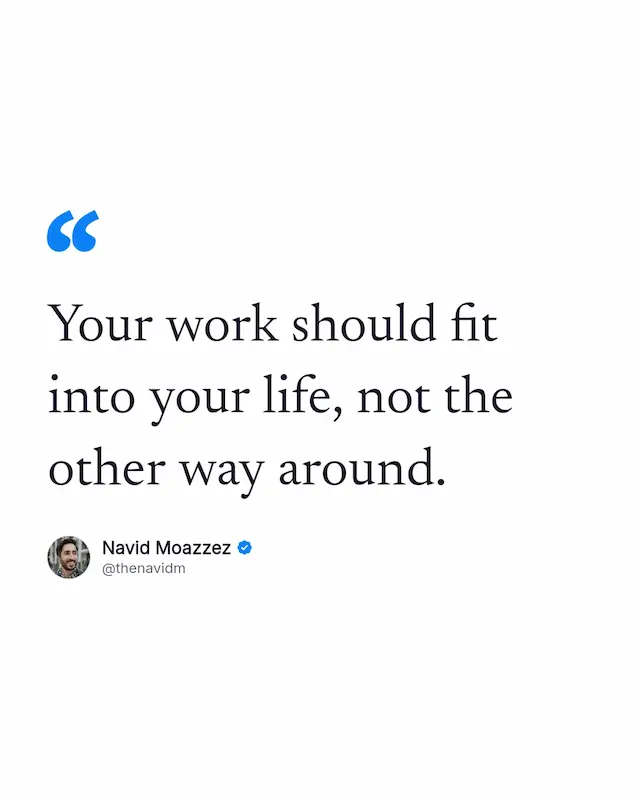
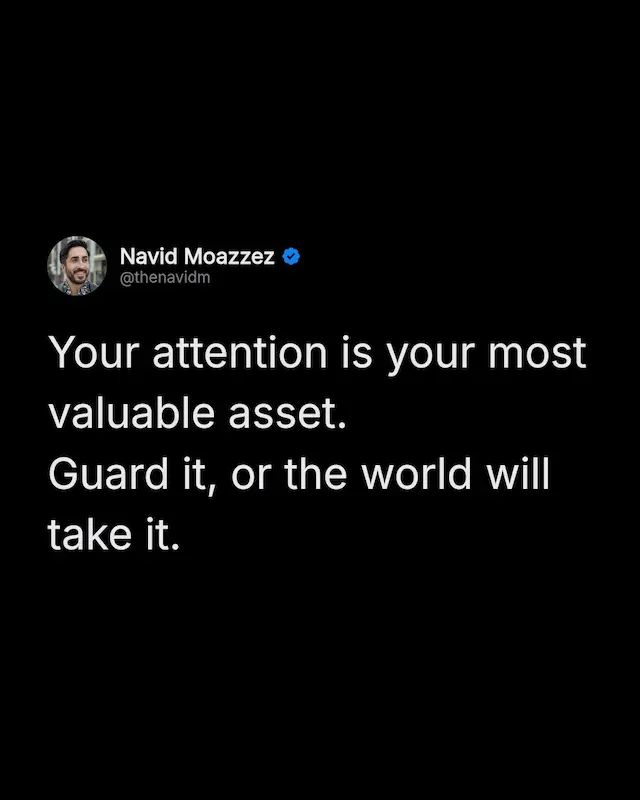
This free post image generator turns a post into an image you can post anywhere. Paste a link to an X, LinkedIn, Threads, Substack, Facebook, Bluesky, Mastodon or Pinterest post, and it reads the text, the name, the handle, the photo and the counts for you.
Then pick the kind of card, the look and the sizes, and download. Everything is drawn in your browser, with your line breaks kept and the text sized to fill the card.
Here's what a post image generator is, why post images work, how to make one, which links it reads, the 9 kinds of card, which size goes where, and how to make a LinkedIn carousel from a thread.
TL;DRKey takeaways
What is a post image generator?
A post image generator is a tool that turns a social media post into an image: the words drawn as a card, with the author's name, photo and handle, in the size each platform wants.
This one reads the post from its link, so you never retype it. It draws 9 kinds of card, from a plain post card to a quote, a list, a thread or a carousel, in 8 sizes, and saves them as PNG, JPG or WebP, a carousel PDF or a typing video. It all happens in your browser.
Why post images work
A strong post dies when it stays on 1 platform. As an image it travels: an X post becomes an Instagram slide, a LinkedIn post becomes a pin, a thread becomes a carousel.
The card keeps your name and photo on the words. Wherever it's shared, people know whose idea it is, so every repost builds your name, not only the idea. It's how my own quotes work: each one downloads as a card with my name and photo.
And it beats a screenshot. A screenshot is blurry, carries the app's buttons, and comes in 1 size. A drawn card is sharp at full size, shows only the post, fits any platform, and lets you fix a typo first.
How to turn a post into an image
Paste several links, 1 per line, to make a conversation or a thread image, or to download 1 image per post in one go.
Then post it, or schedule it with the tools on my creator tools page.
Which links it reads
Each platform shares a different amount without a login, so here's exactly what you get from each:
| Platform | What it fills in |
|---|---|
 X X | Text, name, handle, photo, badge, likes and replies. Reposts you type in |
 LinkedIn LinkedIn | Full text, name, photo, likes, comments and date, for text and video posts |
 Substack Substack | Notes: the text, name, photo and date. Posts: the title and subtitle |
 Threads Threads | Text, name, handle and photo |
 Facebook Facebook | Name and the first 200 characters. You paste the rest and add the photo |
 Bluesky Bluesky | Everything, counts included |
 Mastodon Mastodon | Everything, counts included |
 Pinterest Pinterest | The pin's words, the pinner and the pin's picture, as a card with its picture |
Short links work too, like the lnkd.in link LinkedIn's Copy link to post gives you, and pin.it from Pinterest. The tool reads only the post you paste, under its own name, and keeps nothing. If a platform doesn't answer, paste the text and carry on.
9 kinds of card
A post doesn't have to look like a post. The same words can be a card, a quote, a headline or a carousel:
- Post card: the photo, name, badge and handle, the text, then the counts
- Quote: the words big, with a quote mark and the name under them
- Headline: 1 big line, for a hook
- Text only: just the words, with no name or photo
- List: a post's points as a numbered list
- With its picture: the post's own photo or link card under the text
- Conversation: a post and its reply, joined by a line
- Thread: several posts stacked the same way
- Carousel: slides with a cover, the body and a last slide to follow you
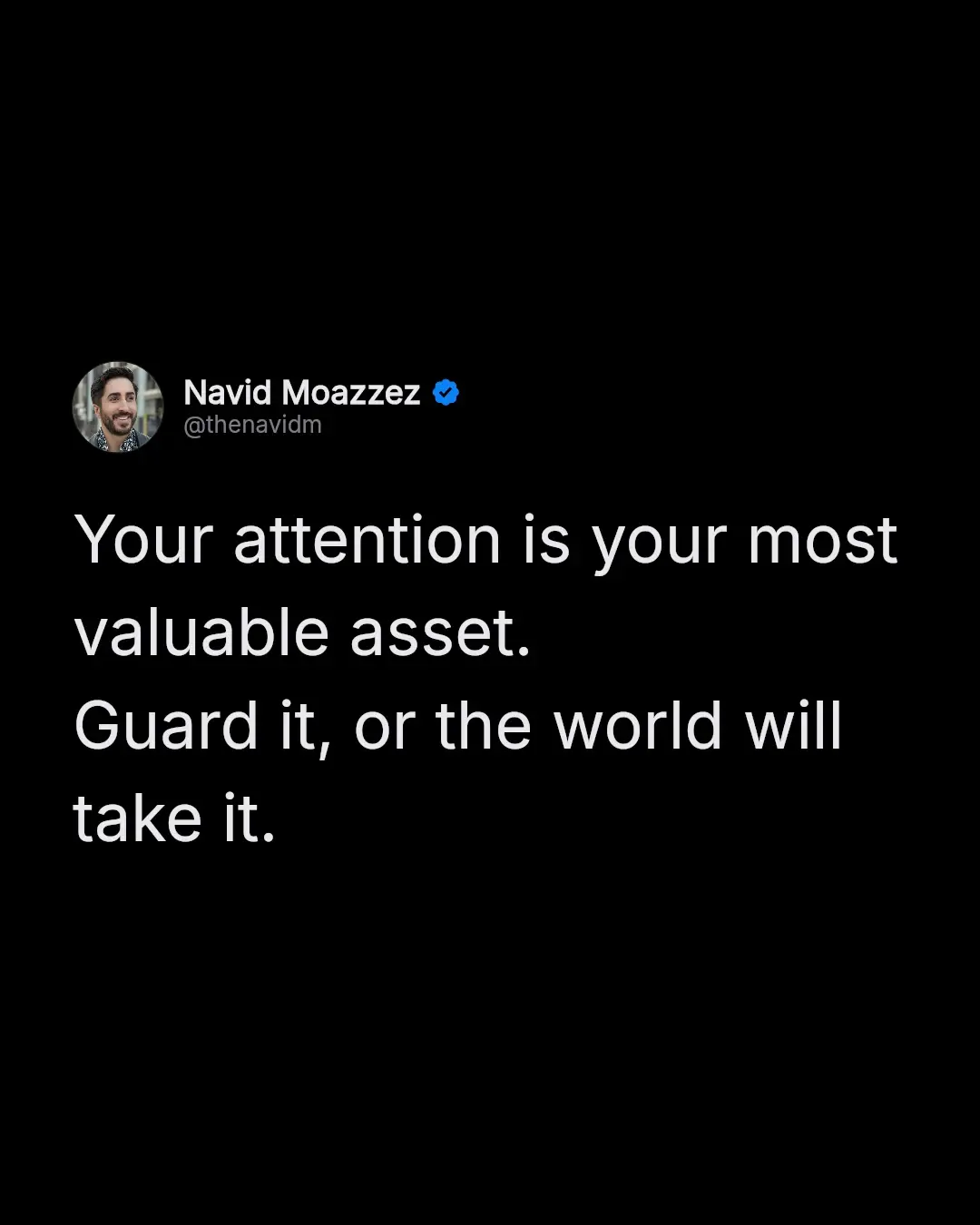
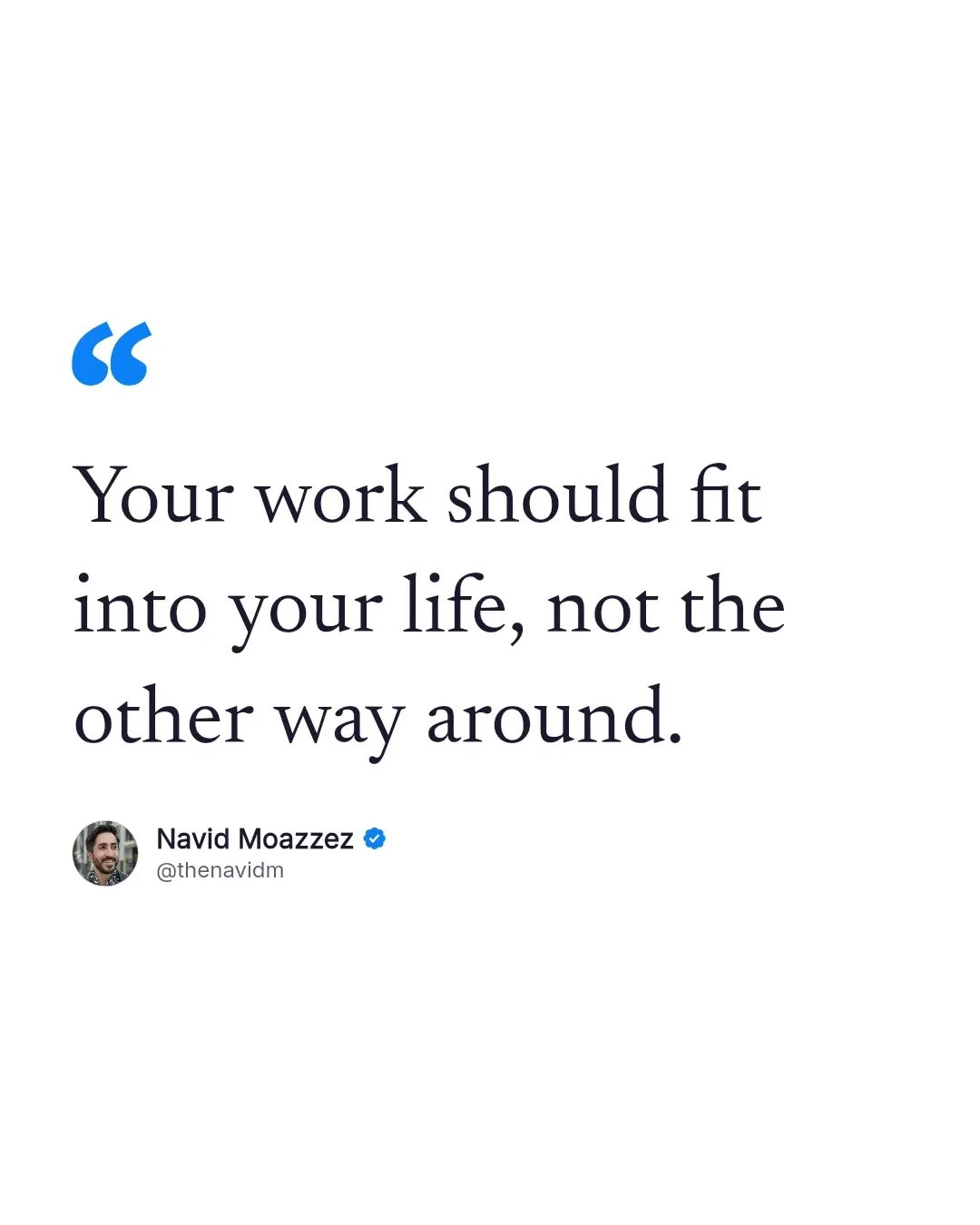
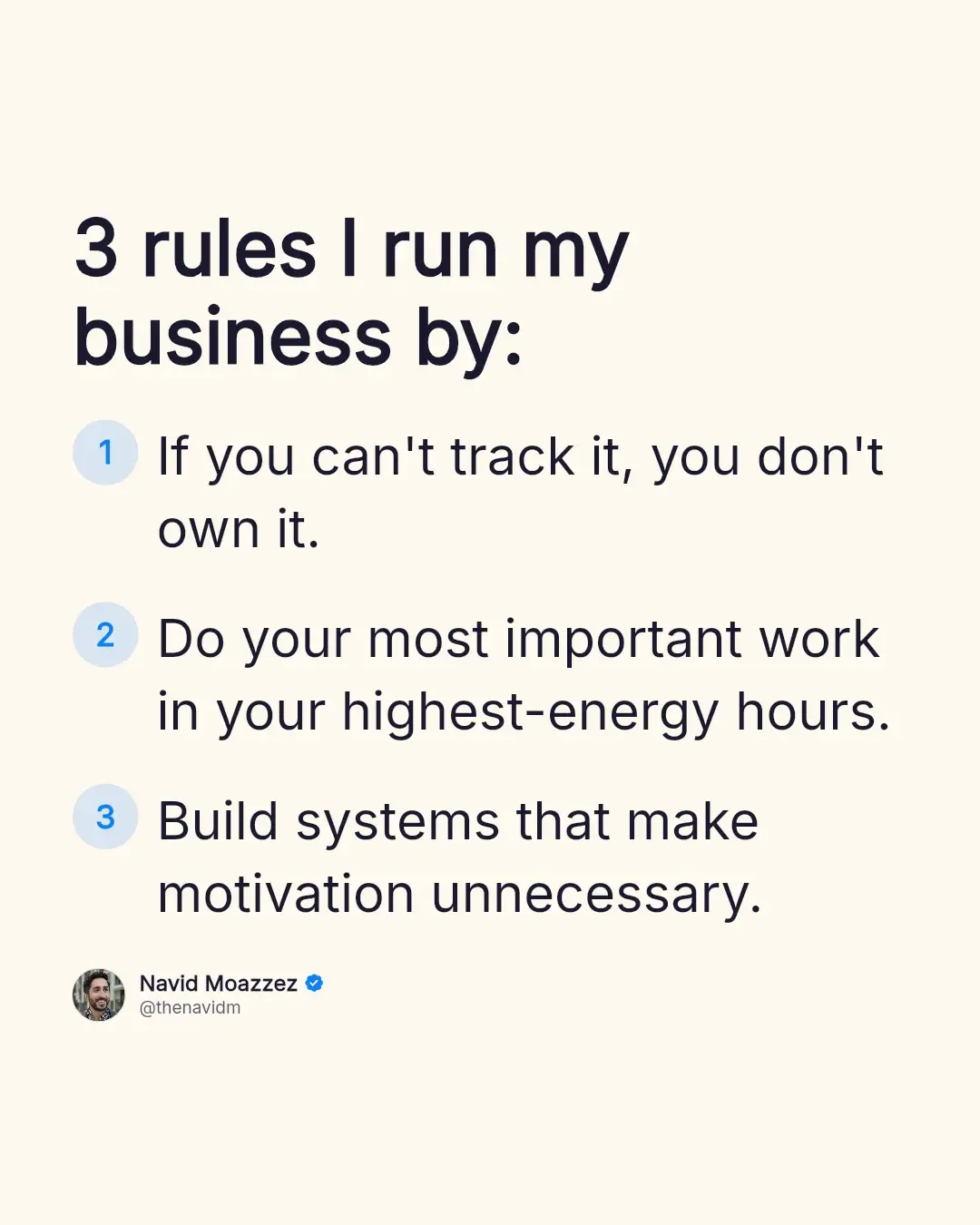
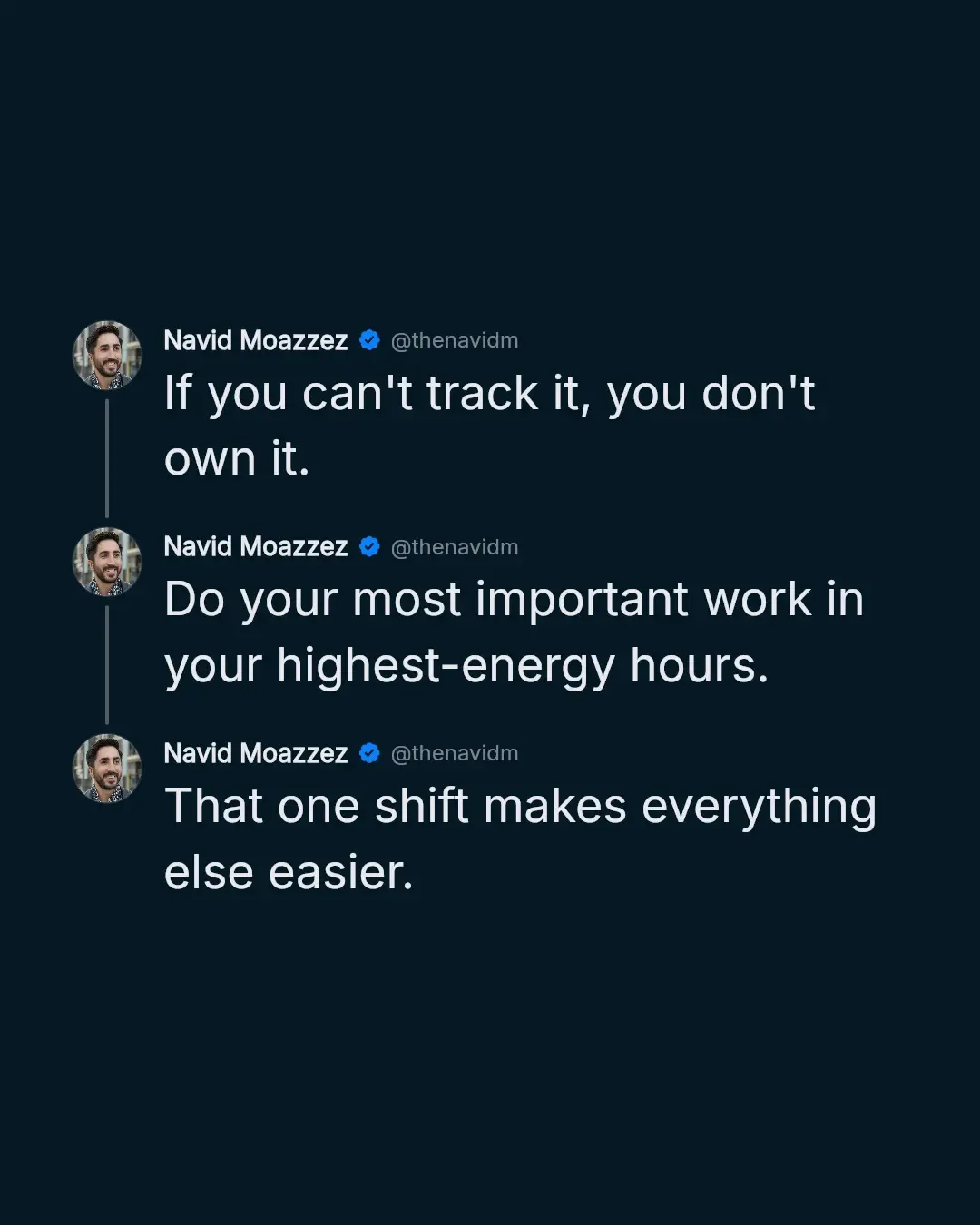
Each kind sizes its text to fill the card. A 1-line post comes out big, a long one stays readable, and no word is left alone on the last line.
Looks: 29 of them, or your own
The looks come in 6 families, in dark and light:
- Clean: black, dim, minimal, light and cream
- Brand gradients: blue and teal, blue to indigo, cyan, sunset, gold and red
- Editorial: serif dark, serif light and newspaper
- Paper and grids: paper, vintage paper, a vintage note, grid paper, a dot grid, a sticky note, a notebook page, a blueprint, a dark grid and a grainy gradient
- Photo: your words straight on a photo, under a dark or a light veil
- Glass: a frosted card over a gradient, or over a photo
For a photo or a video behind your words, press Photos and videos. It searches free photos from Pexels, Unsplash and Pixabay, and free videos from Pexels, Coverr and Pixabay, all at once, or you upload your own.
It starts with the words of your post, and Pick the best for me takes the one with the calmest space behind the text, in the card's shape, and a veil that keeps the words readable. A video moves in the typing video, the animated slides and the HTML file.
In a carousel, each slide can have its own style and its own photo or video, so you can mix dark and light slides, or photos and videos.
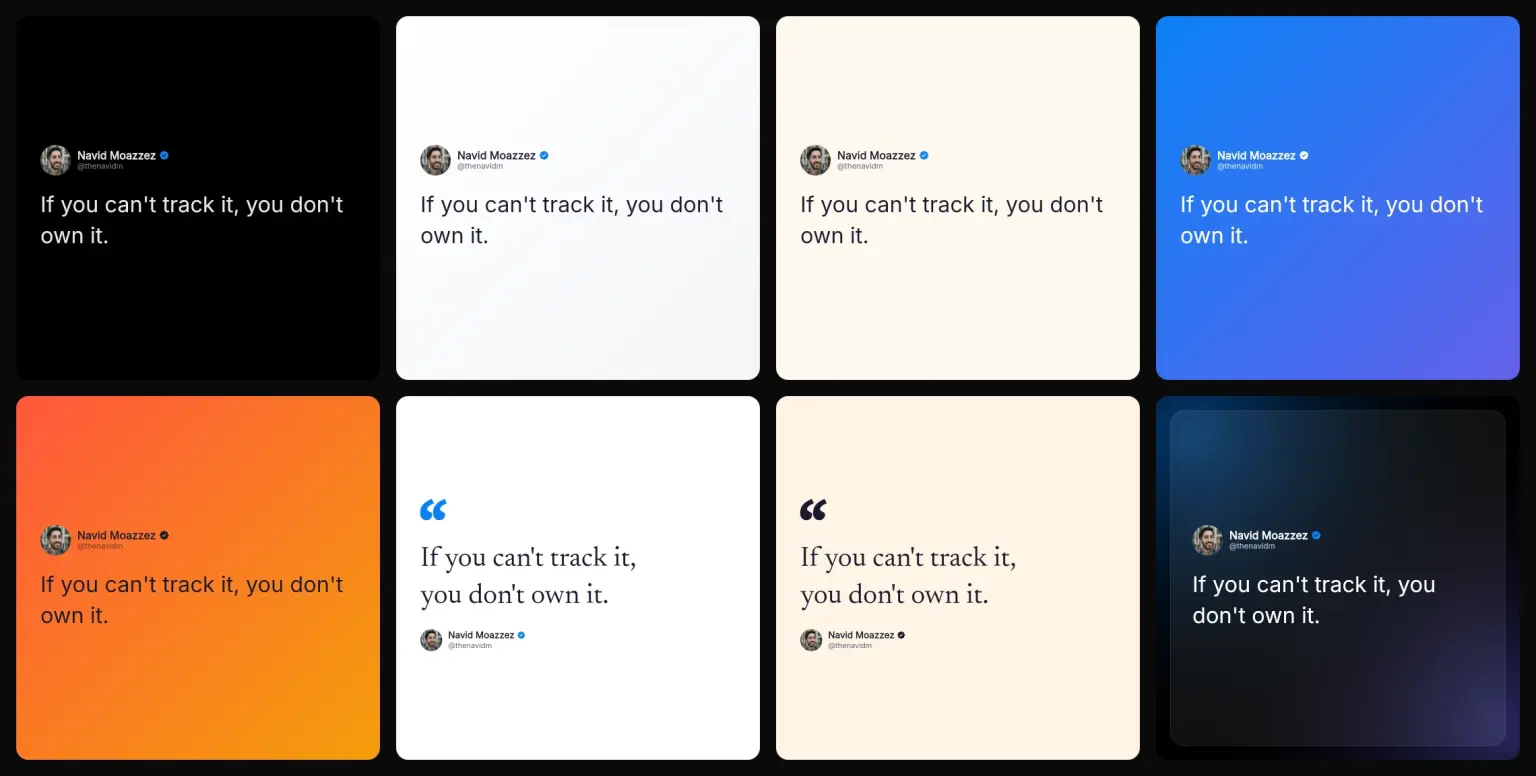
Any look takes any of 6 fonts: Inter, the rounded Poppins, the editorial Playfair, the classic Garamond, Newsreader and a typewriter, in 4 weights. Text size has Small, Medium, Large and XL, and a slider in between.
Or pick My brand and set your own background, text and accent colors and font. Paste your DESIGN.md, or make one with my DESIGN.md generator, and it takes the colors from it.
Press Save this look to keep a look with its photo shape, badge, sizes and extras, and use it again in 1 press next time.
The verified badge takes each look's colors, with its check cut out, so on a dark card it reads as part of the card.
Which size for which platform
Pick as many sizes as you need and download them together as 1 zip:
 Instagram 4:5
- Pixels
- 1080 × 1350
- Good for
- Instagram and Facebook feeds, where a tall image takes more room
LinkedIn 4:5- Pixels
- 1200 × 1500
- Good for
- LinkedIn, the same shape with more pixels
Instagram tall 3:4- Pixels
- 1080 × 1440
- Good for
- Instagram's profile grid, which shows posts as 3:4 tiles since January 2025
Square 1:1- Pixels
- 1080 × 1080
- Good for
- Anywhere, X and Threads included
Story 9:16- Pixels
- 1080 × 1920
- Good for
- Stories and Reels covers, with the top and bottom kept clear for the app's own buttons
 Wide 16:9
- Pixels
- 1920 × 1080
- Good for
- YouTube, X and slides
Link preview 1.91:1- Pixels
- 1200 × 628
- Good for
- The card under a shared link, on LinkedIn, X and Facebook
Pinterest 2:3- Pixels
- 1000 × 1500
- Good for
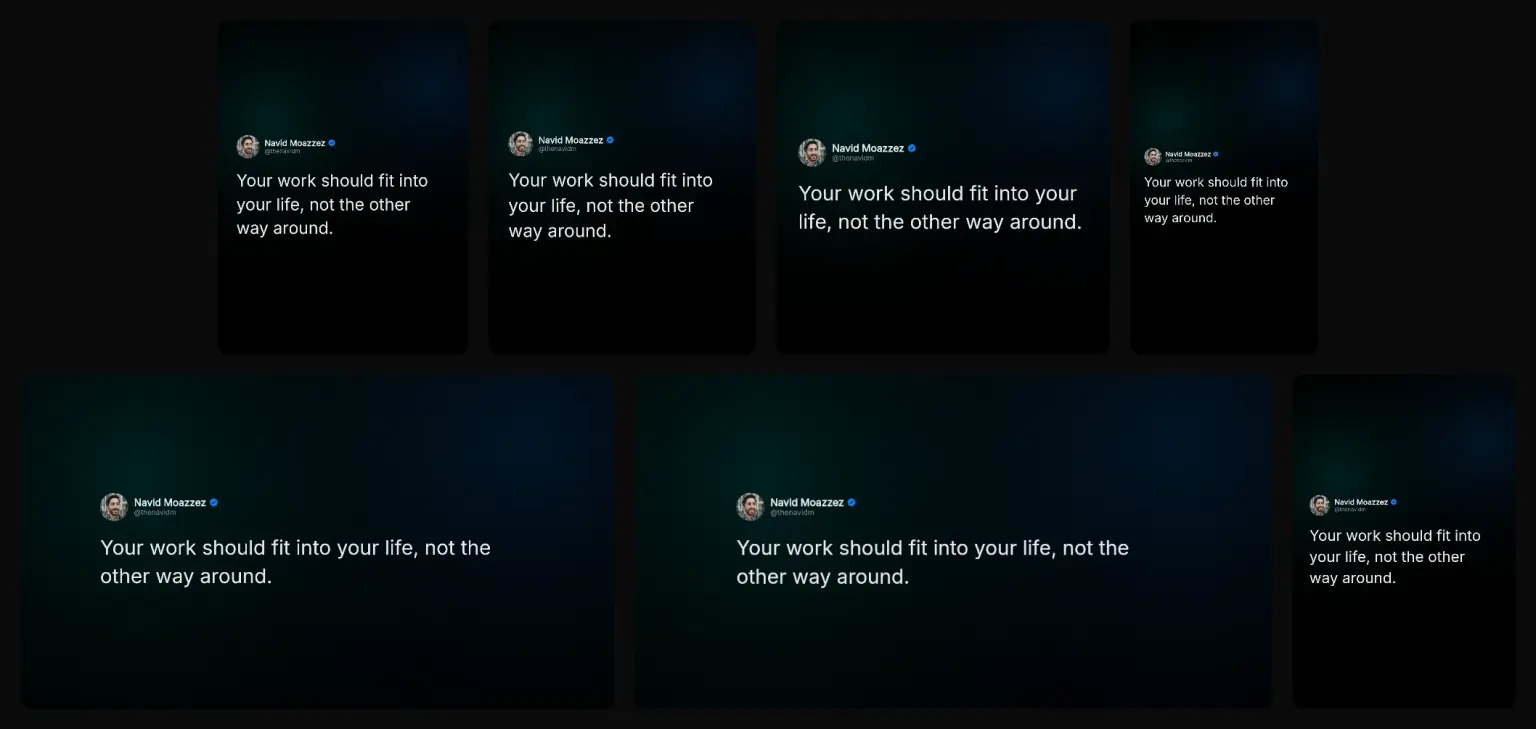
Instagram 4:5 is the feed size everyone knows. The grid trims a sliver off each side of it, while tall 3:4 fills the grid's tile with no crop. Post a 3:4 image from the Instagram app, though: scheduling tools publish through Meta's API, which takes 4:5 to 1.91:1 only (Meta).
A size that's too small for your text is grayed out, so a long post can't end up as a hard-to-read link preview. Tick Sharper (2x) for twice the pixels, for phones that show every one.
How to make a LinkedIn carousel from a thread
LinkedIn shows a PDF as a swipeable carousel. Here's how to make one from a thread or a long post:
A long post splits between paragraphs, and a long paragraph between sentences, never inside one. The last slide asks people to follow you. For Instagram, press Download slides for the same slides as images. Or open the pages made for each: my LinkedIn carousel generator and Instagram carousel generator.

Make a typing video of your post
Press Download typing video and the card comes out as an MP4 with your words typing out, a blinking cursor, then a pause on the whole post. It runs a few seconds for a short post and up to about 15 for a long one.
A moving post stops the scroll where a still one gets passed, and it works as a Reel, a Story or a video post on X and LinkedIn. It's made in your browser too, so nothing is uploaded. If your browser can't make video, the button doesn't show.
For a carousel, press Download animated slides: 1 MP4 per slide, each typing its own words, for an Instagram carousel, which mixes photos and videos. A LinkedIn carousel is a PDF, and a PDF can't move, so it stays still.
Download animated HTML gives you the card or the carousel as a web page that moves: the words type in and the slides slide, with arrows, swipe and full screen. It's for your website, a link or a talk. No platform takes HTML as a post, so post the images, the PDF or the video.
Design rules for a card that reads on a phone
Most people will see your image on a phone, about 390 points wide. Those few points decide whether they read it:
- Text at 32 pixels or more on a 1080 pixel image. Smaller reads smaller than the phone's own text. The tool warns you when it drops under
- Contrast of 4.5:1 or more between text and background, the WCAG line for readable text (W3C). The tool warns you when a look falls under it
- 1 idea per card. If it needs 2, make a carousel. A kind that can't hold your text, like a headline for a long post, is grayed out
- Short lines. A wide image keeps the text to a column in the middle
Alt text: what to write
Every platform lets you add alt text to an image, so people who use a screen reader hear what it says. For a post image, the best alt text is simply the post: who said it and the words.
The tool writes it for you under the preview. Copy it and paste it into the platform's alt text box when you post.
Turn 1 post into 5 formats
1 good post can travel. From the same words:
- A post card for X or Threads
- A quote at 4:5 for Instagram and LinkedIn
- A story at 9:16
- A carousel PDF for LinkedIn, if it's long enough
- A Pinterest pin at 2:3
Pick all 5 sizes, and download once. It's the easiest way to post every day without writing more, and here's why consistency is key.
Who is the post image generator for?
It's for anyone who shares ideas as images:
- Instagram carousel generator – creators who need several slides
- LinkedIn carousel generator – people posting carousels on LinkedIn
- X character counter – writers who post the text too
- Fake tweet generator – anyone mocking up a post as a tweet
More tools like these are on my free tools page.
Ready to post it?


Or post from your AI with my open source MCP servers and CLIs
Post Image Generator FAQs
Questions about turning posts into images? Here's what to know.
A post image generator is a tool that turns a social media post into an image: the words, with the author's name, photo and handle, drawn as a card you can post on Instagram, LinkedIn, Pinterest or anywhere else. This one reads the post from a link, or you type it, and makes quote cards, carousels, threads and typing videos in every size.
To turn a tweet into an image, paste its link into the post image generator and press Read the post. It fills in the text, name, handle, photo and counts; pick a look and a size, then download it.
Yes, you can make a post image without a link: type the text, your name and handle, and add your photo. Everything else works the same.
You can paste links from X, LinkedIn, Threads, Substack, Facebook, Bluesky, Mastodon and Pinterest, short links included. Facebook shares only the first 200 characters and no photo, so you paste the rest.
Yes, the post image generator is free: no signup, no watermark and nothing to install. Reading links is limited to 30 posts every 10 minutes per person, so bots can't overload it.
Yes, you can edit everything before downloading: the text, name, handle, photo, badge and each count's number. The preview redraws as you type, and Back to the original restores what the link gave.
A screenshot is blurry, carries the app's buttons and comes in 1 size. The post image generator draws the post fresh at full resolution, shows only the post, fits any platform's size, and lets you fix a typo first.
Paste several links, 1 per line, and download 1 image per post in a zip. To post from your AI, my open source Threads MCP & CLI and Bluesky MCP & CLI let Claude or another AI post for you.
No, there's no watermark. You can add your own branding, your site or handle with your photo or logo, at the top or the bottom, and if you want to, a small credit to @thenavidm.
You can make 8 sizes: 4:5 at 1080 × 1350 for Instagram and 1200 × 1500 for LinkedIn, tall 3:4 for Instagram's grid, 1:1, 9:16, 16:9, 1.91:1 for link previews and 2:3 for Pinterest, as PNG, JPG or WebP, and all of them at once as a zip.
Instagram's 3:4 size is 1080 × 1440 pixels. Since January 2025 the profile grid shows posts as 3:4 tiles, so a 3:4 image shows whole there, while a 4:5 one loses a sliver on each side. Post 3:4 from the Instagram app: Meta's API, which scheduling tools use, takes 4:5 to 1.91:1 only.
Yes, for Instagram: Download animated slides gives 1 MP4 per slide, each typing its own words, and an Instagram carousel mixes photos and videos. A LinkedIn carousel is a PDF, which can't move.
The animated HTML is your card or carousel as a web page that moves, for your website, a link or a talk. No platform takes HTML as a post, so post the images, the PDF or the video.
Yes, press Download typing video for an MP4 of the card with your words typing out and a blinking cursor, in any size. It's made in your browser, so nothing is uploaded, and works as a Reel, a Story or a video post.
A kind or size is grayed out when it won't read well: a headline or quote for a long post, a size too small for the text, a list without points, or a thread with 1 post. Press it to see why, then shorten the text or pick another.
Open the Carousel tab, paste a long post or a thread's links, pick a look, and press Download PDF. Add the PDF to a LinkedIn post as a document and it shows as a carousel.
X's public embed feed, which the tool reads, gives likes and replies but not reposts. Type the repost count in, or leave it off.
The profile photo comes from the post you paste, when the platform shares it. You can replace it with your own, zoom it and move it inside a round or rounded frame.
Yes. Press Photos and videos to search free photos from Pexels, Unsplash and Pixabay and free videos from Pexels, Coverr and Pixabay, or upload your own. Your words sit on it under a dark or a light veil, and Pick the best for me chooses the one with the calmest space behind the text.
Yes, pick My brand and set your background, text and accent colors and a sans or serif font, or paste your DESIGN.md to take its colors.
No, nothing is stored: the image is drawn in your browser, and your settings and saved looks are kept in this browser only. Reading a link fetches only that public post and keeps it for a day to answer faster.
The X character counter checks a post's length on every platform, and the QR code generator makes a code for any link. See all my free tools.
I did. I'm Navid Moazzez, and I made the post image generator as one of my free tools on navid.me.
More about me.

Navid Moazzez
AI business strategist
Navid Moazzez helps creators and founders master AI and build their own AI Operating System (AI OS) to automate their business and life.

Navid.me is reader-supported. When you buy through links on this site, I may earn an affiliate commission. Read the affiliate disclaimer.
On this page
More free tools

 LinkedIn
 Instagram
 Bluesky


Related MCP servers & CLIs


 Substack
 Threads
 Mastodon
 TikTok


 Apple Podcasts
 Free AI newsletter
The most actionable AI newsletter for founders
Every week, get proven AI strategies, curated tools, and step-by-step systems to grow your audience, create better content, and build a profitable creator business.
No fluff, no filler, no BS. Just five minutes each week that might level up your online business and life.
P.S. Sign up now to get free access to my ultimate AI tools guide for creators.
