


11 best podcast equipment for creators
What I record podcasts and virtual summits with. Eleven pieces here are tagged for podcasting, and most of them do double duty on YouTube.
Find the video gear I use and recommend, by type, budget and what you film. Navid's picks come first, and each one opens its own page.


This is a list of the best podcast equipment for creators.
In fact, it has 11 picks, with the gear I use myself first.
So if you want gear that earns its place in your setup, you'll love this list.
What I record podcasts and virtual summits with. Eleven pieces here are tagged for podcasting, and most of them do double duty on YouTube.
Here's what's inside:
- Elgato Stream Deck MK.2
- Rode VideoMic NTG
- Shure MV7+ Podcast XLR/USB Microphone
- UGREEN 4K Micro HDMI to HDMI Cable 6.6FT
- Elgato Cam Link 4K
- Zoom TPS-4 Tripod Microphone Stand
- DJI Mic 3 Combo (2 TX + 1 RX + Charging Case)
- Apple iPhone 17 Pro Max, 1TB, Deep Blue
- Sony FX30 Digital Cinema Camera
- RODE Lavalier II Omnidirectional Lavalier Microphone
- RODE Tripod 2 Camera and Accessory Mount
Each one comes with its type, its budget and what you'd film with it. I may earn a commission if you buy through my links, at no extra cost to you.
The best podcast equipment at a glance
Here's every pick, with its type and budget.
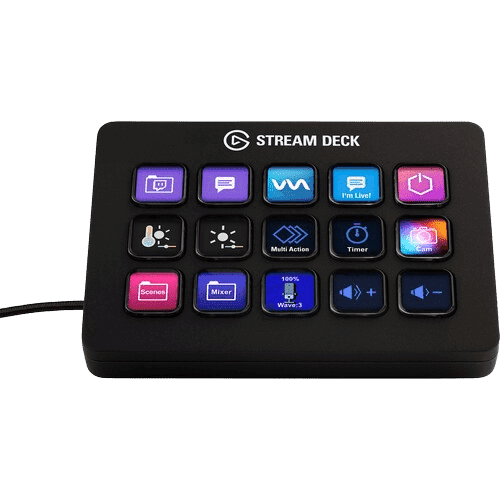
 Elgato Stream Deck MK.2
- Type
- Tech & accessories
- Budget
- Mid-range
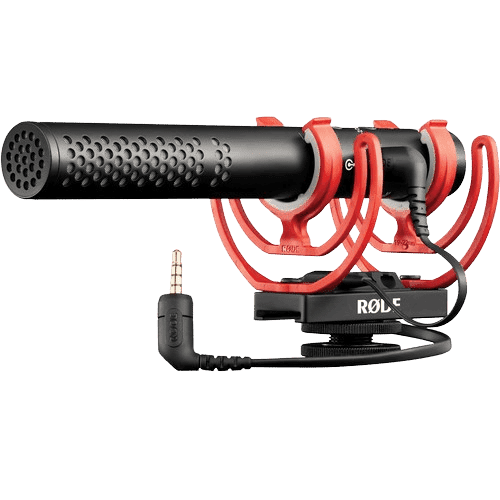
 Rode VideoMic NTG
- Type
- Audio
- Budget
- Mid-range
 Shure MV7+ Podcast XLR/USB Microphone
- Type
- Audio
- Budget
- Mid-range
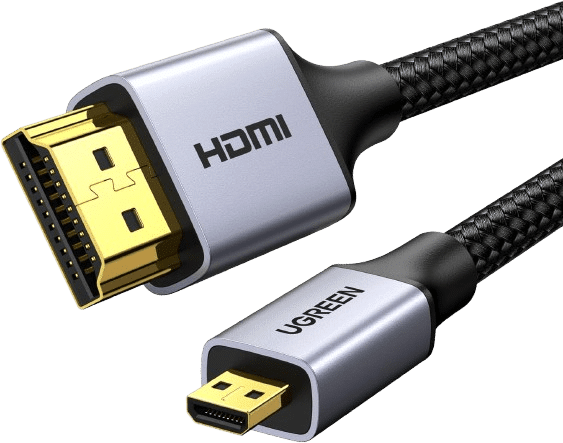 UGREEN 4K Micro HDMI to HDMI Cable 6.6FT
- Type
- Tech & accessories
- Budget
- Budget
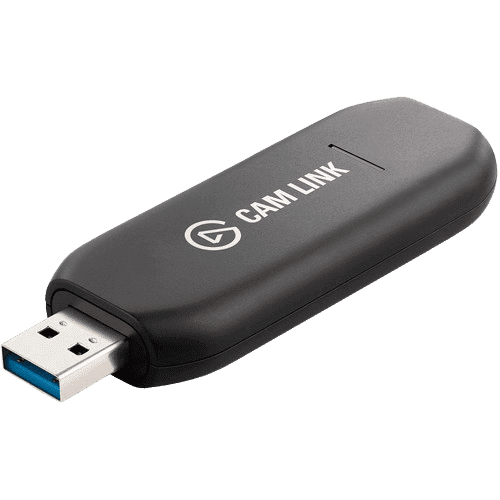
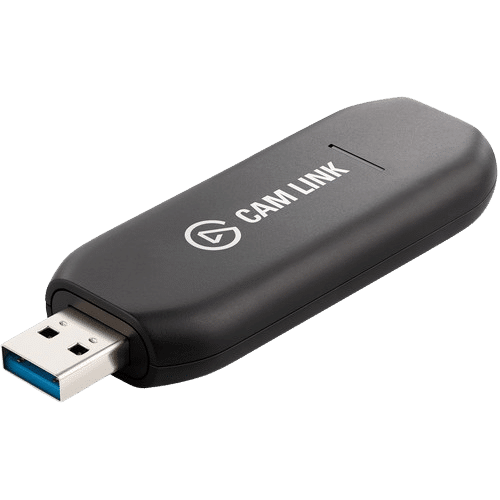 Elgato Cam Link 4K
- Type
- Tech & accessories
- Budget
- Budget
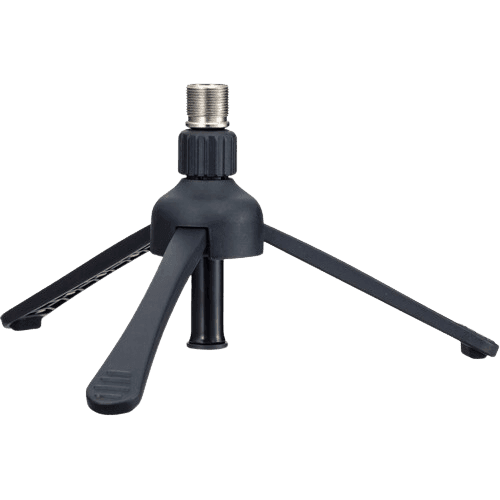
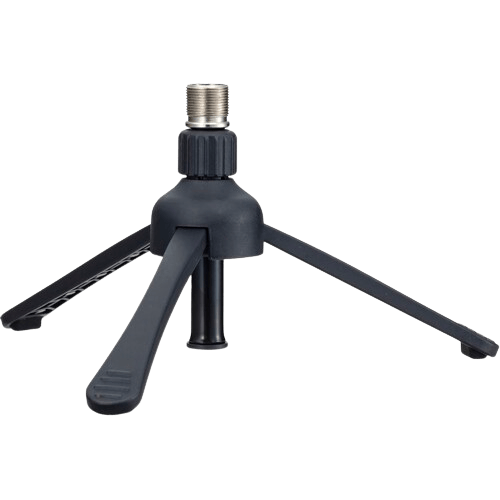 Zoom TPS-4 Tripod Microphone Stand
- Type
- Tripods & stabilizers
- Budget
- Budget
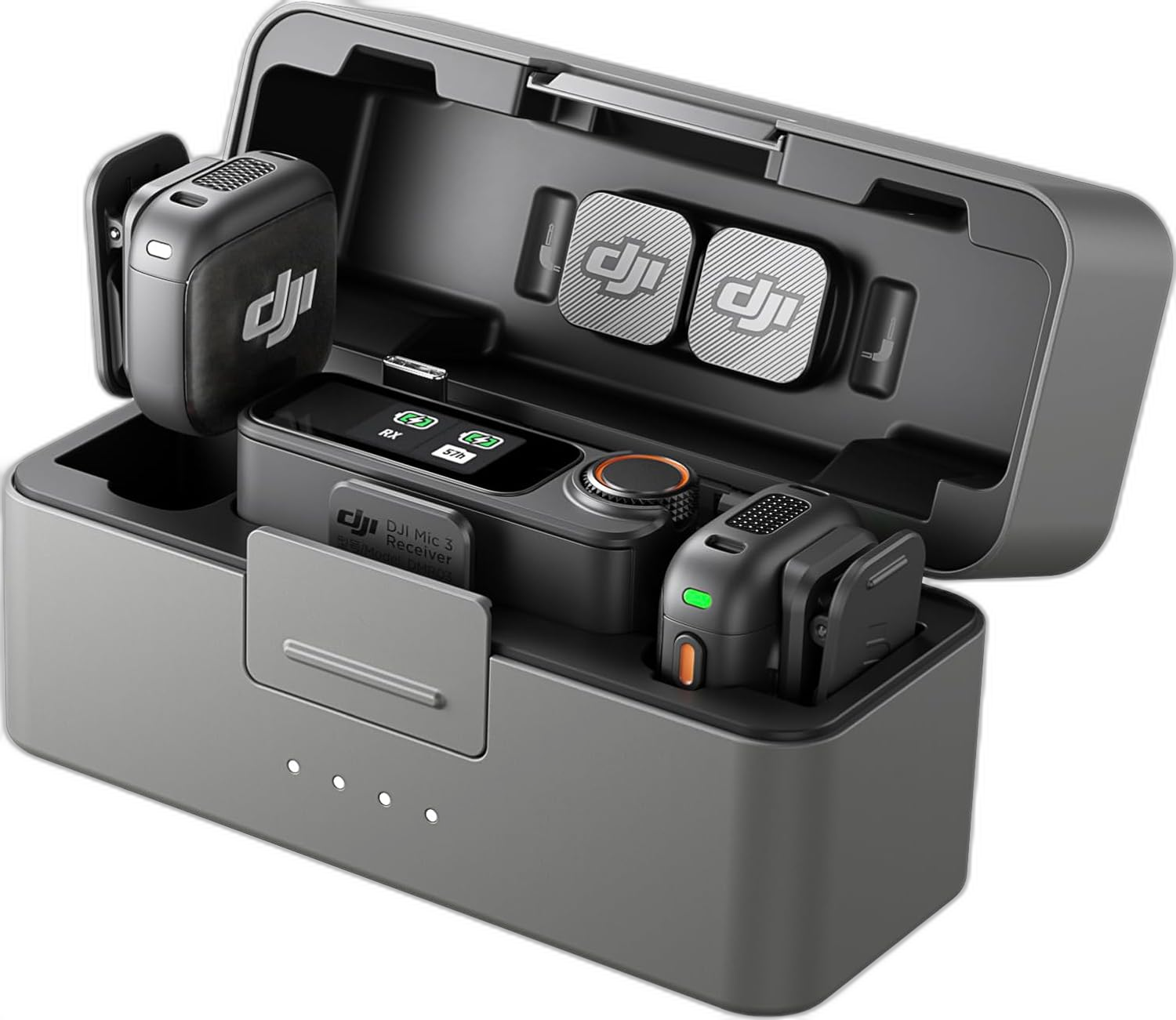 DJI Mic 3 Combo (2 TX + 1 RX + Charging Case)
- Type
- Audio
- Budget
- Mid-range
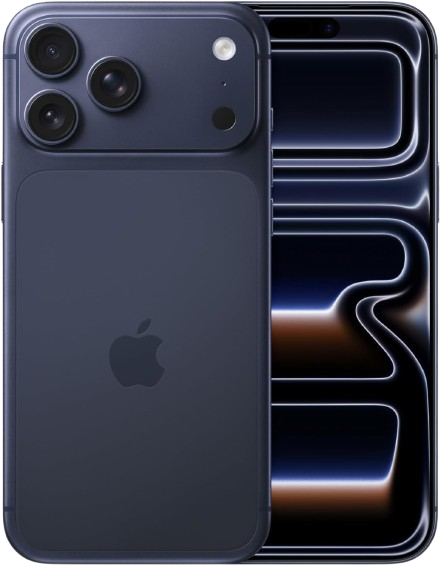 Apple iPhone 17 Pro Max, 1TB, Deep Blue
- Type
- Cameras
- Budget
- Professional
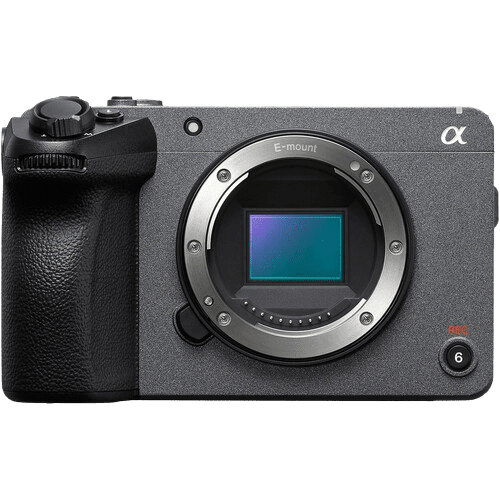 Sony FX30 Digital Cinema Camera
- Type
- Cameras
- Budget
- Professional
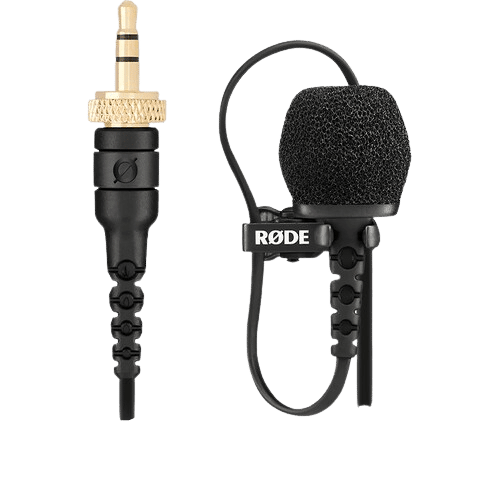 RODE Lavalier II Omnidirectional Lavalier Microphone
- Type
- Audio
- Budget
- Budget
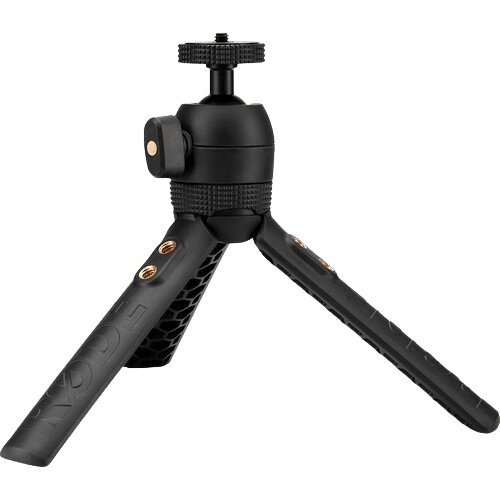 RODE Tripod 2 Camera and Accessory Mount
- Type
- Tripods & stabilizers
- Budget
- Budget
The 11 best podcast equipment, ranked
1. Elgato Stream Deck MK.2
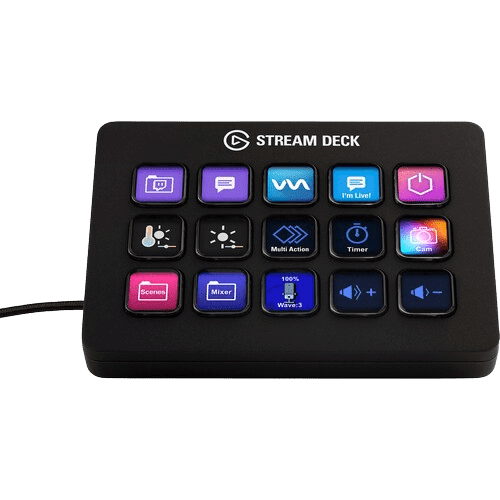
Customizable command center for creators. I use it to switch scenes in Ecamm Live during streams. Tons of other uses too.
Type: Tech & accessories
Budget: Mid-range
Made for: Studio, YouTube, Podcasting
Rating: 4.8
See Elgato Stream Deck MK.2 on Amazon · More about Elgato Stream Deck MK.2
2. Rode VideoMic NTG
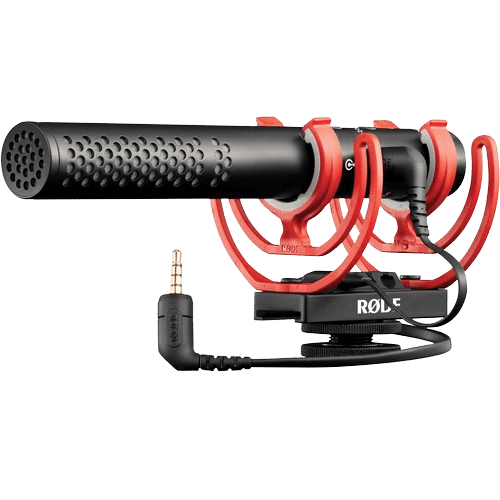
Versatile microphone for creators. I alternate between this and the Shure MV7+. Crisp, professional sound for YouTube and podcasts.
Type: Audio
Budget: Mid-range
Made for: YouTube, Podcasting, Studio
Rating: 4.7
See Rode VideoMic NTG on Amazon · More about Rode VideoMic NTG
3. Shure MV7+ Podcast XLR/USB Microphone
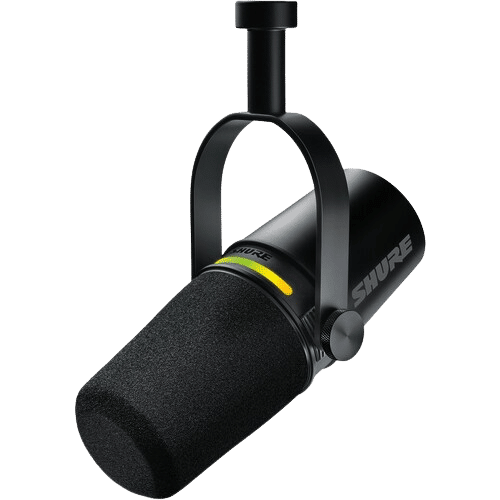
Best microphone for content creators. My main desk mic for podcasts and virtual summits. XLR and USB, works for any setup.
Type: Audio
Budget: Mid-range
Made for: Podcasting, YouTube, Studio
Rating: 4.7
See Shure MV7+ Podcast XLR/USB Microphone on Amazon · More about Shure MV7+ Podcast XLR/USB Microphone
4. UGREEN 4K Micro HDMI to HDMI Cable 6.6FT
Reliable cable for streaming & recording. Connects my a6700 to the Cam Link 4K for recording and streaming.
Type: Tech & accessories
Budget: Budget
Made for: Studio, Podcasting
Rating: 4.7
See UGREEN 4K Micro HDMI to HDMI Cable 6.6FT on Amazon · More about UGREEN 4K Micro HDMI to HDMI Cable 6.6FT
5. Elgato Cam Link 4K
Turn your camera into a webcam. Turns my Sony a6700 into a webcam. Essential for video podcasts and live streams.
Type: Tech & accessories
Budget: Budget
Made for: YouTube, Podcasting, Studio
Rating: 4.6
See Elgato Cam Link 4K on Amazon · More about Elgato Cam Link 4K
6. Zoom TPS-4 Tripod Microphone Stand
Lightweight mic stand for travel. I use this for my Shure MV7+. Super lightweight mic stand, perfect for travel.
Type: Tripods & stabilizers
Budget: Budget
Made for: Travel, Podcasting
Rating: 4.5
See Zoom TPS-4 Tripod Microphone Stand on Amazon · More about Zoom TPS-4 Tripod Microphone Stand
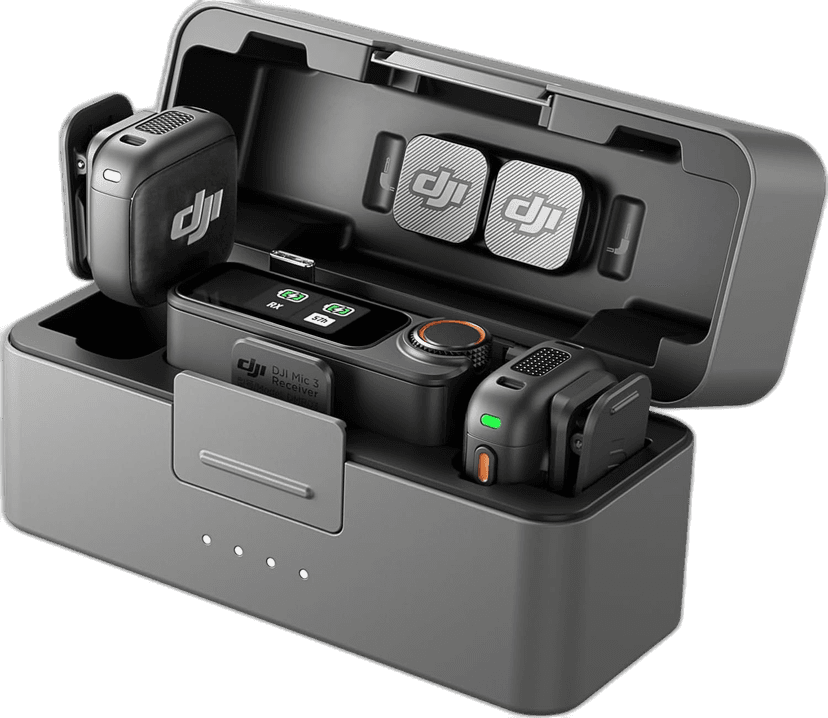
7. DJI Mic 3 Combo (2 TX + 1 RX + Charging Case)
Best wireless mic system for creators. My go-to wireless mic. Crystal clear audio, tiny size, dead simple to use.
Type: Audio
Budget: Mid-range
Made for: YouTube, Travel, Podcasting
Rating: 4.8
See DJI Mic 3 Combo (2 TX + 1 RX + Charging Case) on Amazon · More about DJI Mic 3 Combo (2 TX + 1 RX + Charging Case)
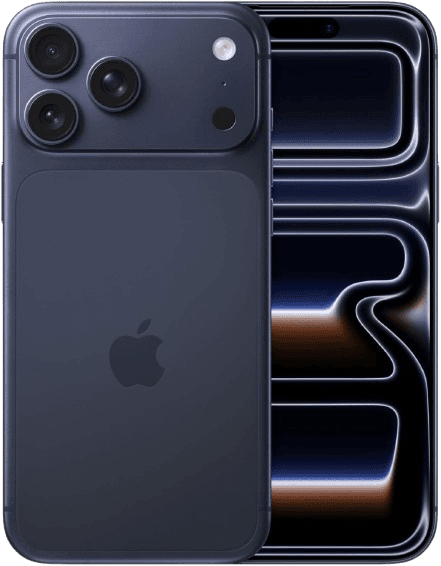
8. Apple iPhone 17 Pro Max, 1TB, Deep Blue
Best for daily content creation. My daily driver for photos, videos, and content on the go. Incredible camera system for quick captures.
Type: Cameras
Budget: Professional
Made for: YouTube, Travel, Podcasting
Rating: 4.5
See Apple iPhone 17 Pro Max, 1TB, Deep Blue on Amazon · More about Apple iPhone 17 Pro Max, 1TB, Deep Blue
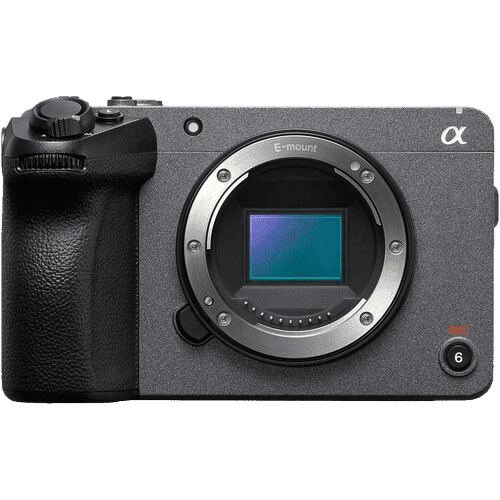
9. Sony FX30 Digital Cinema Camera
Best affordable cinema camera. The best affordable cinema camera out there. Would be my top pick for podcasts and pro studio setups.
Type: Cameras
Budget: Professional
Made for: Studio, YouTube, Podcasting
Rating: 4.7
See Sony FX30 Digital Cinema Camera on Amazon · More about Sony FX30 Digital Cinema Camera
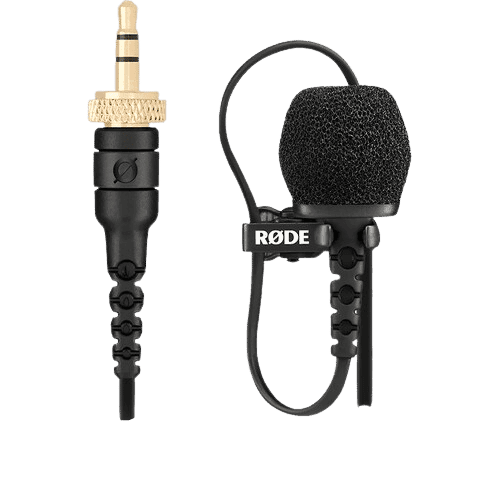
10. RODE Lavalier II Omnidirectional Lavalier Microphone
Discreet professional lav mic. A solid backup lav mic I keep in my kit. Compact and reliable when I need discreet audio.
Type: Audio
Budget: Budget
Made for: YouTube, Podcasting
Rating: 4.5
See RODE Lavalier II Omnidirectional Lavalier Microphone on Amazon · More about RODE Lavalier II Omnidirectional Lavalier Microphone
11. RODE Tripod 2 Camera and Accessory Mount
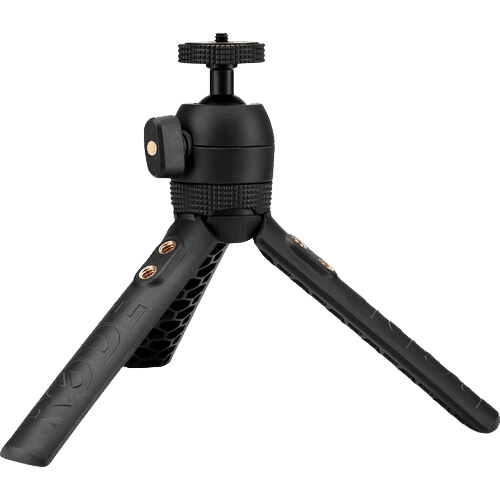
Compact & versatile mini tripod. Compact mini tripod I use for my Rode VideoMic NTG. Sturdy and quick to set up.
Type: Tripods & stabilizers
Budget: Budget
Made for: Studio, Podcasting
Rating: 4.5
See RODE Tripod 2 Camera and Accessory Mount on Amazon · More about RODE Tripod 2 Camera and Accessory Mount
FAQs about podcast equipment
The questions people ask most about podcast equipment.
A microphone, something to hold it, and a quiet room. That is the entire list.
Mine is the Shure MV7+ at $269 on sale on the Zoom TPS-4 stand at $17.99, which is under $290 and better than most shows sound. Everything after that, including every camera on this site, is about making a podcast watchable rather than making it good.
Only if you will keep doing it. Video roughly doubles the work per episode and does not improve the audio at all.
If you do add it, the cheapest credible path is the Elgato Cam Link 4K at $79.99 on sale turning a camera you already own into a clean feed. Adding video to a show that is struggling to publish weekly is usually how it stops publishing.
The Sony FX30 at $2,098 if you are building the setup properly. It is the best affordable cinema camera here and it is designed to record for hours without heat problems.
A mirrorless body works too, but an hour long record is the exact situation where a cinema body earns its money. Whatever you choose, feed it into the computer with a capture card rather than recording separately.
One microphone per person, and never a shared mic.
The DJI Mic 3 Combo at $349 ships with two transmitters and one receiver for exactly this, which is what I use when I record away from my desk. Two people at one mic means one voice is always distant, and no amount of processing puts that back. Two mics, two tracks, decisions later.
Have them record their own audio locally while you talk, then combine the tracks.
The internet will drop out at some point in every long conversation, and a local file will not. Your side comes off your own mic, the Shure MV7+ in my case, at full quality. This costs you five minutes of instructions before the call and saves the episode when the connection goes.
Not for one or two people. A USB mic straight into the computer is a legitimate professional setup now.
The Shure MV7+ works over both USB and XLR, so you can start plugged into a laptop and move to a mixer later without buying a new microphone. A mixer earns its place when you have three or more mics, live callers, or sound effects to fire during a recording.
A desk stand if you sit still, a boom arm if you move.
I use the Zoom TPS-4 at $17.99, which is light enough to travel with, and the sturdier RODE Tripod 2 at $44 for anything that stays put. Neither swings out of frame. If you want the mic to disappear between segments, that is a boom arm and it is not on this list.
Softer and flatter than a YouTube video, because you are on screen for an hour and drama gets tiring.
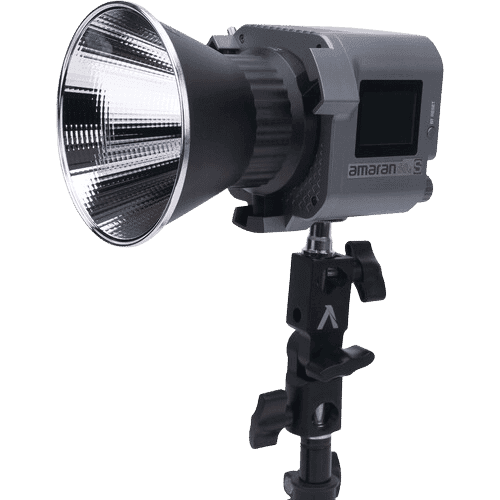
One key through a large modifier does it. The Amaran COB 60d S at $135 on sale through the Godox CS-85T at $69 is my setup, and for two people you want that key positioned so it reaches both faces rather than lighting one person and letting the other sit in shadow.
As long as your power and storage allow, which is a solvable problem.
I run continuous power to my camera with the SmallRig VB99 Pro at $199.98 on sale and the D-Tap dummy battery cable at $31.98, so batteries never end a session. Use a large card, the Sony SF-G TOUGH 128GB at $208 in my case, and check your camera's own recording limit before the guest arrives.
Yes, and it is one of the reasons my mic stand costs $17.99.
The Zoom TPS-4 packs flat, the Shure MV7+ runs over USB into a laptop, and the DJI Mic 3 covers anything recorded away from a desk. That kit fits in a backpack. The room you are recording in will matter far more than any of it, so pick somewhere soft and small.
It does, and for an audio first show with a video clip attached it is the sensible choice.
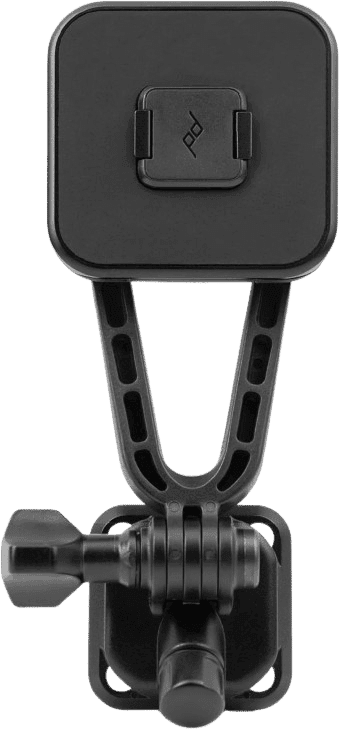
The iPhone 17 Pro Max at $1,599 shoots better video than most cameras people buy for podcasting, and the Belkin MagSafe mount at $29.95 puts it on a MacBook for the call. Spend the difference on your microphone, because a podcast is an audio product wearing a video costume.
Around $290 for audio only, or roughly $580 once you add video with a camera you already own.
Shure MV7+ at $269 plus a stand at $17.99 gets you recording. Add the Elgato Cam Link 4K at $79.99, an HDMI cable at $9.99, a light at $135 and a softbox at $69 and you have a video show. The camera is the part you can put off longest.
Final thoughts on podcast equipment
The best gear is the gear you'll actually use. Start with sound and light, then upgrade the camera once your setup holds you back.

Navid Moazzez
AI business strategist & AI OS builder
Navid Moazzez helps creators and founders master AI and build their own AI Operating System (AI OS) to automate their business and life.
Navid.me is reader-supported. When you buy through links on this site, I may earn an affiliate commission. Learn more.
More video gear






More video gear topics

More free tools

 X
X
 YouTube
 Instagram
 TikTok

 LinkedIn
 Pinterest


 Spotify
 Apple Podcasts

 Bluesky
 Threads

 Mastodon


 Amazon KDP
 Apple Books
 Amazon


 Substack


Related MCP servers & CLIs


 Free AI newsletter
The most actionable AI newsletter for founders
Every week, get proven AI strategies, curated tools, and step-by-step systems to grow your audience, create better content, and build a profitable creator business.
No fluff, no filler, no BS. Just five minutes each week that might level up your online business and life.
P.S. Sign up now to get free access to my ultimate AI tools guide for creators.


